
Best LMS Software for Tutoring Centers in 2026? A Misleading Question
Published: December 5, 2025 by Amy Ashford

A Learning Management System (LMS) is great for delivering pre-made courses, but it won't run your tutoring business. For scheduling, billing, and payroll, you need tutoring management software, which acts as your business's operating system. The best solution often involves using management software for operations and integrating it with an LMS for content.
What is the difference between an LMS and Tutoring Management Software?
The primary difference is their core function. A Learning Management System (LMS) is a platform designed to deliver, track, and manage educational content. Tutoring management software is an operating system built to run the business side of a tutoring center, handling logistics like scheduling, billing, and payroll.
An LMS focuses on the what of learning: courses, quizzes, and certifications. Tutoring management software focuses on the how of the business: who teaches, when, where, and how they get paid.
LMS vs. Tutoring Management Software Comparison
Feature | Learning Management System (LMS) | Tutoring Management Software (TMS) |
|---|---|---|
Primary Goal | Content Delivery & Tracking | Business Operations & Logistics |
Core Function | Hosting courses, quizzes, certifications | Scheduling, billing, payroll, client management |
Use Case | Asynchronous, self-paced learning | Live 1-on-1 and group tutoring sessions |
Manages | Student progress through content | Tutor availability and client appointments |
Example | Docebo, Moodle, TalentLMS | Tutorbase |
Analogy | A digital textbook or library | The school's administrative office |
When do you need an LMS?
You need an LMS when your primary goal is to deliver structured, asynchronous learning content at scale. This is common for test prep companies or businesses that sell pre-recorded courses. According to a 2023 report by MarketsandMarkets, the global LMS market is projected to grow to $36.7 billion by 2028, driven by the demand for online learning.
Consider an LMS if your business needs to:
Host and organize a library of video lessons, PDFs, and articles.
Create and administer automated quizzes and assessments.
Track student progress through pre-defined course modules.
Issue certificates of completion for formal training programs.
Sell standardized, on-demand courses as a product.
When do you need tutoring management software?
You need tutoring management software when your primary challenge is managing the day-to-day operations of your service-based education business. It serves as your central operating system. If you spend more time coordinating schedules than creating content, this is the tool you need first.
Consider management software if your business needs to:
Manage complex tutor schedules and client appointments.
Automate recurring billing, invoicing, and payment processing.
Calculate and process tutor payroll based on variable rates.
Communicate with parents and students about schedules and progress.
Handle multi-location room bookings and resource management.
Top LMS Platforms for Content Delivery
If you have determined that content delivery is your main priority, here are some of the best LMS software options available in 2026. Remember, these platforms excel at managing content, not business operations.
1. Docebo
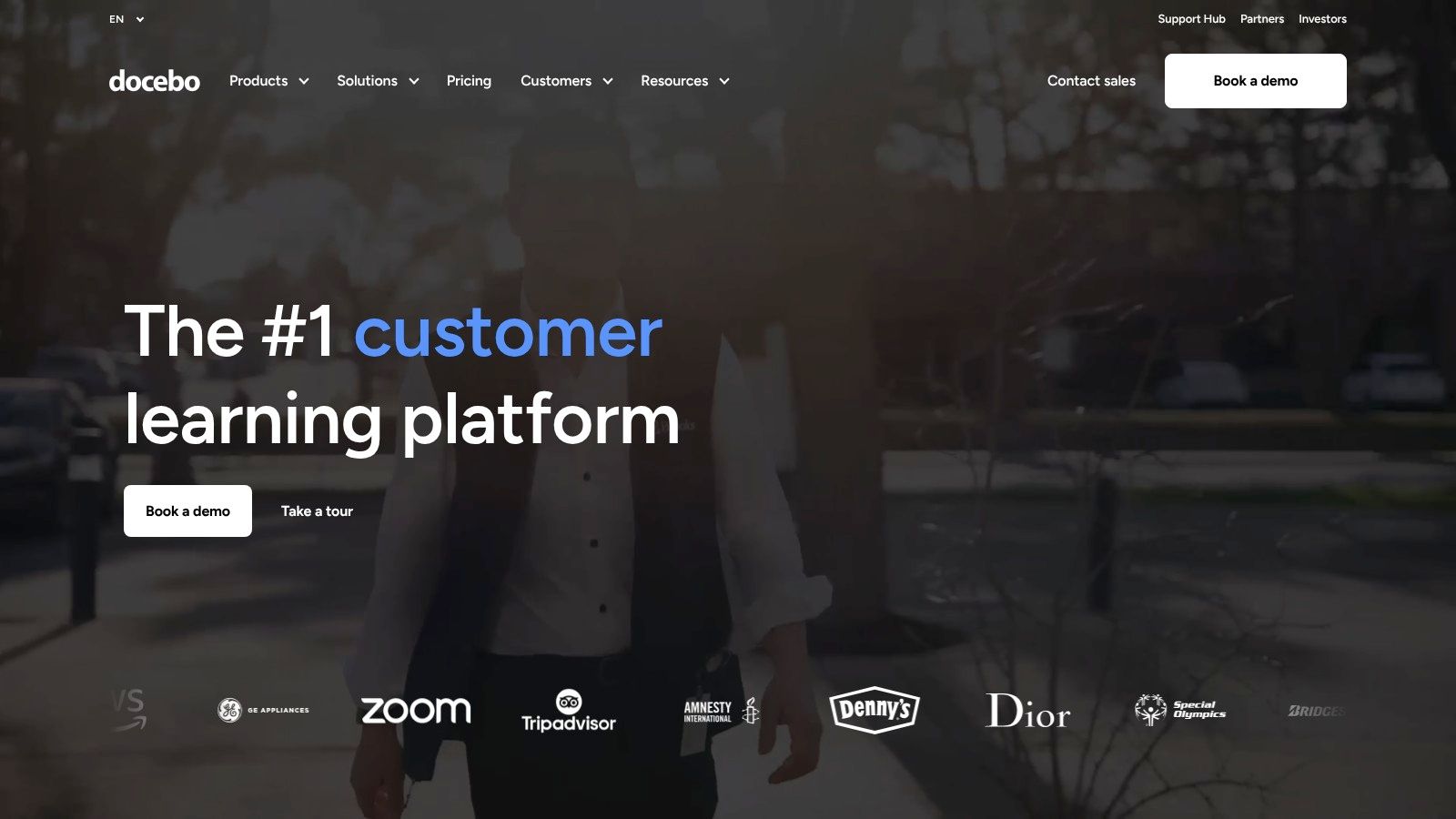
Docebo is an enterprise-grade LMS designed for large-scale, global training programs. It uses AI to help organizations deliver complex employee, partner, or customer education. While not a tutoring management system, it is one of the best LMS software options for housing and delivering extensive course content.
Its core strength lies in AI-powered features that map learning paths to business goals. This makes it a powerful choice for businesses prioritizing data-driven training.
What are Docebo's key features?
Docebo excels in managing structured learning content. It is built for asynchronous courses, certifications, and formal training modules.
Best For: Large tutoring franchises needing a centralized content library.
AI-Powered Learning: Uses AI to help create courses and analyze learner performance.
Extensive Integrations: Connects with over 400 applications (HRIS, CRM, SSO).
Global Reach: Supports multilingual training with instant translations.
Limitations and Pricing
Docebo's enterprise focus means it is not a fit for smaller tutoring businesses. Pricing is quote-based and typically suited for deployments of over 250 learners. A business focused on scheduling and billing needs a dedicated operational platform.
Website: https://www.docebo.com
2. TalentLMS
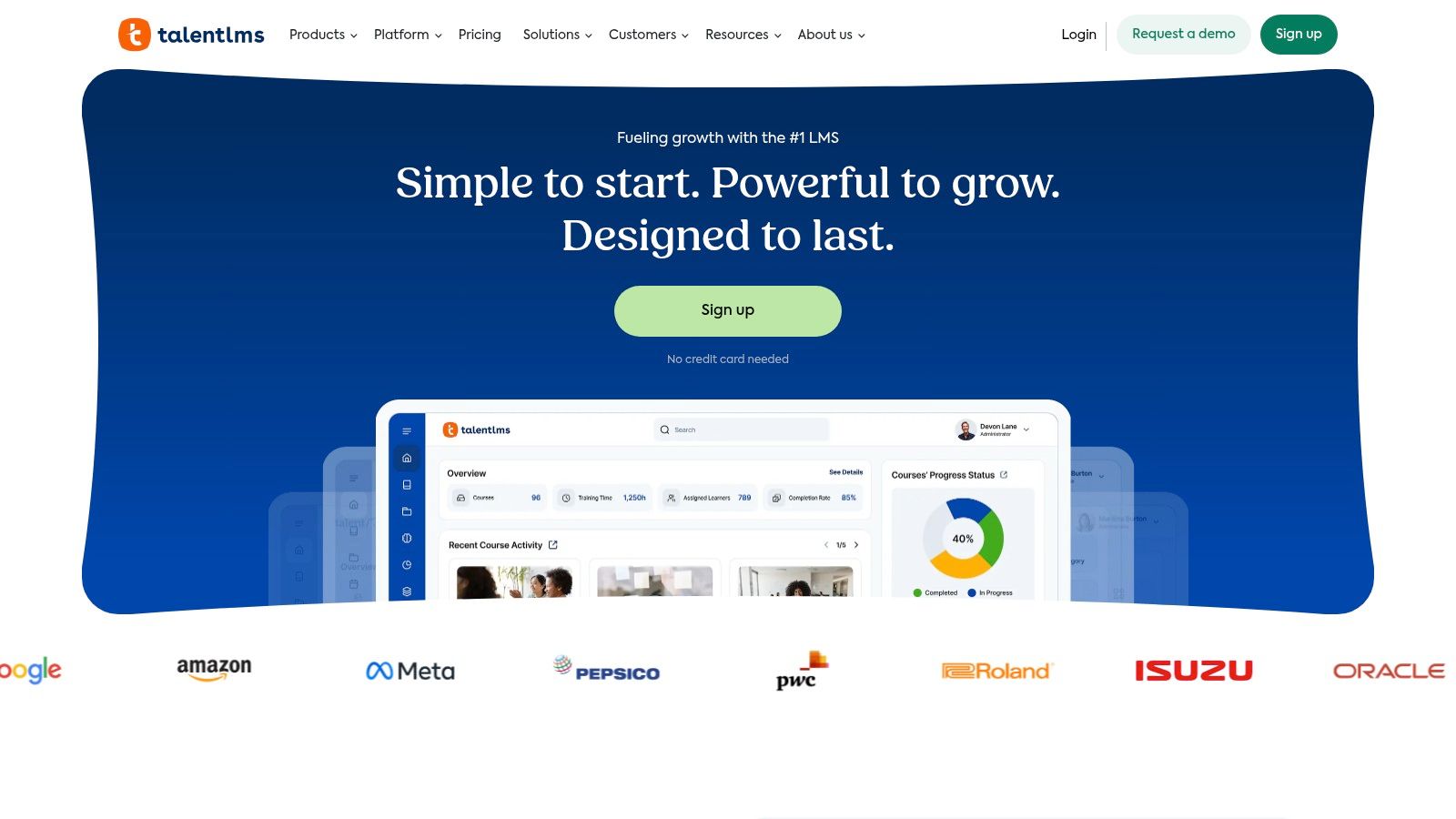
TalentLMS is a cloud-based LMS designed for small to medium-sized businesses (SMBs) seeking a user-friendly solution for training. It stands out for its straightforward interface and a "forever free" tier. The platform is ideal for employee onboarding or delivering simple online courses without a steep learning curve.
Its core strength is simplicity and speed. You can set up and launch courses within hours. While it doesn't manage tutoring operations, it excels at delivering digital content efficiently.
What are the main use cases for TalentLMS?
TalentLMS is built for organizations that need to quickly create and assign courses. It is a content delivery tool, not an operational one.
Best For: Tutoring centers delivering standardized onboarding materials to new tutors.
Ready-Made Content: Its TalentLibrary add-on provides over 1,000 pre-built courses.
Ease of Use: A clean interface allows administrators to build courses easily.
Flexible Pricing Model: An active user model means you only pay for learners who log in.
Limitations and Pricing
TalentLMS lacks the deep customization of enterprise systems. Its pricing can escalate as you need more features. The platform is not designed to handle complex tutor scheduling, client billing, or payroll.
Website: https://www.talentlms.com
3. LearnWorlds
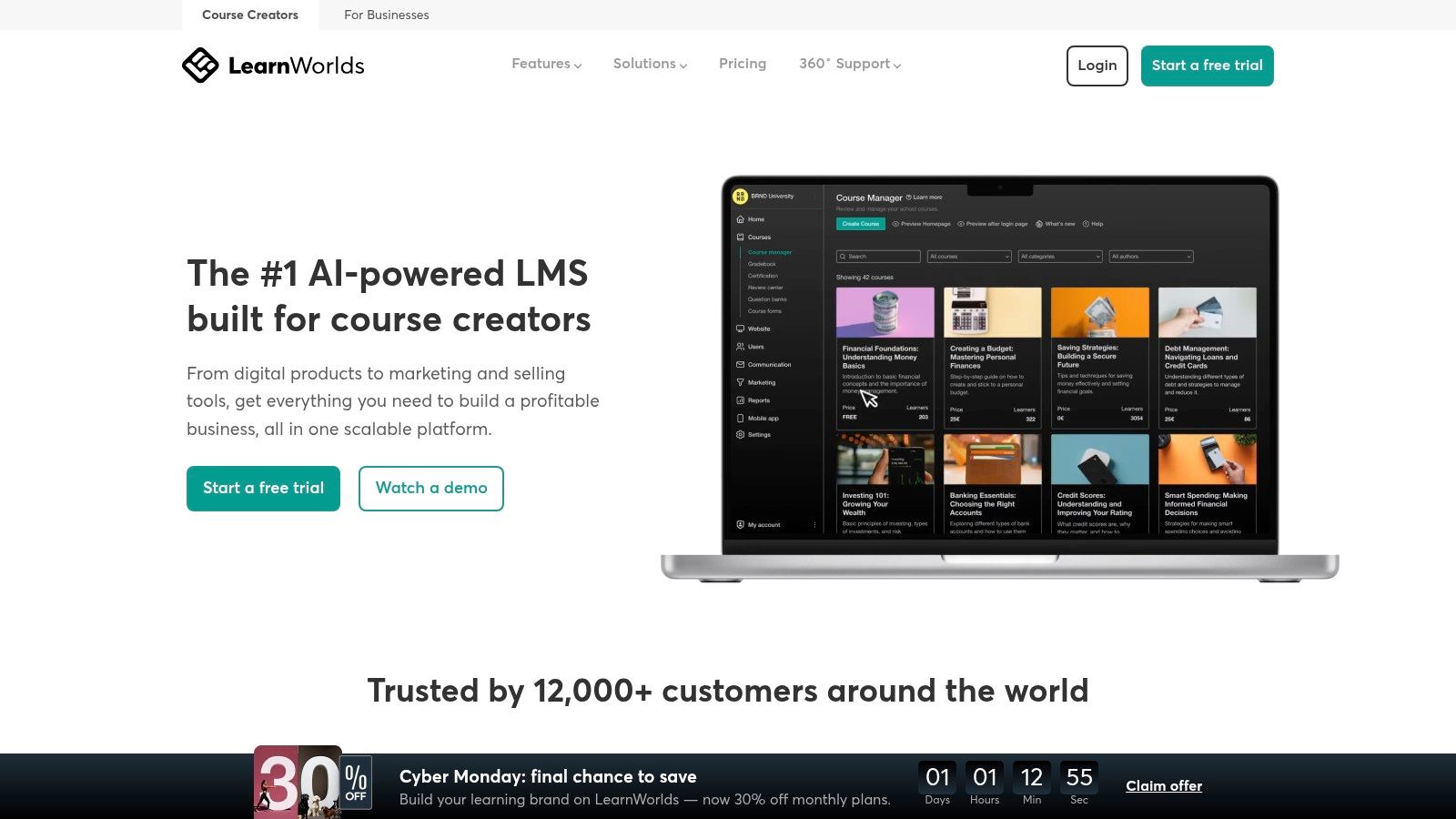
LearnWorlds is a course creation platform designed for entrepreneurs and businesses that want to sell courses directly. It excels as an all-in-one solution for building a branded online school, complete with a website builder, e-commerce checkout, and powerful course-authoring tools.
Its unique strength lies in interactive video and assessment features. While not a tutoring operations platform, it is one of the best LMS software choices for commercializing educational content.
Who should use LearnWorlds?
LearnWorlds is built for selling and delivering high-value asynchronous courses. It is less suited for managing the day-to-day logistics of live tutoring sessions.
Best For: Test prep academies that want to sell self-paced video courses or digital products.
Interactive Learning: Add questions and pop-ups directly into videos. Explore tools in a virtual classroom for tutors.
Built-in E-commerce: Create a full storefront with subscriptions and payment plans.
White-Label Academy: Build a fully branded website and mobile app (on higher plans).
Limitations and Pricing
LearnWorlds' e-commerce focus means it lacks operational tools for scheduling or payroll. Its starter plan includes a $5 fee per course sale, which can be costly for businesses with high enrollment.
Website: https://www.learnworlds.com
4. Thinkific
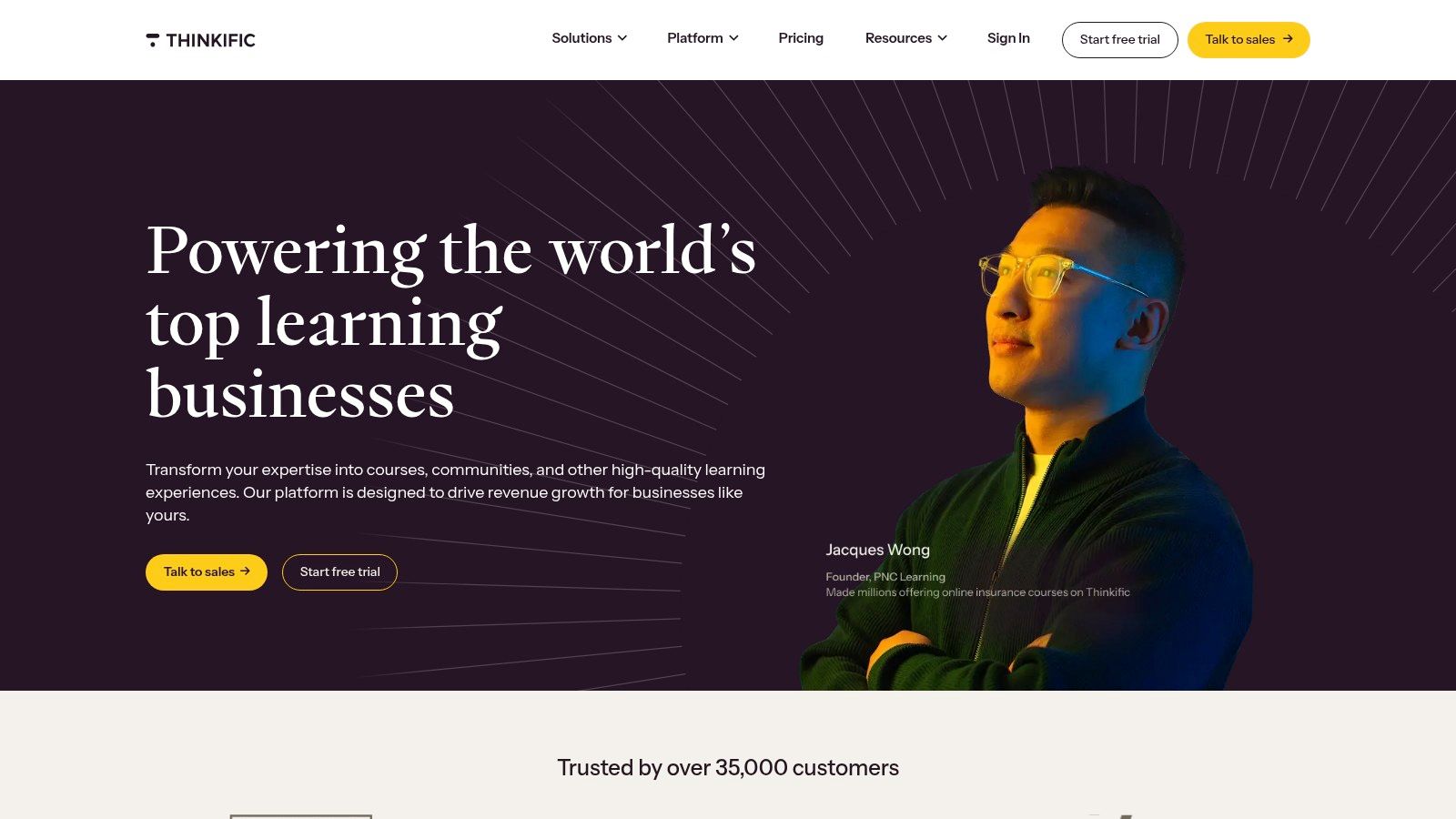
Thinkific is a course creation platform for businesses looking to sell online courses and memberships. It excels at providing tools to build, market, and sell learning content. This makes it an excellent choice for tutoring centers creating their own asynchronous courses.
Its strength lies in its user-friendly interface and transparent pricing. While not an operational tool, it serves as a powerful content delivery and sales engine.
How can you use Thinkific for a tutoring business?
Thinkific is built around the creator economy, focusing on delivering and monetizing digital learning. It is not designed to manage student attendance or tutor payroll.
Best For: Tutoring businesses creating and selling pre-recorded courses as a separate revenue stream.
Built-in Commerce: Includes integrated payment processing and tools for selling bundles.
Unlimited Courses: Even on lower-tier plans, you can create unlimited courses.
Enterprise Scaling: The Thinkific Plus plan provides advanced features for larger organizations.
Limitations and Pricing
Thinkific lacks features for scheduling one-on-one sessions or automated tutor payroll. Pricing is transparent with a free tier. Paid plans begin at around $49 per month. Advanced features are locked behind the custom-priced Plus plan.
Website: https://www.thinkific.com
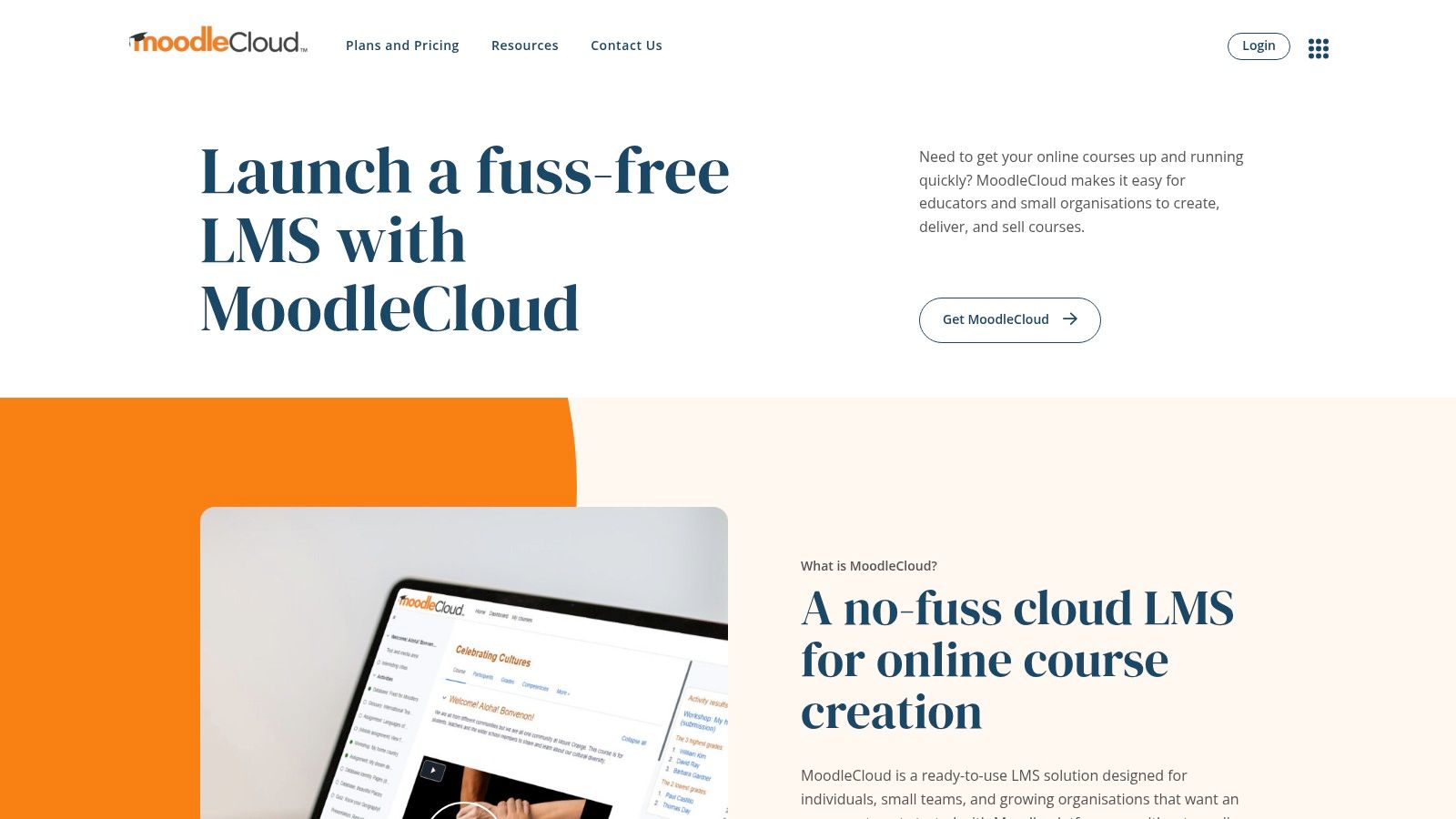
5. MoodleCloud
MoodleCloud is the official, hosted solution from the creators of Moodle, the world's most popular open-source learning platform. It offers a straightforward way to deploy a Moodle site without technical overhead, making it one of the best LMS software options for educators who want a ready-to-go platform.
Its primary advantage is simplicity. You get a managed Moodle environment with automatic updates and direct support, removing the complexities of server management.
Is MoodleCloud a good choice for small schools?
MoodleCloud is an excellent entry point into the Moodle ecosystem. It provides essential tools for creating online courses, quizzes, and collaborative activities.
Best For: Individual tutors or small schools needing a proven, cost-effective LMS.
Managed Hosting: All plans include managed hosting with automatic security updates.
Integrated Tools: Includes built-in video conferencing for up to 100 users. Learn more in our mobile tutoring app guide.
Scalable Path: Provides a clear upgrade path to larger Moodle deployments as you grow.
Limitations and Pricing
MoodleCloud's standard plans do not permit third-party plugins, which limits customization. It is purely an LMS and lacks operational tools for scheduling, payroll, or automated billing. Pricing is based on user and storage limits.
Website: https://www.moodlecloud.com
How do you integrate an LMS with management software?
Integrating an LMS with tutoring management software creates a powerful, unified system. The management software acts as the operational hub, while the LMS serves as the content library. This approach gives you the best of both worlds without compromising on core features.
A common integration workflow looks like this:
Client Onboarding: A new client signs up and pays through your tutoring management software.
Automatic Enrollment: The management software uses an API or a tool like Zapier to automatically create a user account for the student in your LMS.
Content Access: The student can now log into the LMS to access supplementary materials, while all scheduling and billing remain in the management platform.
This ensures a seamless experience for clients and eliminates manual data entry for your staff. To learn more, explore these tutoring software integrations.
Final Thoughts: Operations First, Content Second
Selecting the best LMS software requires understanding your true needs. Is your goal to deliver structured courses, or is it to streamline the daily operations of a growing tutoring business? This distinction is critical. The platforms listed here excel at content delivery, providing a digital classroom. They are not built to run the logistical engine of a tutoring center.
Before committing, map out your biggest pain points. If you spend nights reconciling invoices or coordinating tutor availability, you have an operational challenge. Your first priority should be a tutoring management system to act as your central hub.
An LMS can then be a powerful, complementary addition. By focusing on your core operational needs first, you build a technology stack that empowers growth instead of creating new bottlenecks. This is how you invest in a system that solves today's problems while providing the flexibility for tomorrow's opportunities.
Ready to build an efficient operational core for your tutoring business? Tutorbase acts as your central operating system, handling everything from smart scheduling and automated billing to payroll and parent communication. This allows you to pair it with any LMS you choose for content delivery. Visit tutorbase.com/register to get started.
Frequently Asked Questions (FAQ)
What is the main difference between an LMS and tutoring management software?
An LMS (Learning Management System) is designed for delivering and tracking asynchronous educational content, like pre-recorded courses and quizzes. Tutoring management software is an operational platform for running a service-based business, handling tasks like live scheduling, automated billing, and tutor payroll.
Can an LMS handle scheduling and billing for a tutoring center?
Most traditional LMS platforms do not have robust features for managing the complex, real-time scheduling and variable billing required by a tutoring center. Their focus is on content management, not service-based business logistics.
What is the best LMS software for a small tutoring business?
For a small business focused on selling pre-made courses, a platform like TalentLMS or Thinkific is a good starting point due to their user-friendly interfaces and transparent pricing. However, if the business primarily offers live tutoring, it first needs tutoring management software.
How much does an LMS typically cost in 2026?
LMS pricing varies widely. SMB-focused platforms like TalentLMS may start around $69/month, while enterprise solutions like Docebo or Cornerstone are quote-based and can cost tens of thousands of dollars per year depending on the number of active users.
Do I need both an LMS and tutoring management software?
You might need both if your business model includes live tutoring services and selling separate, self-paced online courses. In this scenario, the tutoring management software runs your daily operations, and it integrates with an LMS that hosts your course content.
What is Tutorbase's relationship with LMS platforms?
Tutorbase is not an LMS; it is a tutoring management software platform that serves as a business's operating system. It is designed to integrate with various LMS platforms, allowing you to handle operations in Tutorbase and deliver content through your preferred LMS.
What does "asynchronous learning" mean?
Asynchronous learning is a student-centered teaching method where learning does not happen in the same place or at the same time. LMS platforms are primarily built to support this model with pre-recorded video lessons, forums, and self-paced modules.
How important are integrations when choosing software?
Integrations are critical for creating an efficient technology stack. A good tutoring management system should be able to connect with your accounting software, marketing tools, and your chosen LMS. This prevents data silos and reduces manual administrative work.
Best LMS Software for Tutoring Centers in 2026? A Misleading Question
Published: December 4, 2025 by Amy Ashford


A Learning Management System (LMS) is great for delivering pre-made courses, but it won't run your tutoring business. For scheduling, billing, and payroll, you need tutoring management software, which acts as your business's operating system. The best solution often involves using management software for operations and integrating it with an LMS for content.
What is the difference between an LMS and Tutoring Management Software?
The primary difference is their core function. A Learning Management System (LMS) is a platform designed to deliver, track, and manage educational content. Tutoring management software is an operating system built to run the business side of a tutoring center, handling logistics like scheduling, billing, and payroll.
An LMS focuses on the what of learning: courses, quizzes, and certifications. Tutoring management software focuses on the how of the business: who teaches, when, where, and how they get paid.
LMS vs. Tutoring Management Software Comparison
Feature | Learning Management System (LMS) | Tutoring Management Software (TMS) |
|---|---|---|
Primary Goal | Content Delivery & Tracking | Business Operations & Logistics |
Core Function | Hosting courses, quizzes, certifications | Scheduling, billing, payroll, client management |
Use Case | Asynchronous, self-paced learning | Live 1-on-1 and group tutoring sessions |
Manages | Student progress through content | Tutor availability and client appointments |
Example | Docebo, Moodle, TalentLMS | Tutorbase |
Analogy | A digital textbook or library | The school's administrative office |
When do you need an LMS?
You need an LMS when your primary goal is to deliver structured, asynchronous learning content at scale. This is common for test prep companies or businesses that sell pre-recorded courses. According to a 2023 report by MarketsandMarkets, the global LMS market is projected to grow to $36.7 billion by 2028, driven by the demand for online learning.
Consider an LMS if your business needs to:
Host and organize a library of video lessons, PDFs, and articles.
Create and administer automated quizzes and assessments.
Track student progress through pre-defined course modules.
Issue certificates of completion for formal training programs.
Sell standardized, on-demand courses as a product.
When do you need tutoring management software?
You need tutoring management software when your primary challenge is managing the day-to-day operations of your service-based education business. It serves as your central operating system. If you spend more time coordinating schedules than creating content, this is the tool you need first.
Consider management software if your business needs to:
Manage complex tutor schedules and client appointments.
Automate recurring billing, invoicing, and payment processing.
Calculate and process tutor payroll based on variable rates.
Communicate with parents and students about schedules and progress.
Handle multi-location room bookings and resource management.
Top LMS Platforms for Content Delivery
If you have determined that content delivery is your main priority, here are some of the best LMS software options available in 2026. Remember, these platforms excel at managing content, not business operations.
1. Docebo
Docebo is an enterprise-grade LMS designed for large-scale, global training programs. It uses AI to help organizations deliver complex employee, partner, or customer education. While not a tutoring management system, it is one of the best LMS software options for housing and delivering extensive course content.
Its core strength lies in AI-powered features that map learning paths to business goals. This makes it a powerful choice for businesses prioritizing data-driven training.

What are Docebo's key features?
Docebo excels in managing structured learning content. It is built for asynchronous courses, certifications, and formal training modules.
Best For: Large tutoring franchises needing a centralized content library.
AI-Powered Learning: Uses AI to help create courses and analyze learner performance.
Extensive Integrations: Connects with over 400 applications (HRIS, CRM, SSO).
Global Reach: Supports multilingual training with instant translations.
Limitations and Pricing
Docebo's enterprise focus means it is not a fit for smaller tutoring businesses. Pricing is quote-based and typically suited for deployments of over 250 learners. A business focused on scheduling and billing needs a dedicated operational platform.
Website: https://www.docebo.com
2. TalentLMS
TalentLMS is a cloud-based LMS designed for small to medium-sized businesses (SMBs) seeking a user-friendly solution for training. It stands out for its straightforward interface and a "forever free" tier. The platform is ideal for employee onboarding or delivering simple online courses without a steep learning curve.
Its core strength is simplicity and speed. You can set up and launch courses within hours. While it doesn't manage tutoring operations, it excels at delivering digital content efficiently.

What are the main use cases for TalentLMS?
TalentLMS is built for organizations that need to quickly create and assign courses. It is a content delivery tool, not an operational one.
Best For: Tutoring centers delivering standardized onboarding materials to new tutors.
Ready-Made Content: Its TalentLibrary add-on provides over 1,000 pre-built courses.
Ease of Use: A clean interface allows administrators to build courses easily.
Flexible Pricing Model: An active user model means you only pay for learners who log in.
Limitations and Pricing
TalentLMS lacks the deep customization of enterprise systems. Its pricing can escalate as you need more features. The platform is not designed to handle complex tutor scheduling, client billing, or payroll.
Website: https://www.talentlms.com
3. LearnWorlds
LearnWorlds is a course creation platform designed for entrepreneurs and businesses that want to sell courses directly. It excels as an all-in-one solution for building a branded online school, complete with a website builder, e-commerce checkout, and powerful course-authoring tools.
Its unique strength lies in interactive video and assessment features. While not a tutoring operations platform, it is one of the best LMS software choices for commercializing educational content.

Who should use LearnWorlds?
LearnWorlds is built for selling and delivering high-value asynchronous courses. It is less suited for managing the day-to-day logistics of live tutoring sessions.
Best For: Test prep academies that want to sell self-paced video courses or digital products.
Interactive Learning: Add questions and pop-ups directly into videos. Explore tools in a virtual classroom for tutors.
Built-in E-commerce: Create a full storefront with subscriptions and payment plans.
White-Label Academy: Build a fully branded website and mobile app (on higher plans).
Limitations and Pricing
LearnWorlds' e-commerce focus means it lacks operational tools for scheduling or payroll. Its starter plan includes a $5 fee per course sale, which can be costly for businesses with high enrollment.
Website: https://www.learnworlds.com
4. Thinkific
Thinkific is a course creation platform for businesses looking to sell online courses and memberships. It excels at providing tools to build, market, and sell learning content. This makes it an excellent choice for tutoring centers creating their own asynchronous courses.
Its strength lies in its user-friendly interface and transparent pricing. While not an operational tool, it serves as a powerful content delivery and sales engine.

How can you use Thinkific for a tutoring business?
Thinkific is built around the creator economy, focusing on delivering and monetizing digital learning. It is not designed to manage student attendance or tutor payroll.
Best For: Tutoring businesses creating and selling pre-recorded courses as a separate revenue stream.
Built-in Commerce: Includes integrated payment processing and tools for selling bundles.
Unlimited Courses: Even on lower-tier plans, you can create unlimited courses.
Enterprise Scaling: The Thinkific Plus plan provides advanced features for larger organizations.
Limitations and Pricing
Thinkific lacks features for scheduling one-on-one sessions or automated tutor payroll. Pricing is transparent with a free tier. Paid plans begin at around $49 per month. Advanced features are locked behind the custom-priced Plus plan.
Website: https://www.thinkific.com
5. MoodleCloud
MoodleCloud is the official, hosted solution from the creators of Moodle, the world's most popular open-source learning platform. It offers a straightforward way to deploy a Moodle site without technical overhead, making it one of the best LMS software options for educators who want a ready-to-go platform.
Its primary advantage is simplicity. You get a managed Moodle environment with automatic updates and direct support, removing the complexities of server management.

Is MoodleCloud a good choice for small schools?
MoodleCloud is an excellent entry point into the Moodle ecosystem. It provides essential tools for creating online courses, quizzes, and collaborative activities.
Best For: Individual tutors or small schools needing a proven, cost-effective LMS.
Managed Hosting: All plans include managed hosting with automatic security updates.
Integrated Tools: Includes built-in video conferencing for up to 100 users. Learn more in our mobile tutoring app guide.
Scalable Path: Provides a clear upgrade path to larger Moodle deployments as you grow.
Limitations and Pricing
MoodleCloud's standard plans do not permit third-party plugins, which limits customization. It is purely an LMS and lacks operational tools for scheduling, payroll, or automated billing. Pricing is based on user and storage limits.
Website: https://www.moodlecloud.com
How do you integrate an LMS with management software?
Integrating an LMS with tutoring management software creates a powerful, unified system. The management software acts as the operational hub, while the LMS serves as the content library. This approach gives you the best of both worlds without compromising on core features.
A common integration workflow looks like this:
Client Onboarding: A new client signs up and pays through your tutoring management software.
Automatic Enrollment: The management software uses an API or a tool like Zapier to automatically create a user account for the student in your LMS.
Content Access: The student can now log into the LMS to access supplementary materials, while all scheduling and billing remain in the management platform.
This ensures a seamless experience for clients and eliminates manual data entry for your staff. To learn more, explore these tutoring software integrations.
Final Thoughts: Operations First, Content Second
Selecting the best LMS software requires understanding your true needs. Is your goal to deliver structured courses, or is it to streamline the daily operations of a growing tutoring business? This distinction is critical. The platforms listed here excel at content delivery, providing a digital classroom. They are not built to run the logistical engine of a tutoring center.
Before committing, map out your biggest pain points. If you spend nights reconciling invoices or coordinating tutor availability, you have an operational challenge. Your first priority should be a tutoring management system to act as your central hub.
An LMS can then be a powerful, complementary addition. By focusing on your core operational needs first, you build a technology stack that empowers growth instead of creating new bottlenecks. This is how you invest in a system that solves today's problems while providing the flexibility for tomorrow's opportunities.
Ready to build an efficient operational core for your tutoring business? Tutorbase acts as your central operating system, handling everything from smart scheduling and automated billing to payroll and parent communication. This allows you to pair it with any LMS you choose for content delivery. Visit tutorbase.com/register to get started.
Frequently Asked Questions (FAQ)
What is the main difference between an LMS and tutoring management software?
An LMS (Learning Management System) is designed for delivering and tracking asynchronous educational content, like pre-recorded courses and quizzes. Tutoring management software is an operational platform for running a service-based business, handling tasks like live scheduling, automated billing, and tutor payroll.
Can an LMS handle scheduling and billing for a tutoring center?
Most traditional LMS platforms do not have robust features for managing the complex, real-time scheduling and variable billing required by a tutoring center. Their focus is on content management, not service-based business logistics.
What is the best LMS software for a small tutoring business?
For a small business focused on selling pre-made courses, a platform like TalentLMS or Thinkific is a good starting point due to their user-friendly interfaces and transparent pricing. However, if the business primarily offers live tutoring, it first needs tutoring management software.
How much does an LMS typically cost in 2026?
LMS pricing varies widely. SMB-focused platforms like TalentLMS may start around $69/month, while enterprise solutions like Docebo or Cornerstone are quote-based and can cost tens of thousands of dollars per year depending on the number of active users.
Do I need both an LMS and tutoring management software?
You might need both if your business model includes live tutoring services and selling separate, self-paced online courses. In this scenario, the tutoring management software runs your daily operations, and it integrates with an LMS that hosts your course content.
What is Tutorbase's relationship with LMS platforms?
Tutorbase is not an LMS; it is a tutoring management software platform that serves as a business's operating system. It is designed to integrate with various LMS platforms, allowing you to handle operations in Tutorbase and deliver content through your preferred LMS.
What does "asynchronous learning" mean?
Asynchronous learning is a student-centered teaching method where learning does not happen in the same place or at the same time. LMS platforms are primarily built to support this model with pre-recorded video lessons, forums, and self-paced modules.
How important are integrations when choosing software?
Integrations are critical for creating an efficient technology stack. A good tutoring management system should be able to connect with your accounting software, marketing tools, and your chosen LMS. This prevents data silos and reduces manual administrative work.