
12 Best Software for Scheduling Classes in 2026

Published: January 5, 2026 by Amy Ashford

Key Takeaway: The best software for scheduling classes automates your booking process to save time and prevent conflicts. Purpose-built platforms like Tutorbase handle tutoring-specific needs like recurring lessons and multi-location management, which generic tools like Calendly cannot. This guide compares the top 12 options for 2026.

Choosing the right software for scheduling classes is critical for an efficient tutoring business. Replacing messy spreadsheets and paper calendars saves administrative hours, eliminates double-bookings, and gives you a clear view of your operations. This guide helps you select a platform that fits your unique needs.

We will break down the top platforms available today, focusing on features that matter most to tutoring centers. This includes recurring lesson management, teacher and room availability tracking, multi-location support, and integrated billing. Each review includes practical examples and an honest look at limitations.

Our goal is to give you a clear, side-by-side comparison to make an informed decision. We evaluate tools built specifically for tutoring against general-purpose schedulers. Understanding these differences is key, especially if you also manage events. For event management, you might compare the best ways to sell tickets online.

How does Tutorbase compare to other schedulers?

Tutorbase is an all-in-one management platform specifically engineered for education businesses. It’s a powerful choice for tutoring centers and multi-location schools seeking a single, automated solution. This software for scheduling classes manages the entire operational lifecycle, from lead intake to payroll.
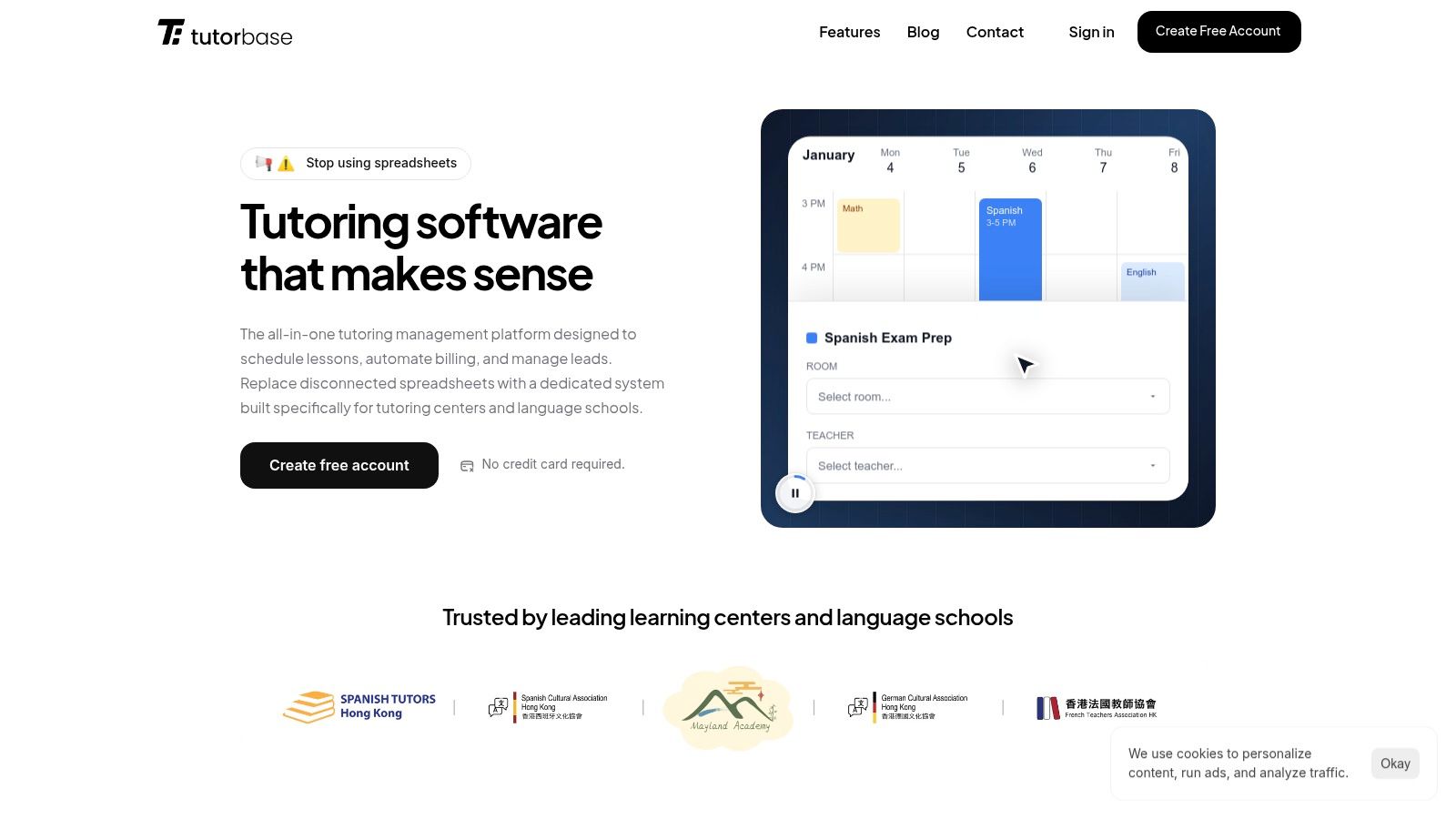
A screenshot of the Tutorbase dashboard showing a weekly calendar with scheduled classes, teacher assignments, and student information.

Why is Tutorbase a top choice for class scheduling?

Tutorbase excels at managing the intricate realities of a tutoring business, such as recurring lessons, multi-student classes, room allocation, and varied teacher contracts. While generic tools handle one-off appointments, Tutorbase is purpose-built for educational complexity, preventing the conflicts that arise from using spreadsheets.

What are its key strengths?

  • Recurring Lesson Scheduling: Set up recurring lessons (weekly, biweekly) so you don't manually create the same class 52 times a year. Change a recurring series once, and all future lessons update automatically.

  • Teacher & Room Availability: Instantly see which teachers are available and which rooms are free before booking a lesson. Set availability windows for teachers and block out holidays or sick days.

  • Multi-Location Support: Manage multiple campuses or branches easily. Tutorbase keeps each location's rooms organized separately while giving you a unified view across all sites, perfect for expanding centers.

  • Visual Calendar with Smart Filters: See your entire week at a glance and filter by teacher, subject, or location. Drag and drop to reschedule. Color-coded views help staff quickly spot gaps or overloaded days.

  • Online + In-Person System: Track whether a class happens in Room 3 or over Zoom in the same calendar. The system supports hybrid setups where teachers deliver online classes from a physical room.

  • Capacity & Enrollment Tracking: Set maximum spots per class. See at a glance which classes are full, have openings, or are under-enrolled. This feature stops you from overbooking group classes.

How do multi-branch tutoring centers use it?

Imagine you run a test-prep academy with three locations. Your admin can instantly see a tutor's availability across all three sites, find an open room at the most convenient branch, and book a recurring weekly session in seconds. The system prevents any scheduling conflicts automatically.

What is the pricing for Tutorbase?

Tutorbase uses a SaaS subscription model. You can sign up for a free account without a credit card to explore the platform. For mid-to-large centers, contacting their sales team for a tailored quote is recommended.

Website: https://tutorbase.com

Teachworks

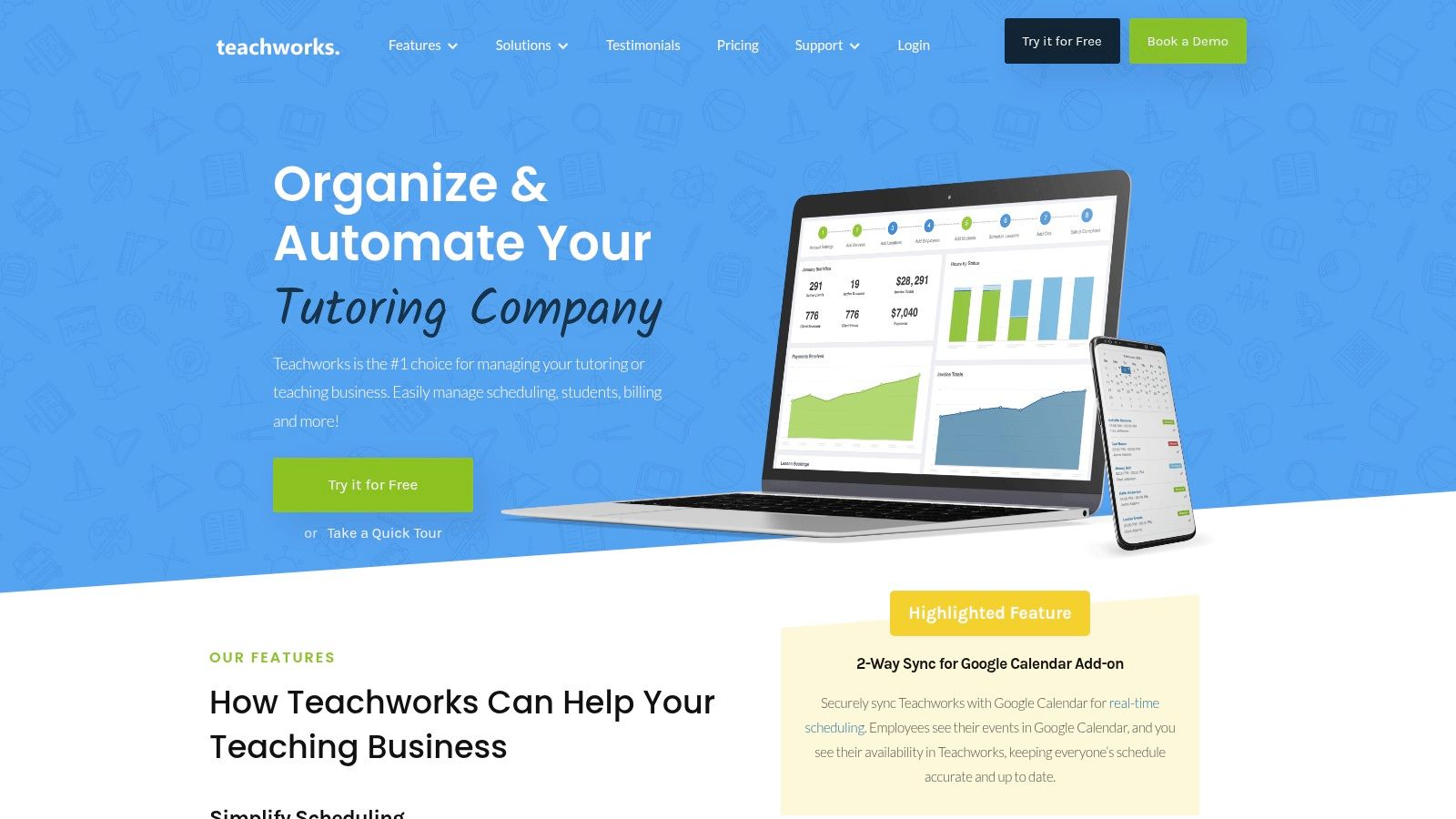
Teachworks is a comprehensive platform for tutoring businesses needing integrated scheduling, billing, and payroll. Its unique activity-based pricing makes it a scalable option for centers with fluctuating student numbers. You only pay for the lessons you deliver, aligning costs directly with your business activity.

Teachworks excels at managing the core operations of a tutoring center, from multi-teacher calendars to detailed financial reporting. It provides a robust suite of tools that go beyond simple booking. The platform is particularly well-suited for centers offering both one-on-one and group lessons across multiple locations.
Teachworks

What are its core features?

  • Multi-Location Management: Manage schedules, teachers, and rooms across several branches from a unified dashboard.

  • Integrated Billing & Payroll: Automate invoicing based on completed lessons and manage lesson packages or credits.

  • Usage-Based Pricing: Plans are based on the number of lessons scheduled per month, aligning costs with business activity.

  • Unlimited Profiles: All plans include unlimited student, teacher, and staff profiles, removing a common growth barrier.

Are there any limitations?

The per-lesson pricing model can make monthly costs less predictable compared to flat-tiered subscriptions, especially during peak seasons. New users may also find the interface and add-on system take some time to learn fully. Its extensive customization requires a more involved initial setup.

TutorCruncher

TutorCruncher is an end-to-end platform for tutoring agencies requiring tightly integrated operations, from lead management to payroll. Its strength is automating the entire client lifecycle. This makes it ideal for businesses focused on scaling client acquisition and streamlining financial workflows.

TutorCruncher combines a CRM, scheduling, and robust billing into one system. This makes it a powerful tool for tutoring companies that need to manage not just class schedules but also the sales pipeline. The platform provides a single source of truth for all administrative tasks.

What are its core features?

  • Integrated Pipeline/CRM: Manage leads from initial inquiry to active client within the same platform you use for scheduling.

  • Automated Billing & Payroll: The system automates invoicing based on completed lessons and calculates tutor payroll.

  • Clear Pricing & Cost Estimation: TutorCruncher offers transparent US pricing tiers and a pricing calculator on its website.

  • Multi-Currency Support: For international agencies, the platform supports major currencies like USD, EUR, and GBP.

Are there any limitations?

The total cost can increase with add-ons. Payment processor fees are separate, and optional premium support plans add to the monthly expense. The depth of its features means new users should budget time for onboarding and training to leverage the system fully.

TutorBird

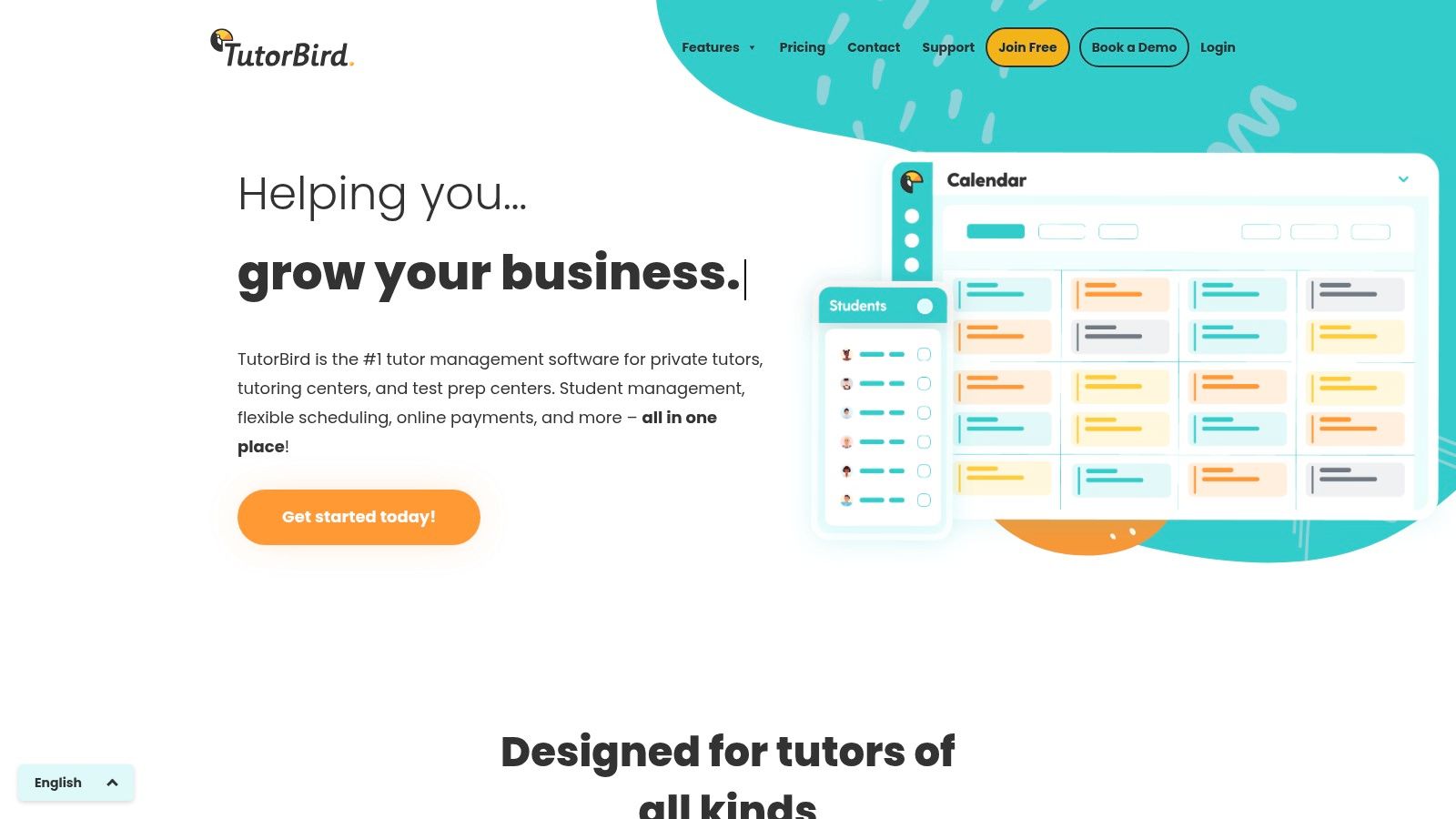
TutorBird is an all-in-one management system designed for independent tutors and small tutoring centers. It offers a low, flat monthly fee that includes unlimited students and scheduling. This makes it a highly accessible and budget-friendly choice for educators transitioning from spreadsheets.

TutorBird simplifies the administrative side of tutoring by combining scheduling, attendance tracking, billing, and communication into a single interface. The platform is ideal for solo entrepreneurs or small teams who need a reliable system to automate their core operations without enterprise-level complexity.
TutorBird

What are its core features?

  • Flat-Rate Pricing: A simple, low monthly fee provides access to all core features, including unlimited student profiles.

  • Student & Parent Portal: Clients can log in to view their schedules, review invoices, and book available time slots themselves.

  • Automated Invoicing & Payments: The system automatically generates invoices and allows you to accept online payments.

  • Website Builder: Includes a simple website builder to help tutors create a professional online presence.

Are there any limitations?

While its flat pricing is appealing, TutorBird charges a per-tutor add-on fee, which can increase costs for larger teams. The platform is designed for smaller operations, so it lacks advanced multi-location management. Businesses with complex scheduling needs may eventually outgrow it.

Jackrabbit Class

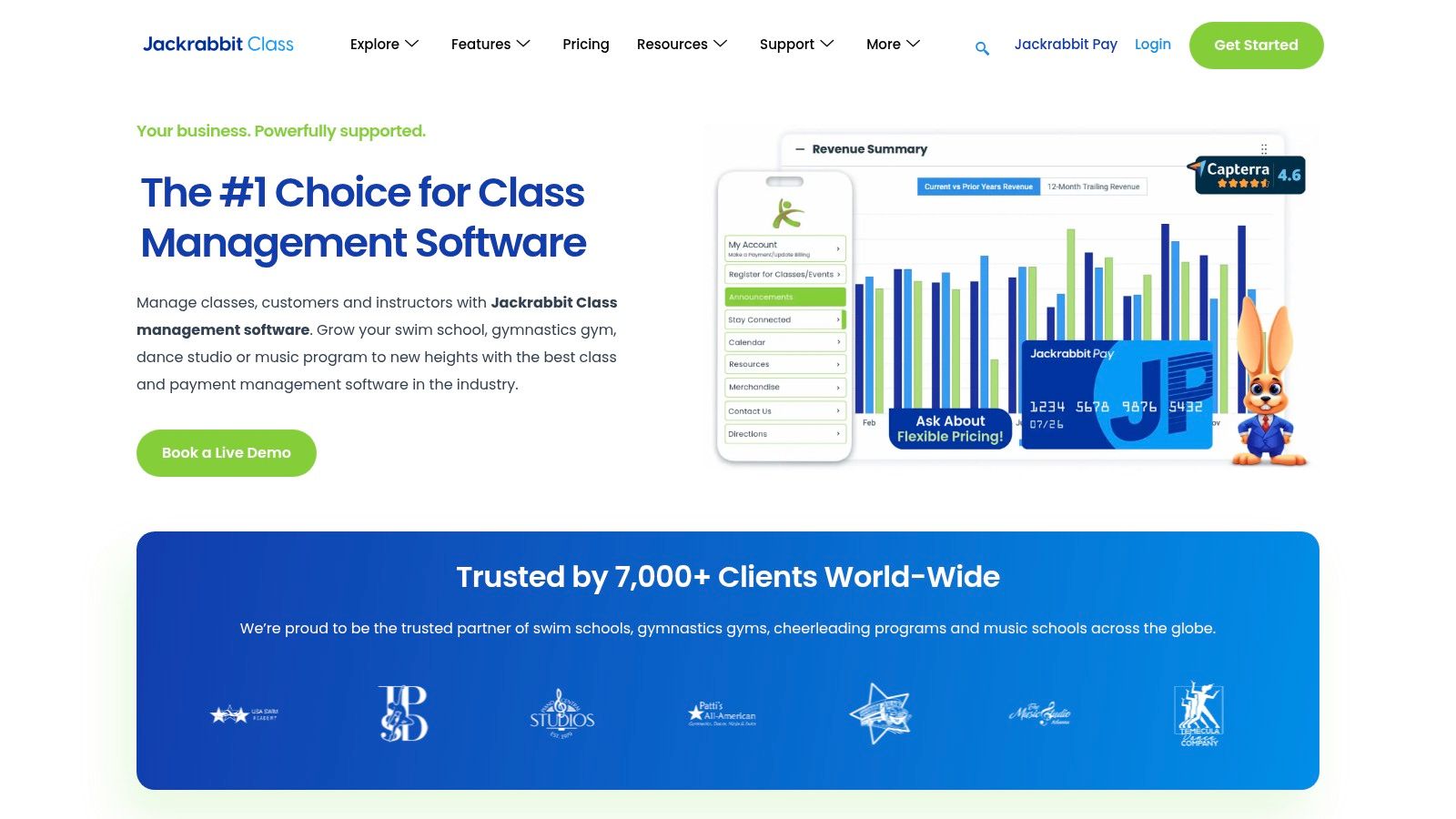
Jackrabbit Class is a leading US class management system for youth programs like dance, swim, and after-school arts. Its core strength is its powerful tuition engine. It is ideal for organizations with complex discounting rules, family-based billing, and varied session types.

This platform excels at managing intricate billing scenarios, such as multi-class or sibling discounts and prorated fees. It provides a comprehensive solution for businesses whose primary challenge is managing complex financial rules alongside their schedules.
Jackrabbit Class

What are its core features?

  • Flexible Tuition Models: Automate complex billing logic, including charging by the class or on a per-family basis.

  • Online Registration & Parent Portal: Streamline enrollment with a customizable online portal for parents.

  • Automated Billing Cycles: Set up recurring fee schedules and automate invoicing to reduce administrative workload.

  • Session and Camp Management: The system has specific features designed for managing camps and workshops.

Are there any limitations?

The platform's pricing is not publicly listed and typically requires a direct sales consultation to get a quote. Its feature set is heavily skewed toward youth activities. Tutoring centers may find some workflows less intuitive compared to tutoring-specific software.

Pike13

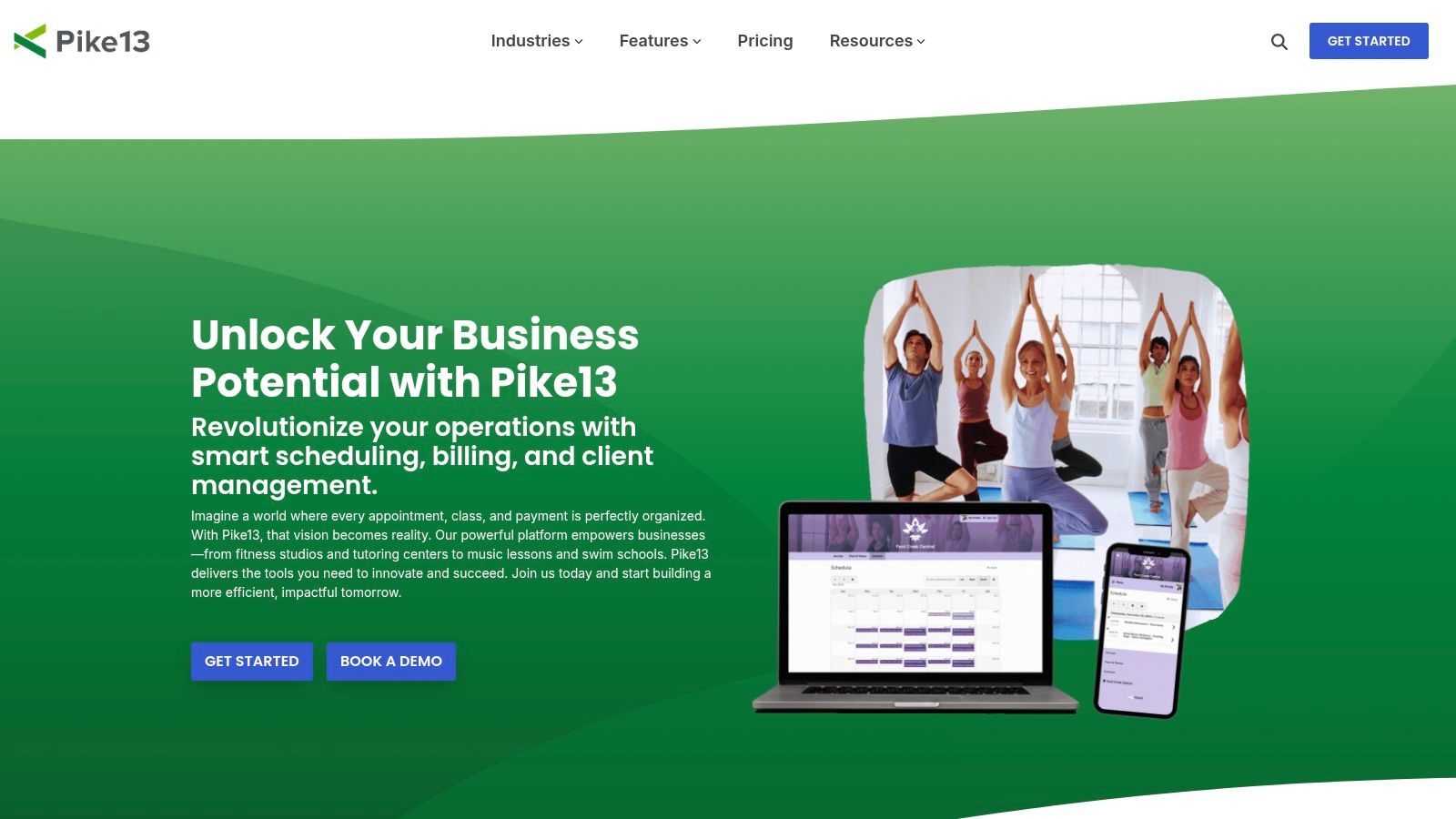
Pike13 is a versatile class management platform for businesses offering a mix of group classes, courses, and private appointments. Its strength lies in its native mobile apps for both clients and staff. This provides a seamless booking and management experience on the go.

Pike13 effectively manages prepaid passes, recurring memberships, and automated billing, making it a comprehensive operational tool. It caters well to studios and centers that require a robust mobile interface for both front-end and back-end users.
Pike13

What are its core features?

  • Flexible Service Offerings: Supports group classes, fixed-start/end courses, and one-on-one appointments.

  • Native Mobile Apps: Provides dedicated iOS and Android apps for both clients and staff.

  • Integrated Billing: Manages recurring membership plans, prepaid passes, and automated payment reminders.

  • Reporting & Analytics: Delivers key business insights through detailed reports on revenue and attendance.

Are there any limitations?

While Pike13 is versatile, its course management features have some limitations, such as restrictions on allowing drop-ins. The available payment processor options can also vary depending on your region. Its extensive features may be more than what a simple, appointment-only business requires.

Mindbody

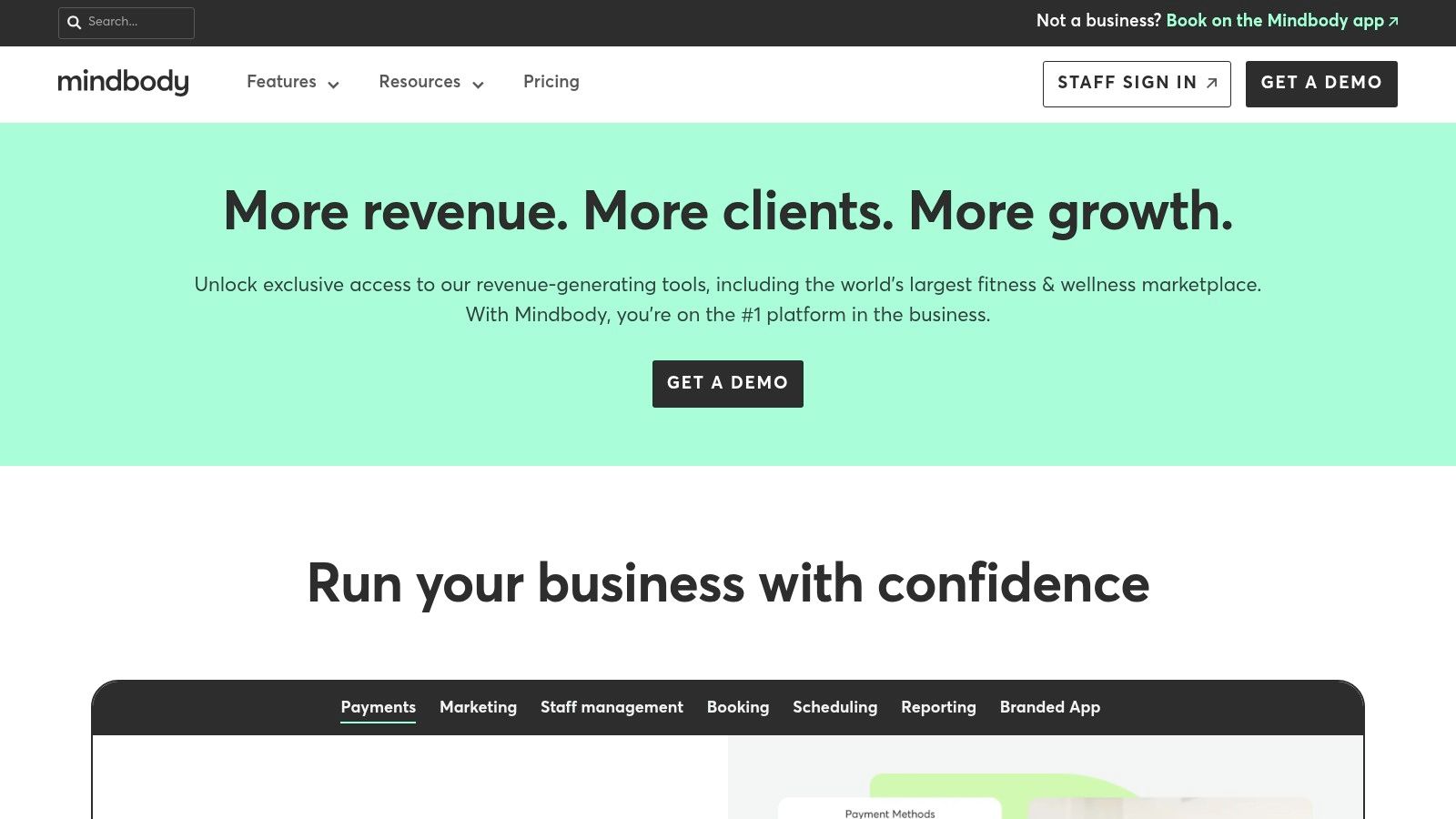
Mindbody is an enterprise-grade platform built for high-volume, multi-location businesses like large fitness studios and schools. Its major advantage is the built-in consumer marketplace, which actively helps you attract new students. Most other platforms lack this customer acquisition feature.

Mindbody excels at managing complex operations at scale, offering powerful tools for class scheduling, integrated payments, and sophisticated marketing automation. It provides a complete management ecosystem that includes customer acquisition via its popular consumer app, making it a top choice for established schools.
Mindbody

What are its core features?

  • Consumer Marketplace: Gain visibility by listing your classes on the Mindbody app, a discovery platform used by millions.

  • Multi-Location Management: Handle schedules, staff, rooms, and reporting for numerous branches from a single system.

  • Integrated Marketing Suite: Create and automate email and text marketing campaigns to boost retention.

  • Advanced Booking Options: Supports features like Pick-a-Spot seating for workshops or specific classrooms.

Are there any limitations?

Mindbody’s power comes at a cost, with a starting price point that is significantly higher than many other tools. Many of its most powerful features are gated behind more expensive plans. New users should expect a considerable learning curve to leverage its full capabilities. For more information, visit Mindbody.

Omnify

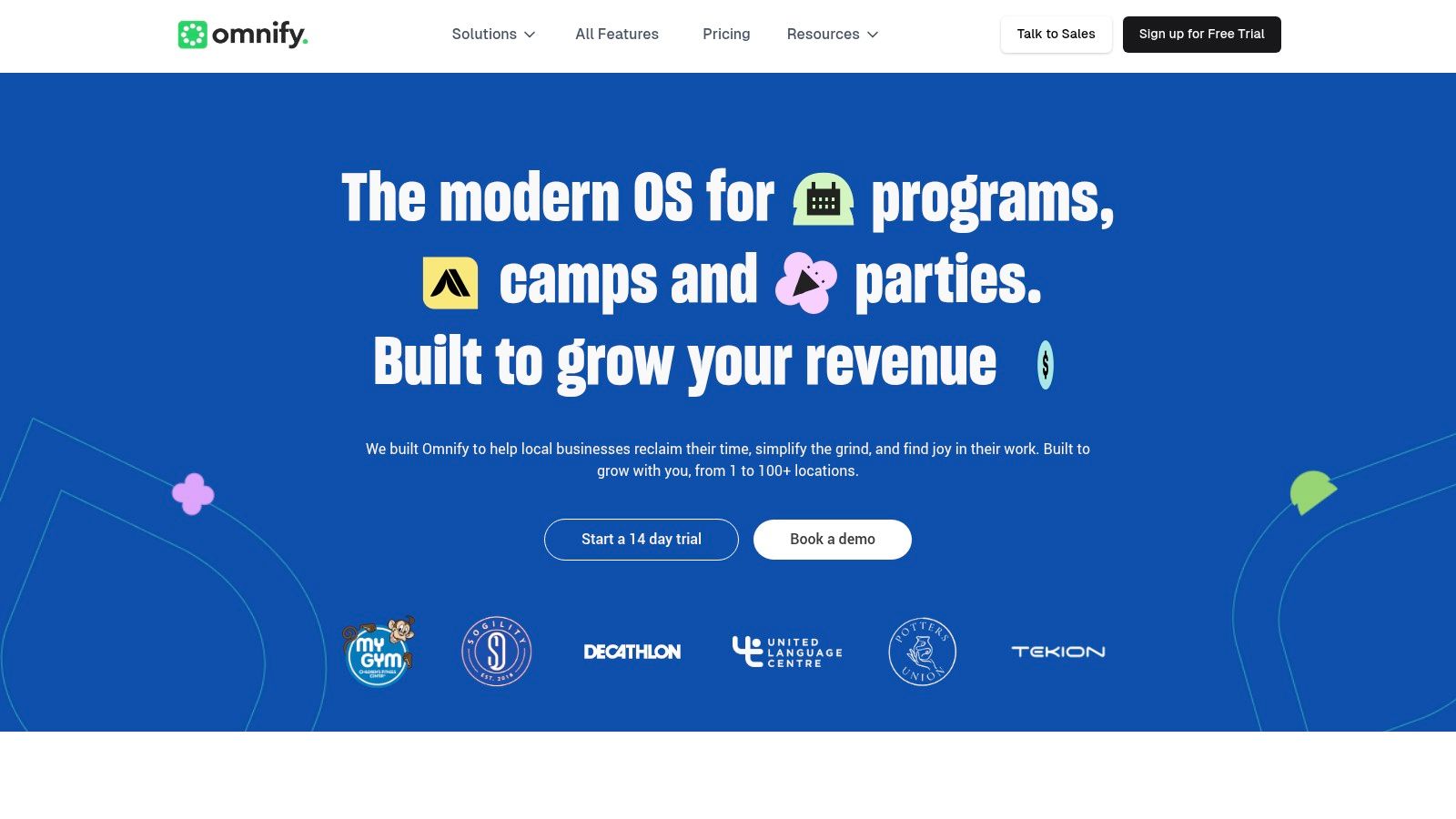
Omnify is a versatile scheduling platform for businesses that manage a mix of classes, memberships, and facility rentals. It stands out by combining program scheduling with space management. This makes it ideal for community centers or after-school programs that need to book both a class and its room.

Omnify provides a broad solution for organizations juggling diverse offerings like weekly classes, summer camps, and private appointments. Its strength lies in handling complex operational needs, such as multi-location management and tiered membership access, all from a single dashboard.
Omnify

What are its core features?

  • Combined Class & Facility Scheduling: Manage schedules for classes and workshops alongside the booking of physical spaces.

  • Membership Management: Create and sell tiered memberships that grant clients access to specific classes or packages.

  • Multi-Location Functionality: Administrators can oversee schedules and reporting across multiple branches.

  • Marketing & Communication Tools: Includes features for marketing automation and client communication.

Are there any limitations?

Omnify's all-in-one approach can feel overly complex for businesses focused purely on tutoring. The user interface covers a wide range of functions, which may require a dedicated onboarding period. Lower-priced plans include transaction fees on top of the monthly subscription.

Sawyer Tools (by DaySmart) / Hisawyer

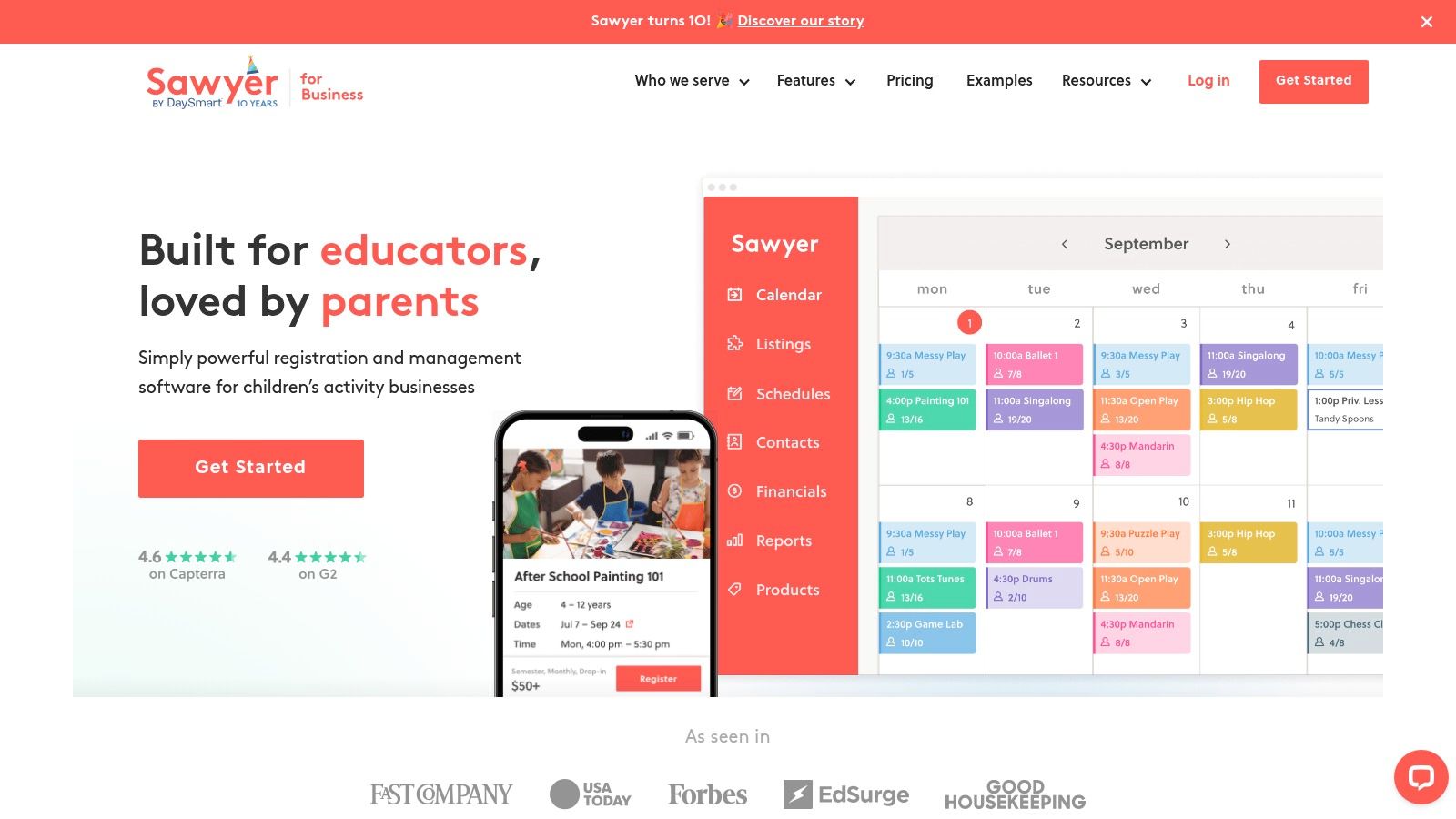
Sawyer Tools is designed for businesses offering children’s activities, camps, and classes. It pairs a powerful scheduling system with an optional consumer marketplace. Its main advantage is listing your services on the Sawyer Marketplace, a platform actively used by parents seeking new programs for their children.

This platform excels at managing the complex scheduling needs of youth-focused programs, such as semester-based classes and week-long camps. For after-school programs looking to attract new students, the integrated marketplace offers a unique channel for customer acquisition.
Sawyer Tools (by DaySmart) / Hisawyer

What are its core features?

  • Consumer Marketplace Listing: Gain visibility by listing your classes on the Sawyer Marketplace for parents.

  • Flexible Scheduling Options: Easily create schedules for multi-week semesters, full-day camps, and one-off events.

  • Integrated Payment Processing: Manage all payments through the platform using Stripe and ACH.

  • Family-Centric Accounts: Parents can create a single family account to manage registrations for multiple children.

Are there any limitations?

The "Launch" plan requires participation in the marketplace and includes a significant fee on bookings sourced from it. Businesses must decide whether to absorb the platform's booking fees or pass them to customers. The system is highly specialized for children's programs.

Bookeo (Classes & Courses)

Bookeo is a straightforward and transparent scheduling platform for class-based businesses needing robust online registration. Its tiered pricing model, based on booking limits rather than features, makes it a predictable option for businesses like language schools with consistent enrollment numbers.

Bookeo excels at providing a clean, self-service booking experience for your clients through website integration. It manages the essentials of class scheduling well, from setting capacity limits to selling class packs. The platform is designed for businesses that want a reliable, no-frills system.

What are its core features?

  • Flexible Class Types: Easily set up one-time classes, recurring courses, or sell prepaid class packs and memberships.

  • Integrated Booking Widgets: Embed the scheduling and payment interface directly onto your website.

  • Resource Management: Manage capacity not just by student count but also by required resources like specific rooms.

  • Seasonal Business Support: A "Freeze" option allows seasonal businesses to pause their account for up to six months.

Are there any limitations?

The primary limitation is the hard cap on bookings per month for each pricing tier. During peak seasons, a business might be forced to upgrade to a higher tier. Additionally, valuable add-ons like digital waivers and SMS reminders come at an extra cost.

Squarespace Scheduling (Acuity Scheduling)

Squarespace Scheduling (formerly Acuity) is a versatile appointment scheduler that excels at managing individual sessions and group classes. It's a powerful standalone tool that can be embedded into any website. This makes it ideal for businesses that need robust booking customization without platform lock-in.

This platform shines with its deep customization options, allowing you to control every aspect of the client booking experience, from intake forms to automated reminders. While not built exclusively for tutoring centers, its feature set for handling group classes and recurring appointments makes it a strong choice.

Squarespace Scheduling (Acuity Scheduling)

What are its core features?

  • Advanced Customization: Create custom intake forms to gather student information and tailor confirmation emails.

  • Flexible Class and Appointment Types: Set up one-on-one appointments, recurring sessions, and group classes with capacity limits.

  • Broad Payment Processor Support: Integrates directly with Stripe, Square, and PayPal for secure payment options.

  • Multi-Calendar and Time Zone Management: Supports multiple staff calendars and automatically handles time zone conversions.

Are there any limitations?

The extensive customization options can create a steep learning curve for new users. Because it is a general scheduler, it lacks tutoring-specific features like integrated student progress tracking or dedicated parent portals. Complex reporting may require connecting to third-party tools.

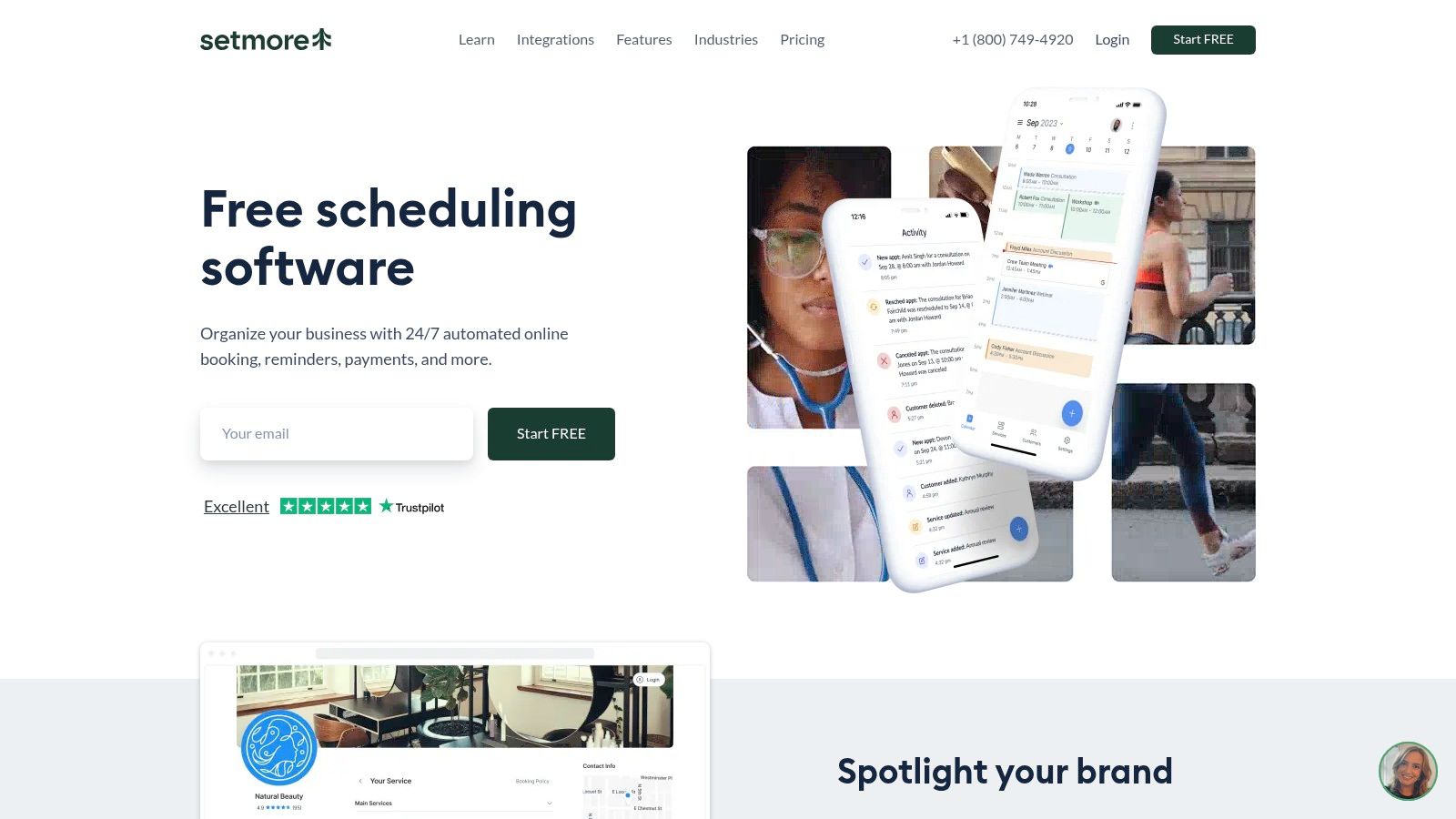
Setmore

Setmore is an accessible and user-friendly booking platform with a generous free plan, making it an excellent starting point for solo tutors or small businesses. Its strength lies in its simplicity. It offers dedicated class booking features and a clean interface that can be set up in minutes.

Setmore provides a fast and straightforward path to online scheduling without a significant financial investment. While it serves a broad range of industries, its Class Booking feature is well-suited for educators who need to manage group sessions with set seat limits.
Setmore

What are its core features?

  • Generous Free Plan: Get started with up to four staff logins, unlimited appointments, and email reminders at no cost.

  • Dedicated Class Booking: Easily set up group sessions for in-person or virtual classes and define the number of available seats.

  • Broad Integration: Connect directly with social media, sync with major calendars, and integrate with payment processors.

  • Multi-Platform Access: Manage your schedule and bookings on the go with dedicated mobile apps for iOS and Android.

Are there any limitations?

Setmore is less specialized for the comprehensive needs of a tutoring center, lacking integrated billing or detailed student progress tracking. Advanced reporting and enterprise-level controls are lighter compared to more education-focused software. Its pricing pages can vary, so confirm costs within the app.

Comparison of the Top 12 Class Scheduling Tools

Product

Core features

UX & performance

Value proposition / Differentiator

Target customer

Pricing & model

Tutorbase (Recommended)

Smart scheduling, automated billing, payroll automation, multi-branch mgmt, CRM & student portal

Modern UX, real-time conflict detection, built for high volume (50–10k+ lessons/wk), claims 60% admin reduction

Purpose-built for tutoring complexity: recurring lessons, multi-student classes, room allocation, online + in-person

Mid–large tutoring centers & language schools, 5–100+ teachers, multi-branch

SaaS subscription; free account sign-up; custom quotes

Teachworks

Multi‑teacher scheduling, attendance, invoicing, payroll add‑ons

Practical but modular UI; activity‑based metering can affect predictability

Pay-for-activity model, good for group & 1:1 lesson billing

Tutoring centers needing per‑lesson metering and scalable scheduling

Trial available; activity-based pricing (per‑lesson)

TutorCruncher

Scheduling, automated invoicing, split payments, CRM

Robust feature set; requires onboarding for full depth

Strong billing & payroll stack; built-in CRM; pricing calculator

Agencies wanting tight billing automation and currency support

Published US pricing and pricing calculator

TutorBird

Calendar, attendance, invoicing, self‑booking portal

Simple UI for small teams; quick setup

Low flat pricing, unlimited students, easy self‑booking

Small centers and solo tutors that need basic automation

Low flat monthly pricing; 30‑day trial & 90‑day money‑back

Jackrabbit Class

Class/camp scheduling, flexible tuition rules, parent portal

Mature workflows for youth programs; rich tuition/discount logic

Extremely flexible tuition & family billing for complex schedules

Youth programs, camps, after‑school activities with complex fees

Contact sales for pricing (not publicly listed)

Pike13

Classes, courses & 1:1 appointments, mobile apps

Native client & staff apps; clear US pricing

Good for businesses mixing classes, courses, and privates

Businesses combining classes, courses and private sessions

Published US pricing; recurring plans and prepaid passes

Mindbody

Multi‑location scheduling, marketing, discovery marketplace

Enterprise-grade; scales well but higher starting cost

Marketplace exposure and extensive integrations for scale

Large multi‑location studios wanting marketing reach

Tiered subscription; higher entry price; add‑ons gated to higher plans

Omnify

Classes, rentals, memberships, multi‑location dashboards

Scales for franchises; broad feature set needs admin onboarding

Combines program scheduling + facility rentals; transparent plan matrix

Community centers, activity providers, multi‑location rentals

Tiered plans with transaction fees on lower tiers; 14‑day trial

Sawyer Tools / Hisawyer

Registration, class/camp scheduling, marketplace

Parent‑facing marketplace; clear fee structure

Marketplace listing to drive enrollments for kids’ activities

After‑school/enrichment centers seeking marketplace exposure

Transparent plan (Launch/Grow/Scale); published fees

Bookeo (Classes & Courses)

Class packs, capacity/resource controls, booking widgets

Straightforward, tiered plans with limits; easy to trial

Transparent pricing, no Bookeo commissions on payments

Class-based businesses wanting clear plan caps & self‑service

Tiered US pricing; 30‑day trial & money‑back guarantee

Squarespace Scheduling (Acuity)

Client self‑booking, packages, intake forms

Flexible and customizable; steeper learning curve for advanced flows

Mature scheduling with strong website embedding & API

Businesses needing deep customization

Three clear tiers; integrates with Stripe/PayPal/Square

Setmore

Class booking, seat limits, calendar sync, Zoom integration

Very quick setup, free tier for small teams

Fast onboarding, free plan, affordable per‑user Pro

Small teams needing basic class booking

Free plan (up to 4 users); paid per‑user plans

How to choose the right scheduling software

Choosing the right software for scheduling classes directly impacts your operational efficiency and growth. Moving from manual methods isn't just about saving time; it's about building a scalable, professional, and error-free foundation for your educational business.

A general tool like Squarespace Scheduling might suffice for a solo tutor. However, its limits appear when you add group classes, recurring lessons, multiple instructors, and room management. This is where purpose-built software becomes crucial for handling the complexity of a growing tutoring center.

What should you consider?

  • General vs. Specific: Generic schedulers excel at simple, one-off bookings but struggle with recurring series, multi-student classes, and resource allocation (teachers and rooms).

  • All-in-One vs. Best-in-Breed: Platforms like Mindbody offer extensive features, including marketing. Specialized tools like Tutorbase focus intensely on the core needs of tutoring, providing deeper functionality in those areas.

  • Scalability: Your choice today should support your business tomorrow. Consider how each platform handles multi-location management, a growing number of instructors, and an expanding student base.

How do I make my final decision?

  1. What is my biggest scheduling bottleneck? Is it coordinating teacher availability, preventing double-bookings, or managing recurring weekly lessons? Prioritize software that solves your most significant pain point.

  2. How complex are my scheduling rules? Do you manage different pay rates, track class capacity, and allocate specific rooms? The more complex your rules, the more you need a purpose-built system.

  3. What does my 3-year growth plan look like? If you plan to add locations or expand online, choose software that supports that scale. A recent report by Technavio projects the global private tutoring market will grow by $112.13 billion by 2028.

  4. How important is the user experience? Consider the experience for your admin staff, instructors, and clients. A clunky interface can create frustration and lead to low adoption by your team and customers.

The best software empowers you to spend less time on administrative tasks and more time delivering exceptional education. By evaluating your unique requirements against these powerful tools, you can implement a solution that organizes your calendar and fuels sustainable growth.

Frequently Asked Questions (FAQ)

What is software for scheduling classes?

Software for scheduling classes is a digital tool that automates the process of booking, managing, and tracking classes, teachers, and students. It replaces manual methods like spreadsheets and paper calendars to reduce administrative work and prevent scheduling conflicts like double-bookings.

How does scheduling software help a tutoring center?

For a tutoring center, scheduling software automates complex tasks like managing recurring weekly lessons, tracking teacher and room availability across multiple locations, handling group class enrollments, and integrating online and in-person sessions into a single, unified calendar.

Can I manage both online and in-person classes in one system?

Yes, most modern scheduling platforms are designed to handle both online and in-person classes. Systems like Tutorbase allow you to specify the delivery mode for each lesson (e.g., "Room 3" or "Zoom") and manage them all within the same visual calendar interface.

What's the difference between a generic scheduler and tutoring-specific software?

A generic scheduler (like Calendly) is great for simple one-on-one appointments but lacks features for recurring lessons, multi-student classes, or managing room availability. Tutoring-specific software is built to handle these complexities, which are core to running an education business efficiently.

How can I stop double-booking my teachers or rooms?

The best software for scheduling classes has built-in conflict detection. When you create a new class, the system automatically checks if the assigned teacher and room are already booked at that time, preventing you from creating a conflicting appointment.

Is it possible to manage schedules for multiple locations?

Yes, platforms like Tutorbase, Mindbody, and Teachworks are built with multi-location support. They allow you to view a unified calendar for all branches or filter down to a single location, making it easy to manage staff and resources across your entire organization.

How much does class scheduling software cost?

Pricing varies widely. Some tools like Setmore offer a free basic plan. Others like TutorBird have a low flat monthly fee. More comprehensive platforms like Tutorbase or Mindbody operate on a tiered subscription model, with costs increasing based on features, number of teachers, or lesson volume.

Try Tutorbase free—scheduling built for tutoring centers, not generic appointments. Register at tutorbase.com/register.

12 Best Software for Scheduling Classes in 2026

Published: January 4, 2026 by Amy Ashford

Key Takeaway: The best software for scheduling classes automates your booking process to save time and prevent conflicts. Purpose-built platforms like Tutorbase handle tutoring-specific needs like recurring lessons and multi-location management, which generic tools like Calendly cannot. This guide compares the top 12 options for 2026.

Choosing the right software for scheduling classes is critical for an efficient tutoring business. Replacing messy spreadsheets and paper calendars saves administrative hours, eliminates double-bookings, and gives you a clear view of your operations. This guide helps you select a platform that fits your unique needs.

We will break down the top platforms available today, focusing on features that matter most to tutoring centers. This includes recurring lesson management, teacher and room availability tracking, multi-location support, and integrated billing. Each review includes practical examples and an honest look at limitations.

Our goal is to give you a clear, side-by-side comparison to make an informed decision. We evaluate tools built specifically for tutoring against general-purpose schedulers. Understanding these differences is key, especially if you also manage events. For event management, you might compare the best ways to sell tickets online.

How does Tutorbase compare to other schedulers?

Tutorbase is an all-in-one management platform specifically engineered for education businesses. It’s a powerful choice for tutoring centers and multi-location schools seeking a single, automated solution. This software for scheduling classes manages the entire operational lifecycle, from lead intake to payroll.

A screenshot of the Tutorbase dashboard showing a weekly calendar with scheduled classes, teacher assignments, and student information.

Why is Tutorbase a top choice for class scheduling?

Tutorbase excels at managing the intricate realities of a tutoring business, such as recurring lessons, multi-student classes, room allocation, and varied teacher contracts. While generic tools handle one-off appointments, Tutorbase is purpose-built for educational complexity, preventing the conflicts that arise from using spreadsheets.

What are its key strengths?

  • Recurring Lesson Scheduling: Set up recurring lessons (weekly, biweekly) so you don't manually create the same class 52 times a year. Change a recurring series once, and all future lessons update automatically.

  • Teacher & Room Availability: Instantly see which teachers are available and which rooms are free before booking a lesson. Set availability windows for teachers and block out holidays or sick days.

  • Multi-Location Support: Manage multiple campuses or branches easily. Tutorbase keeps each location's rooms organized separately while giving you a unified view across all sites, perfect for expanding centers.

  • Visual Calendar with Smart Filters: See your entire week at a glance and filter by teacher, subject, or location. Drag and drop to reschedule. Color-coded views help staff quickly spot gaps or overloaded days.

  • Online + In-Person System: Track whether a class happens in Room 3 or over Zoom in the same calendar. The system supports hybrid setups where teachers deliver online classes from a physical room.

  • Capacity & Enrollment Tracking: Set maximum spots per class. See at a glance which classes are full, have openings, or are under-enrolled. This feature stops you from overbooking group classes.

How do multi-branch tutoring centers use it?

Imagine you run a test-prep academy with three locations. Your admin can instantly see a tutor's availability across all three sites, find an open room at the most convenient branch, and book a recurring weekly session in seconds. The system prevents any scheduling conflicts automatically.

What is the pricing for Tutorbase?

Tutorbase uses a SaaS subscription model. You can sign up for a free account without a credit card to explore the platform. For mid-to-large centers, contacting their sales team for a tailored quote is recommended.

Website: https://tutorbase.com

Teachworks

Teachworks is a comprehensive platform for tutoring businesses needing integrated scheduling, billing, and payroll. Its unique activity-based pricing makes it a scalable option for centers with fluctuating student numbers. You only pay for the lessons you deliver, aligning costs directly with your business activity.

Teachworks excels at managing the core operations of a tutoring center, from multi-teacher calendars to detailed financial reporting. It provides a robust suite of tools that go beyond simple booking. The platform is particularly well-suited for centers offering both one-on-one and group lessons across multiple locations.

Teachworks

What are its core features?

  • Multi-Location Management: Manage schedules, teachers, and rooms across several branches from a unified dashboard.

  • Integrated Billing & Payroll: Automate invoicing based on completed lessons and manage lesson packages or credits.

  • Usage-Based Pricing: Plans are based on the number of lessons scheduled per month, aligning costs with business activity.

  • Unlimited Profiles: All plans include unlimited student, teacher, and staff profiles, removing a common growth barrier.

Are there any limitations?

The per-lesson pricing model can make monthly costs less predictable compared to flat-tiered subscriptions, especially during peak seasons. New users may also find the interface and add-on system take some time to learn fully. Its extensive customization requires a more involved initial setup.

TutorCruncher

TutorCruncher is an end-to-end platform for tutoring agencies requiring tightly integrated operations, from lead management to payroll. Its strength is automating the entire client lifecycle. This makes it ideal for businesses focused on scaling client acquisition and streamlining financial workflows.

TutorCruncher combines a CRM, scheduling, and robust billing into one system. This makes it a powerful tool for tutoring companies that need to manage not just class schedules but also the sales pipeline. The platform provides a single source of truth for all administrative tasks.

What are its core features?

  • Integrated Pipeline/CRM: Manage leads from initial inquiry to active client within the same platform you use for scheduling.

  • Automated Billing & Payroll: The system automates invoicing based on completed lessons and calculates tutor payroll.

  • Clear Pricing & Cost Estimation: TutorCruncher offers transparent US pricing tiers and a pricing calculator on its website.

  • Multi-Currency Support: For international agencies, the platform supports major currencies like USD, EUR, and GBP.

Are there any limitations?

The total cost can increase with add-ons. Payment processor fees are separate, and optional premium support plans add to the monthly expense. The depth of its features means new users should budget time for onboarding and training to leverage the system fully.

TutorBird

TutorBird is an all-in-one management system designed for independent tutors and small tutoring centers. It offers a low, flat monthly fee that includes unlimited students and scheduling. This makes it a highly accessible and budget-friendly choice for educators transitioning from spreadsheets.

TutorBird simplifies the administrative side of tutoring by combining scheduling, attendance tracking, billing, and communication into a single interface. The platform is ideal for solo entrepreneurs or small teams who need a reliable system to automate their core operations without enterprise-level complexity.

TutorBird

What are its core features?

  • Flat-Rate Pricing: A simple, low monthly fee provides access to all core features, including unlimited student profiles.

  • Student & Parent Portal: Clients can log in to view their schedules, review invoices, and book available time slots themselves.

  • Automated Invoicing & Payments: The system automatically generates invoices and allows you to accept online payments.

  • Website Builder: Includes a simple website builder to help tutors create a professional online presence.

Are there any limitations?

While its flat pricing is appealing, TutorBird charges a per-tutor add-on fee, which can increase costs for larger teams. The platform is designed for smaller operations, so it lacks advanced multi-location management. Businesses with complex scheduling needs may eventually outgrow it.

Jackrabbit Class

Jackrabbit Class is a leading US class management system for youth programs like dance, swim, and after-school arts. Its core strength is its powerful tuition engine. It is ideal for organizations with complex discounting rules, family-based billing, and varied session types.

This platform excels at managing intricate billing scenarios, such as multi-class or sibling discounts and prorated fees. It provides a comprehensive solution for businesses whose primary challenge is managing complex financial rules alongside their schedules.

Jackrabbit Class

What are its core features?

  • Flexible Tuition Models: Automate complex billing logic, including charging by the class or on a per-family basis.

  • Online Registration & Parent Portal: Streamline enrollment with a customizable online portal for parents.

  • Automated Billing Cycles: Set up recurring fee schedules and automate invoicing to reduce administrative workload.

  • Session and Camp Management: The system has specific features designed for managing camps and workshops.

Are there any limitations?

The platform's pricing is not publicly listed and typically requires a direct sales consultation to get a quote. Its feature set is heavily skewed toward youth activities. Tutoring centers may find some workflows less intuitive compared to tutoring-specific software.

Pike13

Pike13 is a versatile class management platform for businesses offering a mix of group classes, courses, and private appointments. Its strength lies in its native mobile apps for both clients and staff. This provides a seamless booking and management experience on the go.

Pike13 effectively manages prepaid passes, recurring memberships, and automated billing, making it a comprehensive operational tool. It caters well to studios and centers that require a robust mobile interface for both front-end and back-end users.

Pike13

What are its core features?

  • Flexible Service Offerings: Supports group classes, fixed-start/end courses, and one-on-one appointments.

  • Native Mobile Apps: Provides dedicated iOS and Android apps for both clients and staff.

  • Integrated Billing: Manages recurring membership plans, prepaid passes, and automated payment reminders.

  • Reporting & Analytics: Delivers key business insights through detailed reports on revenue and attendance.

Are there any limitations?

While Pike13 is versatile, its course management features have some limitations, such as restrictions on allowing drop-ins. The available payment processor options can also vary depending on your region. Its extensive features may be more than what a simple, appointment-only business requires.

Mindbody

Mindbody is an enterprise-grade platform built for high-volume, multi-location businesses like large fitness studios and schools. Its major advantage is the built-in consumer marketplace, which actively helps you attract new students. Most other platforms lack this customer acquisition feature.

Mindbody excels at managing complex operations at scale, offering powerful tools for class scheduling, integrated payments, and sophisticated marketing automation. It provides a complete management ecosystem that includes customer acquisition via its popular consumer app, making it a top choice for established schools.

Mindbody

What are its core features?

  • Consumer Marketplace: Gain visibility by listing your classes on the Mindbody app, a discovery platform used by millions.

  • Multi-Location Management: Handle schedules, staff, rooms, and reporting for numerous branches from a single system.

  • Integrated Marketing Suite: Create and automate email and text marketing campaigns to boost retention.

  • Advanced Booking Options: Supports features like Pick-a-Spot seating for workshops or specific classrooms.

Are there any limitations?

Mindbody’s power comes at a cost, with a starting price point that is significantly higher than many other tools. Many of its most powerful features are gated behind more expensive plans. New users should expect a considerable learning curve to leverage its full capabilities. For more information, visit Mindbody.

Omnify

Omnify is a versatile scheduling platform for businesses that manage a mix of classes, memberships, and facility rentals. It stands out by combining program scheduling with space management. This makes it ideal for community centers or after-school programs that need to book both a class and its room.

Omnify provides a broad solution for organizations juggling diverse offerings like weekly classes, summer camps, and private appointments. Its strength lies in handling complex operational needs, such as multi-location management and tiered membership access, all from a single dashboard.

Omnify

What are its core features?

  • Combined Class & Facility Scheduling: Manage schedules for classes and workshops alongside the booking of physical spaces.

  • Membership Management: Create and sell tiered memberships that grant clients access to specific classes or packages.

  • Multi-Location Functionality: Administrators can oversee schedules and reporting across multiple branches.

  • Marketing & Communication Tools: Includes features for marketing automation and client communication.

Are there any limitations?

Omnify's all-in-one approach can feel overly complex for businesses focused purely on tutoring. The user interface covers a wide range of functions, which may require a dedicated onboarding period. Lower-priced plans include transaction fees on top of the monthly subscription.

Sawyer Tools (by DaySmart) / Hisawyer

Sawyer Tools is designed for businesses offering children’s activities, camps, and classes. It pairs a powerful scheduling system with an optional consumer marketplace. Its main advantage is listing your services on the Sawyer Marketplace, a platform actively used by parents seeking new programs for their children.

This platform excels at managing the complex scheduling needs of youth-focused programs, such as semester-based classes and week-long camps. For after-school programs looking to attract new students, the integrated marketplace offers a unique channel for customer acquisition.

Sawyer Tools (by DaySmart) / Hisawyer

What are its core features?

  • Consumer Marketplace Listing: Gain visibility by listing your classes on the Sawyer Marketplace for parents.

  • Flexible Scheduling Options: Easily create schedules for multi-week semesters, full-day camps, and one-off events.

  • Integrated Payment Processing: Manage all payments through the platform using Stripe and ACH.

  • Family-Centric Accounts: Parents can create a single family account to manage registrations for multiple children.

Are there any limitations?

The "Launch" plan requires participation in the marketplace and includes a significant fee on bookings sourced from it. Businesses must decide whether to absorb the platform's booking fees or pass them to customers. The system is highly specialized for children's programs.

Bookeo (Classes & Courses)

Bookeo is a straightforward and transparent scheduling platform for class-based businesses needing robust online registration. Its tiered pricing model, based on booking limits rather than features, makes it a predictable option for businesses like language schools with consistent enrollment numbers.

Bookeo excels at providing a clean, self-service booking experience for your clients through website integration. It manages the essentials of class scheduling well, from setting capacity limits to selling class packs. The platform is designed for businesses that want a reliable, no-frills system.

What are its core features?

  • Flexible Class Types: Easily set up one-time classes, recurring courses, or sell prepaid class packs and memberships.

  • Integrated Booking Widgets: Embed the scheduling and payment interface directly onto your website.

  • Resource Management: Manage capacity not just by student count but also by required resources like specific rooms.

  • Seasonal Business Support: A "Freeze" option allows seasonal businesses to pause their account for up to six months.

Are there any limitations?

The primary limitation is the hard cap on bookings per month for each pricing tier. During peak seasons, a business might be forced to upgrade to a higher tier. Additionally, valuable add-ons like digital waivers and SMS reminders come at an extra cost.

Squarespace Scheduling (Acuity Scheduling)

Squarespace Scheduling (formerly Acuity) is a versatile appointment scheduler that excels at managing individual sessions and group classes. It's a powerful standalone tool that can be embedded into any website. This makes it ideal for businesses that need robust booking customization without platform lock-in.

This platform shines with its deep customization options, allowing you to control every aspect of the client booking experience, from intake forms to automated reminders. While not built exclusively for tutoring centers, its feature set for handling group classes and recurring appointments makes it a strong choice.

Squarespace Scheduling (Acuity Scheduling)

What are its core features?

  • Advanced Customization: Create custom intake forms to gather student information and tailor confirmation emails.

  • Flexible Class and Appointment Types: Set up one-on-one appointments, recurring sessions, and group classes with capacity limits.

  • Broad Payment Processor Support: Integrates directly with Stripe, Square, and PayPal for secure payment options.

  • Multi-Calendar and Time Zone Management: Supports multiple staff calendars and automatically handles time zone conversions.

Are there any limitations?

The extensive customization options can create a steep learning curve for new users. Because it is a general scheduler, it lacks tutoring-specific features like integrated student progress tracking or dedicated parent portals. Complex reporting may require connecting to third-party tools.

Setmore

Setmore is an accessible and user-friendly booking platform with a generous free plan, making it an excellent starting point for solo tutors or small businesses. Its strength lies in its simplicity. It offers dedicated class booking features and a clean interface that can be set up in minutes.

Setmore provides a fast and straightforward path to online scheduling without a significant financial investment. While it serves a broad range of industries, its Class Booking feature is well-suited for educators who need to manage group sessions with set seat limits.

Setmore

What are its core features?

  • Generous Free Plan: Get started with up to four staff logins, unlimited appointments, and email reminders at no cost.

  • Dedicated Class Booking: Easily set up group sessions for in-person or virtual classes and define the number of available seats.

  • Broad Integration: Connect directly with social media, sync with major calendars, and integrate with payment processors.

  • Multi-Platform Access: Manage your schedule and bookings on the go with dedicated mobile apps for iOS and Android.

Are there any limitations?

Setmore is less specialized for the comprehensive needs of a tutoring center, lacking integrated billing or detailed student progress tracking. Advanced reporting and enterprise-level controls are lighter compared to more education-focused software. Its pricing pages can vary, so confirm costs within the app.

Comparison of the Top 12 Class Scheduling Tools

Product

Core features

UX & performance

Value proposition / Differentiator

Target customer

Pricing & model

Tutorbase (Recommended)

Smart scheduling, automated billing, payroll automation, multi-branch mgmt, CRM & student portal

Modern UX, real-time conflict detection, built for high volume (50–10k+ lessons/wk), claims 60% admin reduction

Purpose-built for tutoring complexity: recurring lessons, multi-student classes, room allocation, online + in-person

Mid–large tutoring centers & language schools, 5–100+ teachers, multi-branch

SaaS subscription; free account sign-up; custom quotes

Teachworks

Multi‑teacher scheduling, attendance, invoicing, payroll add‑ons

Practical but modular UI; activity‑based metering can affect predictability

Pay-for-activity model, good for group & 1:1 lesson billing

Tutoring centers needing per‑lesson metering and scalable scheduling

Trial available; activity-based pricing (per‑lesson)

TutorCruncher

Scheduling, automated invoicing, split payments, CRM

Robust feature set; requires onboarding for full depth

Strong billing & payroll stack; built-in CRM; pricing calculator

Agencies wanting tight billing automation and currency support

Published US pricing and pricing calculator

TutorBird

Calendar, attendance, invoicing, self‑booking portal

Simple UI for small teams; quick setup

Low flat pricing, unlimited students, easy self‑booking

Small centers and solo tutors that need basic automation

Low flat monthly pricing; 30‑day trial & 90‑day money‑back

Jackrabbit Class

Class/camp scheduling, flexible tuition rules, parent portal

Mature workflows for youth programs; rich tuition/discount logic

Extremely flexible tuition & family billing for complex schedules

Youth programs, camps, after‑school activities with complex fees

Contact sales for pricing (not publicly listed)

Pike13

Classes, courses & 1:1 appointments, mobile apps

Native client & staff apps; clear US pricing

Good for businesses mixing classes, courses, and privates

Businesses combining classes, courses and private sessions

Published US pricing; recurring plans and prepaid passes

Mindbody

Multi‑location scheduling, marketing, discovery marketplace

Enterprise-grade; scales well but higher starting cost

Marketplace exposure and extensive integrations for scale

Large multi‑location studios wanting marketing reach

Tiered subscription; higher entry price; add‑ons gated to higher plans

Omnify

Classes, rentals, memberships, multi‑location dashboards

Scales for franchises; broad feature set needs admin onboarding

Combines program scheduling + facility rentals; transparent plan matrix

Community centers, activity providers, multi‑location rentals

Tiered plans with transaction fees on lower tiers; 14‑day trial

Sawyer Tools / Hisawyer

Registration, class/camp scheduling, marketplace

Parent‑facing marketplace; clear fee structure

Marketplace listing to drive enrollments for kids’ activities

After‑school/enrichment centers seeking marketplace exposure

Transparent plan (Launch/Grow/Scale); published fees

Bookeo (Classes & Courses)

Class packs, capacity/resource controls, booking widgets

Straightforward, tiered plans with limits; easy to trial

Transparent pricing, no Bookeo commissions on payments

Class-based businesses wanting clear plan caps & self‑service

Tiered US pricing; 30‑day trial & money‑back guarantee

Squarespace Scheduling (Acuity)

Client self‑booking, packages, intake forms

Flexible and customizable; steeper learning curve for advanced flows

Mature scheduling with strong website embedding & API

Businesses needing deep customization

Three clear tiers; integrates with Stripe/PayPal/Square

Setmore

Class booking, seat limits, calendar sync, Zoom integration

Very quick setup, free tier for small teams

Fast onboarding, free plan, affordable per‑user Pro

Small teams needing basic class booking

Free plan (up to 4 users); paid per‑user plans

How to choose the right scheduling software

Choosing the right software for scheduling classes directly impacts your operational efficiency and growth. Moving from manual methods isn't just about saving time; it's about building a scalable, professional, and error-free foundation for your educational business.

A general tool like Squarespace Scheduling might suffice for a solo tutor. However, its limits appear when you add group classes, recurring lessons, multiple instructors, and room management. This is where purpose-built software becomes crucial for handling the complexity of a growing tutoring center.

What should you consider?

  • General vs. Specific: Generic schedulers excel at simple, one-off bookings but struggle with recurring series, multi-student classes, and resource allocation (teachers and rooms).

  • All-in-One vs. Best-in-Breed: Platforms like Mindbody offer extensive features, including marketing. Specialized tools like Tutorbase focus intensely on the core needs of tutoring, providing deeper functionality in those areas.

  • Scalability: Your choice today should support your business tomorrow. Consider how each platform handles multi-location management, a growing number of instructors, and an expanding student base.

How do I make my final decision?

  1. What is my biggest scheduling bottleneck? Is it coordinating teacher availability, preventing double-bookings, or managing recurring weekly lessons? Prioritize software that solves your most significant pain point.

  2. How complex are my scheduling rules? Do you manage different pay rates, track class capacity, and allocate specific rooms? The more complex your rules, the more you need a purpose-built system.

  3. What does my 3-year growth plan look like? If you plan to add locations or expand online, choose software that supports that scale. A recent report by Technavio projects the global private tutoring market will grow by $112.13 billion by 2028.

  4. How important is the user experience? Consider the experience for your admin staff, instructors, and clients. A clunky interface can create frustration and lead to low adoption by your team and customers.

The best software empowers you to spend less time on administrative tasks and more time delivering exceptional education. By evaluating your unique requirements against these powerful tools, you can implement a solution that organizes your calendar and fuels sustainable growth.

Frequently Asked Questions (FAQ)

What is software for scheduling classes?

Software for scheduling classes is a digital tool that automates the process of booking, managing, and tracking classes, teachers, and students. It replaces manual methods like spreadsheets and paper calendars to reduce administrative work and prevent scheduling conflicts like double-bookings.

How does scheduling software help a tutoring center?

For a tutoring center, scheduling software automates complex tasks like managing recurring weekly lessons, tracking teacher and room availability across multiple locations, handling group class enrollments, and integrating online and in-person sessions into a single, unified calendar.

Can I manage both online and in-person classes in one system?

Yes, most modern scheduling platforms are designed to handle both online and in-person classes. Systems like Tutorbase allow you to specify the delivery mode for each lesson (e.g., "Room 3" or "Zoom") and manage them all within the same visual calendar interface.

What's the difference between a generic scheduler and tutoring-specific software?

A generic scheduler (like Calendly) is great for simple one-on-one appointments but lacks features for recurring lessons, multi-student classes, or managing room availability. Tutoring-specific software is built to handle these complexities, which are core to running an education business efficiently.

How can I stop double-booking my teachers or rooms?

The best software for scheduling classes has built-in conflict detection. When you create a new class, the system automatically checks if the assigned teacher and room are already booked at that time, preventing you from creating a conflicting appointment.

Is it possible to manage schedules for multiple locations?

Yes, platforms like Tutorbase, Mindbody, and Teachworks are built with multi-location support. They allow you to view a unified calendar for all branches or filter down to a single location, making it easy to manage staff and resources across your entire organization.

How much does class scheduling software cost?

Pricing varies widely. Some tools like Setmore offer a free basic plan. Others like TutorBird have a low flat monthly fee. More comprehensive platforms like Tutorbase or Mindbody operate on a tiered subscription model, with costs increasing based on features, number of teachers, or lesson volume.

Try Tutorbase free—scheduling built for tutoring centers, not generic appointments. Register at tutorbase.com/register.