


Key Takeaway: Tutoring centers lose up to 10 hours per week on manual billing. The best invoicing tools for tutoring businesses automate invoice creation from attendance records, manage prepaid packages, and integrate with scheduling. While standalone apps like Stripe and QuickBooks are good starting points, all-in-one platforms like Tutorbase eliminate manual data entry entirely, reducing admin time by up to 60%.
Manually creating invoices from attendance sheets, chasing late payments, and struggling with complex package billing eats up dozens of hours per month. This administrative burden leads to lost revenue, operational burnout, and a fragmented view of your business's financial health. The right invoicing tool, especially one designed for tutoring operations, automates these tedious tasks, integrates with your scheduling, and gives you back time to focus on teaching and growth.
This guide breaks down the top 5 invoicing tools for tutoring businesses, moving from standalone apps to all-in-one platforms, to help you choose the system that truly fits your needs. We'll evaluate each option based on features crucial for tutors, such as automated billing from attendance, handling prepaid packages, and managing cancellations. For a deeper dive into the broader landscape of payment solutions and their strategic importance, you might find additional insights from payments experts valuable.
Each review includes detailed analysis, screenshots, and direct links so you can compare solutions effectively. Our goal is to provide a clear, practical roadmap to help you find the best platform for your specific operational challenges and growth ambitions in 2026.
1. Tutorbase
Tutorbase is more than just an invoicing tool; it's a comprehensive, AI-powered management platform designed to run an entire tutoring business. For centers struggling with fragmented tools like Google Calendar and QuickBooks, Tutorbase consolidates scheduling, attendance, payroll, and billing into a single, automated workflow. This integration is its core strength, turning operational data like lesson attendance directly into accurate invoices without manual data entry. It is an ideal solution for established tutoring centers, language schools, and multi-branch operations managing 50 to 10,000+ lessons per week.
Key Invoicing & Billing Features
Where Tutorbase truly excels is in its flexible and automated billing engine, built to handle the diverse pricing models common in tutoring. Its "Policy Packs" system allows you to create layered pricing rules that automatically apply based on location, service type, or even a specific student's arrangement.
Attendance-Driven Automation: Tutorbase auto-generates invoices from attendance records. Once a teacher marks a student as "Attended," the system queues the charge, eliminating manual invoice creation and reducing errors.
Native Prepaid Credits & Packages: The platform seamlessly manages prepaid credit wallets and lesson packages. It automatically deducts credits or package lessons after each attended session and can send low-balance alerts to parents, improving cash flow and reducing payment chasing.
Complex Pricing Models: Tutorbase supports per-hour, per-lesson, subscription, and package-based billing. You can also configure sophisticated cancellation policies with automated fees based on time windows.
Multi-Branch Financials: For businesses with multiple locations, Tutorbase can automatically add location-specific charges or room fees to invoices, ensuring financial tracking is accurate across your entire organization.
Suitability and Implementation
Tutorbase is best suited for tutoring businesses managing 50 to 10,000+ lessons per week and feeling the operational strain of manual processes. Its standout AI scheduling tools, "Find Slot" and "Find Spot," work in tandem with the billing system to maximize class fill rates and prevent double-bookings, directly impacting revenue.
While it offers powerful automation that can reduce admin time by 60%, prospective users should anticipate an implementation period. Migrating student data, configuring payroll rules, and training staff require a dedicated setup process. Pricing is not publicly listed and is customized based on your business's needs, so you must contact their team for a demo and quote.
Pros: Centralizes all core operations, significantly cutting admin time. Advanced AI scheduling and conflict detection prevent revenue loss. Automated billing from attendance and native prepaid credits streamline cash flow.
Cons: No public pricing requires a sales consultation. The comprehensive nature of the platform means a steeper learning curve and a more involved setup compared to simpler, standalone invoicing tools.
Learn more at tutorbase.com
2. Stripe Invoicing
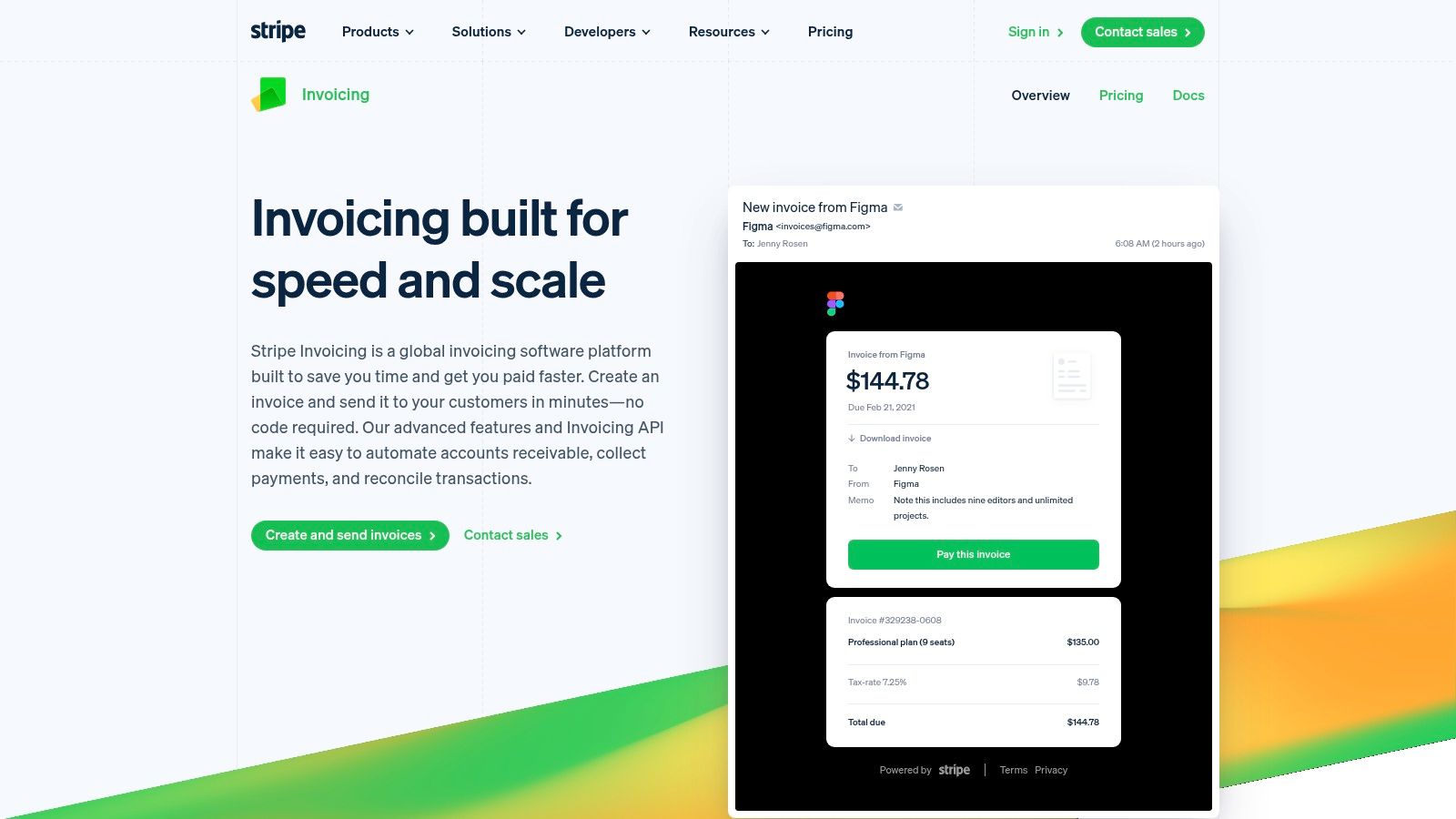
For tutoring businesses already using Stripe for payment processing, or those planning to, Stripe Invoicing is a powerful and logical extension. It moves beyond simple payment links by offering a complete accounts receivable engine. You can create and send professional, one-time, or recurring invoices directly from its no-code dashboard. This makes it an excellent choice for centers that need robust automation without a dedicated developer.
What makes Stripe Invoicing a Top Tool?
Stripe excels at automating the entire accounts receivable lifecycle. Features like smart retries for failed payments and automated dunning (payment reminders) significantly reduce the administrative work of chasing late payments. For multi-branch tutoring centers, its ability to handle various payment methods like cards, ACH, and digital wallets globally is a major advantage. While not a full tutoring management system, its robust API allows for deep integration with other software, making it a key component in a custom-built operations stack.
Key Features for Tutoring Businesses
Hosted Invoice Pages: Each invoice gets a secure, hosted link where parents can view details and pay online.
Recurring Subscriptions: Ideal for monthly tutoring packages or ongoing group classes.
Advanced Automation: Smart Retries and automated reminders help recover an average of 7% of failed invoices.
Customer Portal: Parents can self-manage their billing information, payment methods, and view invoice history.
Pricing and Access
Stripe Invoicing has a pay-as-you-go model. The "Starter" plan is free, charging only the standard Stripe payment processing fees. The "Plus" plan, which includes advanced automation, costs 0.4% per paid invoice. This model is most cost-effective when you are already committed to the Stripe ecosystem for payment processing.
Website: https://stripe.com/invoicing
3. Square Invoices
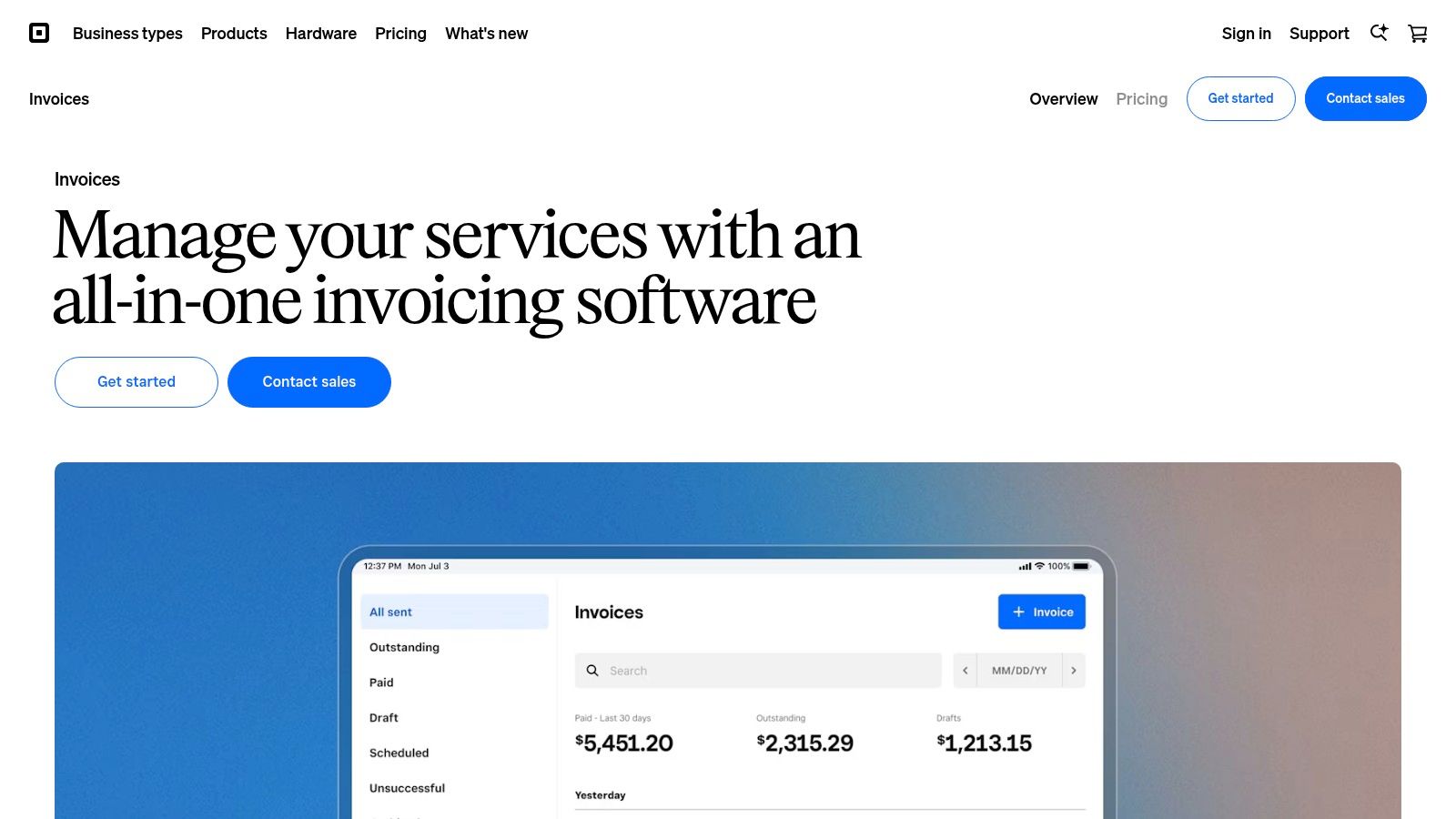
For tutoring centers that manage both online payments and in-person transactions, Square Invoices offers a uniquely integrated solution. It extends the popular Square Point-of-Sale (POS) system into a capable invoicing tool, making it ideal for businesses with walk-in students or those who sell physical materials like workbooks. You can send unlimited invoices from its mobile app or web dashboard, providing flexibility for administrators on the go.
What makes Square Invoices a Top Tool?
Square's strength lies in its unified ecosystem. If you already use Square for card readers, the invoicing feature is a natural and seamless addition. It allows parents to pay via multiple modern methods, including cards, ACH bank transfer, Cash App Pay, and even Afterpay for breaking up large tuition fees. The simple onboarding and powerful mobile app make it one of the most accessible invoicing tools for tutoring businesses just starting to formalize their billing processes.
Key Features for Tutoring Businesses
POS Integration: Unifies online invoices with in-person payments for a single, clear financial overview.
Flexible Payment Options: Accepts all major cards, ACH, Cash App Pay, and buy-now-pay-later services.
Mobile App Functionality: Create, send, and track invoices directly from a smartphone or tablet.
Unlimited Invoices: The free plan allows you to send as many invoices as you need without a monthly fee.
Pricing and Access
Square Invoices operates on a pay-per-transaction model. The Free plan has no monthly fees, charging 3.3% + $0.30 per online card payment. The Invoices Plus plan ($20/month) offers advanced features and slightly lower card processing rates. This structure is best for tutoring centers that require a robust in-person payment system alongside their online invoicing.
Website: https://squareup.com/invoices
4. QuickBooks Online (Invoicing + Payments)
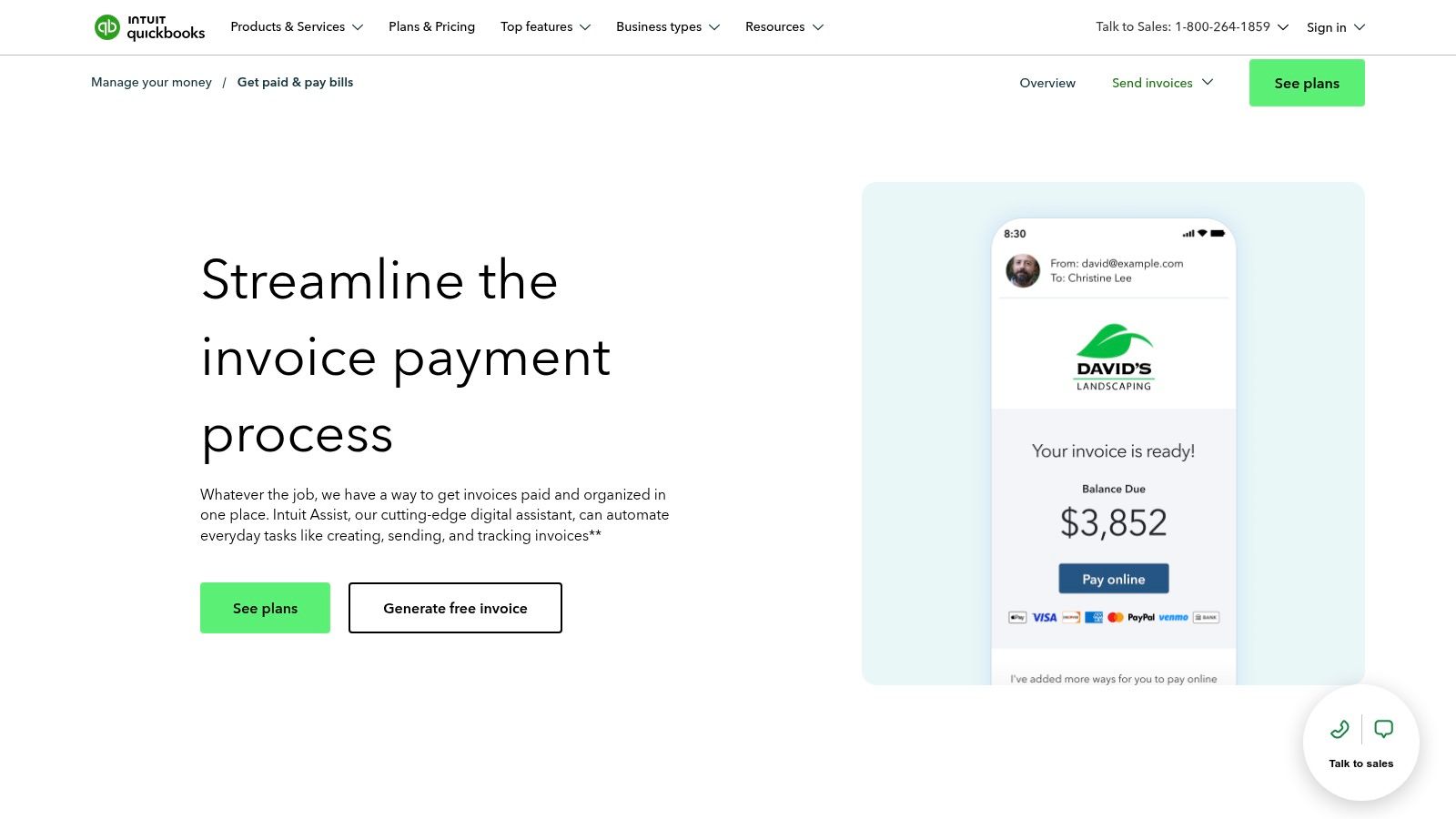
For tutoring businesses that need a unified system for both accounting and invoicing, QuickBooks Online is a market-leading solution. It tightly integrates invoicing with a full-featured accounting platform, ensuring that when a parent pays an invoice, the transaction is automatically recorded in your books. This eliminates double-entry and provides a real-time view of your business's financial health. It is particularly well-suited for established centers managing complex finances or multiple locations.
What makes QuickBooks Online a Top Tool?
QuickBooks Online stands out by treating invoicing as a core part of the accounting cycle, not just a standalone function. Its strength lies in features like progress invoicing, perfect for billing parents incrementally for long-term tutoring packages or semester-long courses. With a vast app ecosystem, it can connect to other business tools, and many tutoring management platforms integrate with it directly. For businesses that require robust financial reporting alongside their billing, QuickBooks provides an all-in-one, authoritative system.
Key Features for Tutoring Businesses
Integrated Accounting: Invoices and payments automatically post to your general ledger, simplifying bookkeeping.
Multiple Payment Options: Accepts credit cards, ACH bank transfers, PayPal, Venmo, and Apple Pay directly on invoices.
Progress Invoicing: Bill for tutoring packages in stages, such as 25% upfront and the remainder over several months.
Invoice & Payment Tracking: Real-time status updates show when an invoice is sent, viewed, and paid.
Pricing and Access
QuickBooks Online is a subscription service with several tiers, starting from around $30/month for the "Simple Start" plan. Payment processing fees are separate and charged per transaction (e.g., 2.9% + $0.25 for card payments). While the total cost is higher than simple invoicing tools, the price reflects its function as a complete accounting software package.
Website: https://quickbooks.intuit.com/payments/invoicing/
5. FreshBooks
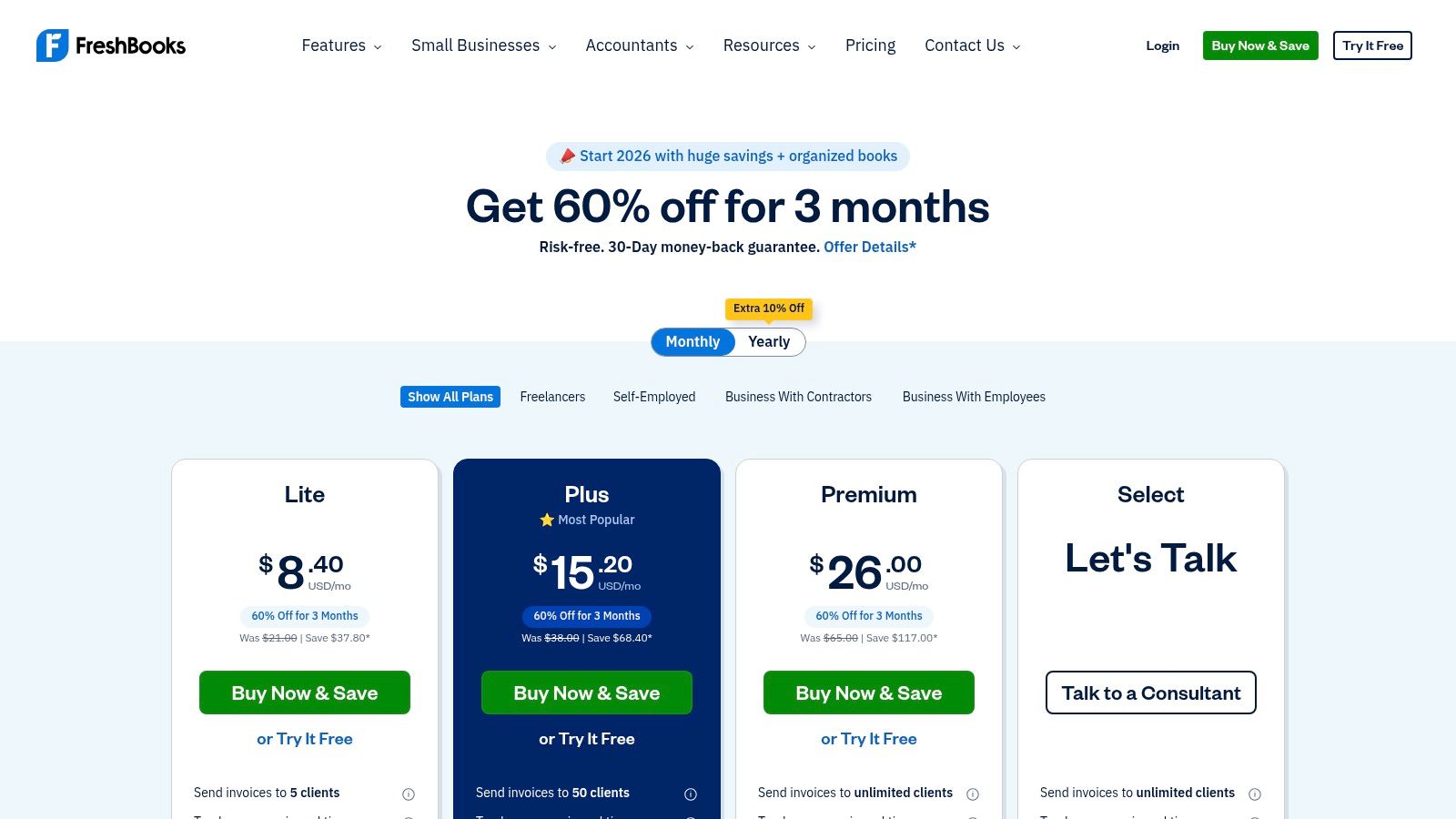
FreshBooks is a user-friendly accounting software designed for service-based small businesses, making it a strong contender for solo tutors and small tutoring firms. It simplifies the entire invoicing process, from creating professional estimates to setting up recurring billing for monthly tuition packages. Its interface is built for non-accountants, prioritizing clarity and ease of use over complex financial jargon, which is ideal for owners managing their own books.
What makes FreshBooks a Top Tool?
FreshBooks stands out for its simplicity and focus on the client relationship. The platform’s client portal allows parents to view their payment history, manage their details, and pay invoices directly, which improves the overall customer experience. Features like automated late payment reminders and recurring invoice profiles are perfect for handling predictable monthly tutoring retainers. While it's a general accounting tool, its solid invoicing automation makes it one of the top 5 invoicing tools for tutoring businesses that don't yet need a full-scale management system. For those interested in more integrated billing solutions, you can explore options that provide flexible billing for your tutoring center.
Key Features for Tutoring Businesses
Unlimited Invoices: Create and send as many custom invoices as needed on most plans.
Recurring Invoices & Retainers: Automate billing for students on monthly or ongoing tutoring plans.
Client Portal: Provides parents with a self-service hub to view history and make payments.
Payment Reminders: Automatically follow up on overdue invoices to reduce manual chasing.
Pricing and Access
FreshBooks offers tiered pricing based on the number of billable clients. The "Lite" plan starts at $19/month for up to 5 clients. The "Plus" and "Premium" plans accommodate more clients and add features like unlimited proposals. Keep in mind that costs can increase with add-ons like extra team members or advanced payment processing.
Website: https://www.freshbooks.com/pricing
Other Invoicing Tools to Consider
Here are other popular invoicing tools that can work for tutoring businesses depending on your specific needs.
Zoho Invoice
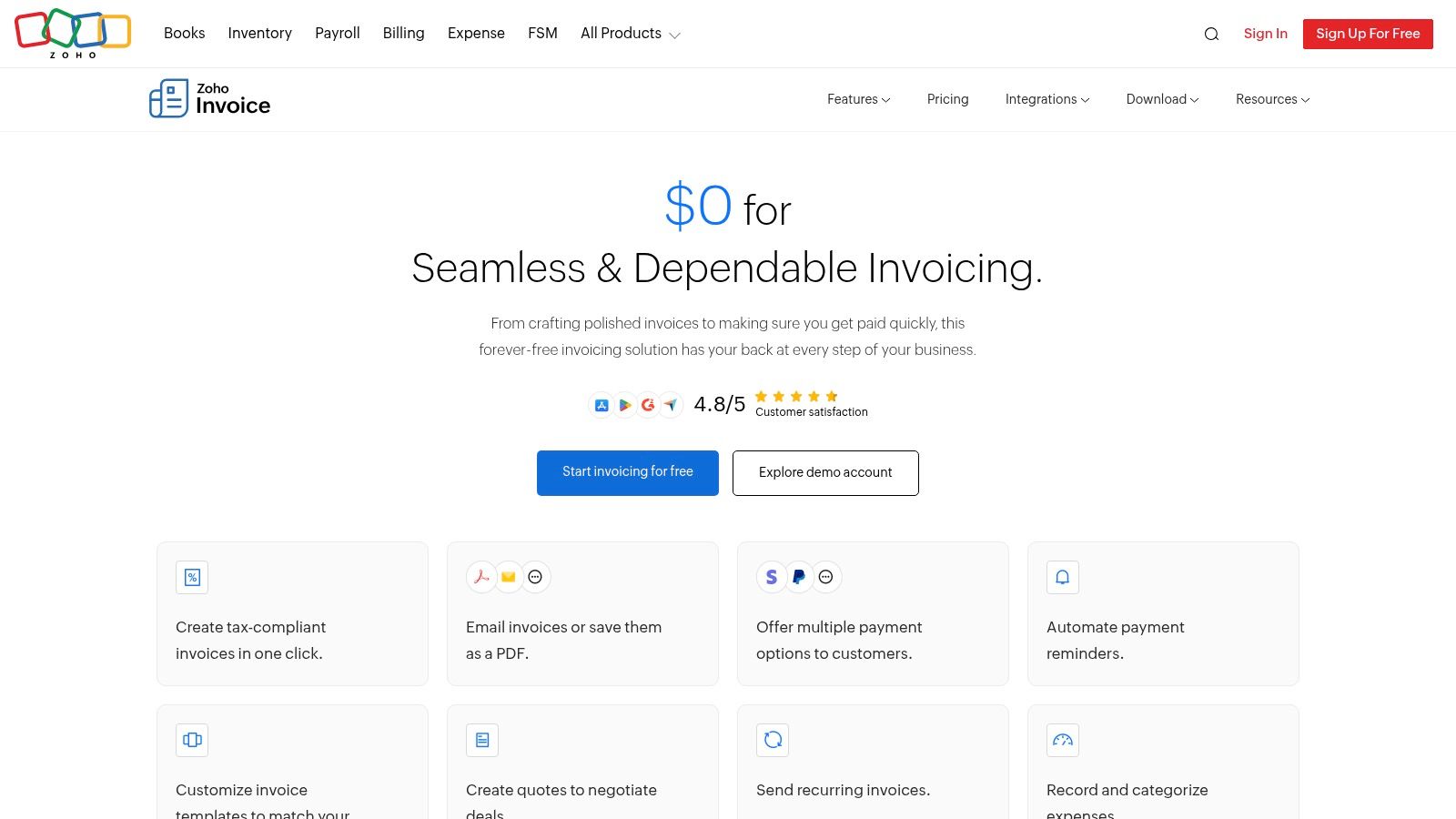
For tutoring startups or solo tutors on a tight budget, Zoho Invoice offers a surprisingly robust, completely free invoicing solution. It provides a full suite of features needed to manage billing professionally, including recurring invoices, automated payment reminders, and a dedicated customer portal. This makes it an ideal entry point for businesses that need polished invoicing without the immediate cost of a comprehensive management system.
Website: https://www.zoho.com/us/invoice/
Wave
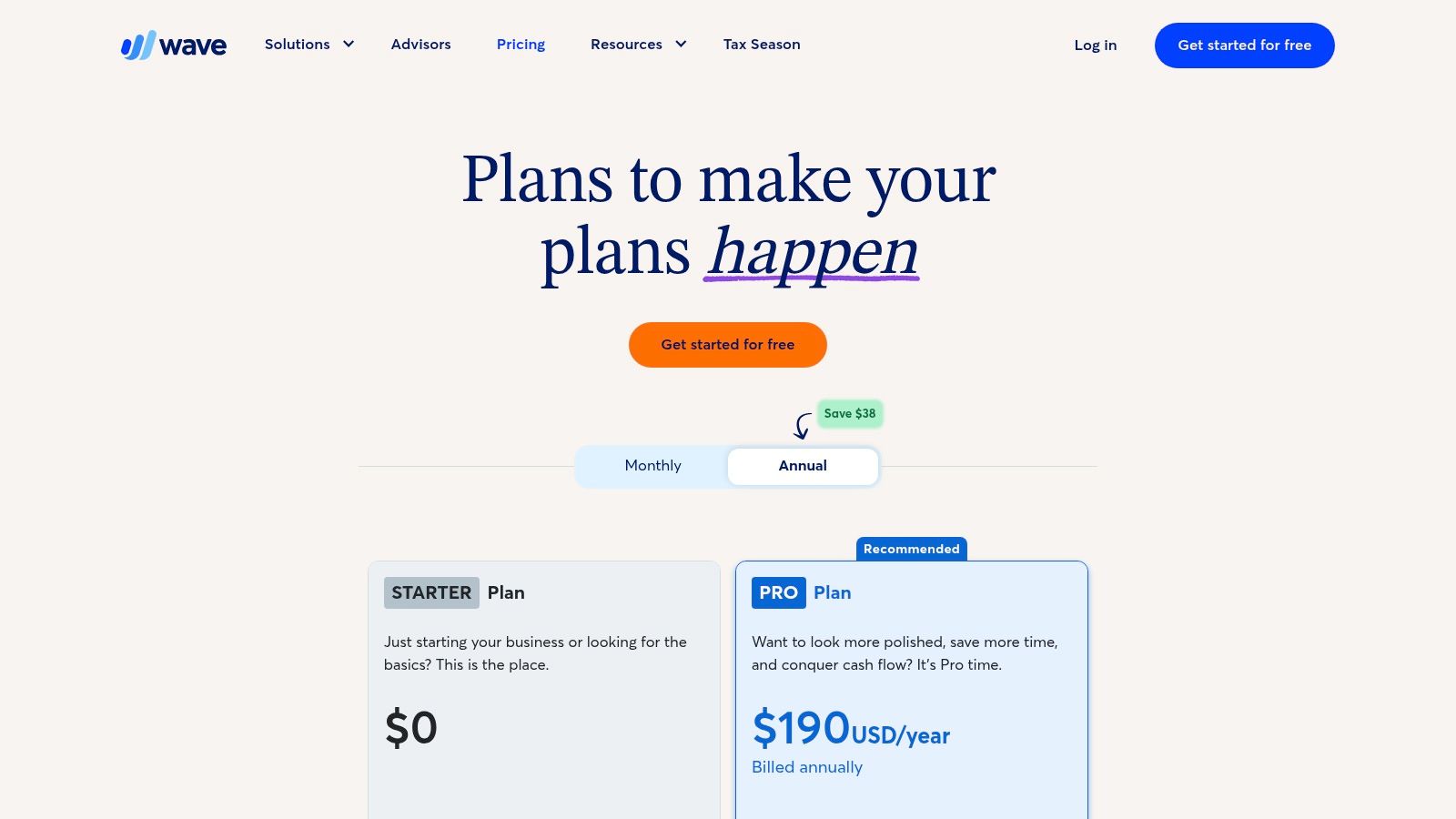
For solo tutors and small tutoring centers moving off spreadsheets, Wave offers an incredibly accessible entry point into formal invoicing and accounting. Its free-to-start model removes the initial financial barrier, providing essential tools to create professional invoices and manage basic finances. It's a significant step up from manual methods without the complexity of larger platforms.
Website: https://www.waveapps.com/pricing
Xero
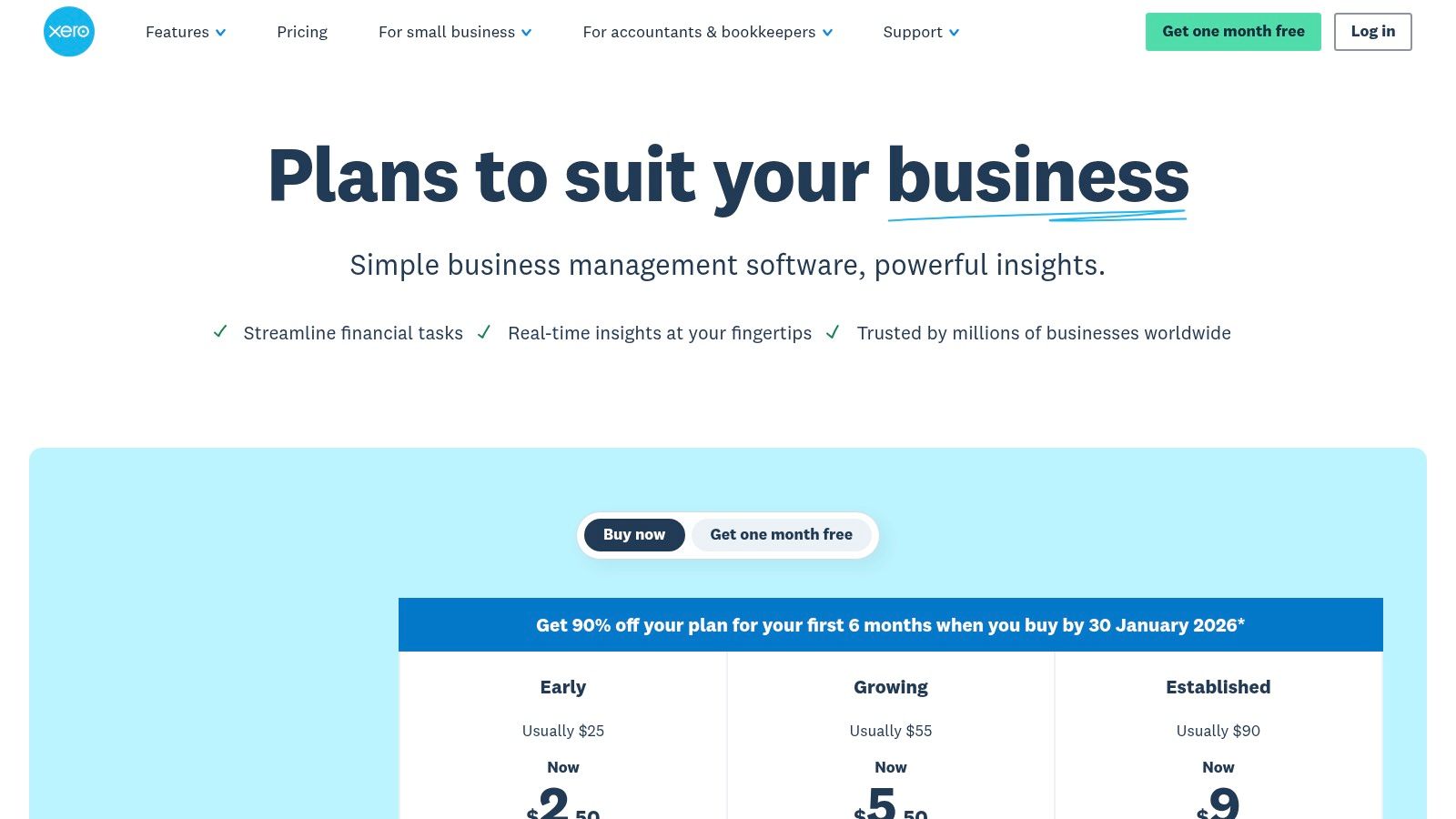
For tutoring businesses that have grown beyond basic invoicing and need a comprehensive accounting system, Xero is a leading cloud-based solution. It combines robust accounting features like bank reconciliation and expense tracking with professional invoicing and quoting capabilities. This makes it ideal for established centers or multi-location operators who need to manage their entire financial health, not just accounts receivable, from one platform.
PayPal Invoicing
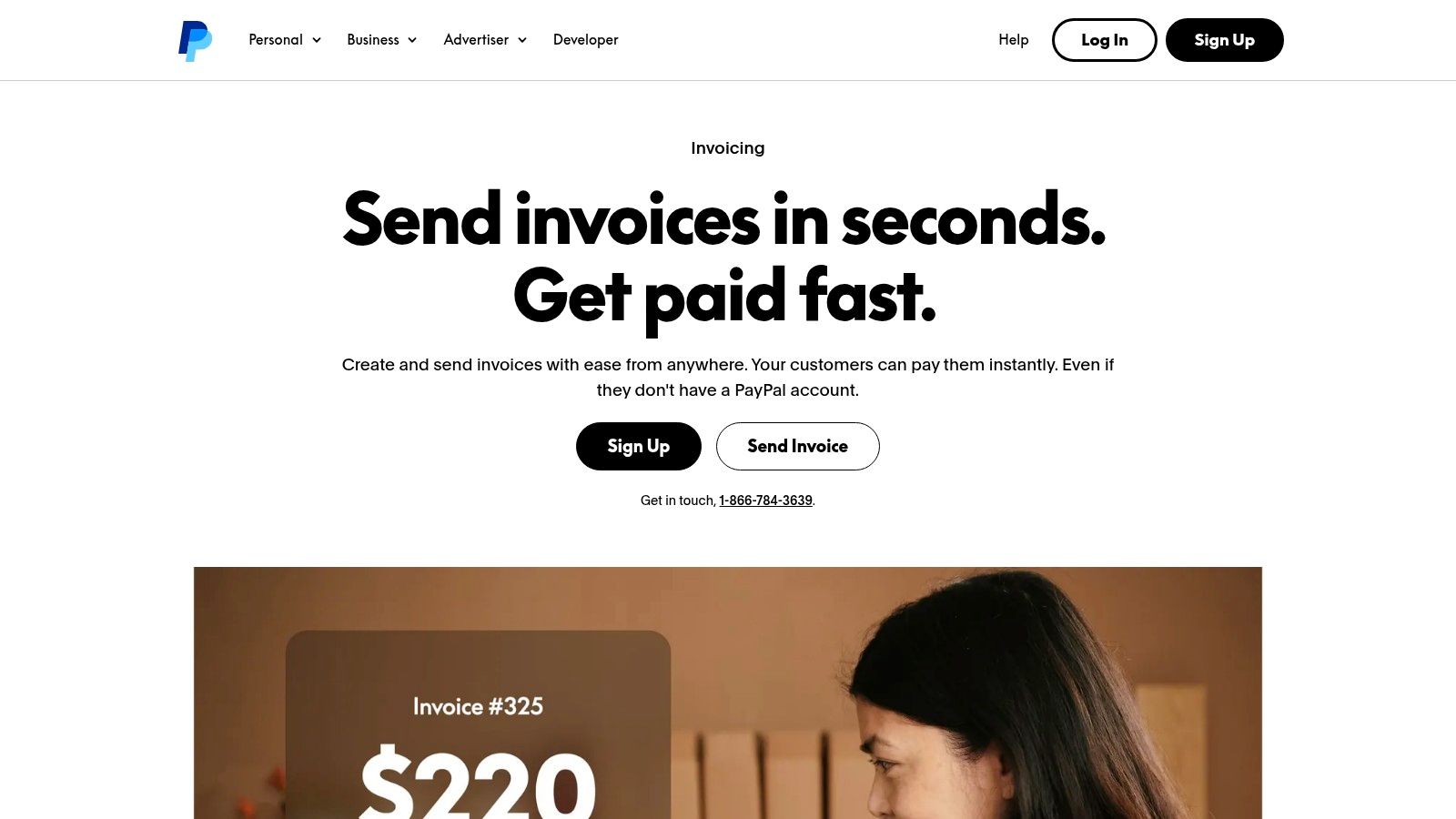
For many tutoring businesses, especially solo tutors or smaller centers, PayPal Invoicing offers a frictionless entry point into digital payments. Its main strength lies in its vast user base and brand recognition. Parents are often already familiar with and trust PayPal, which can significantly speed up payment times and reduce hesitation when paying online. It allows you to create and send professional invoices directly from your business account. Beyond its dedicated invoicing features, you can also explore PayPal's broader services and financial offerings.
Invoice Ninja
For tutoring businesses seeking maximum flexibility and control, Invoice Ninja presents a compelling open-source option. It's offered both as a hosted service and a self-hosted platform, making it ideal for centers with specific data residency needs or those wanting to deeply customize their invoicing workflow. It provides robust features like recurring billing and branded client portals, all at a highly competitive price point.
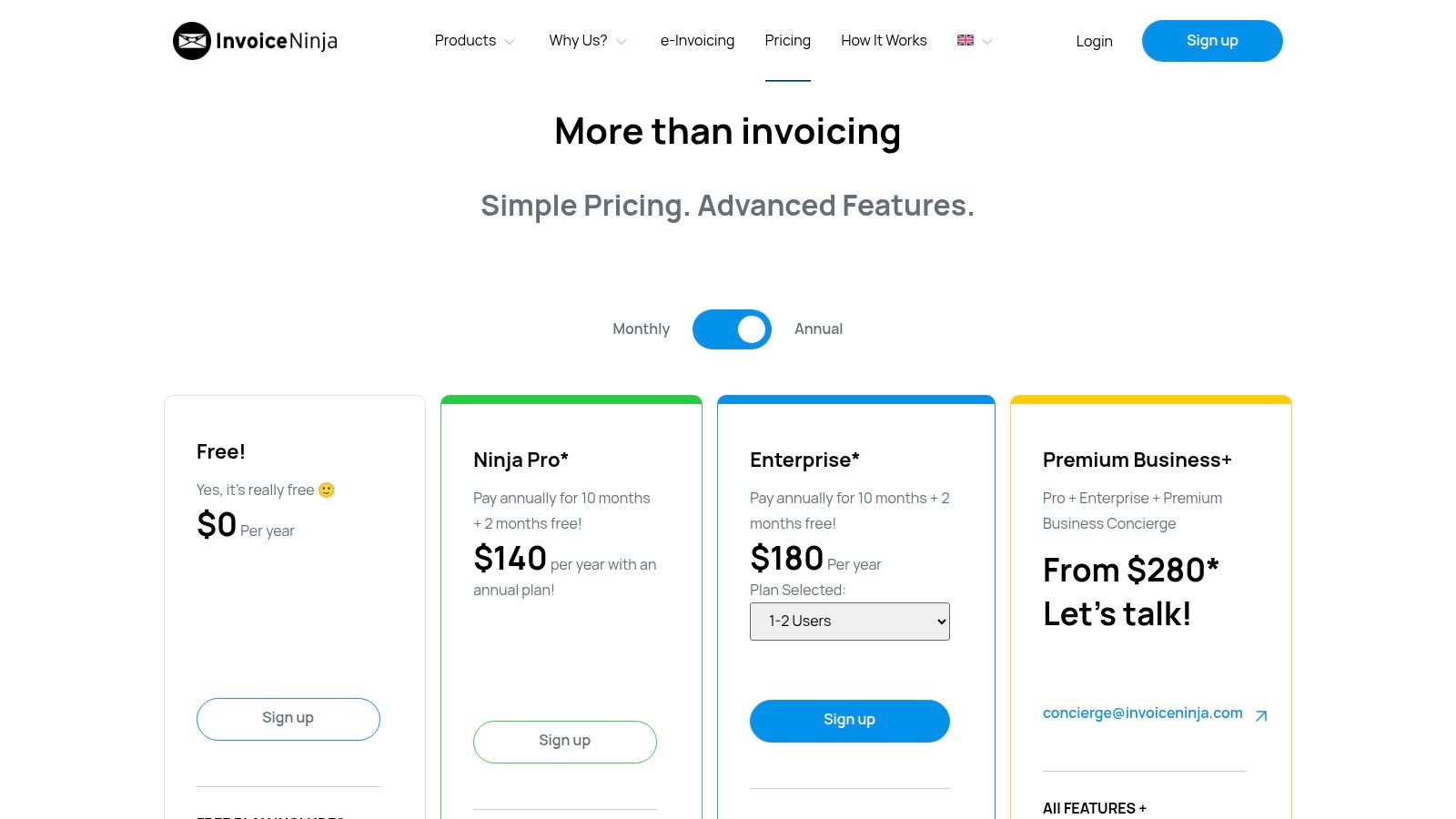
Website: https://invoiceninja.com/pricing
Harvest
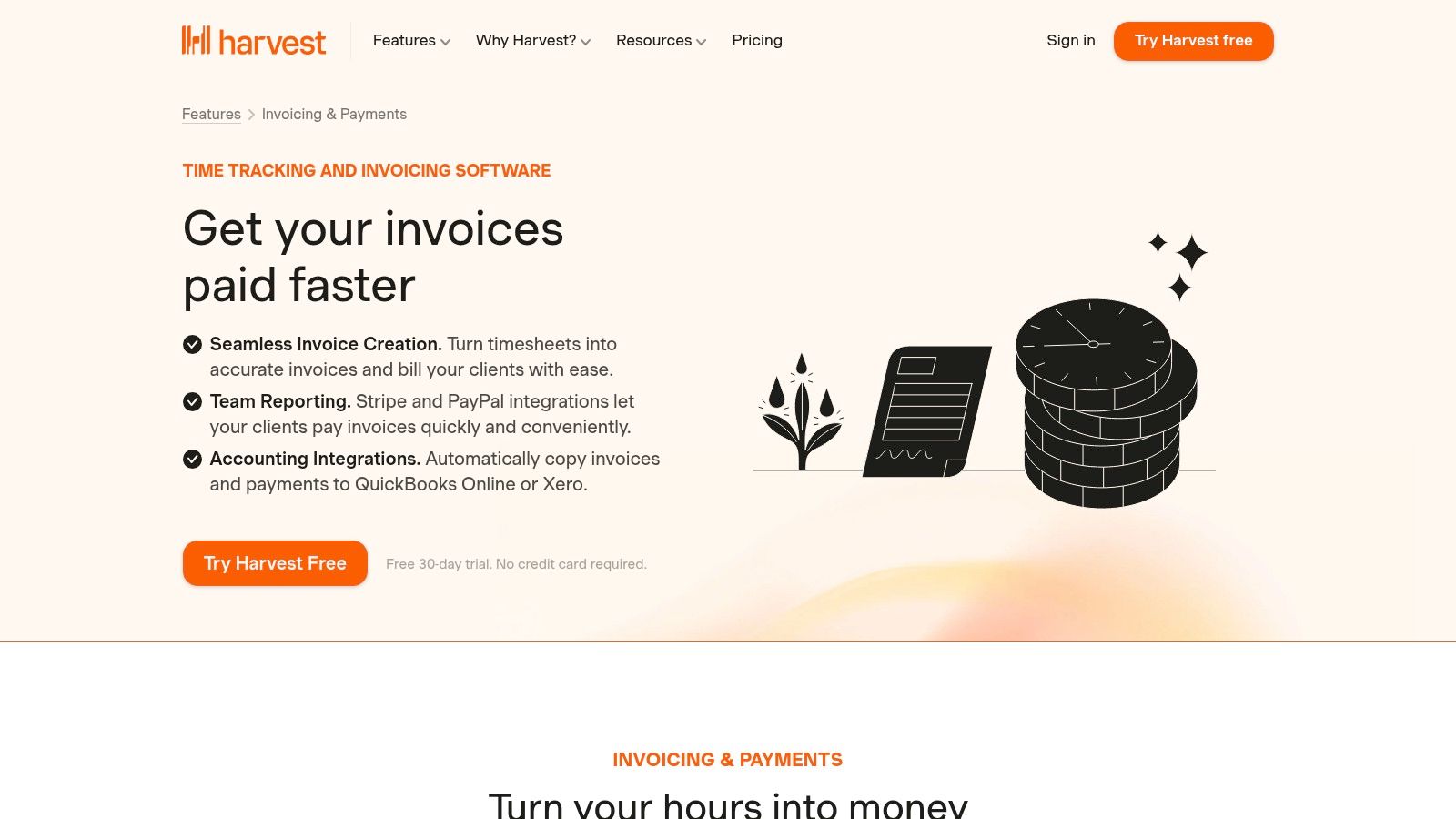
For tutoring businesses that bill strictly by the hour, Harvest offers a streamlined workflow that starts with time-tracking. It's built on the principle that accurate timekeeping is the foundation of accurate invoicing. Tutors can log hours against specific students or projects, and these timesheets are then converted directly into professional invoices, integrating smoothly with tools like Stripe, PayPal, QuickBooks, and Xero.
Bonsai
For solo tutors or small tutoring firms that manage the entire client lifecycle from proposal to payment, Bonsai offers an elegant all-in-one solution. It integrates proposals, contracts, scheduling, and invoicing into a single client workflow. This makes it ideal for businesses that need to formalize agreements before tutoring begins, moving seamlessly from a signed contract to a recurring payment schedule.
Website: https://www.hellobonsai.com/pricing
Stop Chasing Payments and Start Growing Your Business
Choosing from the top 5 invoicing tools for tutoring businesses is a pivotal decision that directly impacts your operational efficiency and capacity for growth. The journey from manually creating invoices in spreadsheets to adopting a streamlined digital solution is transformative. It’s about more than just sending a bill; it’s about reclaiming your time, professionalizing your client interactions, and securing your cash flow.
We’ve explored a range of options, from dedicated accounting software like QuickBooks and Xero to simpler, direct invoicing platforms like Stripe and Square Invoices. Each has its strengths. QuickBooks offers robust, double-entry bookkeeping perfect for established centers needing deep financial insights. Stripe Invoicing provides a developer-friendly, powerful engine for custom payment flows, while FreshBooks excels for solo tutors who need to track time and expenses alongside their billing.
Making the Right Choice for Your Tutoring Model
Your ideal tool depends entirely on your business’s current stage and future ambitions. A solo tutor managing 20 students has vastly different needs than a multi-location center coordinating 50 teachers and hundreds of lessons per week.
Here’s a simple framework to guide your decision:
For the Solo Entrepreneur: If you're just starting out or managing a small roster of students, a tool like Square Invoices or FreshBooks provides an excellent, low-cost entry point. They handle the basics of invoicing and payment processing without the complexity of a full accounting suite.
For the Growing Center (5-20 Teachers): At this stage, manual processes begin to break. You need a system that connects scheduling to billing. This is where tools like QuickBooks Online become essential, but you might still find yourself manually entering lesson data. It’s the point where you should seriously consider a dedicated tutoring management platform.
For the Established, Multi-Location Business: Once you're managing multiple branches, complex payroll, and varied pricing packages, generic invoicing tools create more problems than they solve. The administrative burden of syncing schedules, attendance, and billing across separate systems becomes unsustainable. A purpose-built solution that automates these connections is no longer a luxury; it’s a necessity for scaling.
The most critical takeaway is that invoicing is not an isolated task. For a tutoring business, it's the final step in a chain of events that starts with scheduling a lesson. When your tools are disconnected, you create manual work, introduce errors, and spend valuable hours chasing payments instead of focusing on educational outcomes and strategic growth. By choosing a system that understands the unique billing logic of tutoring, such as automated invoicing from attendance records and managing prepaid credit packages, you unlock true operational freedom.
While the tools on this list are excellent for general invoicing, they often require manual workarounds to fit the specific needs of a tutoring business. If you find yourself bridging gaps between your calendar, your attendance sheets, and your billing software, it’s time for a change. Tutorbase was built by tutoring center owners to solve this exact problem, automating the entire workflow from scheduling and attendance to invoicing and payroll in a single, unified platform.
Ready to see how an all-in-one system can cut your administrative time and eliminate billing errors? Learn more about Tutorbase and discover how to automate your operations.
Frequently Asked Questions
What is the best invoicing software for a small tutoring business?
For a small tutoring business or solo tutor, FreshBooks and Square Invoices are excellent starting points. They are user-friendly, affordable, and handle core tasks like creating professional invoices, accepting online payments, and sending automated reminders without the complexity of a full accounting suite.
How do I automate my tutoring invoices?
You can automate tutoring invoices by using software that connects scheduling and attendance to billing. An integrated system like Tutorbase automatically generates an invoice or deducts from a prepaid package as soon as a teacher marks a lesson as "Attended." This eliminates manual data entry and ensures accuracy.
Can QuickBooks be used for a tutoring business?
Yes, QuickBooks Online is a powerful tool for tutoring businesses, especially for managing accounting, tracking expenses, and running financial reports. However, it does not automate invoice creation from lesson attendance, so you will still need to manually enter billing data from your scheduling system.
What's the difference between invoicing software and tutoring management software?
Invoicing software (like Stripe or FreshBooks) focuses specifically on creating and sending bills. Tutoring management software (like Tutorbase) is an all-in-one platform that integrates scheduling, attendance, student management, payroll, and billing. It automates the entire operational workflow, including invoicing, which invoicing software cannot do on its own.
How much does invoicing software for tutors cost?
Costs vary widely. Free tools like Wave and Zoho Invoice offer basic functionality. Subscription-based services like FreshBooks or QuickBooks range from $19 to $50+ per month. All-in-one platforms like Tutorbase have custom pricing based on the size of your business because they replace multiple other software subscriptions.


