


Key Takeaway: IELTS tutoring center software automates daily operations, reducing administrative work by up to 60%. It integrates scheduling, billing, payroll, and student management into one platform. This guide explains how this technology streamlines lead qualification, class placement, and multi-branch management for growth.
Imagine ditching messy spreadsheets and clunky tools for one clean, integrated platform. No more double-bookings or invoicing headaches. Just clear, simple insights into your business's health. This is about reclaiming your time to drive profitability and student success.

What are the hidden costs of managing your IELTS centre manually?
If you run a growing IELTS centre, you know the drill. You juggle spreadsheets for schedules, a separate app for billing, and maybe a third for payroll. This disconnected approach quietly creates bottlenecks that eat into your profits, causing double-booked teachers, missed payments, and payroll errors.

IELTS tutoring centre software is an integrated system that connects your scheduling, billing, and student management. It ensures every lesson is invoiced correctly and every teacher is paid accurately. You no longer need to check everything manually, freeing you to focus on growth.
Why are disconnected tools a problem?
Using separate tools creates information silos. Your scheduler doesn't talk to your billing app, and neither connects to your payroll spreadsheet. This disconnect forces your team to burn hours on manual data entry just to keep the business running, leading to frequent administrative fires.
This admin burden is especially tough in Hong Kong's competitive market. The demand for IELTS preparation is surging, meaning centres need extreme efficiency. Owners drowning in over 10 hours of manual admin a week can slash that time by 60% with the right software. You can discover more about this trend and its impact on local centres.
Manual Spreadsheets vs. IELTS Tutoring Centre Software
The difference between manual processes and an automated system is clear. One creates friction and risk; the other builds efficiency and lets you scale. Dedicated software streamlines the core tasks that cause the most grief for tutoring centre owners.
Operational Task | Manual Method (Spreadsheets & Multiple Apps) | IELTS Centre Software (e.g., Tutorbase) |
|---|---|---|
Scheduling | Prone to human error, double-bookings, and time-consuming manual checks across multiple calendars. | Real-time conflict detection prevents double-bookings. "Find Slot" feature instantly suggests viable teacher and room options. |
Billing | Invoices created by hand, leading to delays, missed payments, and inaccurate charges. | Invoices are generated automatically when a teacher marks attendance, ensuring accuracy and timely payment. |
Payroll | Manual calculations based on timesheets and contracts, resulting in frequent errors and disputes. | Compensation is calculated automatically from lessons taught, handling complex rates and premiums with one click. |
Reporting | Requires hours of manual data compilation to get basic insights into revenue or teacher performance. | Instant, real-time dashboards provide clear visibility into key business metrics like revenue and room utilisation. |
This isn't just about saving time. It's about building a reliable, professional operation where things just work. This frees you up to focus on teaching quality and business growth.
What features drive efficiency and growth?
When picking software for your IELTS centre, focus on tools that solve your biggest headaches like scheduling chaos, billing errors, and payroll nightmares. You need a central hub that ties all daily operations together, acting like a true business partner.
The best IELTS tutoring centre software manages the entire journey, from a student's first inquiry to processing their teacher's pay. This integration is what separates a simple tool from a genuine growth engine for your business in 2026 and beyond.
Intelligent Scheduling That Eliminates Conflicts
Manual scheduling is the number one source of administrative pain, leading to double-booked teachers and frustrated parents. For any growing IELTS centre, an intelligent scheduling tool is essential. It must do more than display a calendar; it must actively prevent mistakes before they happen.
Imagine you need to schedule a new IELTS class. Instead of cross-referencing three spreadsheets, the system should instantly show available slots that match a qualified teacher with the right-sized room. It flags any potential conflicts in real time, saving you from embarrassing mix-ups.
How do I automate tutoring center billing?
Manually creating invoices after every lesson is slow and prone to error. Modern software automates this by tying billing directly to the schedule. When a teacher marks a student as present, the system automatically generates an accurate invoice, eliminating forgotten charges.
This automation is critical for handling different payment models:
Pay-per-lesson: Automatically bills for each class a student attends.
Package deals: Deducts a session from a prepaid bundle (like a 10-class IELTS package) when a student attends.
Subscriptions: Manages recurring monthly or termly fees without manual intervention.
Automated billing saves you admin hours and improves your cash flow by ensuring timely invoices. It also gives parents a professional payment experience, which builds trust. Find more tips in our guide on software for test prep centres.
Integrated Payroll and Teacher Management
Figuring out teacher pay, especially with a mix of contract types, can be a complex mess. Integrated payroll automation solves this. The software calculates what each teacher is owed based on the lessons they taught, pulling data straight from attendance records.
A robust payroll module handles all arrangements with ease:
Standard hourly rates.
Fixed fees per lesson.
Revenue-sharing agreements.
Extra pay for advanced IELTS levels or weekend classes.
This automation ensures your teachers are always paid correctly and on time, boosting morale and reducing disputes. It also provides clear payout statements, so they know exactly how their earnings were calculated.
Student and Lead Management for Growth
Your software should do more than manage your existing business; it needs to help you grow it. A solid student and lead management feature tracks the entire student journey in one place. It should capture inquiries, log trial lessons, handle enrolment, and keep a complete history.
This central database offers priceless insights into student retention and helps you spot opportunities. For example, you can identify a student who is acing practice tests and offer them an advanced writing workshop. To learn more, explore the essential LMS features for modern training.
How to Automate Student Placement and Onboarding
Getting IELTS students into the right class from day one is crucial for their success and your centre’s reputation. Good tutoring software turns this clumsy manual chore into a smooth, automated workflow that starts the moment a potential student gets in touch.
It begins with smart data capture. Your intake form should grab essential details immediately: their target IELTS band, their exam date, and their current skill level. This step instantly segments your leads, letting you follow up with targeted advice and the right class options.
Organising Services by Skill Level
With that initial data, you can create level-based groups instead of a generic "IELTS Prep" course. Think ‘IELTS 6.5 Achievers’ or ‘IELTS 7.5+ High-Fliers’. This structure makes it simple for students to see where they fit and helps you build effective classes.
A smart placement feature uses inquiry data to automatically suggest the best group for a new student. It takes the guesswork out of the equation. This is a core part of building a strong student intake process. Learn more in our guide on the ideal student intake process for tutoring centres.
The diagram below shows how a single system connects these key administrative tasks.
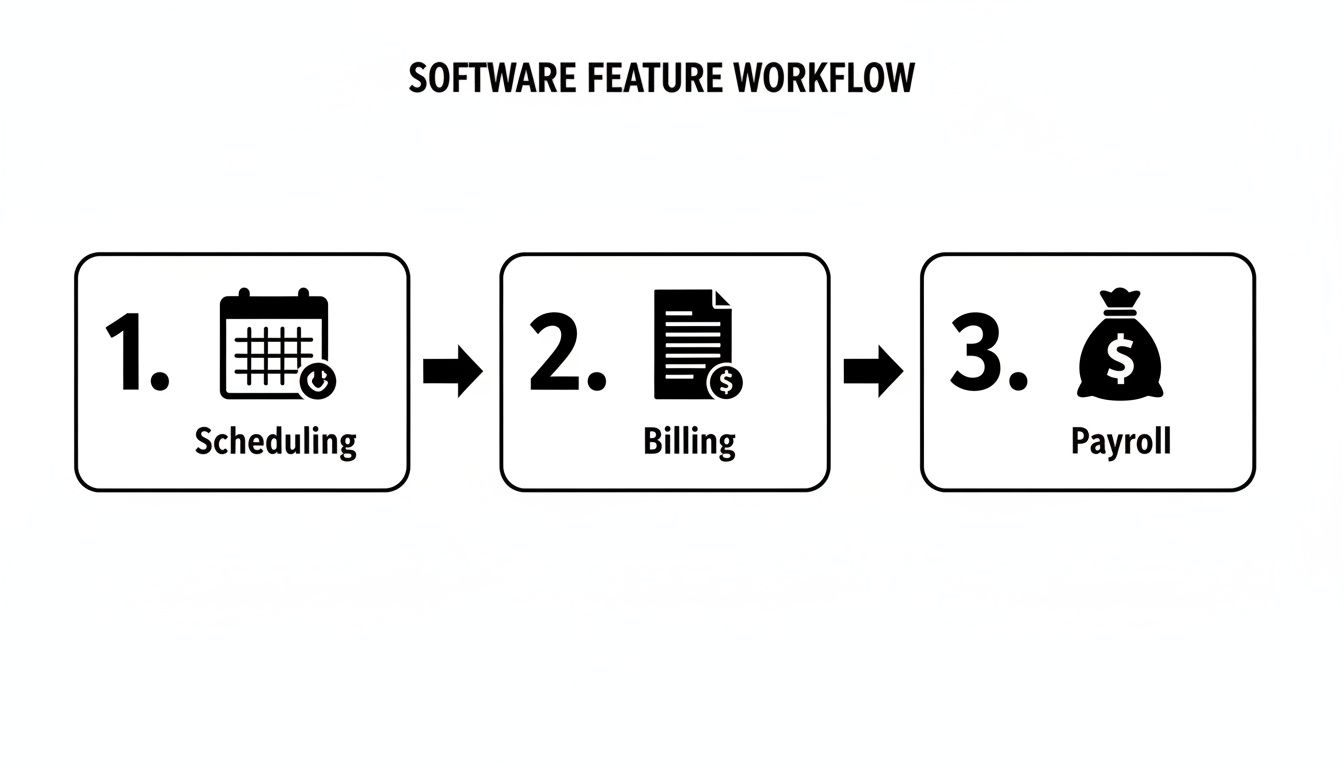
As you can see, scheduling an event can automatically trigger the correct billing and payroll calculations. It’s about creating a single source of truth that eliminates the need for manual data entry between different systems.
What is the role of trial classes in placement?
The trial class is the final piece of the placement puzzle. Your software should make scheduling these assessment sessions easy. A trial allows your teachers to properly evaluate a student’s true abilities in speaking, listening, reading, and writing, which a form cannot do.
After the trial, the teacher logs feedback directly into the student’s profile in the software. This creates a permanent record that either confirms their placement or provides clear reasons for suggesting another group. It’s a structured process that ensures every student ends up where they need to be.
From First Inquiry to First Class
Here’s how software transforms the manual onboarding process into a streamlined workflow.
Step | Manual Process | Automated Process with Software |
|---|---|---|
1. Initial Inquiry | Staff manually responds to emails, collecting basic information on a spreadsheet. | An online form automatically captures the student's target score, test date, and self-assessed level. |
2. Class Suggestion | An administrator cross-references student needs with a complex schedule, often leading to guesswork. | The software instantly suggests the best-fit class (e.g., 'IELTS 7.5+ High-Fliers') based on the inquiry data. |
3. Trial Class Booking | Back-and-forth emails to find a time that works for the student, teacher, and an available room. | The student books a trial from a real-time calendar showing available slots, receiving automatic confirmation. |
4. Assessment & Feedback | The teacher scribbles notes after the trial, which might get lost or disconnected from the student's record. | The teacher logs feedback directly into the student's digital profile, creating a permanent, accessible record. |
5. Final Placement | The administrator confirms placement, then manually creates an invoice and adds the student to class rosters. | With one click, the system finalises placement, enrols the student, and generates the first invoice automatically. |
This automated approach saves time and creates a professional, organized experience. To take automation even further, you can explore how chatbots can be utilized in educational institutes.
Solving Multi-Branch and Room Management Challenges
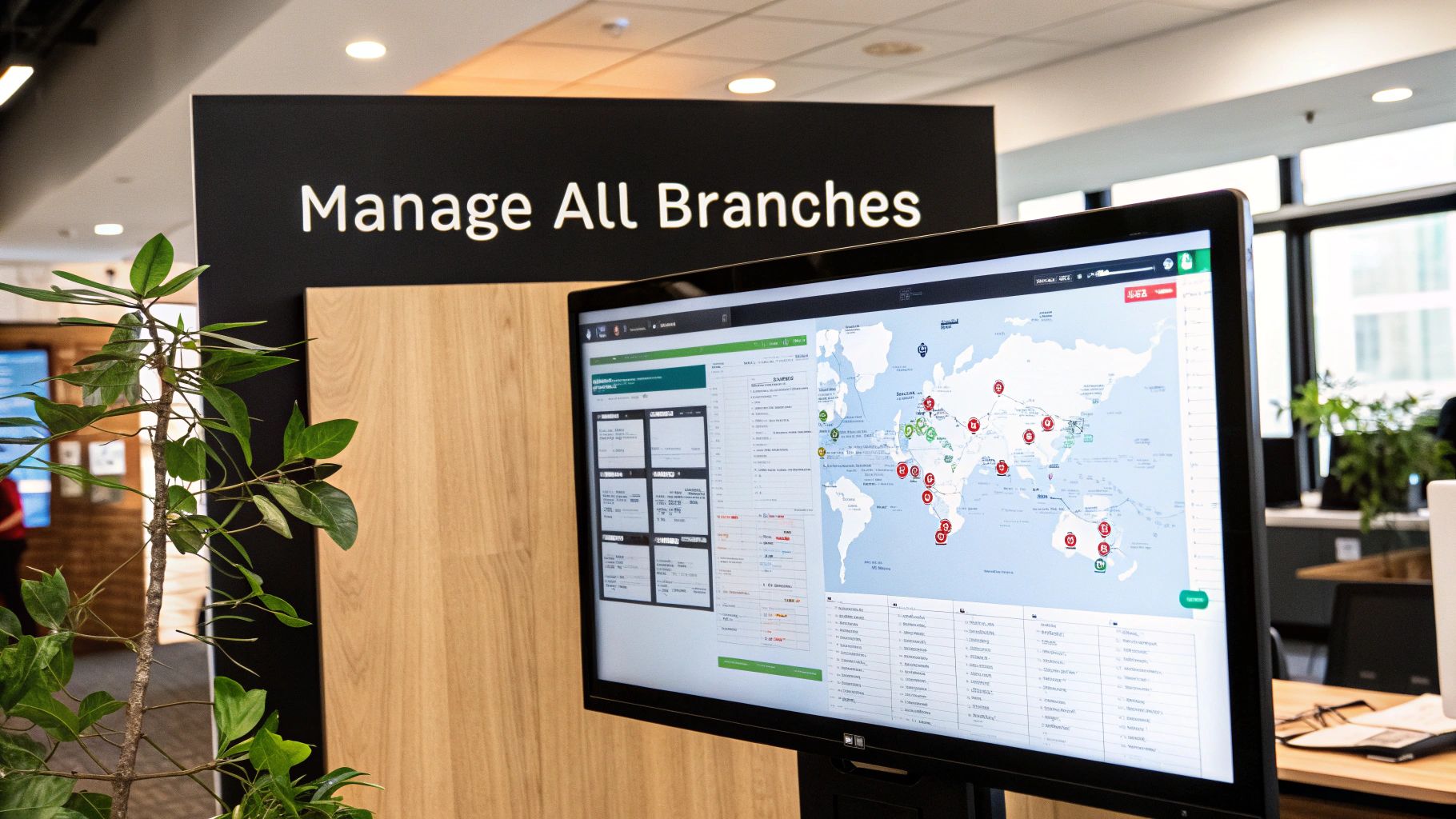
Running multiple branches is a massive logistical puzzle. IELTS tutoring centre software simplifies this by giving you a single, bird's-eye view of all your locations. It pulls everything together into one powerful dashboard for complete visibility and control.
From one screen, you can see room capacity, check real-time availability, and track utilisation rates across every branch. This clarity helps you pinpoint underused rooms that are draining your budget and spot peak-hour bottlenecks that might be capping your revenue.
How do you prevent room double bookings?
The right software prevents room double-bookings with the same intelligence it uses for tutors. When your admin schedules a new IELTS prep class, the system automatically cross-references available rooms that fit the criteria, for example, capacity for 10 students and a whiteboard.
This check happens instantly, eliminating the human error that leads to two classes being booked into the same room. The result is a smoother operation, less stress for your staff, and a more professional experience for your students.
Automating Room Utilisation and Billing
Good software does more than prevent scheduling clashes; it helps you make more money from your space. You can set up automated booking fees for certain rooms, linking charges directly to lessons so they appear on student invoices without manual effort.
By tracking utilisation, you might find that your Causeway Bay branch's Room 3 is only used 35% of the time. That's a clear signal to launch a marketing campaign to fill those empty slots. To dig deeper, check out our guide on multi-location tutoring software.
What is centralised reporting for branches?
Centralised reporting means you no longer have to stitch together spreadsheets from different branches to see the big picture. The software consolidates performance data automatically, so you get instant insights for each location.
Branch Revenue: Effortlessly compare the monthly income from your Mong Kok, Central, and Tsim Sha Tsui locations.
Teacher Performance: Quickly see which tutors are excelling at each branch, based on student numbers and retention rates.
Room Utilisation Rates: Instantly spot which branches are making the most of their space and which ones have room to grow.
This integrated data empowers you to make smarter, faster decisions. You can shift resources, copy successful strategies from top-performing branches, and tackle issues at struggling locations before they become major problems, all from a single dashboard.
Choosing the Right Software for Your Hong Kong Centre
Picking the right platform is about finding a partner for your growth. The decision boils down to a clear look at four key areas. Get these right, and the software you choose today will still serve your IELTS centre for years to come.
The first and most critical pillar is scalability. Picture your centre growing from 50 lessons a week to 5,000. Can the software handle that explosion of data and transactions without slowing down? A scalable platform is the bedrock of long-term success.
Evaluating Scalability and User Interface
When you assess scalability, look for proof. Ask providers for case studies of centres that are the size you want to be. A system built for scale will manage thousands of weekly lessons with the same snappy performance as a few hundred.
Next is the user interface (UI). In 2026, an intuitive UI is essential. A clunky system creates friction and frustrates staff. A clean interface, however, can slash onboarding time for new admins and teachers from weeks down to just a few days.
Is it intuitive? Can your team find what they need in three clicks or fewer?
Is it mobile-friendly? Does the platform work flawlessly on phones and tablets?
Are the dashboards clear? Does the main screen give you an instant overview of the day's operations?
A great UI translates directly into operational efficiency, saving you hundreds of staff hours every year.
How flexible are the billing and payroll modules?
Your centre's financial health hinges on flexible tools. Your IELTS tutoring centre software must handle the unique billing and payroll complexities of the Hong Kong market. This means smoothly managing all student payment plans and teacher contracts.
Consider these real-world scenarios:
Can the system process a 10-lesson package, a monthly subscription, and a one-off trial class simultaneously?
Can it automatically calculate a teacher's pay based on a 40% revenue share for group classes and a fixed HK$300/hour rate for private lessons?
This flexibility is a core requirement for any modern test prep centre. The system needs to adapt to your business model, not force you to adapt to its limitations.
Finding a Provider Who Understands Test Prep
Finally, look for a provider with deep experience in the test prep world, especially in Asia. A software company founded by former school owners will have lived your daily reality. They know the problems you face because they've faced them too.
This insider perspective is invaluable. It means the software is built with practical workflows for things like managing multi-branch room bookings or handling specific IELTS student placement needs, not just generic business features. Choosing a partner with this background ensures the platform is not just technically solid but operationally smart, like Tutorbase.
Frequently Asked Questions (FAQ)
How much time can I realistically save with this software?
You can expect to save over 10 hours a week, which represents a 60% reduction in time spent on administrative tasks for many centre owners. This comes from automating repetitive work like creating invoices, chasing payments, calculating teacher payroll, and checking schedules to avoid double-bookings.
Is migrating from spreadsheets to software difficult?
No, the process is much simpler than you might think. Modern software providers offer dedicated support to help you import your existing student records, teacher details, and class schedules. Typically, you export your spreadsheet data into a CSV file, and the software’s import tool handles the rest.
Can the software handle different pay rates for my IELTS teachers?
Yes, a good platform is designed to manage complex and varied pay structures. You can set up unique digital contracts for every teacher, allowing you to automate payroll for hourly rates, per-lesson fees, revenue sharing, and hybrid models with performance bonuses.
How does this software help with student retention?
This software boosts student retention by creating a more professional and organized experience, which builds trust with parents. Automated class reminders reduce no-shows, while an online portal allows parents to easily view schedules, track progress, and pay invoices, leading to a 42% increase in monthly renewals for some centres.
Can I manage both my online and in-person IELTS classes?
Yes, modern tutoring software is designed for the hybrid model. It allows you to manage physical classroom bookings alongside online meeting links (like Zoom or Google Meet) in one unified schedule. You can track enrolment for both formats in the same class, catering to a wider audience.
What is the typical return on investment (ROI)?
You will typically see a return on your investment within a few months. The ROI comes from lower administrative costs, the elimination of expensive mistakes like double-bookings and payroll errors, and increased revenue from better room utilization and higher student retention.
Ready to eliminate administrative errors and free up your time to grow your centre? See how Tutorbase automates scheduling, billing, and payroll with one simple platform. Visit tutorbase.com/register to get started.


