


Key Takeaway: The best tutoring app for a music teacher depends entirely on their business stage. Solo instructors can thrive with simple tools like My Music Staff or Fons for scheduling and billing automation. However, growing music schools with multiple teachers and locations quickly outgrow these apps, facing challenges with complex payroll, room management, and fragmented software. For these scaling businesses, a comprehensive tutoring management system like Tutorbase is essential to eliminate administrative bottlenecks and support growth.
Running a music school involves far more than instruction. You juggle lesson scheduling, chase invoices, track student progress, and communicate with parents. This admin burden consumes evenings and weekends, leading to burnout. The right software automates these tasks, saving you hours each month and freeing you to focus on teaching.
This guide analyzes the top tutoring apps for music teachers, covering their features, ideal use cases, and limitations. We distinguish between simple tools for solo instructors and powerful platforms designed for multi-teacher academies. While a great app organizes your business, clear audio is critical for online lessons. Ensuring students hear every nuance starts with selecting the best microphone for your music studio.
1. My Music Staff
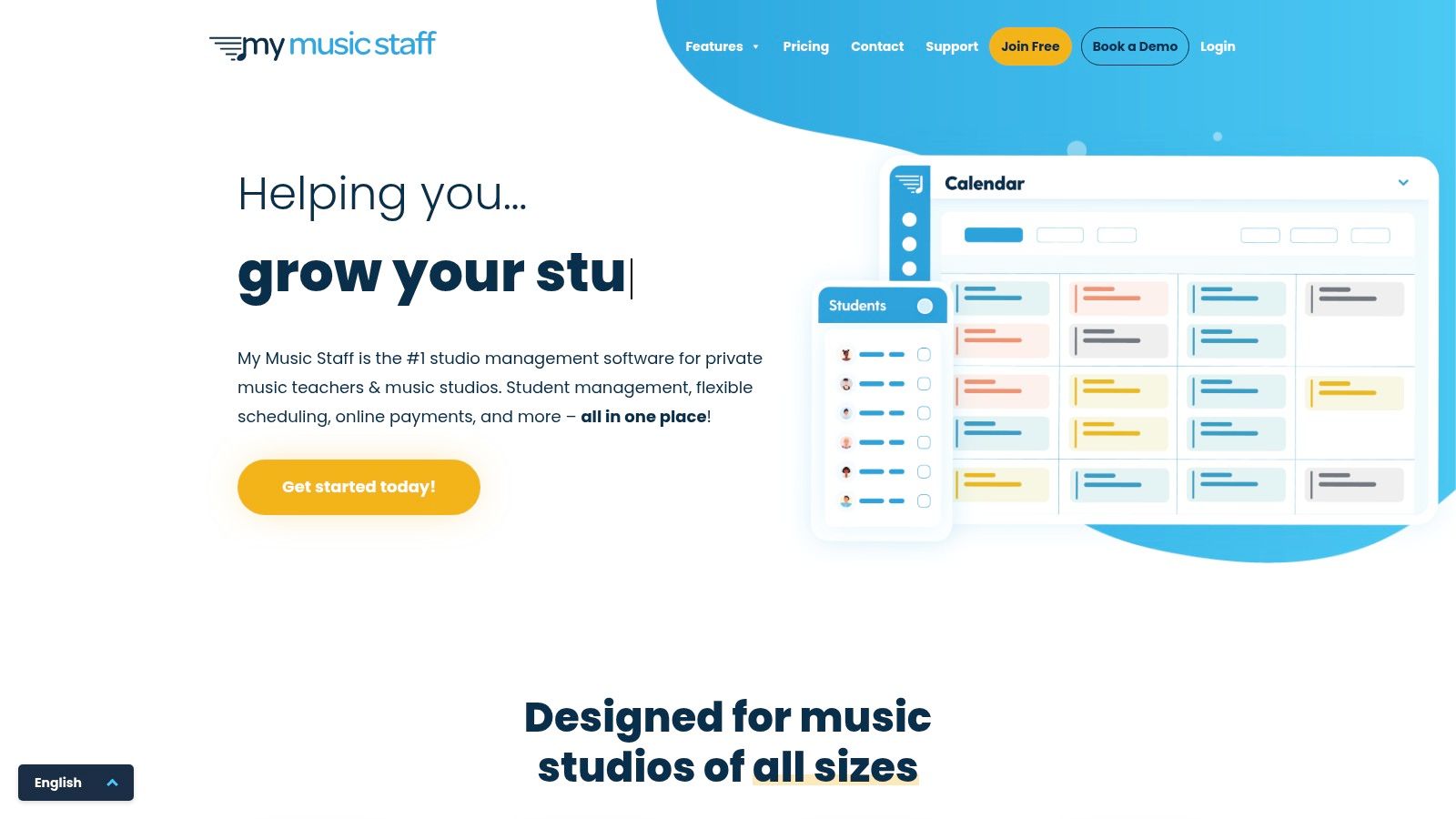
My Music Staff is a comprehensive, web-based studio management platform that has become a staple for music teachers globally. It’s an all-in-one solution designed to handle nearly every administrative task a solo teacher or small studio owner faces, from scheduling and attendance to automated billing and creating a professional web presence. This platform is ideal for instructors who need a reliable, feature-rich system to centralize their operations without juggling multiple applications.
Its strength lies in its long-standing reputation and a feature set that covers the entire student lifecycle. You can manage student information, track practice time through a dedicated student portal, and automate complex invoicing tasks, including late fees. The built-in website builder is a significant advantage, allowing you to create a simple, professional online presence directly within the platform.
Key Features & Use Cases
Integrated Administration: Automate invoicing, track payments with Stripe, and sync your schedule with Google or Outlook calendars.
Student & Parent Portal: Gives families a central place to view their schedule, log practice hours, see their account balance, and access shared resources.
Website Builder: A unique offering that helps teachers establish a professional online footprint without needing a separate service like Wix or Squarespace. For an in-depth analysis of similar platforms, you can see how it stacks up in this comparison of tuition management systems.
Pros & Cons
Pros: Flat, predictable monthly pricing per teacher is easy to budget. Its comprehensive nature means fewer external tools are needed.
Cons: The platform is a web app, not a native mobile app, which can feel less fluid on a smartphone. It lacks specialized features for high-fidelity online music lessons.
2. Fons (by MakeMusic)
Fons is a highly automated scheduling and payment platform designed to eliminate the administrative burden for independent music instructors. It excels at one primary goal: ensuring teachers get paid on time with minimal effort. It achieves this by focusing on automated billing models, subscription-style payments, and enforceable cancellation policies that you set once and let the system handle.
The platform’s core strength is its "set it and forget it" approach to the financial side of a teaching business. Instead of generating and chasing invoices, Fons automates recurring payments for your students, whether you charge per lesson, in packages, or via a monthly subscription. This billing-first simplicity makes it a standout choice among tutoring apps for music teachers who are tired of managing complex financial tasks.
Key Features & Use Cases
Automated Billing Models: Set up subscriptions, per-appointment billing, or lesson packages. Fons handles the charges automatically via ACH or credit card.
Enforceable Cancellation Policies: Define your cancellation window and the associated fee or credit. The system automatically enforces it when clients reschedule, removing awkward conversations.
Client Self-Service: Provide clients with an online booking widget they can use to schedule or reschedule appointments themselves, based on your availability.
Pros & Cons
Pros: The automation-first workflow significantly reduces time spent on invoicing and chasing payments. It offers flexible billing models suitable for various teaching styles.
Cons: It is more focused on billing and scheduling than on being a full-featured studio management or learning management system (LMS).
3. TeacherZone
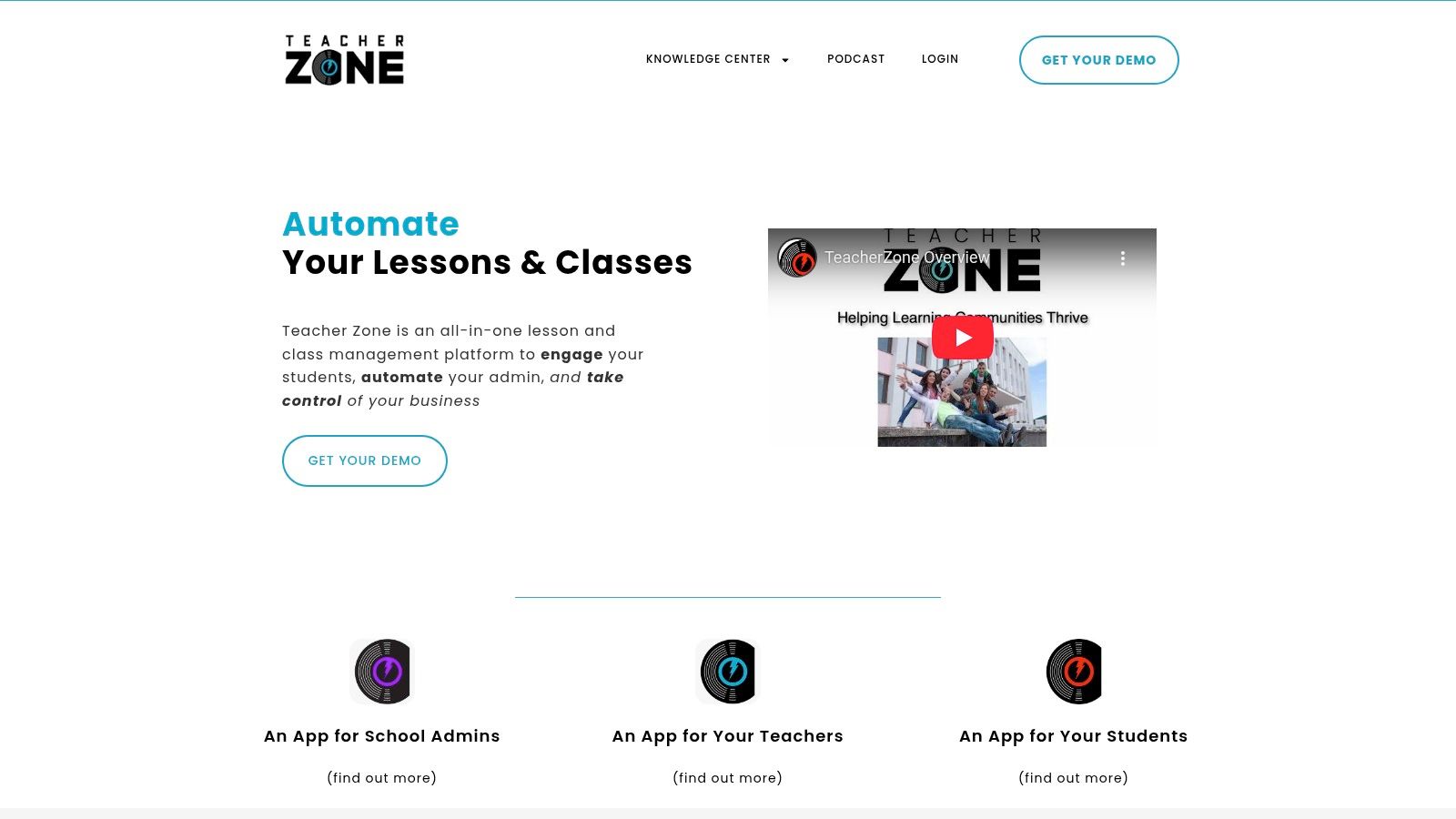
TeacherZone is an all-in-one platform built specifically for the operational needs of multi-teacher music schools and growing studios. It moves beyond solo teacher admin to provide a centralized system for managing staff, students, and curriculum at scale. This platform is best suited for established schools that require robust administrative tools, integrated communications, and detailed reporting to coordinate complex operations across multiple instructors.
Its core strength lies in its comprehensive feature set designed for school management. TeacherZone combines scheduling, automated billing, a content delivery system (LMS), and built-in messaging into a single ecosystem. This integration helps school owners streamline everything from handling substitute teachers and make-up lessons to processing autopayments and sending automated practice reminders, making it a powerful contender among tutoring apps for music teachers.
Key Features & Use Cases
Multi-Teacher Management: Use the drag-and-drop scheduler to manage complex timetables, assign substitute teachers, and track attendance across the entire school.
Automated Billing & Payments: Set up recurring autopay for tuition, take advantage of competitive processing rates, and embed payment widgets on your website for easy enrollment.
Integrated Communications & LMS: Send SMS, email, or chat messages to groups or individuals, assign digital lesson content, and track student practice through the platform’s portal.
Reporting & Dashboards: Access administrative dashboards that provide insights into financials, teacher payroll, and student progress, which is essential for business oversight.
Pros & Cons
Pros: Purpose-built for multi-teacher schools with robust admin, payroll, and reporting features. Offers concierge onboarding tiers for a guided setup process.
Cons: Pricing scales with student count, which can become costly for larger schools. The extensive feature set may be overly complex and expensive for solo instructors.
4. Muzie.Live
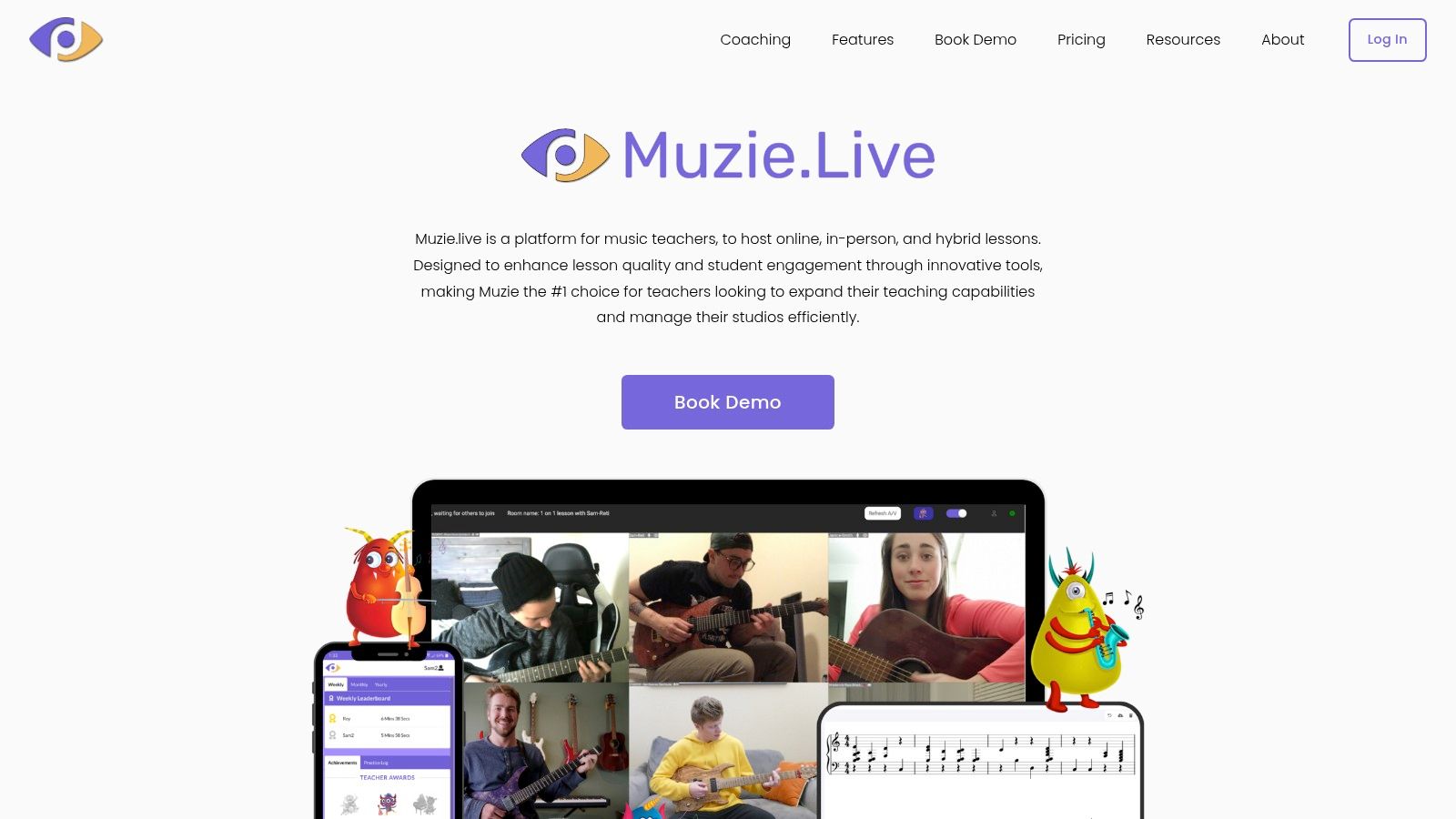
Muzie.Live is a live lesson platform built from the ground up for high-quality online music instruction. Unlike generic video conferencing tools like Zoom or Google Meet, it focuses entirely on providing high-fidelity audio and interactive features essential for music education. This makes it an ideal solution for teachers who prioritize the quality of their virtual lessons and need tools that standard platforms lack.
The platform's main advantage is its specialized toolkit designed to replicate the in-person lesson experience. It offers crystal-clear, uncompressed audio, multi-camera support, and an interactive shared whiteboard. For studios, the platform scales effectively, providing an admin dashboard to manage multiple teacher accounts and oversee scheduling. This positions it as a top choice among tutoring apps for music teachers focused on superior online delivery.
Key Features & Use Cases
High-Fidelity Audio/Video: Delivers uncompressed sound and supports MIDI, multi-camera setups, and screen sharing for detailed instruction.
Interactive Teaching Tools: Includes a digital whiteboard, assignment tracking, file sharing, and the ability to record lessons or create clips for student review.
Studio Management Tier: The Studio plan offers an admin dashboard for multi-teacher management, scheduling, and reporting within the Muzie.Live ecosystem.
Pros & Cons
Pros: The music-specific toolkit far exceeds the quality of generic video call apps. A generous free plan for solo teachers makes it highly accessible.
Cons: Comprehensive studio management features like advanced billing are limited to the paid Studio tier. For full-scale operations, it may need to be paired with a dedicated CRM.
5. Duet Partner (formerly Music Teacher’s Helper)
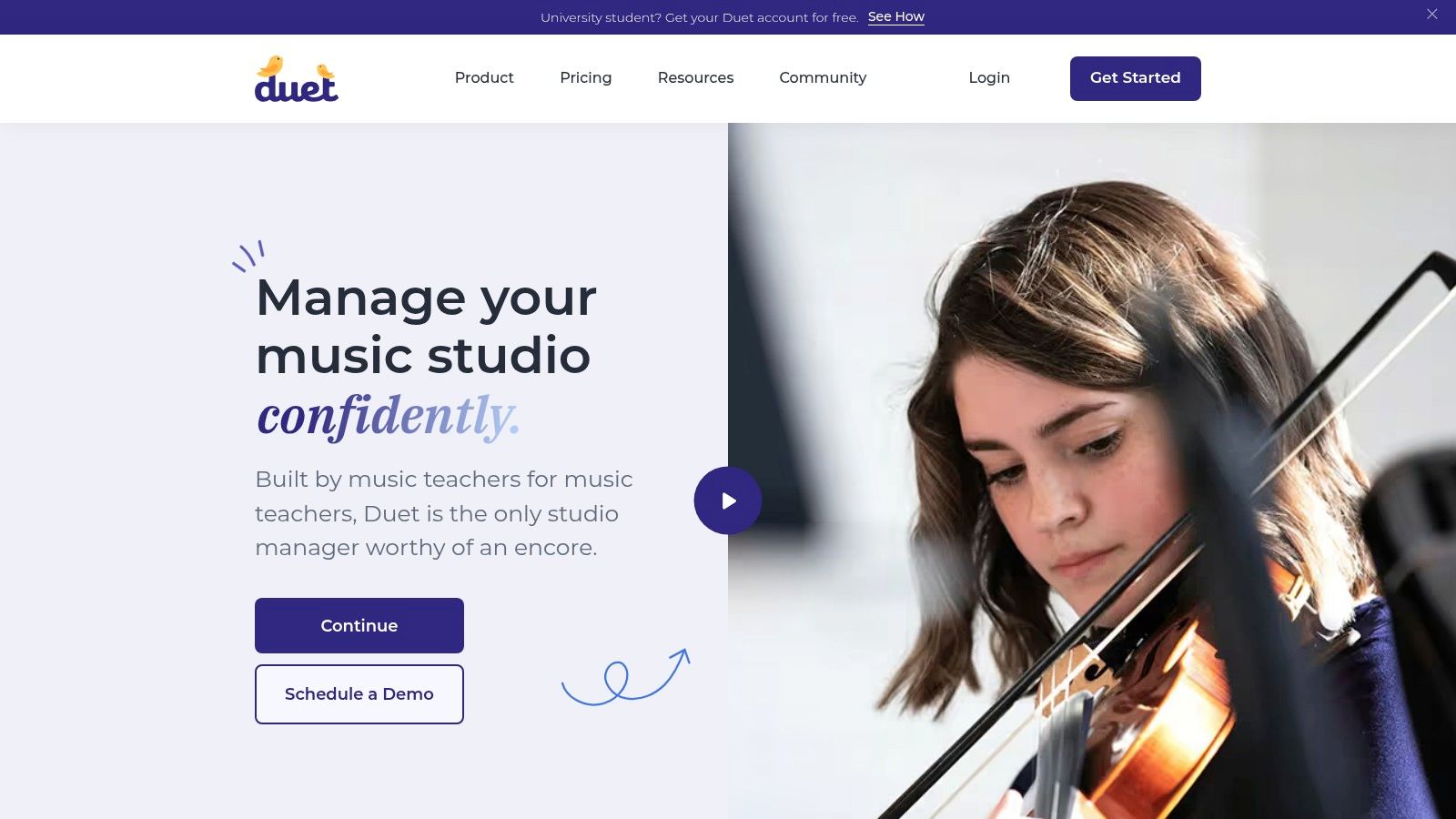
Duet Partner is a studio management platform designed specifically for private music teachers. It provides a focused toolset for handling scheduling, billing, and parent communication, making it an excellent choice for solo instructors who want an affordable, music-centric solution to organize their business. The platform excels at simplifying the core administrative tasks that consume a teacher's non-teaching hours.
Its main advantage is its specialization. Unlike generic scheduling apps, every feature is tailored to the needs of a music studio, from lesson reminders to payment collection. Duet Partner’s commitment to affordability, including free or discounted plans for new teachers, makes it one of the most accessible tutoring apps for music teachers just starting or managing a small student roster.
Key Features & Use Cases
Automated Payments: Set up automated invoicing and accept payments via ACH, credit cards, PayPal, Apple Pay, and Google Pay, streamlining your cash flow.
Smart Scheduling & Communications: Use the self-scheduling feature to let students book their own lessons and rely on text-first reminders to reduce no-shows.
Teacher-Friendly Pricing: Offers free or discounted plans for qualifying teachers and students, along with a transparent, low flat subscription model.
Pros & Cons
Pros: Purpose-built for music teachers with a very low entry price. The free and discounted options make it highly accessible for new instructors.
Cons: Currently optimized for single-teacher studios, although multi-teacher support is in development. A 1% transaction fee is passed on to families.
Top 5 Music Teaching Apps — Features & Pricing
Product | Target audience | Core strengths | Key features | Pricing & scale | Limitations |
|---|---|---|---|---|---|
Tutorbase (Recommended) | Multi‑branch music schools, 5–100+ teachers | AI scheduling (Find Slot/Spot); end‑to‑end automation; multi‑branch support | Auto billing from attendance; Policy Packs; complex payroll; room management | Designed for 50–10,000+ lessons/week; custom pricing via sales | No public per‑seat pricing; onboarding/migration effort |
My Music Staff | Solo teachers to small studios | All-in-one admin, website builder, student portal | Scheduling, automated invoicing, practice logs, payment tracking | Flat, predictable monthly pricing per teacher | Not a native mobile app; less suited for multi-location schools |
Fons (by MakeMusic) | Private instructors prioritizing billing automation | “Set it and forget it” payments, enforceable cancellation policies | Subscription billing, lesson packages, online booking widget | Pricing/fees in help center | Not a full LMS; less focused on curriculum and student progress |
TeacherZone | Multi‑teacher music schools and academies | Robust admin, reporting, and communication for scale | Drag-and-drop scheduler, autopay, payroll, integrated LMS | Tiered pricing by student count; can become costly | Over-featured and expensive for solo instructors |
Muzie.Live | Teachers prioritizing online lesson quality | Superior, uncompressed audio for music instruction | High-fidelity audio, MIDI, multi-cam, interactive whiteboard | Generous free plan for solo teachers; studio tiers for admin | Full management features require paid tiers; best paired with a separate CRM |
Duet Partner (formerly Music Teacher’s Helper) | Solo music teachers starting their business | Affordable, music-focused, and simple to use | Scheduling, invoicing, payment processing, reminders | Low flat subscription; free/discounted plans available | Limited to single-teacher studios; 1% transaction fee to clients |
When to Graduate to a Full Tutoring Management System
Throughout this guide, we've explored some of the top tutoring apps for music teachers. Platforms like My Music Staff and Fons excel at simplifying lesson scheduling and client payments for an independent instructor. They are designed to bring order to the chaos of managing 10 to 50 students, saving you from late-night administrative work.
However, as your music school grows from a solo practice to a multi-teacher center, a new set of challenges emerges that these apps aren't built to handle. The very tools that helped you get started can begin to create bottlenecks, limiting your potential and consuming over 10 hours per week on manual work.
Recognizing the Tipping Point: From Solo App to School-Wide System
How do you know when you've outgrown your current system? The signs often appear as operational friction. You start spending more time coordinating schedules than teaching. Billing becomes a multi-day process of cross-referencing attendance sheets. You find yourself manually calculating payroll for multiple teachers with different pay structures, risking errors and delays.
Consider these common growth-related pain points:
Fragmented Tools: You use Google Calendar for scheduling, QuickBooks for invoicing, and Excel for payroll. This disconnected approach creates data silos, invites human error, and drains your week on tasks that should be automated.
Booking Errors: With multiple teachers and rooms, you constantly face double-bookings or overbooked practice spaces, leading to frustrated staff and disappointed clients.
No Visibility: You cannot easily answer critical business questions. What is your most popular class? Which teacher has the most availability? What is your capacity utilization for Room B on Tuesdays? This lack of insight prevents strategic planning.
Complex Payroll: You can no longer manage payroll with a simple hourly rate. Your teachers have different pay models: per-student, revenue share, or base plus variable. Calculating this manually is a significant administrative burden.
If these scenarios sound familiar, you have reached an inflection point. The next stage of your growth requires graduating from single-purpose apps to a unified tutoring management system. This is where a platform like Tutorbase becomes a strategic necessity. A comprehensive system consolidates all operations, from lead management to complex payroll, into one dashboard, giving you the visibility and control needed to scale effectively and reduce admin time by over 60%.
As your studio grows, understanding efficient Learning Management System (LMS) integration also becomes crucial. This ensures your teaching materials and student progress tracking can scale alongside your administrative capabilities.
Frequently Asked Questions (FAQ)
What is the best app for a solo music teacher?
For a solo music teacher, My Music Staff or Fons are excellent choices. My Music Staff provides an all-in-one solution for scheduling, billing, and even a simple website. Fons is ideal if your primary goal is to automate payments and enforce your cancellation policy with minimal effort.
What software do large music schools use?
Large music schools with multiple teachers, locations, and rooms require a comprehensive tutoring management system like Tutorbase. These platforms are built to handle complex operations like multi-teacher payroll, room scheduling with conflict detection, automated billing for thousands of lessons, and multi-branch management from a single dashboard.
Can I use Zoom for music lessons?
While you can use Zoom, it is not optimized for music instruction. Generic video conferencing apps compress audio, which can distort pitch and timing, making it difficult to teach nuances. Specialized platforms like Muzie.Live offer high-fidelity, uncompressed audio for a much better teaching and learning experience.
How do tutoring apps for music teachers handle billing?
Most apps automate billing by generating invoices based on completed lessons. Simpler apps support basic hourly or per-lesson rates. Advanced systems like Tutorbase handle far more complexity, including prepaid credit packages, subscriptions, automated late fees based on cancellation policies, and invoice generation from attendance records.
Do these apps help with finding new students?
Most studio management apps (like My Music Staff or Tutorbase) are designed to manage your existing business operations, not to act as a marketplace. However, platforms like Lessonface are specifically designed as marketplaces to help teachers find new students, though they take a commission on lesson fees.
What is the difference between a music teaching app and tutoring management software?
Music teaching apps are typically designed for solo instructors or small studios, focusing on core tasks like scheduling and invoicing. Tutoring management software, like Tutorbase, is an end-to-end platform for larger businesses. It manages the entire operation: lead intake, multi-teacher and multi-location scheduling, complex payroll, room booking, and automated billing at scale.
Ready to eliminate the administrative bottlenecks holding your music school back? Tutorbase is the AI-powered management software designed for growing music schools with multiple teachers and locations. See how our clients reduce admin time by 60% and achieve zero double-bookings. Learn more and get started with Tutorbase.


