


Key Takeaway: The best Tutorbird alternative is the one that solves your biggest administrative challenge, whether it's scheduling, billing, or payroll. Comprehensive platforms like Tutorbase automate end-to-end operations for growing centers, while specialized tools like Calendly streamline booking for solo tutors. Choosing the right software in 2026 means matching your specific business model to the platform's core strengths.
Tutorbird is a popular choice for managing tutoring businesses, but its one-size-fits-all approach doesn't suit every operational model. Finding a platform that aligns with your specific needs for billing, scheduling, and student management is critical for growth. This guide compares the best Tutorbird alternatives available in 2026.
We will analyze 12 platforms, moving beyond generic feature lists to provide a practical breakdown of who each tool is for. Each entry provides a deep dive into its unique strengths and potential drawbacks. You will find screenshots and direct links to simplify your evaluation.
This resource helps you identify software that solves immediate administrative headaches and supports your long-term goals. We'll explore how platforms handle automated invoicing, parent communication, payroll, and student progress tracking. Our goal is to equip you to select a platform that frees you to focus on delivering exceptional education.
1. Tutorbase
Tutorbase presents a powerful, all-in-one alternative for growing tutoring centers, language schools, and test-prep academies. It replaces disjointed spreadsheets with a single, scalable system. Designed by former school owners, Tutorbase excels at automating complex operational workflows from scheduling and billing to payroll, making it an exceptional choice for businesses prioritizing efficiency.
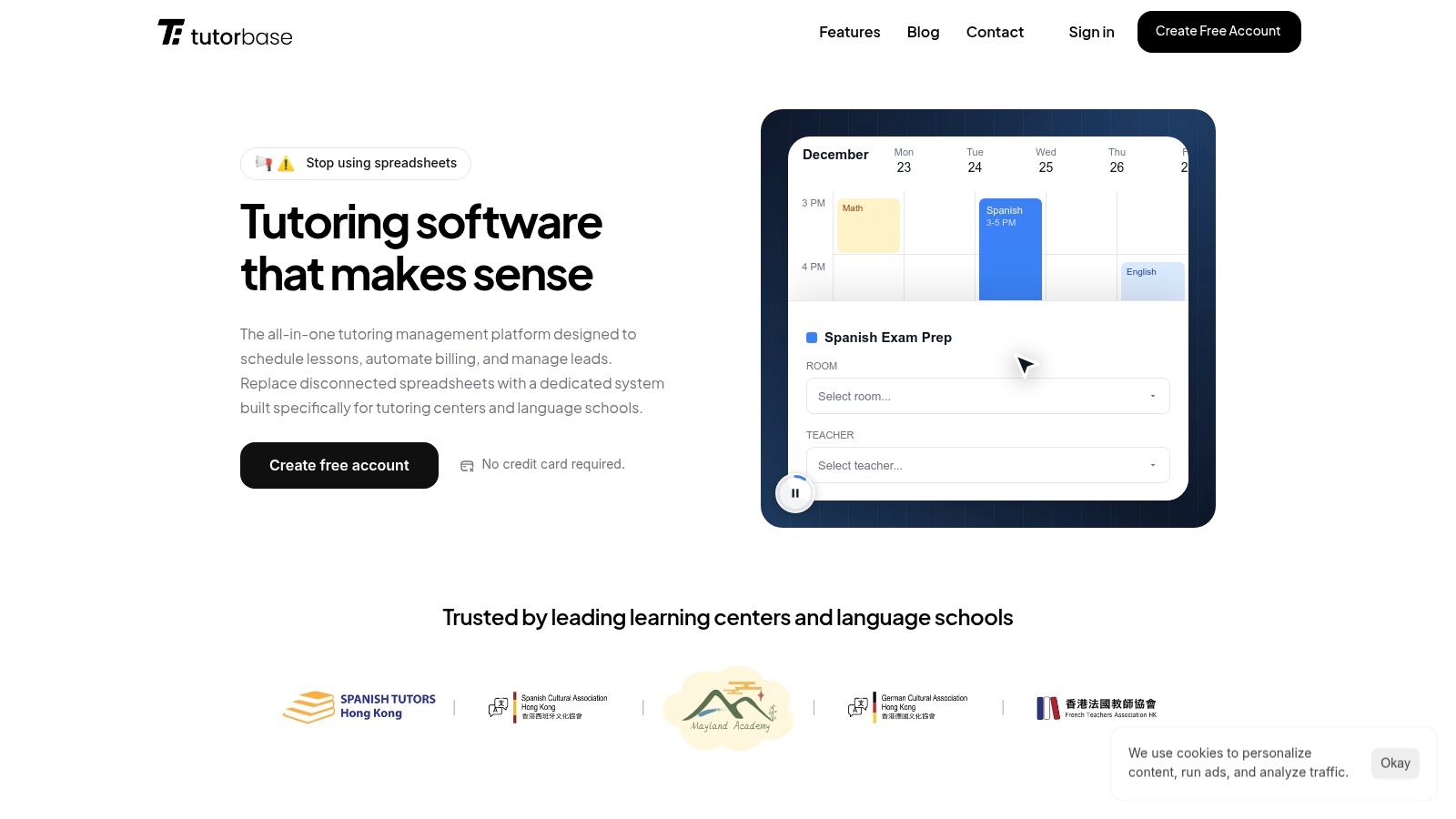
This platform stands out due to its sophisticated, end-to-end automation. Its intelligent scheduling tools, "Find Slot" and "Find Spot," eliminate double-bookings and streamline placing students into lessons. The system connects attendance marking directly to automated invoicing and payroll, significantly reducing administrative overhead. Users report a 60% reduction in admin time.
How does Tutorbase excel versus Tutorbird?
Advanced Scheduling & Room Management: Tutorbase is built for multi-branch complexity, handling room management, hybrid classes, and generating valid scheduling combinations for teachers, rooms, and times automatically.
Integrated Automation: The platform deeply connects scheduling, attendance, billing, and payroll. An attendance mark can trigger an invoice and a payroll entry, creating a seamless workflow that minimizes manual data entry.
Complex Payroll Formulas: It supports diverse pay structures beyond simple hourly rates, including revenue-share, base-plus-variable, and per-lesson models, along with contractor self-billing.
What is the pricing and onboarding process?
Tutorbase operates on a SaaS subscription model. While specific pricing tiers require signup, it offers a free account (no credit card needed) to evaluate the platform’s fit. Migrating from a legacy system will require an implementation period, but the potential efficiency gains often justify the initial effort.
Website: https://tutorbase.com
2. TutorCruncher
TutorCruncher is an end-to-end management CRM designed for growing tutoring agencies. It centralizes scheduling, invoicing, and payroll, making it a powerful Tutorbird alternative for businesses that need to manage multiple tutors and complex payment structures. This platform excels at automating the administrative backend of a tutoring operation.
Who is TutorCruncher For?
TutorCruncher is ideal for established tutoring companies, multi-location centers, and franchises managing a team of tutors. Its robust feature set, including payroll and advanced reporting, is built to handle the complexities of a growing business. Solo tutors planning to expand will also find its infrastructure valuable for scaling.
Standout Features
TutorCruncher’s strength lies in its comprehensive business management tools.
Integrated Payroll and Invoicing: It automates payments to tutors and invoices to clients, including complex scenarios like split payments. This reduces manual administrative work significantly.
Customizable Pipelines: You can track students and tutors through custom stages, from initial inquiry to active client, providing a clear view of your business pipeline.
Powerful Integrations: Connects seamlessly with payment gateways like Stripe and GoCardless, and automation tools like Zapier, extending its functionality.
Migration and Scalability
Migrating to TutorCruncher involves importing client, student, and tutor data, which their support team can assist with. The platform is highly scalable, with pricing tiers based on the number of active tutors. This allows it to grow with your business without forcing a platform change later.
Website: https://tutorcruncher.com/
3. Teachworks
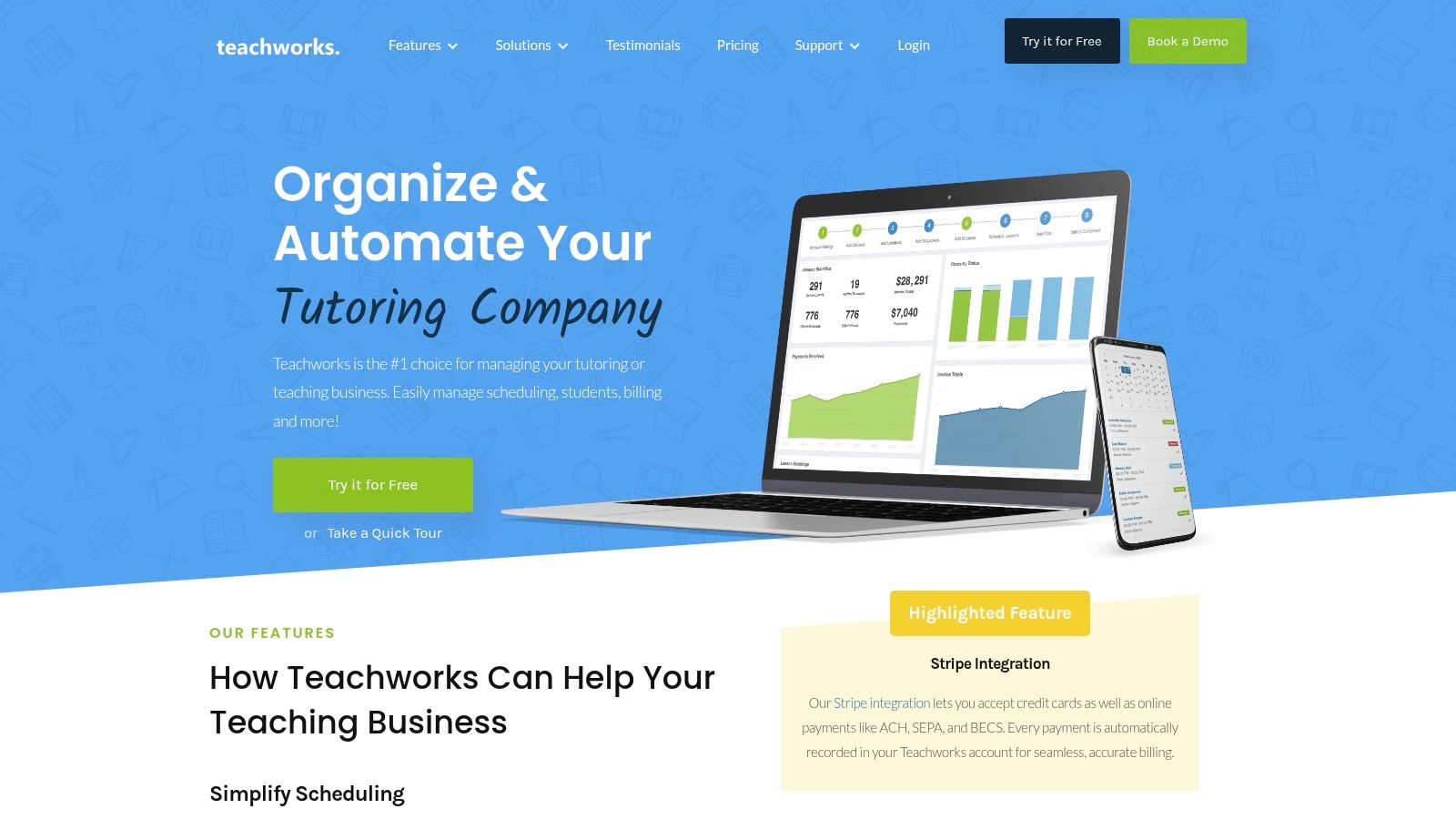
Teachworks is a complete management platform for tutoring businesses that need tight control over scheduling, automated billing, and payroll. It is a strong Tutorbird alternative for organizations that prioritize a direct link between scheduled lessons and financial transactions, offering extensive customization through numerous add-ons and integrations.
Who is Teachworks For?
Teachworks is best suited for established tutoring companies and multi-location centers that require robust automation. Its flexible billing and payroll features are ideal for businesses with varied pricing models, from package deals to hourly rates. Solo tutors aiming to systematize their operations will also find its structure beneficial.
Standout Features
Teachworks excels with its deep integration between scheduling and finance, backed by a vast library of add-ons. You can find more details in various tuition management systems reviews.
Invoice Autopilot: This feature automatically generates invoices based on completed lessons, attendance records, or preset schedules, improving cash flow consistency.
Extensive Add-On Library: With over 50 integrations, you can connect Teachworks to Stripe, QuickBooks, Zapier, Lessonspace, and more, tailoring the platform to your needs.
Flexible Teacher Payroll: The system supports multiple wage tiers and automatically calculates teacher earnings, simplifying the payroll process for businesses with diverse pay structures.
Migration and Scalability
Migrating to Teachworks involves importing your existing data for clients, students, and tutors via CSV files. The platform is built to scale, with pricing tied to the number of lessons per month. This model allows small operations to start affordably and grow into higher tiers.
Website: https://teachworks.com/
4. LearnSpeed
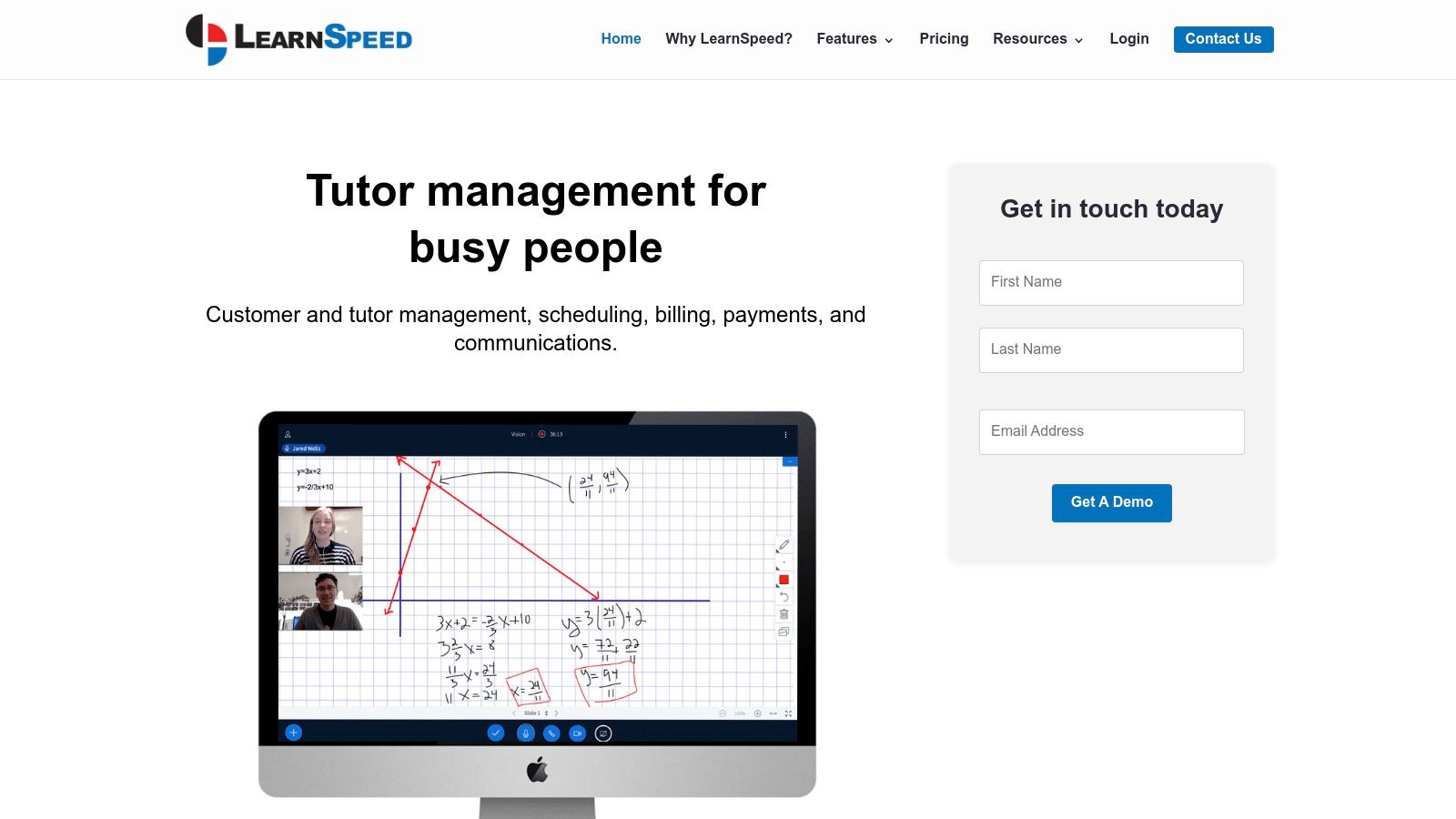
LearnSpeed offers a unique, pay-per-session pricing model that sets it apart from subscription-based Tutorbird alternatives. This platform is a comprehensive CRM designed for providers who want to manage clients, track student goals, and deliver online lessons through an integrated virtual classroom, all without a monthly fee commitment.
Who is LearnSpeed For?
LearnSpeed is an excellent choice for businesses with fluctuating session volumes, such as test prep academies with seasonal peaks. Its pay-as-you-go model also appeals to startups and solo tutors who want to avoid fixed monthly costs. The unlimited user accounts make it ideal for organizations.
Standout Features
LearnSpeed’s primary advantage lies in its flexible pricing and integrated online teaching tools.
Pay-Per-Session Billing: Instead of a flat monthly fee, you only pay for the sessions you conduct. This model can be highly cost-effective for businesses with variable schedules.
Integrated Virtual Classroom (Vision): The built-in Vision classroom supports live online tutoring with recording and playback. This is perfect for quality control and providing students with session reviews.
Unlimited User Accounts: You can add as many students, parents, and staff members as you need without incurring extra costs, a significant benefit over per-user pricing models.
Migration and Scalability
Migrating to LearnSpeed involves importing your existing data, and their team offers free lifetime email support. The platform's scalability is tied to its usage-based pricing. While cost-effective for smaller operations, businesses with consistently high volume might find a flat-rate subscription more economical.
Website: https://www.learnspeed.com/
5. Oases Online
Oases Online is an all-in-one management software designed for tutoring and after-school programs. Its pricing model is based on active students rather than tutors, making it an interesting Tutorbird alternative for organizations with fluctuating student enrollment or many part-time instructors. The platform covers scheduling, session tracking, billing, and payroll.
Who is Oases Online For?
Oases Online is best suited for established tutoring centers and educational organizations that prefer a student-based pricing structure. It is particularly effective for businesses that manage seasonal enrollment cycles. Its enterprise options also appeal to larger, multi-location franchises needing tailored solutions.
Standout Features
Oases Online focuses on providing a comprehensive, modular system that can be adapted to specific business needs.
Student-Based Pricing: Plans are tiered by active student count, not tutors. This can be more cost-effective for companies with many part-time tutors.
Modular Add-Ons: You can enhance the core platform with optional modules for online testing, SMS notifications, and concierge data services, allowing you to pay only for what you need.
Enterprise Customization: For large-scale operations, Oases offers custom programming and enterprise-level solutions to create a system that matches unique workflows and reporting requirements.
Migration and Scalability
Migrating to Oases Online involves importing your student, family, and staff data. The company offers a "Concierge Service" as a paid add-on where their team will handle the entire data migration process. The platform scales directly with your student base.
Website: https://oasesonline.com/
6. Lessonspace
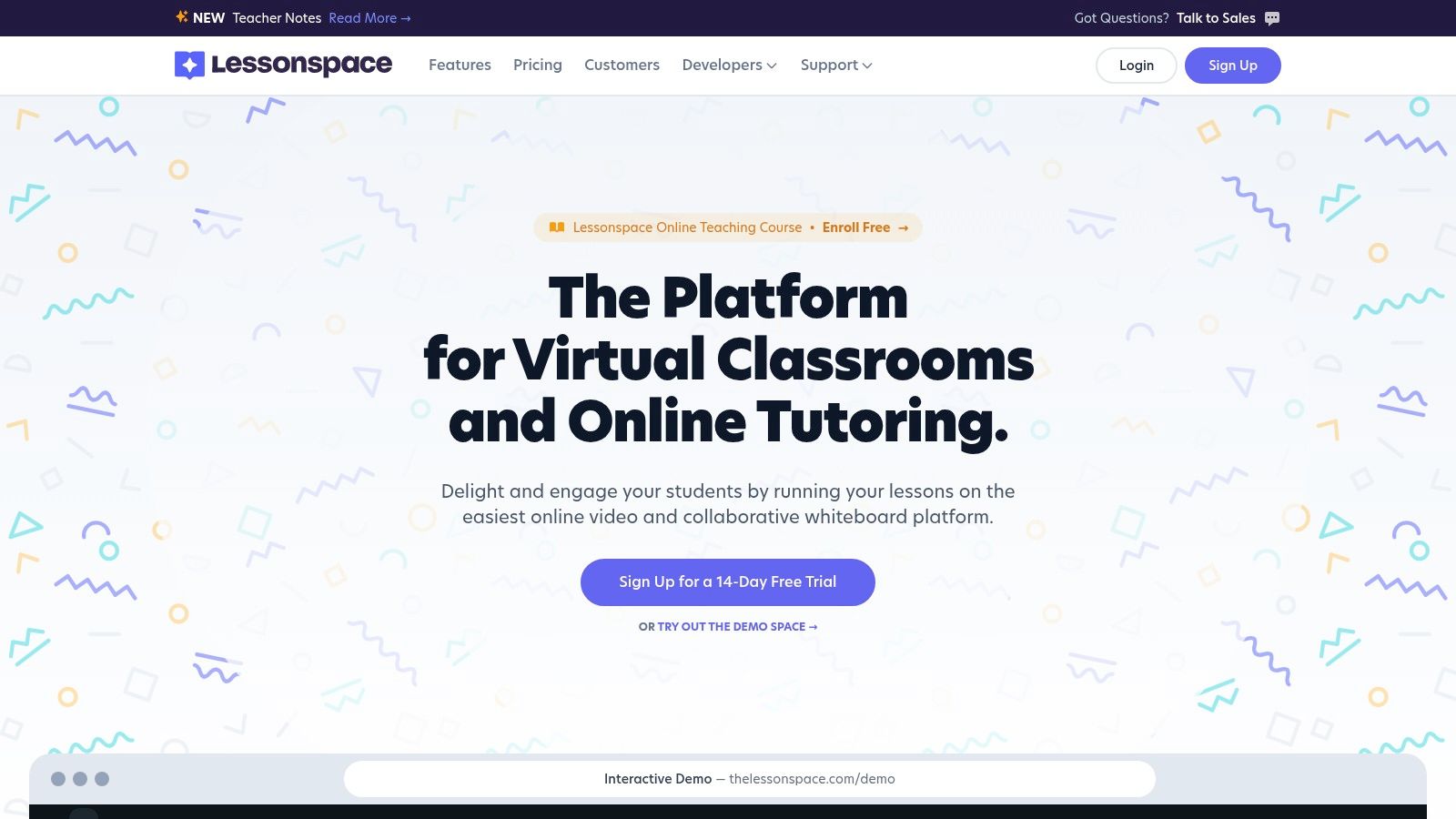
Lessonspace is not a full management system but a purpose-built online classroom designed to integrate with one. It provides a superior live teaching environment with tools like a collaborative whiteboard and code editor. It serves as a specialized, high-quality Tutorbird alternative for the live teaching component.
Who is Lessonspace For?
Lessonspace is ideal for any tutoring business that already has a management system but finds generic video conferencing tools lacking. If your primary need is to upgrade the quality of your online instruction without replacing your entire administrative backend, Lessonspace is the perfect fit.
What is a collaborative whiteboard?
A collaborative whiteboard is a digital, shared workspace where tutors and students can write, draw, and interact in real time during an online session. It is an essential tool for effective virtual instruction. According to a 2023 study by Research.com, interactive learning tools can improve student engagement by up to 85%.
Standout Features
Lessonspace focuses exclusively on creating the best possible online learning environment.
Tutoring-Centric Tools: Its shared whiteboard includes subject-specific features for math, chemistry, and more, making it more powerful than a standard video chat screen share.
Seamless Integrations: The platform is built to connect with popular tutoring CRMs, including TutorBird, TutorCruncher, and Teachworks. This allows you to launch dedicated online classrooms directly.
Generous Session Allowances: All plans include unlimited "Spaces" (virtual rooms) and concurrent sessions, which means you are not limited by how many classes you can run simultaneously.
Migration and Scalability
Since Lessonspace is not a management system, migration is nonexistent. You simply integrate it with your current CRM. Scalability is straightforward. Its pricing model accommodates growth, with add-ons available for increased session recording storage or larger group sessions.
Website: https://www.thelessonspace.com/
7. Squarespace Scheduling (formerly Acuity Scheduling)
Squarespace Scheduling is a powerhouse appointment management platform that excels at client-facing booking. While not a dedicated tutoring CRM, it serves as an excellent Tutorbird alternative for solo tutors or small centers whose primary need is a robust, automated scheduling system that integrates payments and client communication.

Who is Squarespace Scheduling For?
This platform is a perfect fit for independent tutors and small businesses that prioritize a polished, self-service booking experience. It’s ideal for those who already have a website and need to embed a sophisticated scheduling tool. Tutors selling session packages will find its e-commerce features useful.
Standout Features
Squarespace Scheduling's strength is in its deep customization and client management on the front end.
Advanced Booking Options: It allows you to sell appointment packages, gift certificates, and even recurring memberships or subscriptions directly through the booking interface.
Custom Intake Forms: You can create detailed, custom forms that clients must fill out during booking. This is perfect for gathering student information or learning goals upfront.
Powerful Calendar Sync: The platform offers robust two-way syncing with Google Calendar, Outlook, and iCloud, preventing double bookings and keeping your schedules aligned.
Migration and Scalability
Migrating to Squarespace Scheduling is straightforward, focused on importing your client list and setting up your appointment types. It’s not designed for migrating historical lesson data. It scales well for managing more appointments, but not for multi-tutor agencies with complex payroll or reporting needs.
Website: https://www.squarespace.com/scheduling
8. Calendly
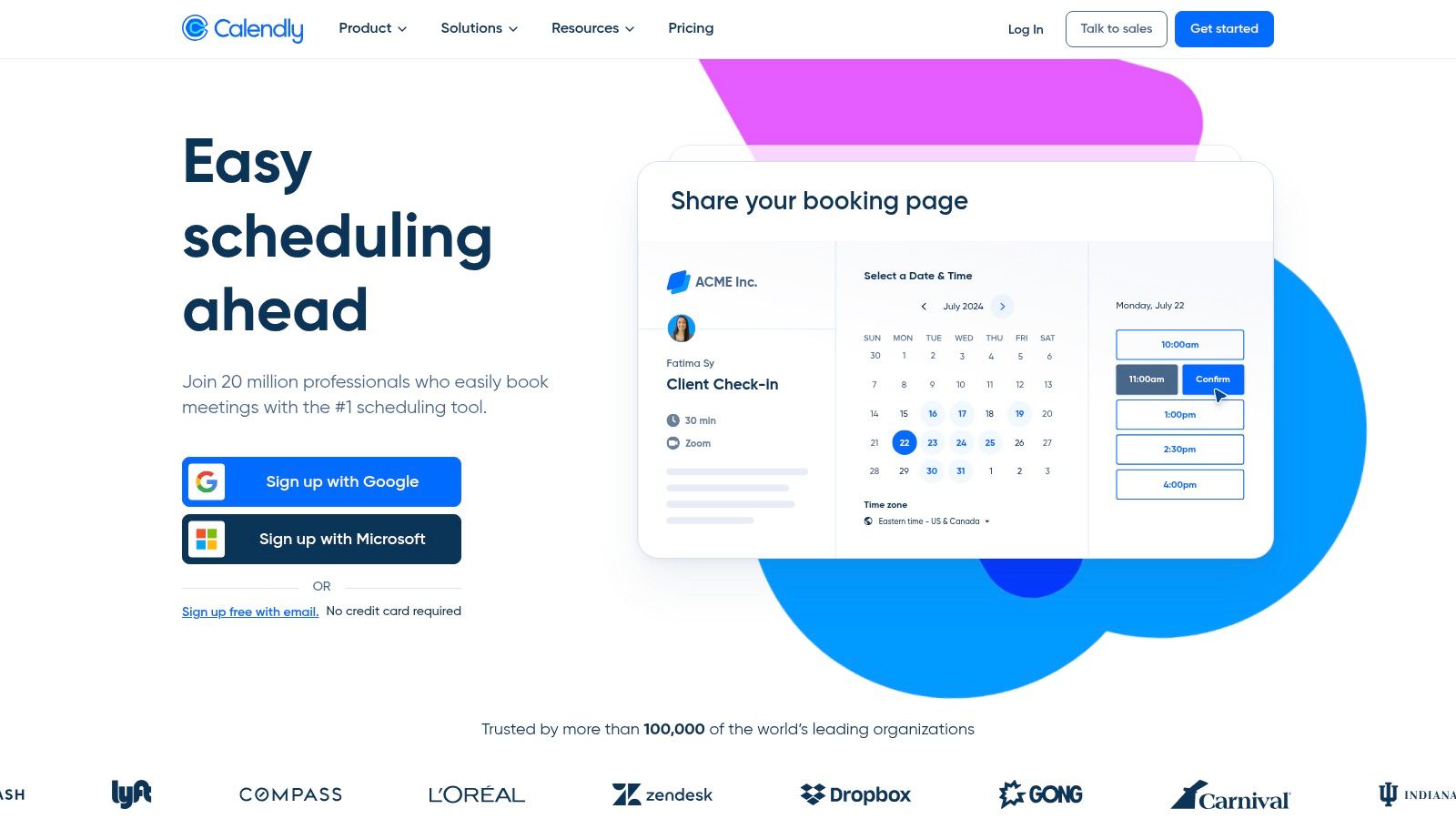
Calendly is a streamlined scheduling tool, not a full tutoring CRM. It serves as an excellent Tutorbird alternative for tutors focused on simplifying the booking process. It excels at letting clients self-book appointments or lessons directly from your website or a shared link, eliminating back-and-forth emails.
Who is Calendly For?
Calendly is perfect for solo tutors who need a simple, professional way to manage bookings. It is also great for businesses that want to automate initial consultations or trial sessions. Teams that need to manage availability across multiple tutors using round-robin or collective scheduling rules will also find it useful.
Standout Features
Calendly's power is in its focused, best-in-class scheduling automation.
Payment at Booking: Integrates directly with Stripe and PayPal, allowing you to require payment when a client books a session. This is a simple way to reduce no-shows.
Workflow Automation: You can create automated workflows to send reminders, follow-up emails, or thank-you notes, which helps maintain client communication without manual effort.
Team Scheduling: Features like round-robin routing automatically assign new appointments to the next available tutor, ensuring fair distribution and quick client response times.
Migration and Scalability
Since Calendly is not a full CRM, migration is minimal. You simply set up your event types and connect your calendar. The platform is highly scalable for scheduling needs, with pricing based on a per-user, per-month model. Its booking functionality can support an operation of any size.
Website: https://calendly.com/
9. Square Appointments
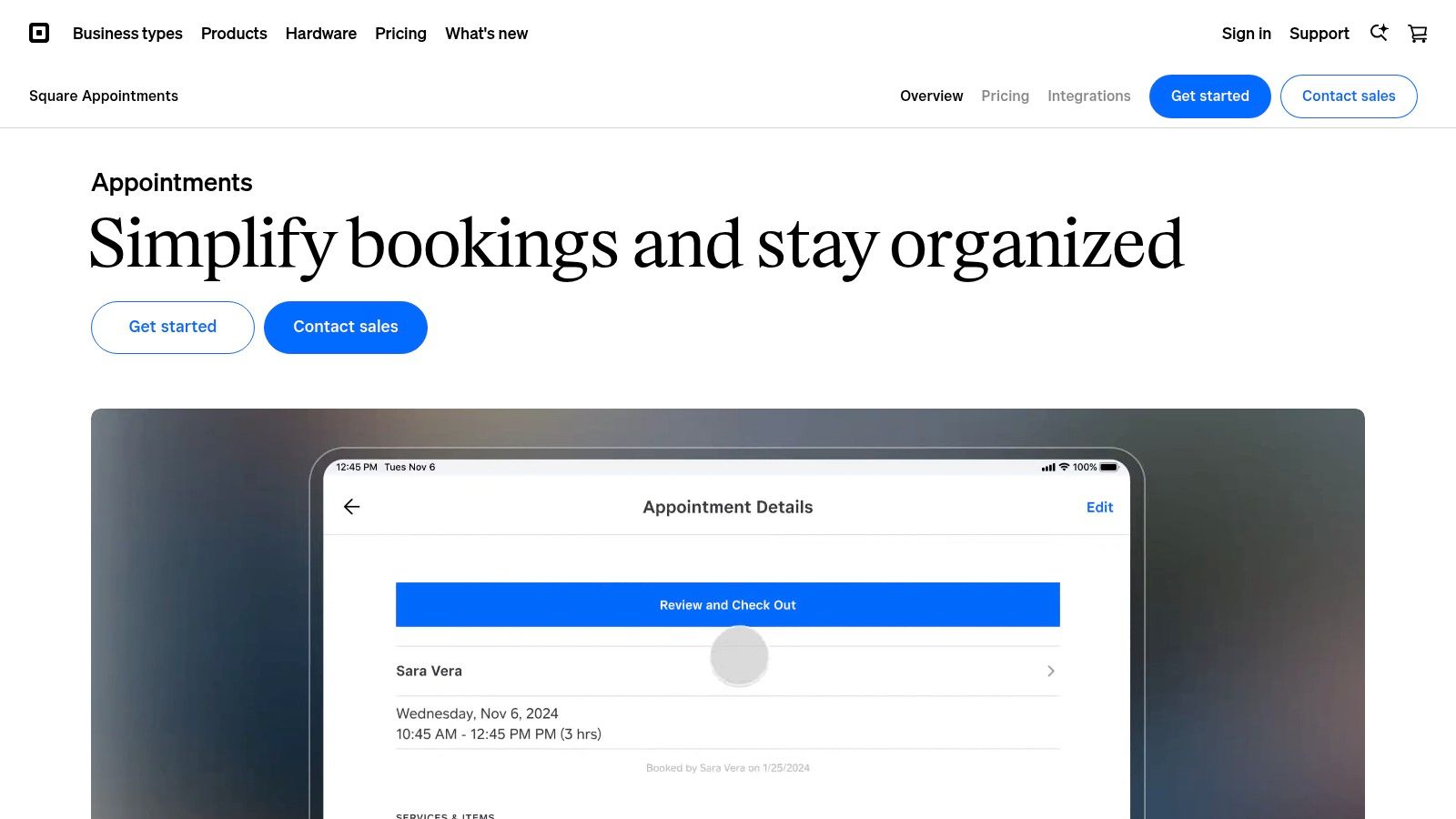
Square Appointments is a powerful scheduling tool deeply integrated into Square's extensive payment ecosystem. While not built specifically for tutoring, it serves as an excellent Tutorbird alternative for centers prioritizing seamless, all-in-one payment processing and appointment booking, especially for those with online and in-person operations.
Who is Square Appointments For?
Square Appointments is best for tutors and learning centers that handle frequent in-person payments and want to unify their scheduling and point-of-sale (POS) systems. It's a strong fit for solo tutors who need a free, professional booking site and for multi-location centers wanting a single platform.
Standout Features
Square’s strength is its seamless fusion of scheduling with a world-class payment infrastructure.
Unified Payment and Booking: It connects your online booking site directly to Square’s payment processing, including invoicing, card-on-file, ACH transfers, and even "Tap to Pay" on mobile devices.
No Monthly Fee for Individuals: Solo tutors can get started with a free plan that includes unlimited appointments and an online booking site, only paying standard processing fees.
Integrated Hardware Options: For centers with a physical front desk, Square offers a full suite of POS hardware that works in sync with the appointment software.
Migration and Scalability
Migrating to Square Appointments is straightforward for client and staff data, which you can import via CSV files. The platform scales effectively from a free plan for solo operators to paid tiers for growing teams. Its robust payment system can handle high transaction volumes.
Website: https://squareup.com/us/en/appointments
10. Setmore
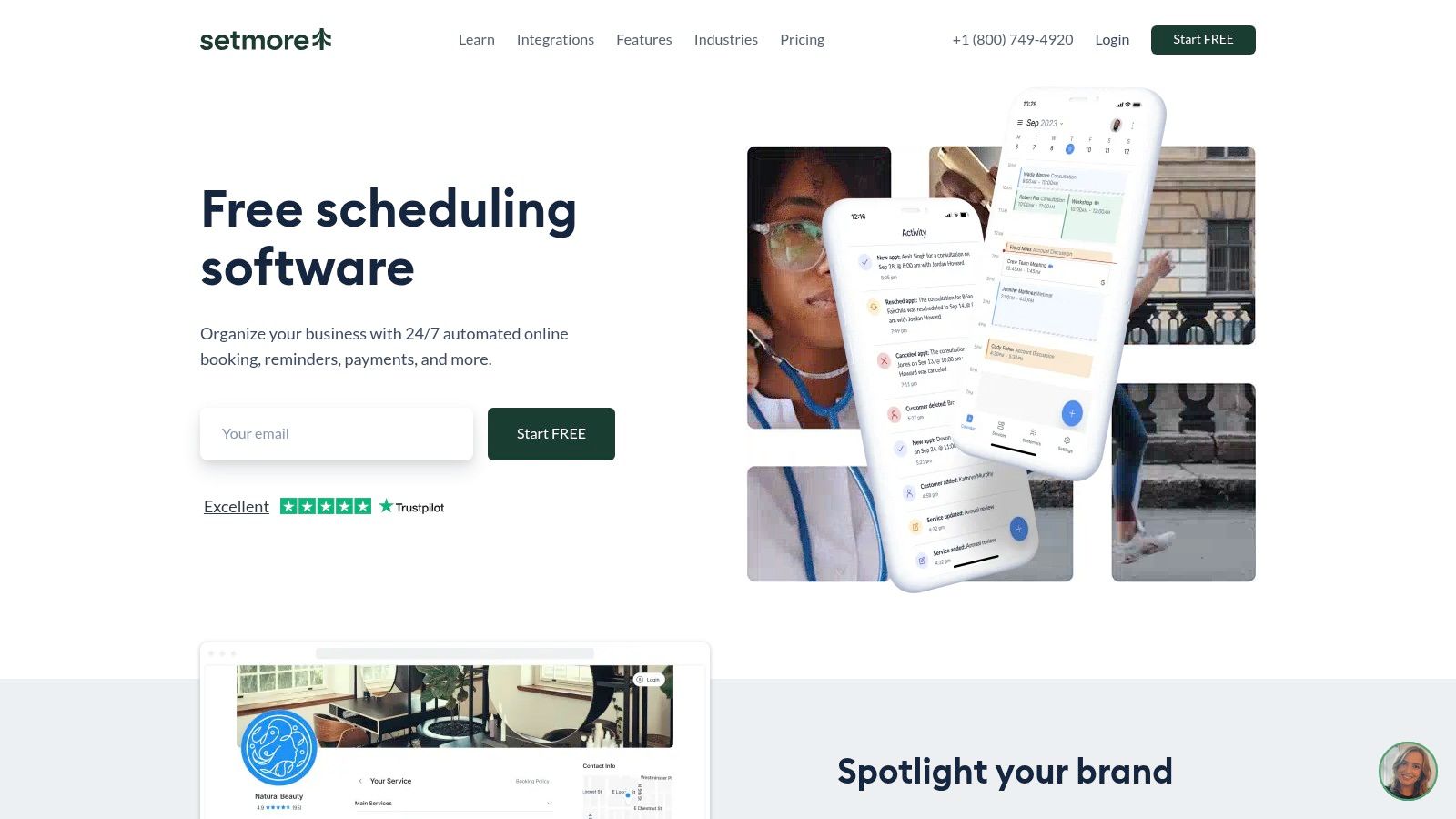
Setmore is a versatile and highly affordable scheduling platform that serves as an excellent Tutorbird alternative for tutors focused primarily on managing appointments. It provides a clean interface for creating public booking pages, managing class schedules, and accepting online payments, making it a strong choice for those who don't need a full-scale tutoring CRM.
Who is Setmore For?
Setmore is best suited for individual tutors, freelance educators, and small tutoring groups whose primary administrative challenge is scheduling. Its generous free plan is perfect for those just starting out. Its paid tiers offer valuable features for tutors managing group classes and needing to sync calendars.
Standout Features
Setmore’s core strength is its accessible and powerful appointment-setting functionality.
Multi-Processor Payments: It integrates directly with Square, Stripe, and PayPal, giving clients flexible and secure ways to pay for sessions from the booking page.
Generous Free Tier: The free plan supports up to four user logins, each with their own calendar, and includes unlimited appointments, making it one of the most functional free options.
Robust Integrations: It connects with Google Calendar and Office 365 for two-way calendar sync (on paid plans) and integrates with tools like Zapier to extend its capabilities.
Migration and Scalability
Migrating to Setmore is straightforward, as its focus is on scheduling rather than comprehensive student data. You can easily set up your services and availability. While excellent for managing appointments, it does not scale into a full tutoring management system for payroll or advanced reporting.
Website: https://www.setmore.com/
11. My Music Staff
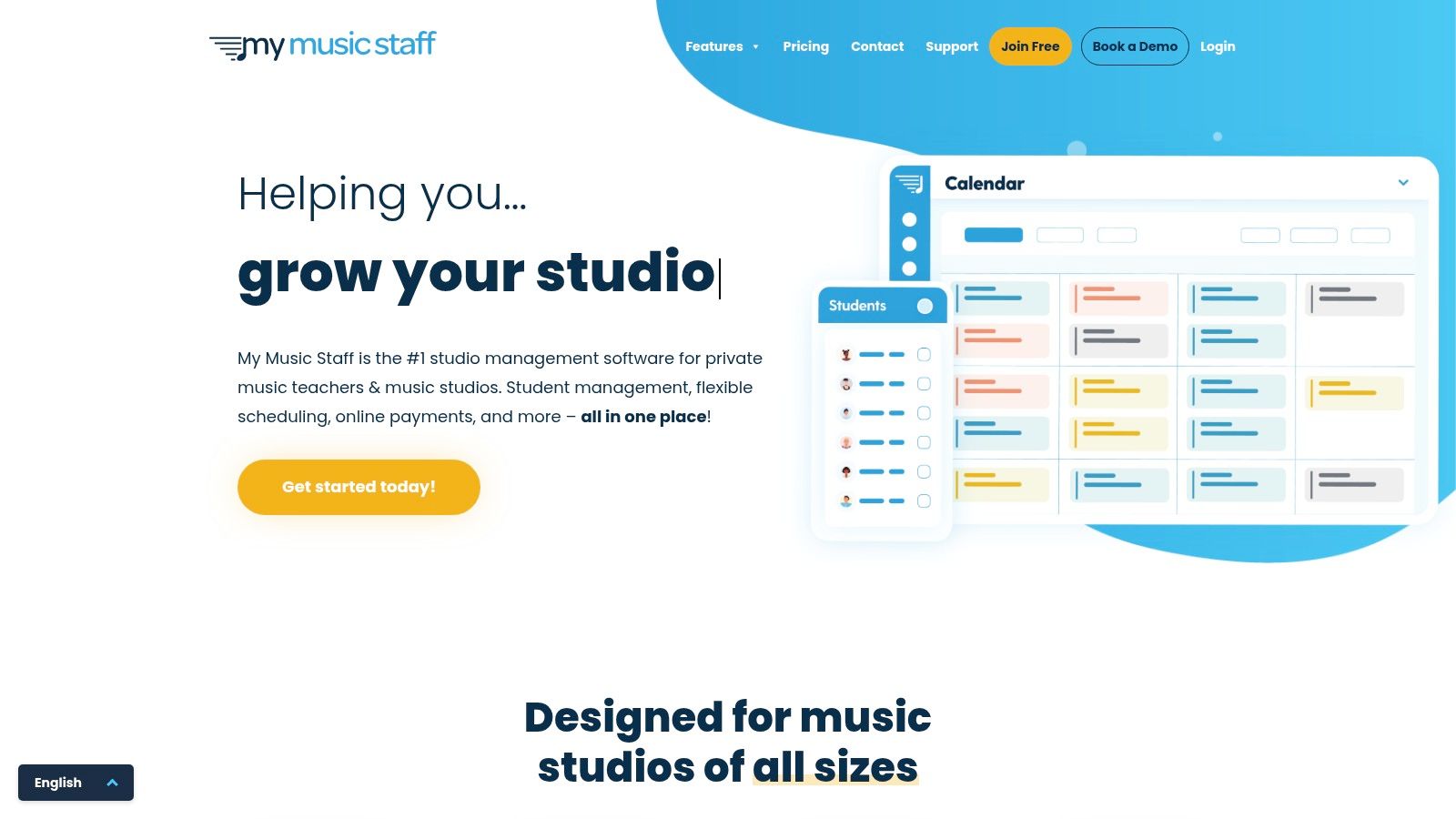
My Music Staff is a studio management platform designed for private lesson businesses, sharing a similar workflow with its sister product, TutorBird. It offers a comprehensive suite for managing students, scheduling, and billing, making it a familiar and effective Tutorbird alternative for studios that prioritize a lesson-based model.
Who is My Music Staff For?
My Music Staff is ideal for private music teachers, art instructors, and other solo lesson providers who need an all-in-one system. It also serves small to medium-sized studios with multiple teachers. Its flat pricing model is attractive to businesses with a fluctuating number of teachers.
Standout Features
The platform excels at simplifying the day-to-day operations of a private lesson studio.
Integrated Student/Parent Portals: Clients can log in to view lesson notes, track practice time, access shared files, and view their calendar, which fosters better engagement.
Automated Invoicing and Payroll: The system generates invoices automatically based on scheduled lessons and tracks teacher payroll, including different pay rates.
Robust Communication Tools: You can send bulk emails and SMS messages to your entire studio or specific groups, perfect for sending reminders, newsletters, or urgent updates.
Migration and Scalability
Migrating to My Music Staff is straightforward. You can import student, parent, and teacher data via CSV files. While scalable for multi-teacher studios, its primary focus remains on lesson-based businesses. Companies expanding into complex group classes may eventually outgrow its feature set.
Website: https://www.mymusicstaff.com/
12. Schedulista
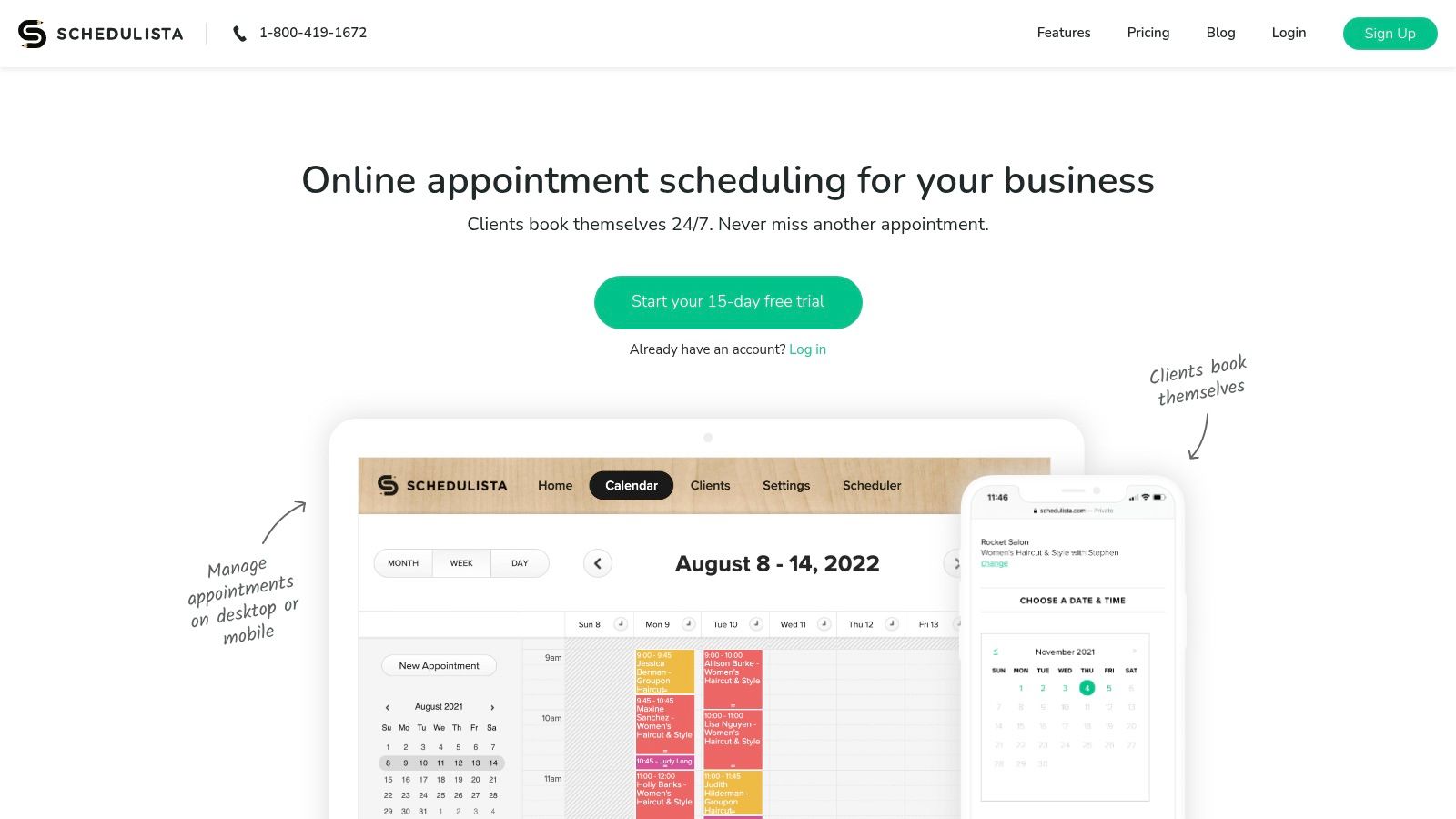
Schedulista offers a streamlined, embeddable scheduling tool designed for service-based businesses that need simple, self-service booking. It serves as a powerful Tutorbird alternative for solo tutors or small teams who prioritize a fast, simple, and predictable booking experience over comprehensive business management. Its strength is its "set it and forget it" nature.
Who is Schedulista For?
Schedulista is best suited for independent tutors and very small businesses whose primary need is to eliminate the back-and-forth of scheduling. If your main administrative headache is booking and appointment reminders, this platform provides a direct and effective solution without the complexity of a larger system.
Standout Features
Schedulista’s features are focused entirely on simplifying the booking process for you and your clients.
Flat-Rate Pricing: A single monthly price provides access to all features, including unlimited appointments and clients. This predictable cost is a major advantage.
Simple Web Integration: The platform makes it easy to embed your booking widget directly into your website or link it from social media profiles like Facebook and Instagram.
Automated Reminders: It sends automatic SMS and email reminders to clients, significantly reducing no-shows and last-minute cancellations.
Migration and Scalability
Migrating to Schedulista is straightforward since it doesn't house extensive student data. You simply configure your availability and services. However, its scalability is limited. The platform is not designed for growing agencies that need to manage payroll or complex reporting.
Website: https://www.schedulista.com/
Tutorbird Alternatives Comparison Table
Product | Core features | Target audience | Pricing model | Key differentiator | Drawbacks |
|---|---|---|---|---|---|
Tutorbase | AI scheduling (Find Slot/Spot); attendance-driven billing; automated payroll; multi-location CRM | Mid→large tutoring centres (5–100+ teachers) | SaaS subscription; free account (no CC) | End-to-end automation; intelligent slot finder; scalable for high volume | Likely higher SaaS cost vs DIY; migration effort from legacy data |
TutorCruncher | Scheduling, invoicing, payroll, client/tutor portals, integrations | Growing tutoring agencies needing robust admin | Subscription + payment fees | Strong admin tools; flexible permissions & multi-timezone support | Learning curve; card processing fees; not a full LMS |
Teachworks | Multi-calendar scheduling; automated invoicing; payroll; many integrations | Multi-tutor organizations needing tight billing↔scheduling coupling | Subscription; some tiers add per-lesson usage fees | Scales well; extensive integrations (QuickBooks, Zapier, Lessonspace) | Utilitarian UI; per-lesson fees can add up |
LearnSpeed | Per-session billing; client/tutor mgmt; integrated virtual classroom (Vision) | Providers wanting built-in online delivery and pay-per-session | Pay-per-session (no user limits) | Integrated classroom with recording; pay-as-you-go model | Per-session fees can be expensive at scale; occasional billing quirks |
Oases Online | Scheduling, session tracking, CRM, billing/payroll; add-ons & enterprise options | Organisations preferring student-count pricing | Tiered by active student count; add-ons increase cost | Pricing scales with active students; enterprise/custom programming | Add-on fees and transaction surcharges can inflate cost |
Lessonspace | Live online classroom: video, collaborative whiteboard, code editor, recordings | Teams needing high-quality live teaching tools to pair with CRMs | Subscription / account pricing | Tutoring-focused live tools that integrate with CRMs | Not a business CRM—requires separate billing/scheduling |
Squarespace Scheduling | Client self-booking, packages/memberships, reminders, payments | Solo tutors or small centres wanting website-embedded booking | Subscription tiers; payment processing fees | Feature-dense for price; easy website embed | Not tutor-specific CRM; LMS/progress features limited |
Calendly | Event booking, payments at booking, team routing, automations & integrations | Families self-booking consults; teams needing round-robin routing | Freemium → paid Teams/Enterprise tiers | Fast to deploy; large integration ecosystem | Pure scheduler (no CRM/payroll); some features need higher tiers |
Square Appointments | Staff calendars, online booking site, invoicing, POS & payments | Centres needing integrated payments + appointments (on-site & online) | Subscription + card processing fees | Integrated payments/POS rails; transparent fees & hardware options | Not tutoring-specific (no lesson notes/LMS); processing fees apply |
Setmore | Booking pages, class scheduling, reminders, payments & integrations | Budget-conscious tutors needing basic scheduling & class support | Free plan (up to 4 users); Pro paid tier | Competitive pricing; multiple payment processors | Not a tutor CRM; SMS/branding removal on paid tier |
My Music Staff | Student/parent portals, scheduling, auto-invoicing, multi-teacher payroll | Private lesson studios (music-focused) and small multi-teacher studios | Flat pricing with free trial | Familiar TutorBird-style workflow; strong communications | Music-oriented terminology; no embedded online classroom |
Schedulista | Self-service booking, SMS/email reminders, Stripe payments, web embeds | Solo tutors / small teams seeking predictable, fast-to-deploy booking | Flat monthly pricing; 15-day trial | Simple flat pricing; quick setup | Not a tutoring CRM; no mobile client app for students |
How do I choose the right platform to scale my tutoring business?
The best Tutorbird alternative is the platform that directly addresses your business's most significant administrative bottlenecks. This could be a comprehensive system like Tutorbase for a multi-location center or a simple scheduler like Setmore for a solo tutor. Your ideal software exists among these options.
Navigating the landscape of tutoring management software reveals a clear truth: while Tutorbird is a capable platform, it's just one of many choices. This article has detailed a wide spectrum of powerful Tutorbird alternatives, from all-in-one management systems like Tutorbase and TutorCruncher to specialized scheduling tools like Calendly and Setmore.
How to Select the Right Software for Your Business
You can simplify the decision process by focusing on your core operational challenges. Start by conducting an honest audit of your daily, weekly, and monthly administrative tasks.
Ask yourself these critical questions:
What is my biggest administrative bottleneck? If billing is your main headache, a platform with robust automation like Tutorbase or Oases Online is essential.
What are my 3-year growth plans? If your goal is to hire tutors, choosing a scalable platform from day one will prevent a painful migration later.
How important is a customized student and parent experience? Tools like Teachworks and TutorCruncher offer strong client portals that enhance communication.
Do I need specialized features? Music schools will find value in My Music Staff. A business focused on online tutoring should prioritize platforms with deep integrations like Lessonspace.
A Framework for Your Final Decision
To make a confident choice, create a simple decision matrix. List your non-negotiable features (e.g., automated invoicing, multi-location support) and your "nice-to-have" features (e.g., a white-labeled mobile app, SMS reminders). Rank each of the Tutorbird alternatives you are considering against this list.
For instance, a growing tutoring center might prioritize:
Automated Payroll: To reduce hours of manual calculations.
Multi-Tutor Calendars: For efficient session assignment.
Parent Portal: For transparent communication and self-service booking.
Reporting Dashboards: To track revenue, tutor hours, and student progress.
In this scenario, a comprehensive system designed for growth, such as Tutorbase, would align perfectly with these requirements. Choosing the right software is about investing in your business's future. It’s about reclaiming your time from administrative drag so you can focus on delivering exceptional education.
Ready to eliminate administrative headaches and build a more efficient, scalable tutoring business? Find out how our platform can transform your operations by registering for a free account at tutorbase.com/register.
Frequently Asked Questions (FAQ)
What is the best Tutorbird alternative for a large tutoring center?
The best Tutorbird alternative for a large tutoring center is a platform designed for scalability and complex operations, such as Tutorbase or TutorCruncher. These systems offer advanced features like multi-location management, complex payroll automation, and robust reporting that are essential for managing a large team and student base.
Can I find a free Tutorbird alternative?
Yes, you can find free Tutorbird alternatives, but they are typically limited to specific functions. For example, Calendly, Setmore, and Square Appointments offer free plans that are excellent for basic scheduling and booking. However, they do not provide the comprehensive business management features (like payroll or student progress tracking) found in paid, all-in-one platforms.
How do I migrate my data from Tutorbird to a new system?
Most tutoring management platforms allow you to migrate data by importing CSV (Comma-Separated Values) files. You would first export your student, parent, and tutor information from Tutorbird into a spreadsheet, then import that file into the new system. Some platforms, like Oases Online, offer a paid "concierge" service to handle the migration for you.
What is the difference between a tutoring CRM and a simple scheduling tool?
A tutoring CRM (Customer Relationship Management) is an all-in-one system that manages your entire business, including scheduling, billing, payroll, student progress, and client communication. A simple scheduling tool, like Calendly or Schedulista, focuses solely on booking appointments and managing calendars.
Which Tutorbird alternative is best for online-only tutoring?
For online-only tutoring, the best alternative often combines a management CRM with a specialized virtual classroom. A platform like Teachworks integrated with Lessonspace provides powerful business administration alongside a high-quality, feature-rich online teaching environment, which is superior to using generic tools like Zoom.
Are there alternatives to Tutorbird that are not subscription-based?
Yes, LearnSpeed is a notable alternative that uses a pay-per-session pricing model instead of a monthly subscription. This can be a cost-effective option for businesses with fluctuating or seasonal lesson volumes, as you only pay for the sessions you actually conduct.
What should I look for in a parent portal?
A good parent portal should allow parents to easily view their child's schedule, see attendance records, access lesson notes or progress reports, and manage billing. Self-service features, like the ability to book or cancel lessons and make payments online, are also highly valuable for improving the client experience.
How much should I expect to pay for a Tutorbird alternative in 2026?
In 2026, pricing for Tutorbird alternatives varies widely. Simple scheduling tools can be free or cost around $10-$20 per user per month. Comprehensive management platforms for growing businesses typically range from $50 to over $300 per month, depending on the number of tutors, students, or features required.


