


Tired of juggling spreadsheets, calendars, and invoices? If you're spending 10+ hours a week stitching together Google Calendar for scheduling, QuickBooks for billing, and Excel for payroll, you're not dealing with a small annoyance. You're dealing with a system problem that leaks time, creates booking mistakes, and makes basic reporting harder than it should be. Teams running tutoring centers and language schools often feel this most when a parent wants a reschedule, a teacher changes availability, and finance still needs invoices by the end of the day.
Key Takeaways: For tutoring businesses, the best online booking system is more than a calendar. The right tool connects scheduling, attendance, billing, payments, and payroll, so one lesson doesn't create five admin tasks. Specialized platforms matter because tutoring centers with 5–100+ teachers and 1–10+ branches commonly lose 10+ hours per week on admin tasks such as manual invoice creation, payroll calculations in Excel, and payment chasing, according to Tutorbase on Capterra.
This guide cuts through the noise. I'm looking at these tools the way an operations manager would, not the way a generic software roundup does. If you also need broader solutions for small business appointments, that's useful context, but tutoring centers need more than basic appointment software.
1. Tutorbase
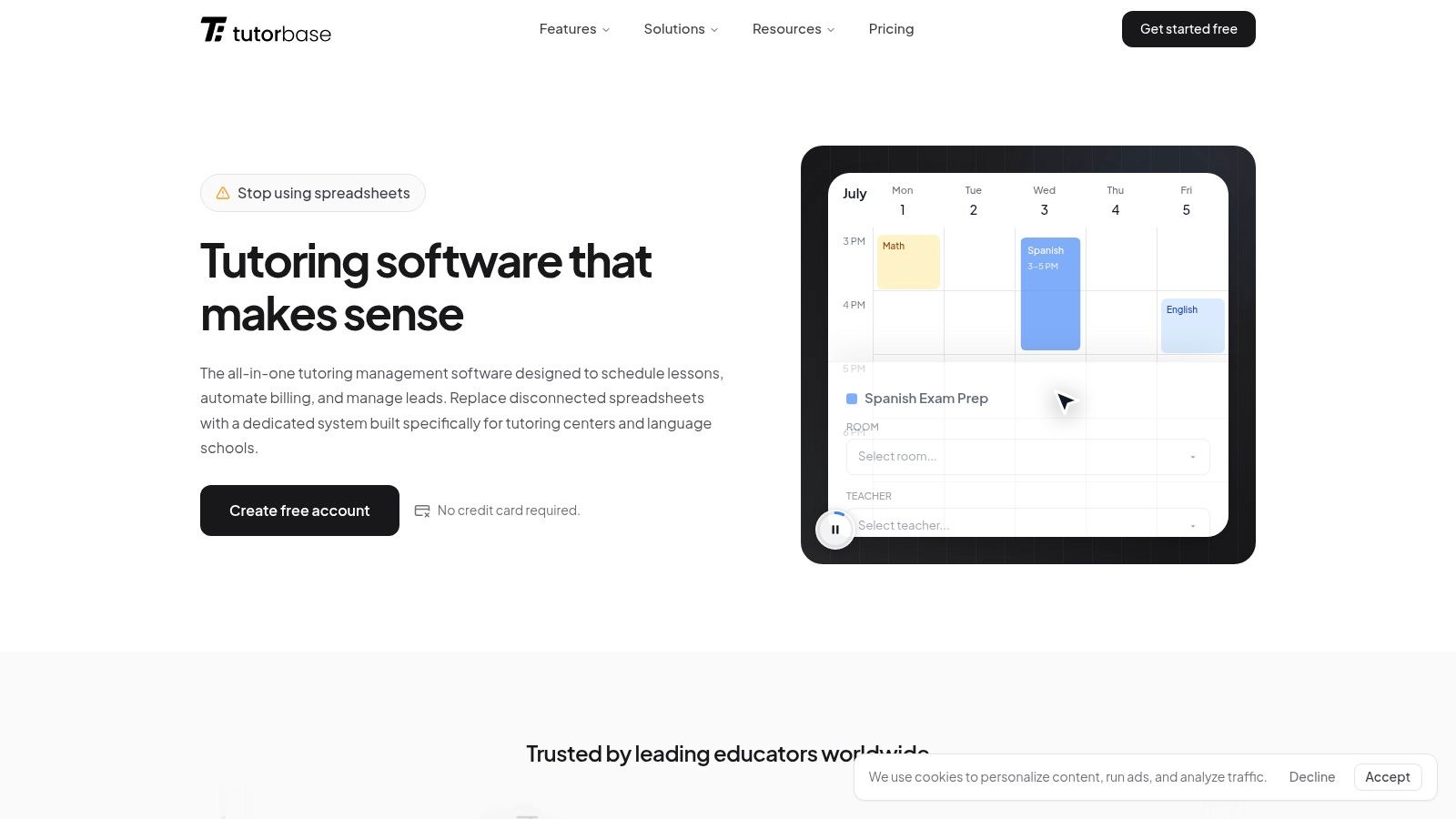
A parent asks to move Wednesday's math lesson to Thursday. The teacher is only free in one slot. That room is already booked for IELTS prep. One student in the group class is on a prepaid bundle, another is billed monthly, and payroll closes tomorrow. This is the kind of operational mess generic schedulers struggle with.
Tutorbase is built for that workload. It combines scheduling, attendance, invoicing, payroll, room planning, lead capture, and student records in one system, which makes it a better fit for tutoring centers and language schools than a standard appointment tool.
The difference shows up once you run a team. A solo tutor can patch together a calendar and payment link. A center with 5 to 100+ teachers, multiple rooms, and several branches needs the booking system to carry operational logic, not just hold appointments.
Why it works in a tutoring center
Tutorbase keeps lessons, attendance, billing, and teacher pay tied together. If a student attends, that attendance can feed invoicing. If a teacher covers a class, payroll can reflect the change. If a room changes, the schedule updates without someone checking three separate tools.
That matters more than flashy booking pages.
On the scheduling side, it covers the problems I usually see operations teams handling manually:
- Find Slot: Suggests viable teacher, room, and time combinations for a new booking
- Find Spot: Finds existing classes with open seats by subject, level, teacher, time, and location
- Conflict detection: Flags double bookings across teachers, rooms, and class capacity
- Recurring series: Sets up weekly or bi-weekly lessons without rebuilding the same schedule each time
The existing tutoring scheduling software page is useful if you want to see how that scheduling workflow is set up in practice.
Where it stands out against general booking tools
Most appointment platforms can accept a booking and send reminders. Tutorbase goes further into school operations. It supports policy packs, prepaid credits, lesson bundles, attendance-based billing, and multiple payroll models in the same system. That includes per-hour, per-lesson, per-student, revenue share, base-plus-variable arrangements, and overtime rules.
It also covers the side of the job that usually ends up spread across spreadsheets and WhatsApp threads:
- Multi-branch management: Shared oversight across locations and rooms
- CRM intake: Enquiries from website forms, WhatsApp, phone, and walk-ins
- Hybrid lesson support: In-person and online students in the same lesson
- Linked records: Students, payers, and teachers connected to finance and scheduling data
- Multi-brand setup: Separate branding and portals with shared operational resources
For centers comparing specialist tools rather than general schedulers, this guide to the best Acuity alternatives for tutors is a useful reference point.
Tutorbase also publishes customer outcome claims around lower admin time, faster onboarding, and stronger lesson renewals on its case study and marketing pages. I would treat those as directional, not as a reason to skip a proper trial. The more practical takeaway is simpler. If your current process requires staff to re-enter attendance into billing and then rebuild payroll in Excel, this kind of system removes a lot of repeat work.
Trade-offs
Tutorbase has more operational depth than most tools in this list. That is an advantage for a center with multiple teachers, rooms, pricing models, and branches. It also means setup takes more thought. If you run a very small tutoring business with simple one-to-one lessons, it may feel heavier than you need at the start.
The pricing model is also different from flat monthly schedulers. Tutorbase is free to use, with a 1% fee when invoices are created through the platform. That lowers the barrier to getting started, but larger centers should still model the cost against subscription-based tools if invoice volume is high.
Best for
- Multi-teacher tutoring centers
- Language schools with level-based classes
- Test prep academies
- Music schools and after-school programs
- Operations teams replacing disconnected scheduling, billing, and payroll tools
2. Squarespace Scheduling
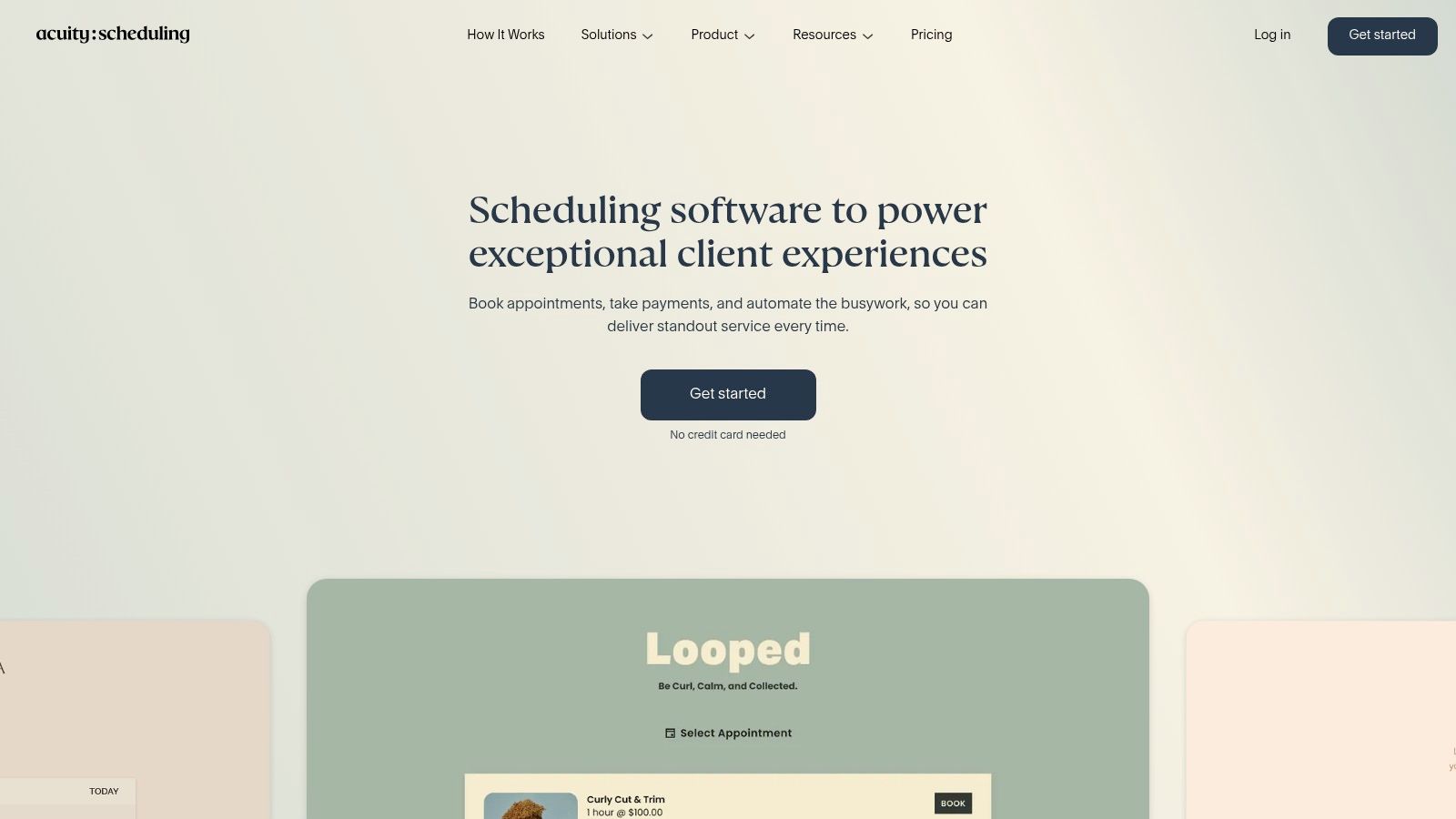
Squarespace Scheduling, formerly Acuity Scheduling, is one of the cleaner booking products for service businesses that need self-serve appointments, packages, subscriptions, forms, and reminders. It works well if your main problem is getting people booked and paid without email back-and-forth.
For tutoring, it sits in the middle. It's stronger than a basic meeting scheduler because it handles group classes, recurring sessions, packages, and intake forms. But it still isn't a tutoring operations platform.
Where it fits, and where it doesn't
I'd look at Squarespace Scheduling if you run a smaller school with straightforward offerings and you don't yet need integrated payroll or serious branch management. It also helps if your website already lives in the Squarespace ecosystem.
Useful strengths include:
- Group support: Capacity and recurring class scheduling
- Commercial flexibility: Packages, gift certificates, subscriptions
- Booking intake: Forms collected at the time of booking
- Payment flow: Clients can pay during the booking process
If you're comparing it directly against more education-focused tools, this guide on the best Acuity alternatives for tutors is worth a read.
General booking tools usually stop at “appointment confirmed.” Tutoring businesses still need attendance, invoicing, credits, renewals, and payroll after that point.
Trade-offs for tutoring centers
Squarespace Scheduling doesn't track the subject and level logic that language schools and academic centers often need. It also won't give you automated invoicing from attendance or tutor-specific payroll structures.
That means it's fine for the front-end booking step, but your back office still needs other tools and manual checking.
Best for
- Solo tutors
- Small programs selling lessons or packages
- Centers already using Squarespace for their website
Website: Squarespace Scheduling
3. Calendly
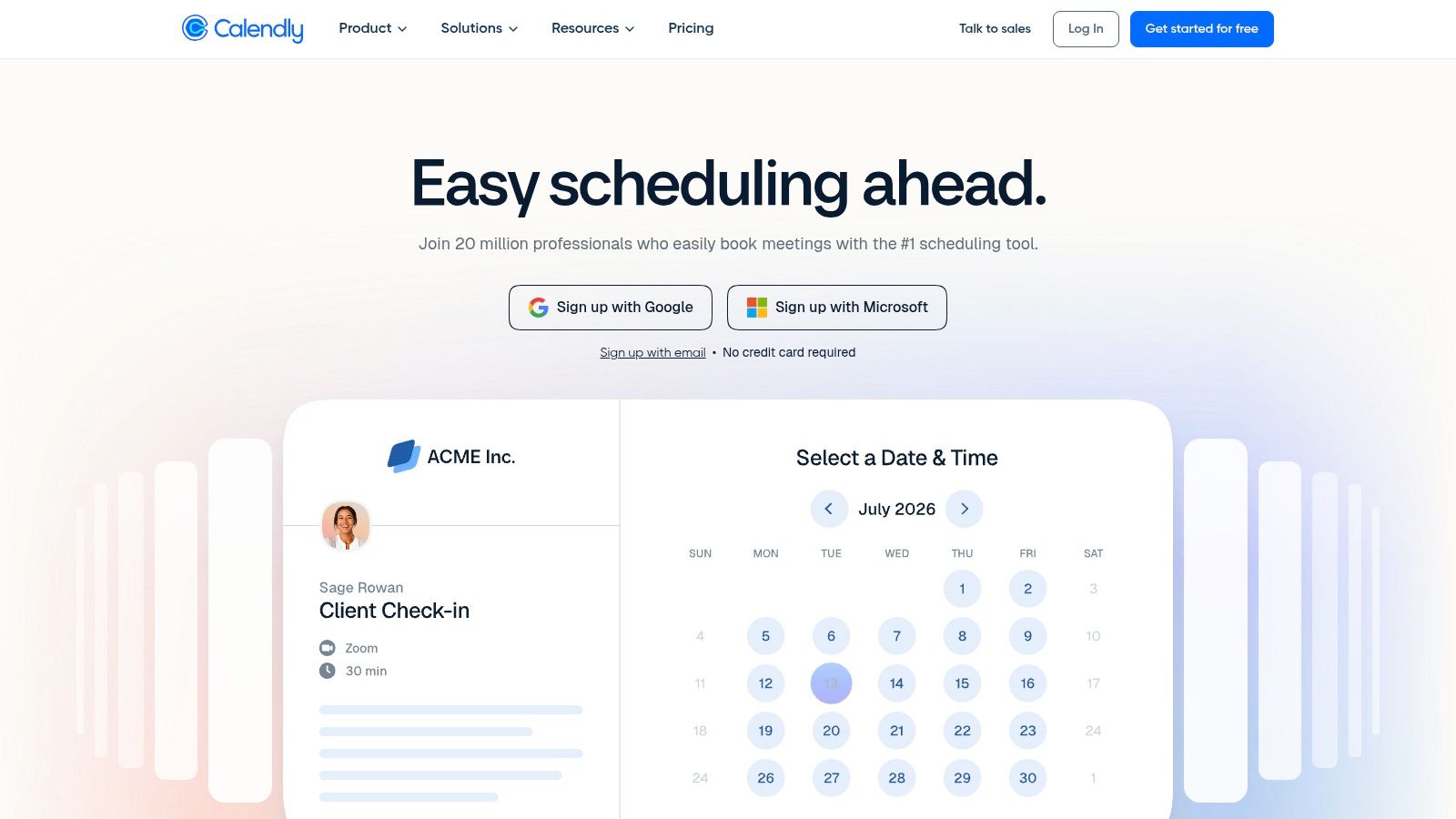
Calendly is the easiest tool here to deploy. If you need parents to book consultations, assessments, or trial calls without the usual inbox mess, Calendly does that job very well.
That's also the limit. Calendly is strong at routing and appointment intake, not at running a tutoring business.
Best use case inside a tutoring business
Calendly makes sense for admissions, consultation calls, and simple team scheduling. Multi-user routing, pooled availability, round-robin assignment, and integrations with CRM and video tools make it attractive for sales and enrollment workflows.
For centers still trying to manage tutoring center scheduling and billing, Calendly usually ends up being one part of a larger stack rather than the stack itself.
Here's where it shines:
- Fast setup: You can launch quickly without major configuration
- Clean booking UX: Parents and prospects usually understand it immediately
- Team logic: Round-robin and pooled availability are useful for trial calls
- Integrations: Strong fit with calendars, video tools, and CRM systems
The real limitation
Calendly doesn't manage attendance, prepaid lessons, class capacity, invoicing from delivered sessions, or payroll. If you assign 20 tutors across multiple subjects and branches, Calendly won't help you reconcile what happened after the booking.
It also gets expensive operationally when every tutor needs a paid seat. For a tutoring center, that's often the point where a “simple” tool stops being simple.
Best for
- Trial lesson scheduling
- Parent consultations
- Admissions teams
- Small teams that only need front-end booking
Website: Calendly
4. SimplyBook.me
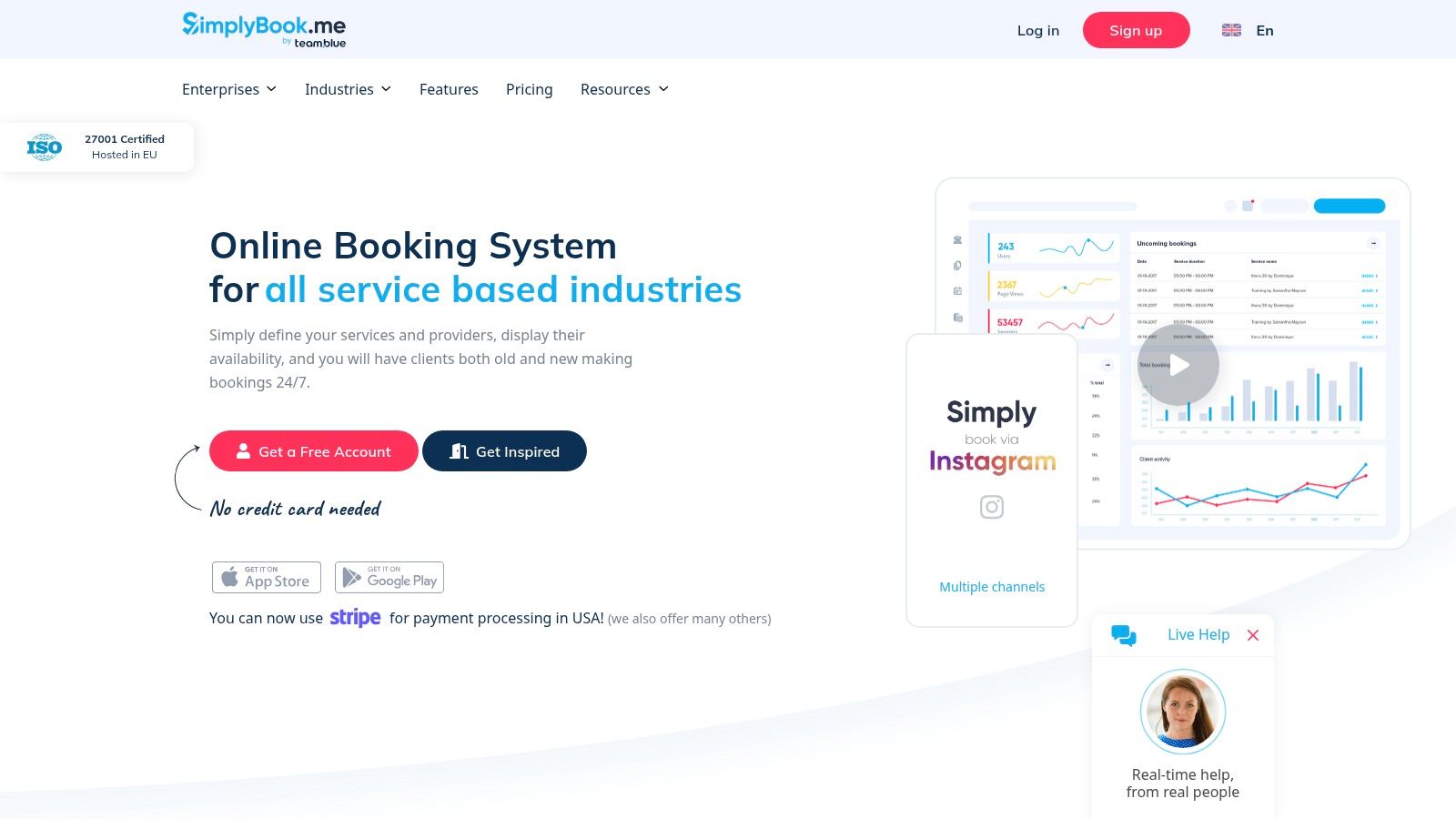
SimplyBook.me is flexible in a way many operators like at first. It gives you a hosted booking site, an embeddable widget, memberships, gift cards, POS options, and a long menu of configurable features.
For tutoring centers, that flexibility is both the attraction and the problem.
What it does well
If you want a booking portal with lots of toggles, SimplyBook.me gives you room to shape the customer-facing experience. It can work for schools that need classes, memberships, or multi-location booking without moving into enterprise software.
Strong points include:
- Booking access: Hosted site plus embeddable widget
- Commercial options: Memberships, gift cards, built-in POS
- Enterprise controls: White label, multi-location support, data controls
- Broad industry support: It adapts to many service models
Where operations teams get frustrated
The platform relies heavily on feature gating and add-on logic. That can make setup and cost planning less clear than it should be. Of greater concern, it still doesn't unify booking, billing, and payroll in a way tutoring centers need.
If your staff still has to export attendance, calculate pay separately, and chase billing outside the system, you've solved one problem and kept three.
Best for
- Service businesses needing high booking configurability
- Schools that want hosted booking pages without deep back-office automation
Website: SimplyBook.me
5. Setmore
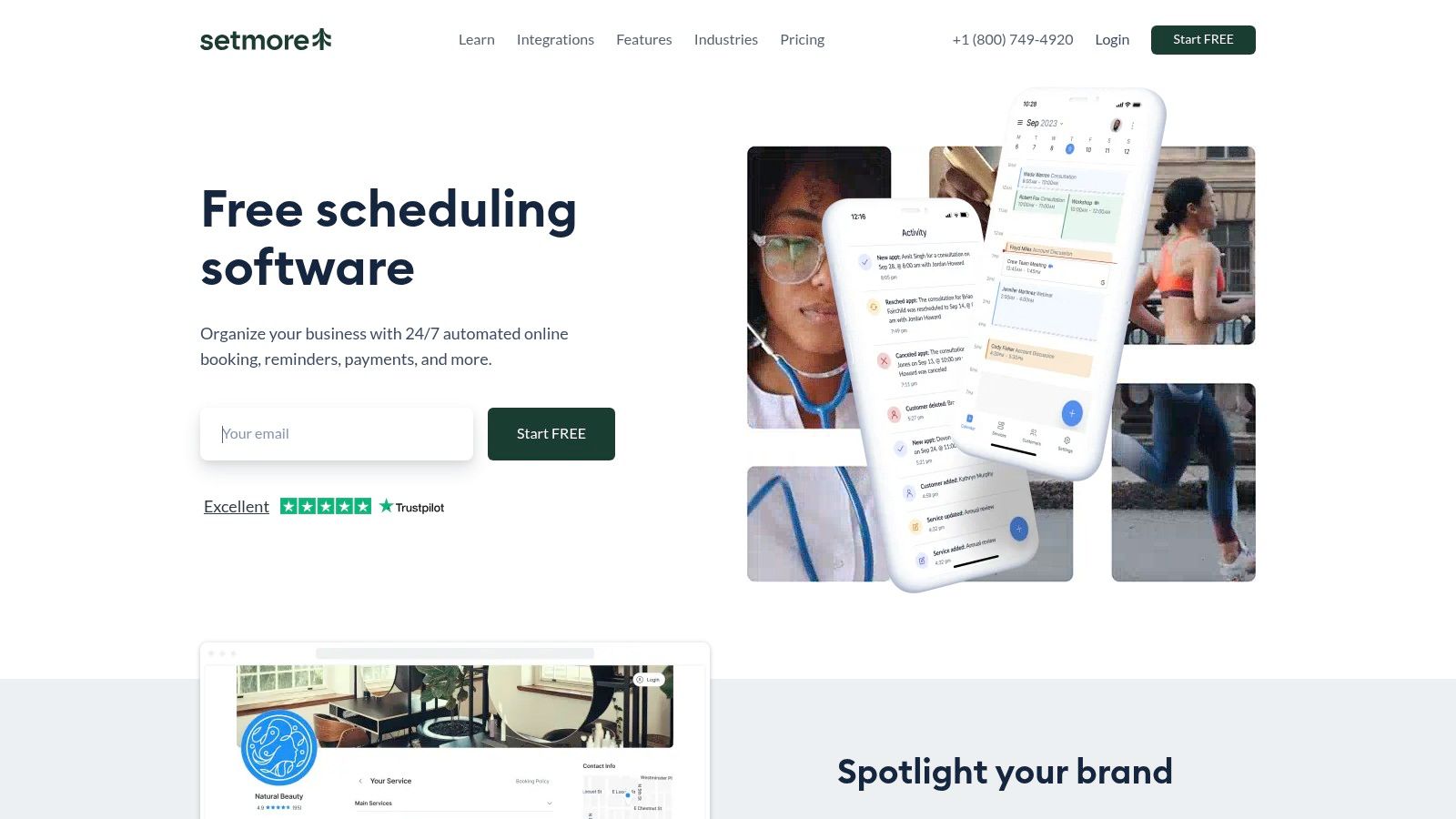
Setmore is practical, approachable, and usually easy for small teams to understand. It covers appointment booking, class booking, payment collection, and discovery through channels like social platforms and Google.
For a solo tutor or a very small center, that can be enough for a while.
Why small teams like it
Setmore doesn't ask you to build a complex operating system. You can set up a booking page, let prospects self-book, connect payments, and reduce manual coordination quickly.
Useful areas include:
- Discovery: Integrations with Instagram, Facebook, and Reserve with Google
- Payments: Multiple payment options
- Class support: Better than pure 1:1 schedulers
- Accessibility: Easy for small teams to start using
If you're still running bookings in one place and money in another, any scheduler will feel like progress at first. The difference shows up later, when renewals, make-ups, and payroll start piling up.
Where it starts to feel thin
Setmore's reporting is basic, and it doesn't give tutoring centers deeper tools like prepaid credit wallets, attendance-led billing, room management, or complex payroll. That means operations still get fragmented as you grow.
I'd use Setmore when the business is still simple. I wouldn't choose it if you already know growth is creating admin drag.
Best for
- Solo tutors
- Small lesson-based businesses
- Teams focused on easy booking and social discovery
Website: Setmore
6. Appointy
Appointy is a good example of a scheduler that gets closer to education needs without fully becoming education software. It supports classes and events, capacity booking, room or resource scheduling, and multi-location setups. That gives it more operational range than tools built purely for one-on-one appointments.
For tutoring centers, that extra resource logic matters.
Where Appointy is useful
If you run classes, need room scheduling, and want a clearer pricing structure than some add-on-heavy competitors, Appointy is a reasonable option. It also supports common payment gateways and works with Reserve with Google.
Useful features include:
- Resource scheduling: Rooms, equipment, and other bookable resources
- Multi-location support: Better fit for centers with more than one site
- Calendar sync: Two-way Google Calendar syncing
- Embeds: Booking through your website or Facebook presence
The operational ceiling
Appointy is still mainly a scheduler. It doesn't handle automated invoicing from attendance or the payroll complexity that tutoring businesses often need once they have multiple tutor pay rules.
There's also a practical volume issue. Several plans include fair-usage appointment caps, which can be restrictive for schools with heavy lesson volume or lots of recurring bookings.
Best for
- Small to mid-sized tutoring businesses with room scheduling needs
- Operators who want better multi-location basics than a simple calendar tool
Website: Appointy
7. Bookeo
Bookeo is one of the more relevant tools in this category for education operators because it splits its product line between Appointments and Classes & Courses. That alone makes it more useful than tools that pretend every booking is the same shape.
If you run timetables, recurring courses, and seasonal programs, Bookeo makes more sense than a generic scheduler.
Why course-based programs consider it
Bookeo supports passes, packages, and capacity control, which are all useful for tutoring centers and language schools running group programs. It also works well when you need to distinguish between one-to-one bookings and timetable-driven classes.
Its main strengths are:
- Class-centric setup: Better alignment with courses and timetables
- Commercial tools: Passes and packages for recurring programs
- Capacity control: Practical for class-heavy operations
- Pricing model: Transparent tiers tied to teacher or booking volume
What you still need elsewhere
Bookeo's interface is functional, but it feels dated compared with newer products. Of greater concern, payroll and deeper CRM workflows sit outside its core scope.
That means it can help organize bookings well, but it won't replace the rest of your tutoring operations stack.
Best for
- Language schools
- Training providers
- Tutoring centers with class-heavy scheduling
Website: Bookeo
8. Bookwhen
Bookwhen is strong when your business behaves more like a timetable of classes and events than a list of private appointments. That makes it interesting for after-school programs, group workshops, holiday camps, and class-led enrichment businesses.
It's less compelling for centers that need student-level financial workflows.
Where Bookwhen fits
Bookwhen handles recurring sessions, waiting lists, passes, vouchers, and multi-page booking setups well. For operators managing blocks of classes rather than a stream of ad hoc appointments, that structure feels natural.
Highlights include:
- Timetable support: Good for recurring classes and course blocks
- Waiting lists: Useful for managing demand on full sessions
- Passes and vouchers: Handy for program-based sales
- Online delivery support: Integrations for virtual sessions
Research in adjacent scheduling software shows the web-based segment holds a 65.9% market share in 2025, according to Grand View Research on the scheduling apps market. That lines up with why browser-first tools like Bookwhen remain appealing for distributed teams and parents booking across devices.
Where it falls short for tutoring centers
Bookwhen focuses on bookings and events. It doesn't give you integrated payroll, automated invoicing, or deep student records. If your center needs to connect attendance to finance and teacher compensation, you'll hit the edges quickly.
Best for
- Class-led programs
- Activity schools
- After-school businesses with recurring timetables
Website: Bookwhen
9. Zoho Bookings
Zoho Bookings is best understood as a scheduling layer inside the broader Zoho ecosystem. If your organization already uses Zoho CRM, Zoho Books, or other Zoho apps, it becomes more attractive because data can stay in one family of tools.
If you don't use Zoho already, the value drops.
Why some teams choose it
Zoho Bookings supports one-on-one, group, and recurring bookings with round-robin logic. It also offers calendar syncing, API access, and white-label options. That gives operations teams some flexibility without moving to a heavyweight booking platform.
Helpful strengths:
- Ecosystem fit: Good if sales, finance, and support already run in Zoho
- Booking types: Supports individual and group scheduling
- Automation potential: APIs and Zoho Flow can extend workflows
- White-labeling: Useful for branded booking experiences
The tutoring gap
Zoho Bookings still isn't education-specific. It won't natively handle prepaid credit wallets, class-seat matching by subject and level, or teacher payroll based on varied tutoring arrangements.
For centers that already think in terms of subjects, levels, packages, attendance states, and renewals, Zoho Bookings feels like a flexible general system that still needs custom process work around it.
Best for
- Organizations already committed to Zoho
- Teams that want booking plus broader CRM and finance connectivity
Website: Zoho Bookings
10. Square Appointments
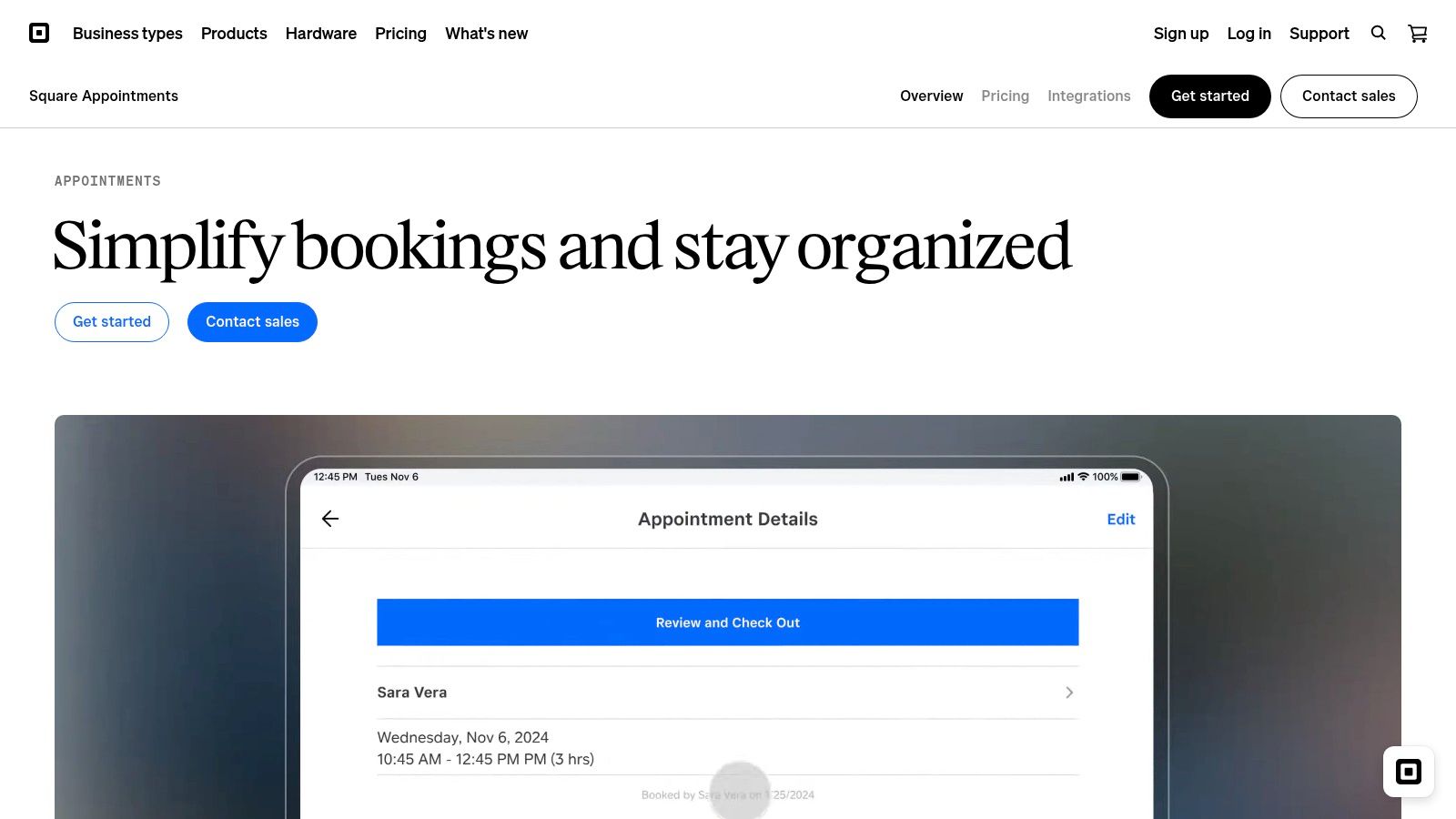
Square Appointments makes the most sense when your booking flow is tightly tied to payments, POS, and in-person transactions. If your school sells books, merch, enrollment fees, or front-desk purchases through Square already, the integration is convenient.
That convenience doesn't make it a tutoring operations platform.
Best use case
Square Appointments works for academies and studios that need booking, deposits, prepayments, contracts, and native Square payments in one customer-facing system. Multi-staff and multi-location support are available, especially on higher tiers.
Useful strengths include:
- Payments: Strong native connection to Square's payment stack
- Retail fit: Helpful if you also sell products on site
- Booking controls: Deposits, waitlists, classes, and contracts
- Channel reach: Integrations with social and Google surfaces
The wider booking market keeps growing because businesses are moving away from manual admin. One projection values the global online booking systems market at $13.8 billion in 2025 and $31.6 billion by 2034, according to Dataintelo's online booking systems market report. That growth reflects what operators already know firsthand. Manual booking work doesn't scale well.
Why many tutoring centers outgrow it
Square Appointments is still front-office heavy. You can accept bookings and payments, but student progression, subject-level placement, attendance-led invoicing, and teacher payroll need separate processes or separate systems.
That's fine for a simple operation. It's frustrating for a growing school.
Best for
- Centers already using Square for payments or POS
- Studios with in-person transactions and retail sales
Website: Square Appointments
Top 10 Online Booking Systems: Feature & Pricing Comparison
| Product | Core strengths | Tutoring-specific capabilities | Scale & multi-branch | Pricing model | Best for / Target |
|---|---|---|---|---|---|
| Tutorbase (Recommended) | All‑in‑one AI scheduling, billing, payroll, CRM, WhatsApp lead widget | Find Slot/Find Spot, auto‑invoice from attendance, prepaid credit wallet, advanced payroll, hybrid classes | Built for 5–100+ teachers, 1–10+ branches, scales to 10k+ lessons/week | Free account + 1% fee on invoices (no monthly/per‑student) | Tutoring centers, language schools, test‑prep, multi‑branch ops |
| Squarespace Scheduling (Acuity) | Robust booking, packages, intake forms, HIPAA path | Group classes, packages, recurring bookings; limited tutoring ops | Multi‑location capable but limited room/payroll features | Subscription tiers (per site) | Solo providers, course‑based businesses, midsize schools |
| Calendly | Fast deployment, excellent invitee UX, strong integrations | Basic group/series booking, payments; no attendance/payroll | Scales for teams/consult scheduling; per‑seat model | Per‑seat subscription; limited free tier | Admissions, consultations, small teams |
| SimplyBook.me | Hosted booking site, POS, memberships, enterprise white‑label | Classes, memberships, POS; lacks integrated payroll/billing depth | Enterprise multi‑location & white‑label options | Tiered plans + add‑ons (custom feature counts) | Multi‑teacher teams needing white‑label/POS |
| Setmore | Generous free tier, social & Google integrations, payments | Class booking support; basic reporting, no complex payroll | Affordable scaling for small teams; limited analytics | Free tier + paid upgrades | Small schools, social discovery programs |
| Appointy | Resource/room scheduling, multi‑location support | Resource/equipment/room booking, classes; no auto‑invoicing/payroll | Good value for multi‑location basics | Clear tiered pricing with staff/location add‑ons | Small→midsize multi‑branch centers |
| Bookeo | Passes/packages, separate appointments vs classes products | Passes, capacity control, timetables; lacks payroll/CRM | Tiered by consultant/teacher counts & booking volume | Transparent tiered pricing, no payment commission | Language schools, course‑heavy programs |
| Bookwhen | Timetables, passes, waiting lists, online integrations | Strong for recurring classes and attendance; limited payroll | Cost‑effective for high booking volumes, multi‑page booking | Annual or tiered plans (cost‑effective) | Recurring classes, kids' programs, training providers |
| Zoho Bookings | Native Zoho integrations, API, white‑label options | Group/recurring bookings, round‑robin; limited tutoring wallets/payroll | Free for one user, scales inside Zoho ecosystem | Per‑user subscription; upgrades within Zoho | Organizations already in Zoho stack |
| Square Appointments | Native Square payments/POS, deposits, contracts | Class booking & packages on higher tiers; limited student/payroll tools | Per‑location pricing, good for POS/multi‑site retail | Per‑location plans, paid Plus/Premium tiers | Studios/academies selling retail or in‑person services |
The Right System to Automate and Scale Your School
Choosing the best online booking system depends on how complicated your operation really is. If you're a solo tutor booking a manageable number of sessions each week, a lightweight scheduler like Calendly, Setmore, or Squarespace Scheduling might do the job. You'll get online booking, reminders, and a cleaner intake process without much setup.
That changes fast when you add teachers, branches, rooms, and multiple billing models. Then the core problem isn't getting a lesson onto a calendar. It's everything that happens after the lesson is scheduled. Attendance has to be tracked. Invoices have to go out. Credits have to be deducted. Teachers have to be paid correctly. Rooms can't clash. Parents need answers quickly.
Many “best online booking system” lists miss the point. They compare appointment schedulers as if tutoring centers work like salons or consultants. They don't. Tutoring and language schools often need group scheduling with capacity management, seat-finding logic, and multi-dimensional conflict detection across teacher, room, and subject. Verified market commentary also points to a gap between generic appointment scheduling and class-based education operations, with many education businesses needing seat-finding logic and losing revenue when they can't auto-fill open seats, according to this LinkedIn analysis on booking software for education businesses.
There's also the admin cost of fragmented systems. When scheduling sits in Google Calendar, billing sits in QuickBooks, and payroll sits in Excel, multi-branch tutoring businesses can lose an estimated 15–20% of weekly lesson capacity because double-booked teachers and overbooked rooms slip through, based on Tutor Platform vs Tutorbase comparison notes published on Slashdot. That's not just inconvenient. It directly limits revenue and makes scale harder than it should be.
For tutoring centers and language schools with meaningful operational complexity, Tutorbase is the clear standout. It's purpose-built for education operators who need scheduling, attendance, billing, payments, payroll, room management, CRM, and lead handling in one system. It also covers verticals that generic booking tools rarely serve well, including K-12 tutoring, language schools, test prep, music schools, and after-school programs.
The wider software market is moving this way. The global online reservation system market is projected to grow from USD 92,321.02 million in 2026 to USD 309,878.37 million by 2035, according to Global Market Statistics on the online reservation system market. Operators are adopting these systems because manual scheduling and disconnected admin work hold growth back.
If your center has outgrown patchwork tools and you want to replace admin chaos with one connected workflow, Tutorbase is the strongest option here. You can also explore broader perspectives on CallZent's booking technology if you're mapping the category from a wider reservation-management angle.
If you're done stitching together calendars, invoices, attendance logs, and payroll sheets by hand, Tutorbase is the fastest way to bring your tutoring operation into one system. It's built for centers and schools that need real scheduling logic, automated billing, and fewer admin hours every week.


