


Key Takeaway: The best scheduling software for dance instructors automates manual tasks like class scheduling, attendance tracking, and payment processing, which reduces administrative work by over 60%. Platforms like Tutorbase and Jackrabbit Dance offer all-in-one solutions that prevent double-bookings, streamline payroll, and provide a clear view of your studio's operational health, allowing you to focus on teaching.
Juggling spreadsheets, calendars, and payment apps often leads to double-bookings, missed payments, and hours of administrative work. The right software transforms this chaos into a streamlined operation. This guide reviews the 12 best scheduling software platforms for dance instructors, analyzing how each tool manages critical tasks from recurring schedules to instructor payroll.
What is dance instructor scheduling software?
Dance instructor scheduling software is a specialized tool that helps studio owners and instructors manage class schedules, instructor availability, student registration, and room bookings. Good software automates these tasks, preventing conflicts like double-booking a teacher or room. It centralizes all scheduling information, replacing fragmented tools like Google Calendar and spreadsheets.
Why is this software critical for a dance studio?
This software is critical because it directly impacts a studio's profitability and efficiency. Manual scheduling is time-consuming (often 10+ hours per week) and prone to costly errors. Automation eliminates these errors, frees up administrative time, and improves the booking experience for parents and students. It also provides visibility into class capacity and instructor workloads, helping you maximize revenue.
1. Tutorbase
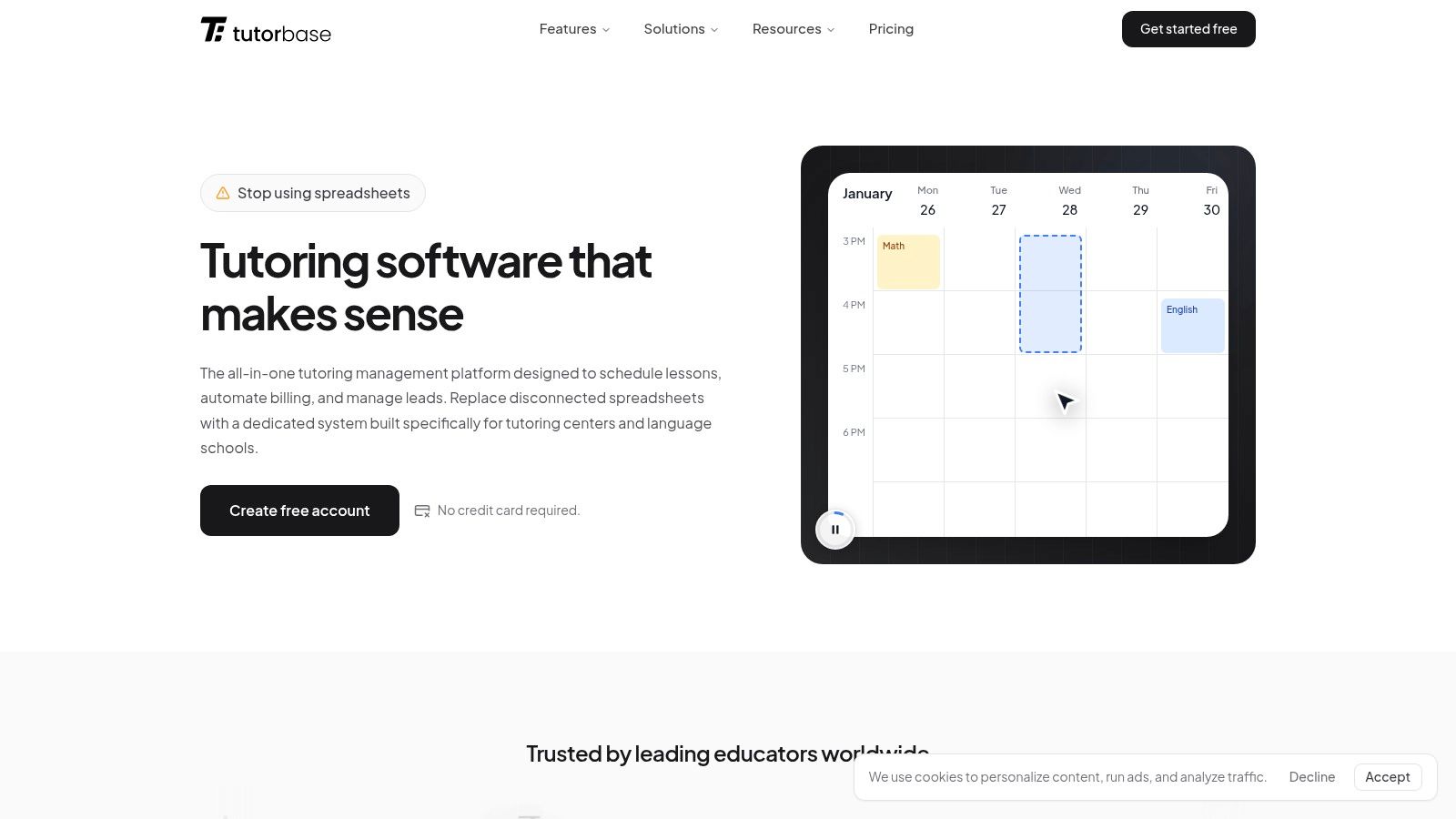
Tutorbase is an AI-powered management software that replaces fragmented tools with a single, automated platform for scheduling, billing, and payroll. While its name suggests a focus on academic tutoring, its flexible architecture is exceptionally well-suited for the complex scheduling needs of a multi-teacher, multi-room dance academy. It consolidates operations, reducing admin time by up to 60%.
The platform’s "Find Slot" feature automates the process of matching available instructors, studio spaces, and class times, cutting the booking process from over 10 minutes to under two. This, combined with its robust conflict detection, prevents double-booked teachers or rooms, a critical function for studios running simultaneous classes.
How does Tutorbase automate billing and payroll?
Tutorbase automates billing by linking attendance directly to invoicing. When an instructor marks a student as "Attended," the platform automatically generates an invoice or deducts a class from a prepaid package. This eliminates manual invoice creation.
Its payroll module handles complex pay structures, including per-hour, revenue share, and base plus variable rates. This ensures instructors are paid accurately and on time, which helps with retention.
Pricing & Onboarding
Tutorbase offers custom pricing based on a studio's size and needs; you will need to contact their sales team for a quote. They provide a free account setup and complimentary migration assistance to move your existing data into the platform.
- Pros:
- AI-powered "Find Slot" engine prevents double bookings and finds class times 3x faster.
- Fully automated billing and payroll save hours of manual work.
- Manages multiple branches and rooms from a single dashboard.
- Built to handle operations at scale (up to 10,000+ lessons per week).
- Cons:
- Pricing is not published publicly.
- The extensive feature set may be more than a solo dance instructor needs.
Website: https://tutorbase.com
2. Jackrabbit Dance
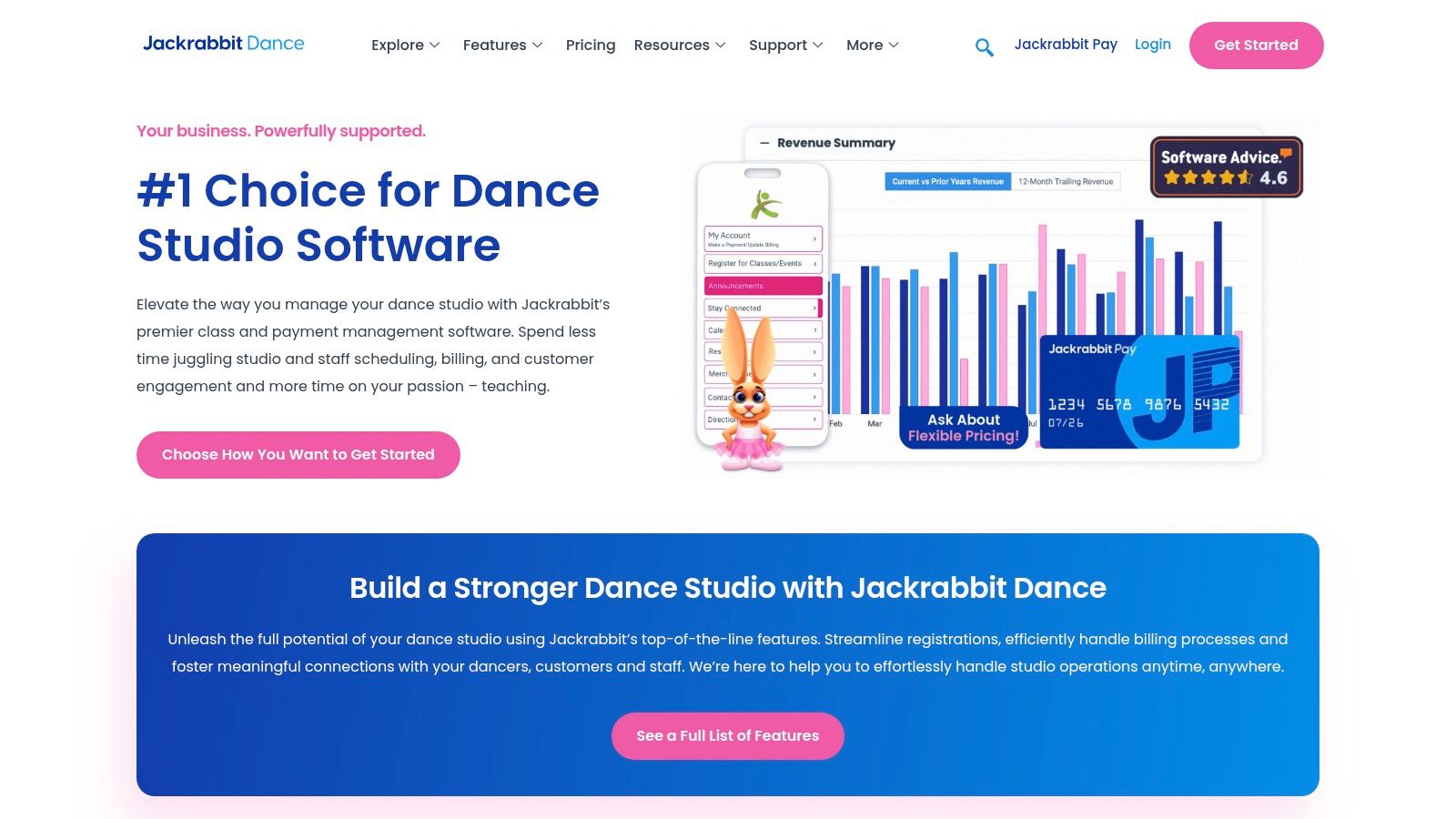
Jackrabbit Dance is a veteran in the studio management space, offering a comprehensive platform built specifically for running a dance school. It goes beyond simple scheduling to include tools for automated tuition billing and recital management. This focus makes it a strong contender for dance instructors who need an all-in-one solution.
Its class management system is robust, handling complex recurring schedules, capacity limits, and waitlists. The platform’s true strength lies in its dance-centric workflows. Features like costume management and recital planning tools are integrated directly, saving significant administrative hours.
Core Features and Pricing
Jackrabbit’s pricing is tiered based on the number of active students, starting at $45/month for up to 50 students and scaling up. While this model is predictable, costs can increase as your studio grows. A key benefit is the free data import service and a 90-day money-back guarantee.
Pros and Cons
- Pro: The platform is designed from the ground up for dance studios, featuring industry-specific tools.
- Pro: It offers free data import assistance, which simplifies the migration process.
- Con: The student-based pricing can become expensive for larger, rapidly growing studios.
- Con: The branded mobile app, a valuable parent engagement tool, comes at an additional cost.
Best For: Small to large dance studios that need a powerful, dance-specific management system and value features like recital and costume planning.
Website: https://www.jackrabbitdance.com/
3. DanceStudio‑Pro (DSP)
DanceStudio‑Pro, or DSP, is a dance-centric platform with a unique pricing model. Instead of charging per student, DSP offers flat-rate plans that include unlimited students and classes. This makes it an appealing choice for growing studios, as costs remain predictable regardless of roster size.
The platform is built for dance school operations, offering tools for recital planning, costume management, and ticket sales. Its scheduling capabilities are supported by a Parent Portal and mobile apps that streamline communication. The inclusion of tools like two-way texting and Zapier integration helps studios automate workflows.
Core Features and Pricing
DSP’s pricing is based on features, with plans starting around $39/month. The key differentiator is the unlimited student capacity at every tier. All plans come with a 30-day free trial and free data import assistance. Payment processing is handled exclusively through their integrated DSP Merchant Services, powered by Stripe.
Pros and Cons
- Pro: The unlimited student model is highly cost-effective for studios with large or growing rosters.
- Pro: It offers a generous 30-day free trial and free data import services.
- Con: Merchant processing is locked into their proprietary Stripe-based service.
- Con: Some advanced features, such as two-way texting, come with extra usage-based fees.
Best For: Studios of any size, particularly those experiencing rapid growth, that want predictable monthly costs and a full suite of dance-specific tools.
Website: https://www.dancestudio-pro.com/
4. The Studio Director
The Studio Director is an all-in-one dance studio software designed to streamline operations from scheduling to payment processing. Its platform is built for scalability, serving studios with a handful of students to those with over five thousand. Known for strong customer support, it’s a reliable choice for studio owners who want a robust system without a steep learning curve.
The software excels at simplifying administrative tasks. It features a comprehensive customer portal for online registration, class scheduling, and account management. Its integrated payment system, backed by Stripe, also offers a buy-now-pay-later option, adding flexibility for families.
Core Features and Pricing
The Studio Director uses a transparent, tiered pricing model based on student count, which includes free support and training with a 30-day money-back guarantee. Studios can receive discounts on their monthly subscription by using the platform’s integrated payment processing. Plans are month-to-month, providing flexibility.
Pros and Cons
- Pro: The platform has a strong reputation for excellent customer support and comprehensive onboarding.
- Pro: Clear, tiered pricing is scalable for studios of all sizes, from small to very large.
- Con: Achieving the best monthly price requires using their specific payment processor.
- Con: Studios needing advanced marketing automation may need to integrate third-party tools.
Best For: Small to large studios that prioritize excellent customer support, easy onboarding, and a scalable, all-in-one management system.
Website: https://www.thestudiodirector.com/
5. Mindbody
Mindbody is a powerhouse in the wellness industry, offering a sophisticated platform used by dance and yoga studios worldwide. It provides more than just scheduling; it's an ecosystem designed for growth, featuring strong marketing automation and a consumer marketplace. This makes it a good choice for instructors aiming to expand their reach and attract new students.
The software excels at managing complex schedules with branded widgets that embed into your website. Its most significant advantage is access to the Mindbody consumer app, a marketplace with millions of users searching for classes. This built-in exposure can be a powerful tool for filling empty spots.
Core Features and Pricing
Mindbody’s pricing is quote-based and varies depending on the package, positioning it at a higher price point. Packages are tiered to include features like advanced marketing automation and lead management. A key benefit is that all plans include unlimited staff members per location.
Pros and Cons
- Pro: Access to a huge consumer marketplace helps attract and convert new students.
- Pro: The platform supports unlimited users per location, making it scalable for large teams.
- Con: It is one of the more expensive options, and the total cost can increase with add-ons.
- Con: Some users report that the interface can be complex and occasionally experience glitches.
Best For: Established or multi-location dance studios focused on growth that can leverage the platform’s marketing tools and consumer marketplace.
Website: https://www.mindbodyonline.com/
6. Vagaro (Dance Studio Software)
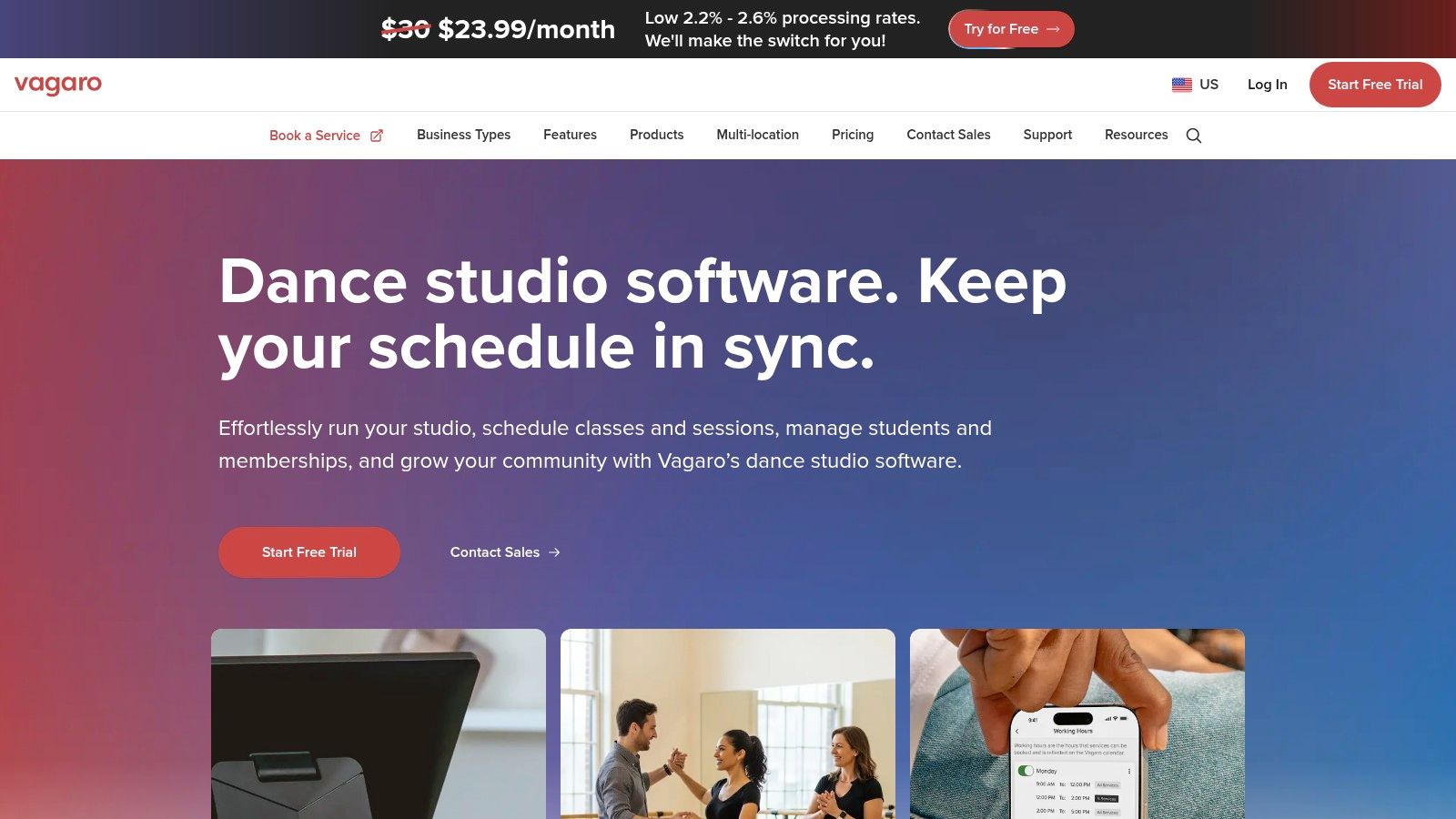
Vagaro is an adaptable scheduling and management platform that serves wellness and fitness businesses. Its strength lies in its affordable base price and a modular approach to features. This allows a growing studio to start with essential scheduling tools and add capabilities like a branded app or text marketing as needed.
The platform provides a customizable calendar that handles class waitlists and resource management. For studios focused on growth, Vagaro offers a public marketplace to attract new students and a website builder. This combination of affordability and scalability makes it a compelling option.
Core Features and Pricing
Vagaro's pricing starts at $30/month for the first bookable calendar, with a tiered discount for each additional calendar. This model is ideal for solo instructors. Core features include unlimited bookings and a listing on the Vagaro Marketplace. Advanced tools are available as paid add-ons.
Pros and Cons
- Pro: The low base price per calendar makes it one of the most affordable starting points.
- Pro: Its à la carte add-on model provides excellent flexibility.
- Con: The cost can escalate quickly as you add more calendars and optional features.
- Con: While versatile, it's not exclusively built for dance and may lack hyper-specific features.
Best For: Solo dance instructors and small to mid-sized studios that want a cost-effective, scalable platform with marketing tools.
Website: https://www.vagaro.com/pro/dancing-studio-software
7. WellnessLiving
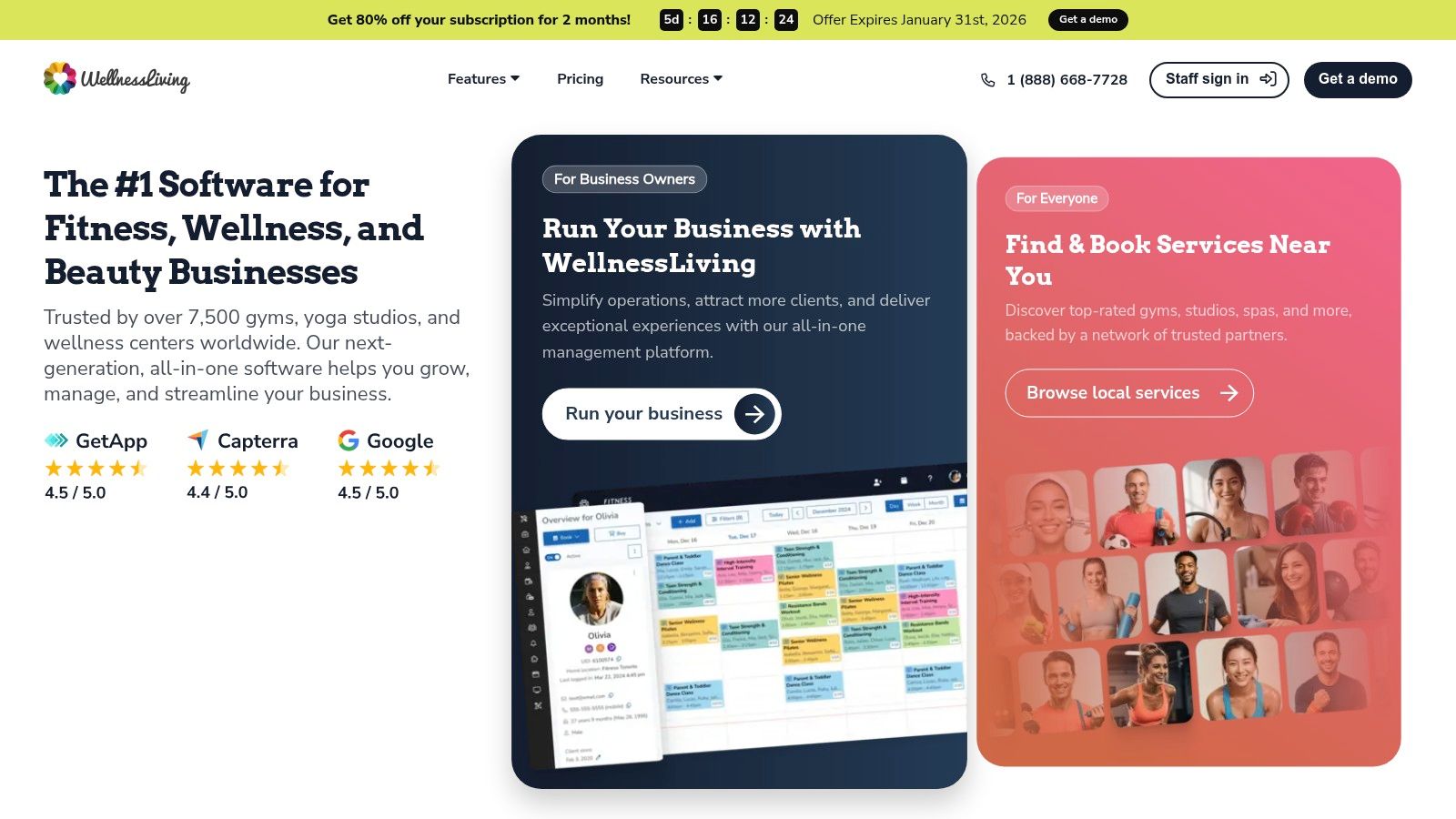
WellnessLiving is an all-in-one management platform for studios, offering scheduling, CRM, and marketing tools. It's often seen as a value-driven alternative to competitors like Mindbody, providing a comprehensive feature set without complex pricing. It delivers robust scheduling alongside tools designed to grow studio membership.
The platform excels at unifying daily operations. Instructors can manage schedules while leveraging built-in email and SMS marketing. A key differentiator is the inclusion of both a client-facing app (Achieve) for booking and a staff-facing app (Elevate) for management.
Core Features and Pricing
WellnessLiving uses a tiered pricing model based on features, not student numbers. The Basic plan starts at $59/month, with higher tiers adding advanced features. The platform is known for offering free setup and data migration services, a benefit for studios switching systems.
Pros and Cons
- Pro: Integrated marketing and loyalty features are included in mid-tier plans, providing excellent value.
- Pro: It offers free professional setup and data migration, simplifying onboarding.
- Con: SMS marketing functionality often comes with additional costs or usage-based fees.
- Con: Some users have reported issues related to contract terms and cancellation fees in online reviews.
Best For: Studios of all sizes looking for an all-in-one solution with strong, built-in marketing and client retention tools at a competitive price.
Website: https://www.wellnessliving.com/
8. Pike13
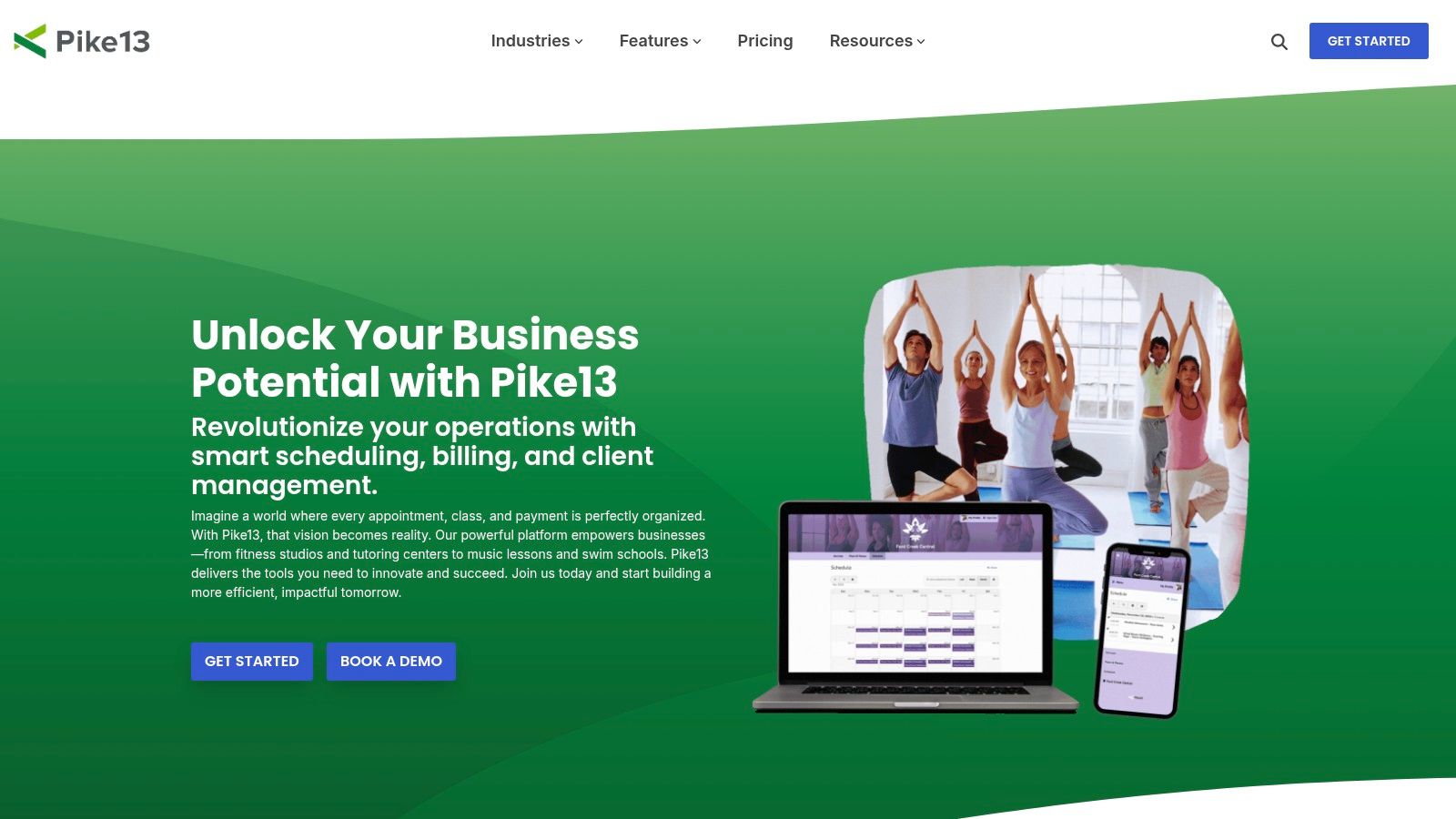
Pike13 is designed for class-based businesses, offering a streamlined platform that caters to dance studios and music schools. Its strength lies in a user-friendly interface for both staff and clients, simplifying scheduling, client management, and payment processing. This makes it an excellent choice for dance instructors who want a powerful, yet easy-to-navigate system.
The software handles class series, courses, and private appointments. It provides dedicated apps for clients and staff, which enhances accessibility. With integrated payroll, digital waivers, and robust analytics, Pike13 provides a comprehensive toolkit to manage studio operations.
Core Features and Pricing
Pike13 offers straightforward pricing tiers with options for annual discounts. The platform is known for its hands-on onboarding, which includes data transfer assistance. Pricing can vary, so it is best to contact their sales team directly. Higher-tier plans unlock features like a branded mobile app.
Pros and Cons
- Pro: The platform provides dedicated, user-friendly apps for both staff and clients.
- Pro: It offers hands-on onboarding support, including data migration.
- Con: Advanced marketing and analytics features may require purchasing add-ons.
- Con: Pricing information can be inconsistent, requiring direct contact for an accurate quote.
Best For: Studios of all sizes that prioritize a clean interface, mobile accessibility, and guided onboarding.
Website: https://www.pike13.com/
9. Bookeo (Classes & Courses)
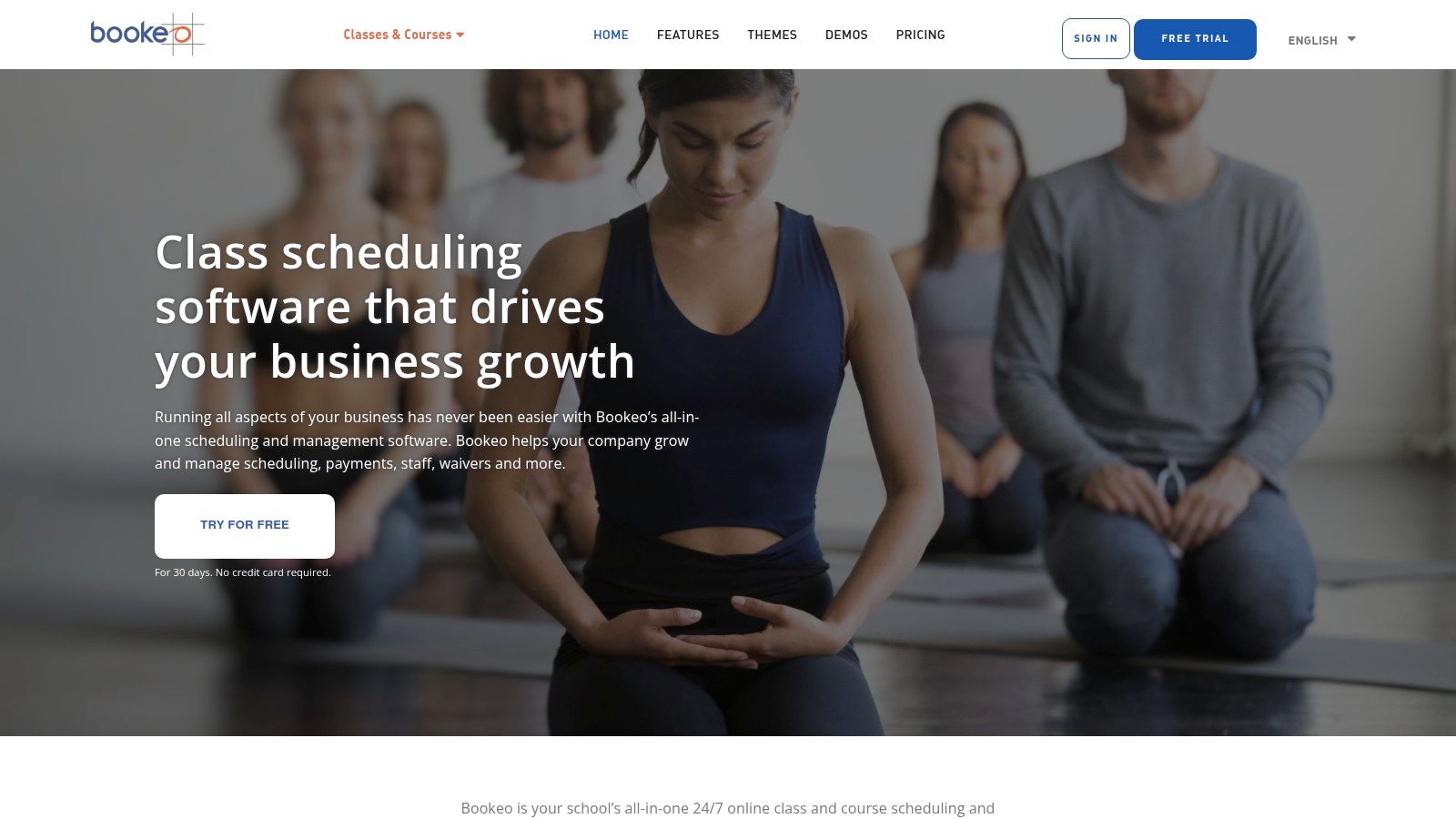
Bookeo offers a streamlined scheduling and registration system suited for dance studios focused on group classes and workshops. It prioritizes a clean booking experience for both the instructor and the student. The platform’s strength is in its flexible management of class passes, memberships, and promotional offers.
The software allows for easy embedding of its booking widget directly into your website. It handles recurring classes and waitlists efficiently. While not a full studio management suite, Bookeo excels as a dedicated scheduling tool that integrates well with other business software.
Core Features and Pricing
Bookeo’s pricing is based on bookings per month and staff users, starting from $14.95/month for their solo plan. All plans include core features like calendar sync and online payments. A key advantage is the 30-day free trial that requires no credit card.
Pros and Cons
- Pro: The platform offers clear workflows for managing recurring group classes.
- Pro: It provides excellent value with flexible promotion and membership options.
- Con: It has fewer built-in marketing automation tools compared to all-in-one platforms.
- Con: Advanced payment processing may rely on external integrations.
Best For: Solo dance instructors or small studios that need a powerful, easy-to-embed booking system with strong membership capabilities.
Website: https://www.bookeo.com/classes/
10. Squarespace Scheduling (formerly Acuity Scheduling)
Squarespace Scheduling (formerly Acuity Scheduling) is a powerhouse in appointment booking. While not built specifically for dance, its robust features make it a great choice for independent instructors or smaller studios that prioritize a clean, reliable, and embeddable scheduling tool. It excels at automating the booking process, from client self-scheduling to payment collection.
The platform’s strength lies in its simplicity. You can set up group classes, create recurring appointments, and sell packages directly. It handles intake forms, automatic reminders, and accepts payments through Stripe, Square, or PayPal, covering the essential needs of most dance businesses.
Core Features and Pricing
Pricing for Squarespace Scheduling is feature-based. The Emerging plan starts at $16/month (billed annually) for one calendar. The Growing plan at $27/month adds packages, subscriptions, and SMS reminders. This predictable pricing is ideal for instructors with fluctuating class sizes.
Pros and Cons
- Pro: Very fast to set up and offers reliable booking and reminder automations.
- Pro: Integrates seamlessly with Squarespace websites but can be embedded on any site.
- Con: It lacks dance-specific features like recital management or advanced parent portals.
- Con: Its terminology and workflow are not tailored to the unique needs of a dance studio.
Best For: Solo dance instructors and small studios needing a powerful, straightforward, and affordable scheduler to embed on their website.
Website: https://www.squarespace.com/scheduling
11. Sawyer for Business
Sawyer for Business targets the children's activity market, making it an excellent fit for dance studios focused on youth programs. Its platform is optimized for managing classes and camps, with features designed to simplify registration for parents. This focus on the user experience makes it a unique option for studios prioritizing growth.
The software excels at handling schedules for children's dance programs, such as trial classes, multi-week camps, and semester-long courses. Its administrative tools for managing rosters, creating forms, and tracking attendance are robust and tailored to youth activities.
Core Features and Pricing
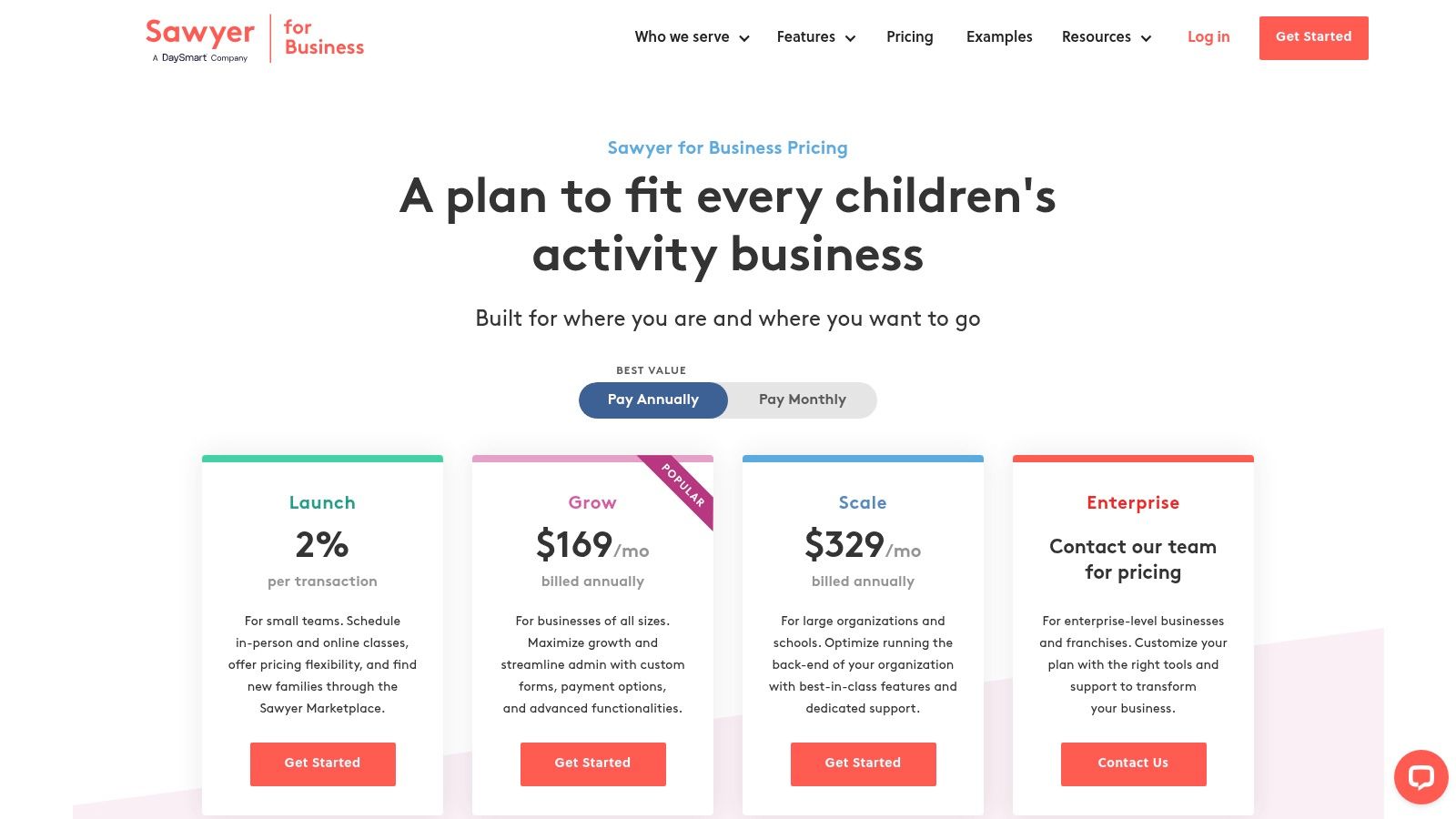
Sawyer’s pricing has multiple tiers, starting with a Launch plan that has no monthly fee but requires studios to list on the Sawyer Marketplace, where a 30% fee is taken from marketplace bookings. The Grow plan at $119/month and Expand plan at $259/month reduce this requirement.
Pros and Cons
- Pro: The feature set is tailored to youth programming, camps, and semesters.
- Pro: It offers powerful tools for managing family accounts, custom forms, and rosters.
- Con: The fee structure can be complex, with software, processing, and marketplace fees.
- Con: The introductory plan's marketplace listing comes with a high 30% commission.
Best For: Dance studios specializing in children’s classes and camps that want a parent-friendly booking experience.
Website: https://www.hisawyer.com/for-business/pricing
12. Zen Planner
Zen Planner is a management platform from the fitness space with robust features applicable to dance studios. It combines online scheduling, automated billing, and member management, making it a powerful tool for studios that require a strong operational backbone.
The platform excels at simplifying membership structures and automating payment collection. For dance instructors, this means less time chasing tuition. Its member and staff mobile apps provide on-the-go access to schedules and attendance tracking. The skills tracking feature can be adapted for student progression through dance levels.
Core Features and Pricing
Zen Planner’s pricing is based on active members, starting at $121/month for up to 50 members. All core features are included in every tier. Optional add-ons, such as a branded member app or integrated website, are available for additional monthly fees.
Pros and Cons
- Pro: All core features are available on every plan, so you aren't forced to upgrade.
- Pro: The platform offers strong mobile apps and detailed reporting dashboards.
- Con: Its fitness-first design means some dance-specific workflows may require workarounds.
- Con: The total cost can increase with add-ons for a branded app or website.
Best For: Dance studios with diverse class offerings that prioritize strong membership management and automated billing.
Website: https://zenplanner.com/
Top 12 Dance Scheduling Software Comparison
| Feature | Tutorbase | Jackrabbit Dance | DanceStudio-Pro (DSP) | The Studio Director | Mindbody |
|---|---|---|---|---|---|
| Best For | Multi-branch studios focused on operational efficiency | Dance schools needing dance-specific workflows (recitals, costumes) | Growing studios wanting unlimited students at a flat rate | Studios prioritizing excellent customer support and onboarding | Studios wanting marketplace exposure for lead generation |
| Prevents Double Booking | ✅ AI-powered | ✅ | ✅ | ✅ | ✅ |
| Automated Billing | ✅ Fully automated | ✅ | ✅ | ✅ | ✅ |
| Complex Payroll | ✅ | Basic | Basic | Basic | Limited |
| Multi-Location Rooms | ✅ | ✅ | ✅ | Limited | ✅ |
| Pricing Model | Quote-based | Per student | Flat-rate (unlimited students) | Per student | Quote-based |
Choosing The Right Scheduling Software
The right software doesn't just organize your calendar; it revolutionizes your entire operation. The goal is to trade hours of manual data entry and payment chasing for more time on the studio floor. Relying on a patchwork of spreadsheets and calendars is a direct barrier to growth, as it introduces human error and creates frustrating double-bookings.
How do I choose the right software for my studio?
Your choice should depend on your studio's size and goals.
- Solo Instructor: Simplicity is key. Tools like Squarespace Scheduling or Bookeo offer clean online booking and automated reminders.
- Growing Studio: You need an integrated system like DanceStudio-Pro or Tutorbase to handle multiple teachers, room management, and automated payroll.
- Multi-Location Studio: Scalability is everything. A robust platform like Tutorbase manages resources across branches, offers AI-powered scheduling, and provides detailed performance reports.
Your Action Plan
- Identify "Must-Haves": List the top 3-5 features that solve your biggest administrative problems.
- Book Demos: Schedule demonstrations with your top contenders. Test them with real scenarios from your studio.
- Plan Migration: Ask vendors about their onboarding support and if they help import existing client data and schedules.
Choosing the best scheduling software for dance instructors is an investment in your studio's future. It frees you from the back office and puts you back in the creative driver's seat. For instance, to truly get back to the studio, consider how to schedule Instagram Stories and other social media content, automating your marketing outreach.
Frequently Asked Questions (FAQ)
What is the best scheduling software for a small dance studio? For a small dance studio or solo instructor, Squarespace Scheduling (formerly Acuity) is an excellent choice. It is affordable, easy to set up, and provides powerful, reliable automation for booking, reminders, and payments that can be embedded directly on your website.
How much does dance studio software cost? Costs vary widely. Simple schedulers like Squarespace Scheduling can start around $16/month. All-in-one platforms like Jackrabbit Dance or Zen Planner typically range from $45 to $121+ per month, often based on the number of students. Enterprise-level systems like Tutorbase offer custom pricing.
Can this software handle instructor payroll? Yes, many advanced platforms can handle payroll. Tutorbase excels at this, supporting complex models like per-hour, revenue share, and bonuses. Simpler systems might offer basic hourly tracking, but integrated payroll automation is a key feature of more comprehensive studio management software.
What is the difference between scheduling software and studio management software? Scheduling software focuses primarily on booking classes and appointments (e.g., Squarespace Scheduling). Studio management software is an all-in-one platform that includes scheduling but also adds billing, invoicing, payroll, marketing, and detailed reporting (e.g., Tutorbase, Jackrabbit Dance).
Does this software prevent double-bookings? Yes, a core function of any good scheduling software is conflict detection. Platforms like Tutorbase use intelligent systems to automatically prevent you from booking the same instructor, student, or room in two different classes at the same time, which eliminates a major source of administrative errors.
While many tools on this list offer excellent features, Tutorbase is built to handle the deep operational complexity that growing dance and tutoring studios face. Its AI-powered scheduling and fully integrated billing and payroll systems are designed to eliminate the manual work that holds businesses back. See how you can reduce your admin time by 60% and get back to teaching at Tutorbase.


