


If your week is split between Google Calendar for scheduling, Excel for payroll, and QuickBooks for billing, you already know the problem. Admin chaos doesn't stay in the back office. It creates double-bookings, slow follow-up, missed invoices, and constant rework.
The best school management software gives you one source of truth. That matters more than ever because schools are moving toward integrated platforms instead of fragmented tools, and the market's growth reflects that shift. One estimate valued the school management software market at USD 9.5 billion in 2023 and projected USD 20.7 billion by 2032, a 9.1% CAGR, according to DataIntelo market coverage.
For tutoring centers and language schools, the question isn't just which platform has the most features. It's which one removes the operational mess fastest. If you're also trying to improve your outreach and workflow, this guide pairs well with Streamline education content with AI.
1. Tutorbase
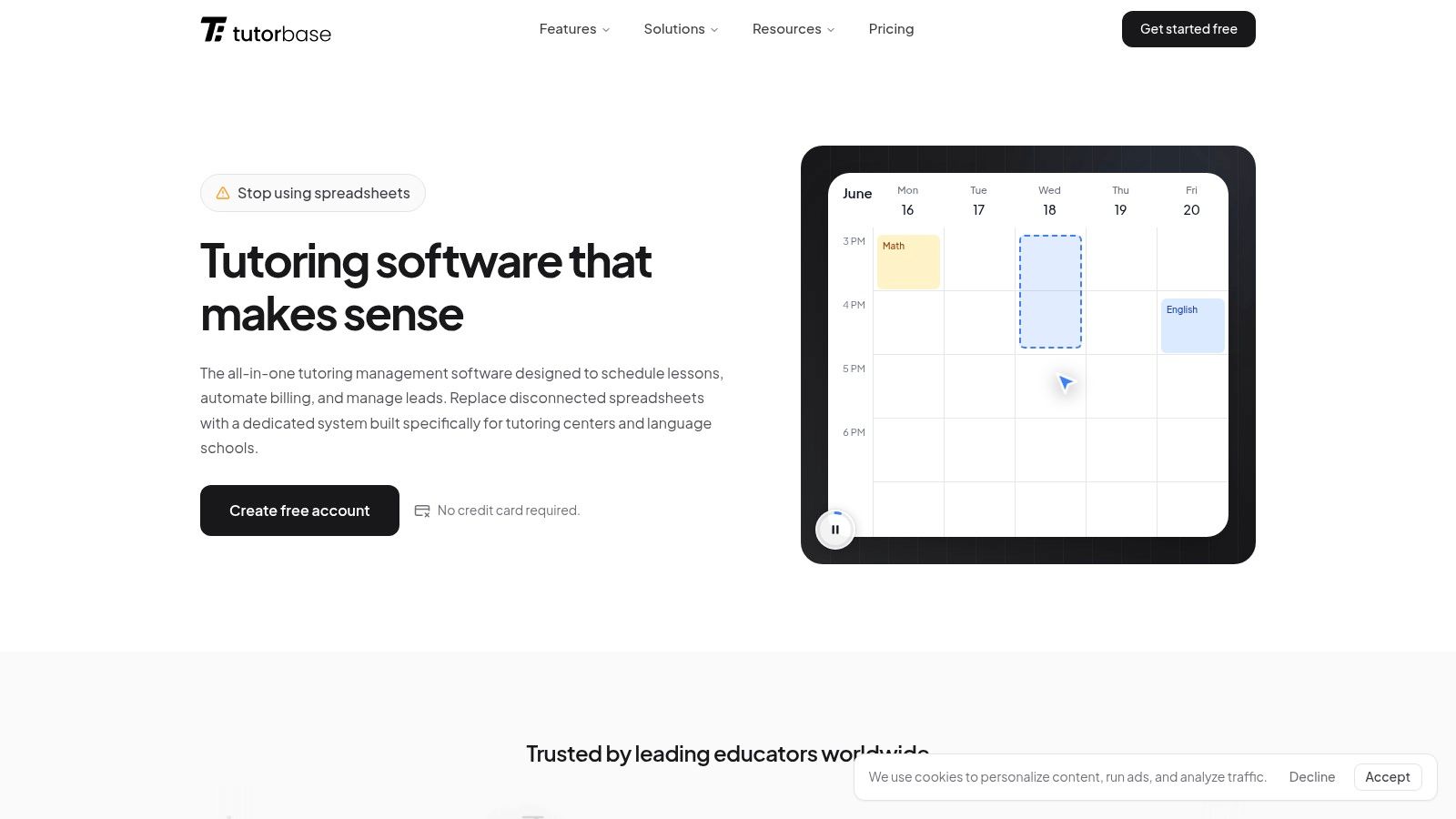
A parent asks to move Friday's lesson. The teacher is only free on Tuesday. The room is already half-booked. The student is on a prepaid package. Payroll closes tomorrow. In a generic SIS, that single change can trigger four separate admin tasks and at least one mistake.
Tutorbase is built for that exact workload. It fits tutoring centers, language schools, test prep businesses, and multi-branch academic programs that run on high lesson volume and constant schedule movement. Instead of adapting a district-style student information system to a lesson business, it handles the daily operational chain directly: scheduling, make-ups, room usage, invoicing, teacher pay, package balances, and lead follow-up.
That matters because tutoring operations break down at the handoff points. A lesson gets marked attended, but billing is still manual. A class is rescheduled, but payroll does not update. A room looks available until another branch books it. Tutorbase ties those records together so one action updates the next part of the workflow.
Where Tutorbase stands out
Scheduling is the clearest advantage. Find Slot helps staff place a student with the right teacher, room, and time. Find Spot helps fill open seats in existing classes, which is especially useful for language schools and test prep programs trying to keep group classes full without spending half the day checking calendars.
It also handles operational rules that many school-focused systems treat as edge cases:
Flexible billing models: Per lesson, per hour, package, and subscription pricing can sit in the same system.
Automated teacher pay logic: Hourly, per lesson, per student, revenue share, overtime, and premium rates are supported.
Multi-branch room and staff management: Teams can manage availability, services, and capacity across locations from one dashboard.
Built-in lead handling: Website forms and WhatsApp inquiries can feed into a pipeline so front-desk staff are not copying leads into a separate CRM.
Practical rule: If your staff still retypes lesson data into billing and payroll, your software isn't solving the core operational issue.
For operators comparing tutoring software against broader school systems, this is the key trade-off. A general SIS may cover attendance, records, and parent access well. It often falls short on make-up logic, seat utilization, payroll calculation, and prepaid billing. If your center lives or dies by class fill rate, tutor hours, and invoice accuracy, those gaps become expensive. You can compare that category more directly in this guide to best tutoring software.
OpenEduCat's buyer guide also makes a useful point for software selection. Schools should verify API access, check integrations with accounting and communication tools, and test whether mobile access is a real app experience or just a trimmed-down browser view. The same guide gives a pricing benchmark for mid-size schools in OpenEduCat's school software buyer guide, which is helpful when weighing operational savings against subscription cost.
Best for and trade-offs
Tutorbase fits operators who need software to run day-to-day delivery, not just hold student records.
Pros
Connected operations: Scheduling, attendance, billing, payments, CRM, and payroll work from the same lesson data.
Tutoring-specific scheduling: Recurring lessons, room constraints, teacher availability, and seat-filling are handled better than in most general SIS platforms.
Good fit for multi-location centers: Standardized processes across branches are easier to control.
Lower switching friction: Pricing is straightforward, and migration support helps teams get live faster.
Cons
Invoice-based pricing: The 1% fee on invoices created through the platform can add up for centers with very high billing volume.
May be too much for solo tutors: Small personal teaching businesses may not need this level of workflow control.
2. PowerSchool SIS
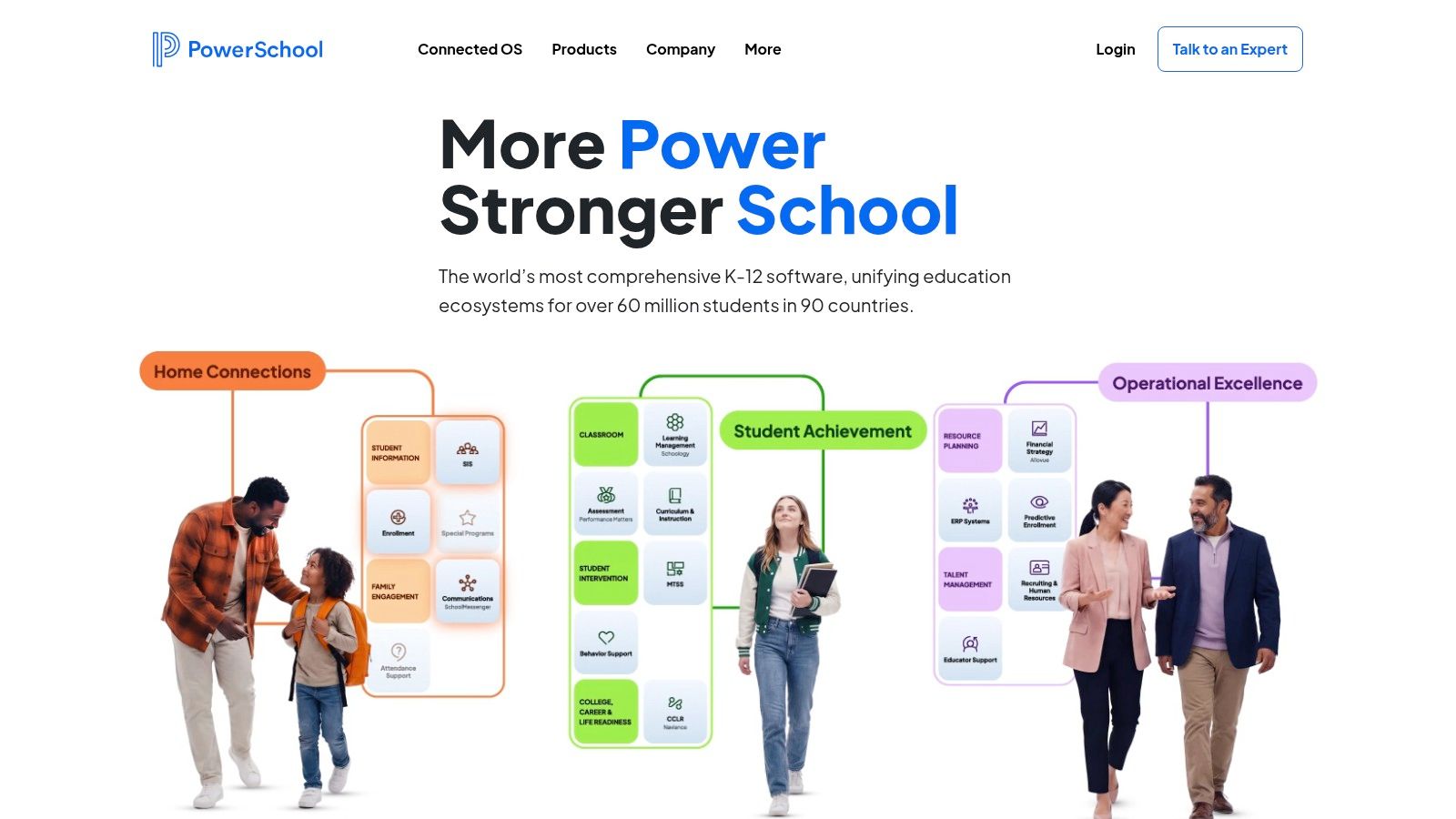
PowerSchool SIS is a serious district-grade system. If you run a large K-12 school with formal reporting requirements, complex schedules, standards-based grading, and parent portal expectations, PowerSchool belongs on your shortlist.
For tutoring businesses, though, it usually feels like using a district administration engine to run a lesson business. That mismatch matters. A tutoring center doesn't just need records and portals. It needs fast rescheduling, flexible service pricing, teacher payout logic, and capacity control. If that's your world, you should also look at best tutoring software.
Where PowerSchool fits best
PowerSchool is strongest when you need:
Academic administration depth: Gradebook, attendance, scheduling, and student records are mature.
Parent and student access: Portals and mobile access are core expectations in school environments.
Large-scale configuration: Multi-campus and district setups benefit from its depth and ecosystem.
The trade-off is effort. Systems like this often demand heavier setup, training, and internal ownership than smaller schools expect. That implementation burden matters because migration risk is one of the most overlooked parts of software selection for mid-sized schools and growing operators, as noted in Gradelink's review of school management software migration complexity.
PowerSchool is excellent when compliance and academic administration drive the purchase. It's rarely the simplest answer for high-volume tutoring operations.
Pros and cons
Pros
District-ready depth: Strong fit for large academic institutions.
Broad ecosystem: APIs and integrations support a wider stack.
Mature reporting: Good choice when formal reporting is central.
Cons
Implementation can be heavy: Smaller operators may underestimate training and setup time.
Quote-based pricing: Harder to compare quickly if you're shopping several tools at once.
3. Blackbaud Student Information System
Blackbaud makes the most sense for private schools that want a broad institutional platform under one vendor. Its appeal is less about one flashy feature and more about stack consistency. If you want SIS, learning workflows, enrollment support, and billing options in one ecosystem, Blackbaud is a credible choice.
That said, tutoring centers should be cautious. A private-school stack and a tutoring operation have different pressure points. You likely care more about recurring class changes, rolling enrollment, teacher availability, and cash collection rhythm than formal report card workflows.
Why private schools like it
Blackbaud's value comes from consolidation. Current guidance across the market keeps pushing schools toward all-in-one workflows, real-time dashboards, integrations, scalability, and stronger security because separate systems create repeated data entry and scattered records. That broader shift is outlined in Modern Campus guidance on student management system features.
If you're a private school with admissions, family communication, academics, and tuition management all under one roof, that argument is strong.
For tutoring operators, the question is simpler. Does it handle class-level operational mess well enough? For many, the answer is no. If scheduling pressure is your biggest operational drain, you'll likely get more value from purpose-built tutoring scheduling software.
Pros and cons
Pros
Unified institutional experience: Good for schools that want fewer data silos.
Private-school alignment: Better fit for independent schools than district-oriented SIS platforms.
API and partner ecosystem: Useful if your team needs external integrations.
Cons
Best value comes from buying deeper into the stack: Standalone use may feel less compelling.
Can be premium-positioned: Smaller operators may find it hard to justify.
4. FACTS SIS

FACTS SIS is one of the clearest options for private and faith-based schools that care as much about tuition and collections as they do about attendance and grading. Its main appeal is straightforward. Student records and payment workflows sit much closer together than they do in many SIS products.
If your school runs annual tuition, structured fee plans, and family billing, that's useful. If you run a tutoring center with rolling enrollments, lesson packs, variable attendance, and teacher compensation tied to delivered lessons, the fit gets weaker.
Best use case
FACTS works best when your operation follows a school model, not a services business model.
You may like it if you need:
Core student and family records
Traditional K-12 scheduling and grading
Tuition management closely tied to the SIS
Analytics dashboards across academics and finance
The practical downside is that deep systems still require staff buy-in. If your office team is already overwhelmed, a feature-rich product can help or hurt depending on how cleanly it maps to your real workflow.
Billing integration is valuable, but only if the billing model matches how you actually sell classes, lessons, or terms.
Pros and cons
Pros
Strong tuition connectivity: Better than many SIS tools at linking records and payments.
Good private-school fit: Especially useful where fee collection is a major administrative task.
Broad support network: Commonly considered by faith-based schools and school groups.
Cons
Less natural for lesson-based businesses: Package billing and frequent schedule changes are different problems.
Quote-led buying process: That slows comparison shopping.
5. iSAMS
iSAMS is a cloud-based, modular school management information system aimed primarily at independent and international K-12 schools and school groups. Based on iSAMS's product documentation, the platform is structured around formal school administration, with a core MIS and additional modules for schools that want to extend coverage across academic, administrative, and operational workflows. See iSAMS MIS overview and iSAMS modules.
That positioning makes sense for schools that need a system of record for student information, admissions, attendance, reporting, and portal access across multiple stakeholder groups. It is a different operating model from tutoring businesses that run on rolling starts, lesson packages, and frequent timetable changes.
Why iSAMS earns a spot
iSAMS belongs in this list because it is built for schools that want a configurable MIS rather than a lightweight point solution. Its own platform materials present it as a modular environment for managing core records, academic administration, communication, and selected back-office functions in one system, with optional components added as needed through the broader module set on the iSAMS modules page.
That is especially relevant for independent and international schools that may need support across different curricula, languages, and fee environments.
Documented capabilities
Based on current iSAMS product pages, documented capabilities include:
Central student records: iSAMS describes a core MIS with consolidated student information and profile-based records in a shared system, as outlined in the MIS overview.
Admissions and enrolment: The platform includes admissions-related workflows and modules for managing enquiries, applications, and enrolment processes, according to the MIS overview and modules page.
Timetabling and attendance: Timetable and registration functions are part of the school administration stack described across the MIS overview and module listings.
Examinations and academic reporting: iSAMS documents assessment, exams, reports, and related academic workflows within its MIS and module ecosystem on the MIS overview and modules page.
Parent, student and staff portals: iSAMS presents connected access points for parents, students, and staff through its platform experience on isams.com and the MIS overview.
Optional finance, HR and wellbeing modules: Finance, HR, and wellbeing appear as additional modules or platform components rather than features that should be assumed in every package. Schools should confirm scope directly with the vendor using the modules page.
Multi-curriculum, multilingual and multi-currency support: iSAMS positions itself for international-school use cases, including support relevant to multiple curricula, languages, and currencies across its platform materials at isams.com.
Where it may fall short
The key trade-off is fit. iSAMS is designed around formal school administration. Tutoring centres and language schools should confirm whether it supports rolling enrolment, lesson packages, frequent rescheduling, and teacher-compensation workflows tied to delivered lessons.
That does not make it a weaker product. It simply serves a different operating model. If your school needs a structured MIS with modular expansion, iSAMS can be relevant. If your weekly admin load comes from make-ups, seat-filling, package balances, and attendance-based payroll, you should verify those workflows in detail before treating it as a direct substitute for tutoring-specific software.
Pros
Modular MIS structure: Schools can evaluate a core school-management system with additional modules where needed, based on the iSAMS MIS and modules documentation.
Clear fit for independent and international schools: The platform is positioned around the needs of those school types on isams.com.
Broad formal school coverage: Student records, admissions, timetabling, attendance, examinations, reporting, and portals are all documented within the platform materials.
Cons
Package scope needs confirmation: Finance, HR, wellbeing, and other capabilities may depend on modules or package configuration, so buyers should confirm inclusion directly.
Less naturally aligned with tutoring operations: Rolling enrolment, lesson commerce, frequent rescheduling, and delivered-lesson pay workflows need specific validation for tutoring centres and language schools.
6. Skyward
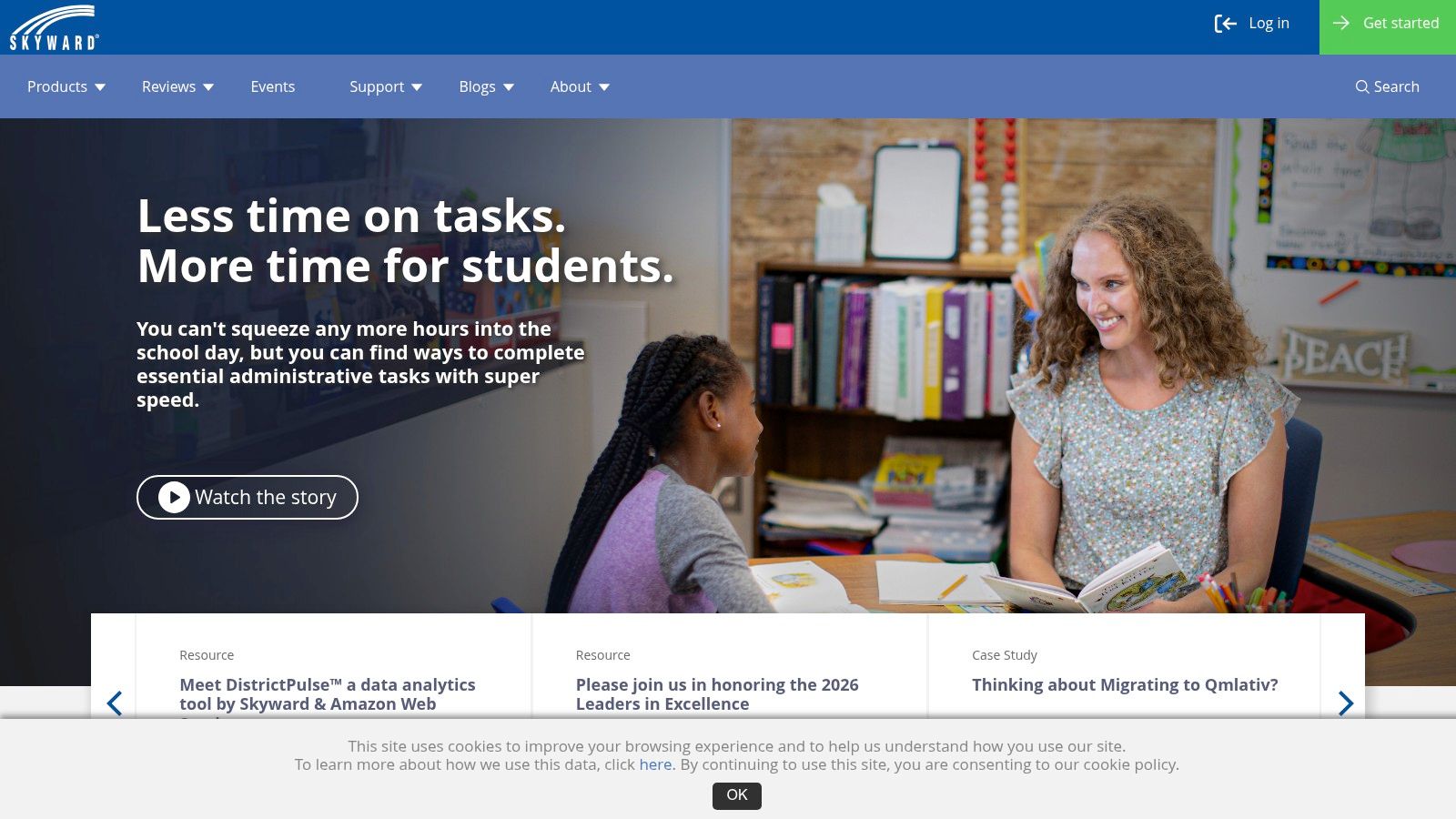
Skyward is broad. Very broad. That's its biggest strength and the main reason smaller operators sometimes bounce off it.
For districts and large multi-campus schools, the depth is attractive. Student management can sit alongside areas like fees, family access, health, behavior, and even ERP-style finance or HR connections. If you want a single vendor relationship for a large part of school administration, Skyward has a strong case.
When Skyward makes sense
Choose Skyward if your operation needs more than attendance and gradebooks. It fits institutions that need operational coverage across many departments, not just the academic office.
Useful areas include:
Health and behavior tracking
Fee management and portals
Scheduling and transcript workflows
Connections to broader finance and HR systems
The issue isn't whether Skyward is capable. It is. The issue is whether you need that much machinery.
Real-world trade-off
In a tutoring center, too much software can create the same admin drag as too little. Staff spend time navigating fields and processes that belong to a different operating model.
If you run a district, that's fine. If you run a test-prep academy with evening classes across several branches, you may end up paying for complexity you don't use.
Pros
Very broad operational scope: Strong for institutions with multiple administrative teams.
ERP adjacency: Helpful if you want deeper back-office alignment.
Serious district fit: Better suited to formal school environments than niche lesson businesses.
Cons
Heavier implementation path: Smaller schools may find it excessive.
Custom pricing and scoping: Budgeting usually takes more work up front.
7. Frontline Education SIS
Frontline Education is strongest when your student system isn't being bought in isolation. Its appeal rises sharply if your district already uses Frontline for HR, payroll, absence management, or finance workflows.
That's the key point with Frontline. You don't usually pick it because it's the most elegant standalone SIS. You pick it because your district business office wants tighter cross-functional visibility across people, budgets, and student operations.
Best fit
Frontline suits districts and institutional environments where administrative coordination matters as much as classroom data.
Common reasons to choose it include:
Enrollment, scheduling, grading, and attendance
Workflow and document acknowledgement tools
Connection to HR and finance processes
State-specific support in U.S. education settings
For that buyer, it's compelling.
Where tutoring operators should pause
Tutoring businesses usually don't need district-style administrative orchestration. They need fewer clicks between inquiry, booking, lesson delivery, invoice creation, payment collection, and teacher payout.
Frontline can still work in formal school contexts, but it doesn't target the commercial and scheduling-heavy model of tutoring businesses.
If your biggest weekly problem is teacher substitutions and unpaid invoices, district workflow software won't feel like the best school management software for long.
Pros
Strong district back-office alignment: Good for larger organizations with multiple departments.
Useful reporting context across functions: Better visibility when HR and finance matter.
Enterprise orientation: Built for structured institutions.
Cons
Best when paired with other Frontline tools: Standalone value depends on your existing stack.
Less relevant for tutoring operations: The workflow priorities differ.
8. QuickSchools
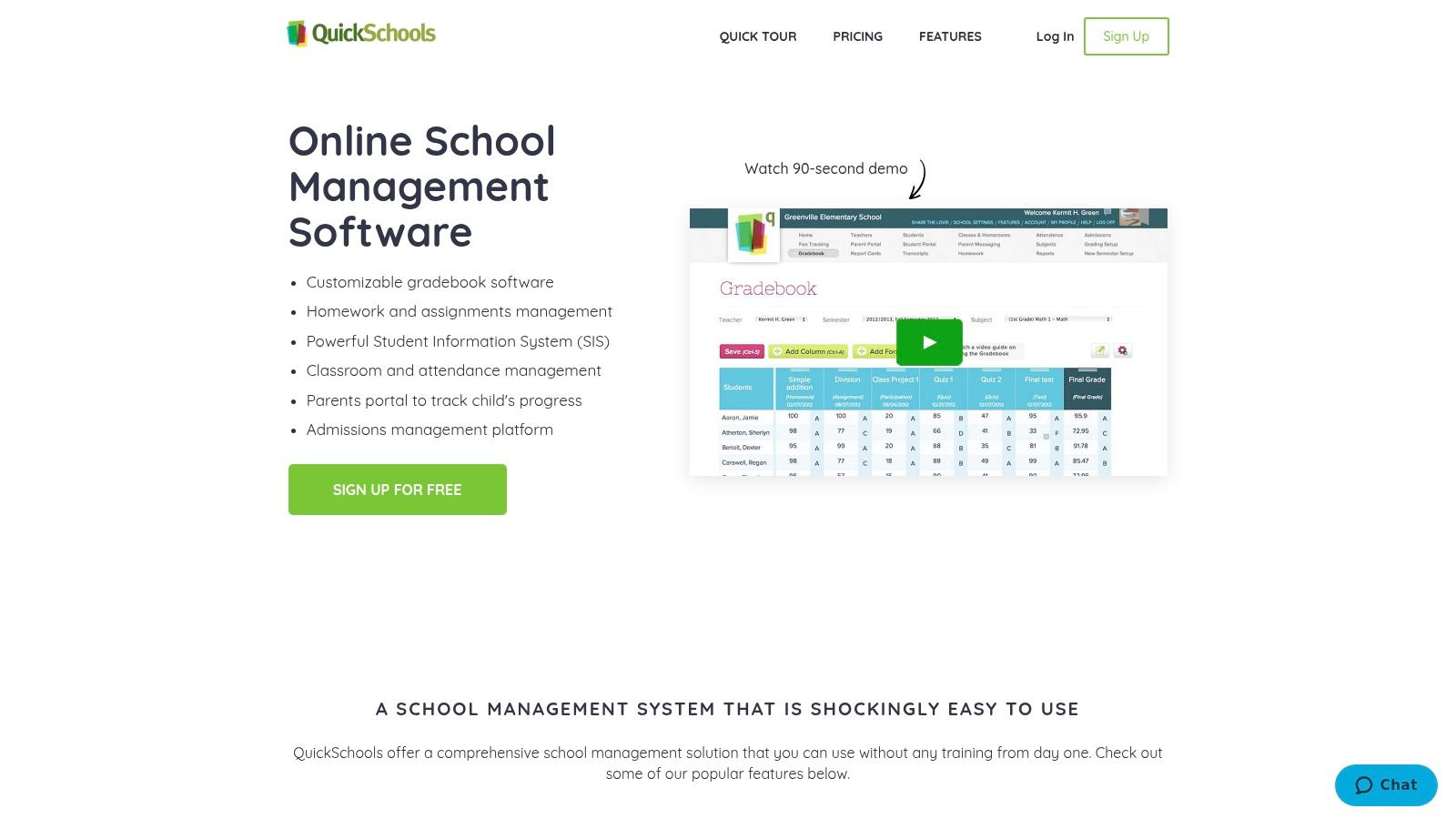
QuickSchools wins on simplicity. If you need to get a small private school, academy, or learning center off paper and into a cloud system quickly, it's an easy product to understand.
That matters more than many buyers admit. A clean, lightweight system that staff use beats a larger platform nobody fully adopts.
Why some schools choose QuickSchools
QuickSchools keeps the scope manageable. It covers the basics most small schools expect and doesn't force you into a long enterprise-style buying motion.
Core strengths include:
Gradebook and report cards
Admissions and enrollment tools
Parent and student portals
Fee tracking and online payments
Its strongest use case is a small academic institution that wants practical administration without a massive rollout.
Limitations to know up front
You shouldn't expect enterprise analytics, deep HR, or ERP-level operations from QuickSchools. That's not the point of the product.
For tutoring centers, it can work if your operation is simple. Once you add multiple branches, room allocation, flexible packages, or teacher payroll tied to attendance, you'll start hitting the edges.
Pros
Fast onboarding: Good for teams that need a working system quickly.
Approachable product scope: Easier for smaller schools to adopt.
Transparent feel: The platform is straightforward to evaluate.
Cons
Limited operational depth: Advanced finance and business workflows need other tools.
Can become a stepping stone: Growing operators may outgrow it.
9. Gradelink SIS
Gradelink has been a practical choice for private and faith-based schools for years because it stays focused on usability and affordability. It covers the expected SIS ground without pretending to be a full district operating system.
For many small schools, that's exactly right. You get grading, attendance, portals, billing support, and admissions options in a package that tends to be easier to absorb than heavier enterprise products.
What Gradelink does well
Gradelink is best when you want a school-first system with a manageable learning curve.
Its core strengths are:
Gradebooks and attendance
Parent and student portals
Incidental billing and fee tracking
Online admissions support
I also think Gradelink deserves credit for forcing buyers to think about migration effort, not just features. That's a smarter buying lens than most comparison pages use.
Best for and limitations
If you're a small private school, Gradelink can be a strong fit. If you're running a tutoring or language business with lots of recurring schedule changes and payroll complexity, it's less complete operationally.
That's the key divide in this category. School administration software and tutoring operations software overlap, but they aren't the same thing.
Pros
Good value orientation: Accessible for smaller schools.
Balanced core feature set: Strong enough for many private-school needs.
Solid fit for lean admin teams: Easier to operationalize than enterprise SIS products.
Cons
Add-ons can expand total cost: Important to check before committing.
Not an enterprise operations platform: District-scale back-office depth isn't the focus.
10. Teach 'n Go
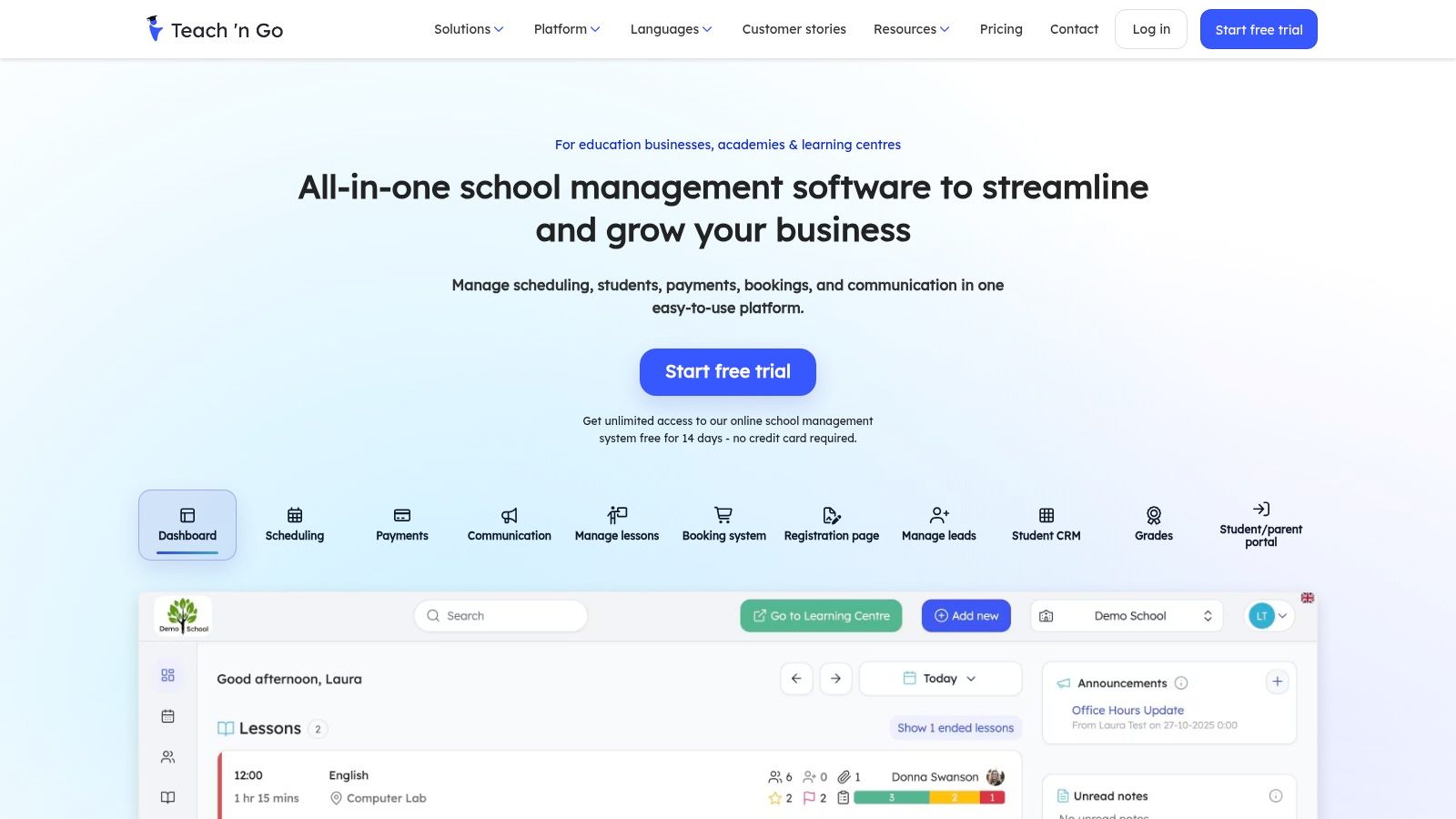
Teach 'n Go is one of the more relevant picks here for language schools, tutoring centers, music schools, and after-school providers. Unlike district-oriented SIS platforms, it starts from timetabling and operational delivery.
That makes it easier to evaluate if your business runs on weekly lesson volume rather than term-based school administration. It sits closer to the actual day-to-day mess many center owners want to fix.
Why it stands out
Teach 'n Go focuses on the workflows that service-based education businesses care about most:
Class scheduling and teacher availability
Attendance and progress tracking
Invoicing and payments
Lead tracking and communication
If you're comparing tutoring-specific systems, it's a legitimate option. If you want a side-by-side operational angle, look at Compare Tutorbase vs Teachngo.
The broader market supports why tools like this are getting more attention. One market estimate values the global school management system market at USD 21.94 billion in 2024 and projects USD 77.57 billion by 2032, a 17.1% CAGR, according to Data Bridge market analysis.
Where it fits and where it doesn't
Teach 'n Go is a better fit for lesson businesses than for formal K-12 institutions. It isn't trying to win on district reporting, health tracking, or school bureaucracy.
That's a strength if you run a language school. It's a limitation if you need formal SIS breadth.
Pros
Operational focus: Better aligned with high-volume classes and recurring bookings.
Transparent positioning: Easier to understand for non-credit educational businesses.
Good category fit: Relevant for language schools and tutoring centers.
Cons
Lighter traditional SIS coverage: Not built for district or state-reporting complexity.
May need comparison on advanced workflows: Especially if payroll and multi-branch operations are central.
Top 10 School Management Software Comparison
| Product | Core focus & key features | Target customers & scale | Unique strengths / USPs | Pricing & deployment |
|---|---|---|---|---|
| Tutorbase | All-in-one tutoring ops: Find Slot/Find Spot scheduling, attendance-driven billing, payroll, room & multi-branch management, CRM | Tutoring centres, language schools, test-prep, music/after-school; 5–100+ teachers; 50–10k+ lessons/week | Auto-match scheduling; prevents double-bookings; native payroll (complex models); WhatsApp lead capture; built for scale; ~60% admin reduction | Free to use; 1% fee on invoices created in-platform + payment processor fees; quick migration/setup |
| PowerSchool SIS | Enterprise K‑12 SIS: grading, scheduling, attendance, state reporting, large integrations | Districts and large multi-campus K‑12 systems | Mature reporting, large ecosystem & marketplace integrations | Quote-based enterprise pricing; longer implementation |
| Blackbaud SIS (K‑12) | Private-school SIS + integrated LMS, enrollment and optional billing modules | Independent/private schools seeking unified stack | SIS+LMS single source of truth; strong private-school support/community | Premium, module-based pricing; quote-based |
| FACTS SIS (by Nelnet) | SIS tightly paired with tuition management and payment plans | Private and faith-based schools, dioceses | Native tuition/billing integration reduces reconciliation | Quote-based; module-dependent costs |
| iSAMS | Cloud MIS covering student records, admissions, timetabling, attendance, examinations, reporting and portals, with optional finance, HR and wellbeing modules. | Independent and international K-12 schools and school groups. | International-school orientation with multi-curriculum, multilingual and multi-currency support. | Public list pricing not identified; package contents and implementation require vendor confirmation. |
| Skyward (Student Management Suite) | SIS with broad operational depth and optional ERP tie‑ins (fees, health, behavior, finance) | Districts and multi-campus districts needing operations + finance | Broad operational coverage; ERP integrations for finance/HR | Custom pricing; complex implementation for smaller sites |
| Frontline Education SIS | SIS integrated with Frontline HR/finance suite; enrollment, scheduling, reporting | Districts requiring HR/finance alignment and compliance | Strong HR/finance integration; state-specific compliance variants | Quote-based; best when paired with other Frontline modules |
| QuickSchools | Cloud SIS for small private schools: gradebook, admissions, portals, fee tracking | Small private schools and academies | Fast to start; transparent low per-student pricing; free trial | Transparent per-student tiers; free trial; no long contracts on many plans |
| Gradelink SIS | Affordable SIS for private/faith-based schools: gradebook, billing, admissions | Small private & faith-based schools | Budget-friendly; strong support; pricing estimator available | Monthly + setup estimates; add-ons (EnrollMe, SmartSend) increase cost |
| Teach 'n Go | Scheduling-first platform for language schools, tutors, music programs; attendance, invoicing, CRM | Language schools, tutoring centres, music & after-school providers with high weekly lesson volume | Robust timetabling & teacher availability tools; predictable student-band pricing | Banded pricing by active students; transparent plans for high-volume lessons |
How to Choose the Right Software for Your School
The best school management software depends on what kind of institution you run. That's where many buying decisions go wrong. A district can justify complexity because it needs compliance workflows, formal academics, and broad departmental coverage. A tutoring center usually can't. It needs speed, automation, and operational control.
If you're a large school or district, products like PowerSchool, Skyward, and Frontline make sense. They handle formal administration well, especially when reporting, gradebooks, and multi-department coordination drive the project.
If you're a small private school, QuickSchools, Gradelink, FACTS, and Blackbaud may be better fits depending on whether you want simplicity, tuition integration, or a more unified institutional stack. If you're an independent or international K-12 school or school group evaluating a modular MIS, iSAMS is another relevant option to consider.
For tutoring centers and language schools, I'd narrow the decision much faster. Ask one question first. What is your most expensive weekly problem?
If the answer is any of these, you need a tutoring-specific platform, not a generic SIS:
Scheduling chaos: Staff waste time hunting for teacher, room, and student matches.
Billing delays: Attendance doesn't flow cleanly into invoices or payment collection.
Payroll reconciliation: Teacher pay still depends on manual spreadsheet work.
Multi-branch inconsistency: Each location runs slightly differently, and nobody has a clean view.
Lead leakage: Inquiries come in, but follow-up lives in inboxes and chat threads.
That's why implementation risk matters as much as features. A platform can look impressive in a demo and still fail if migration is slow, data imports are messy, and your staff can't get to a stable billing and scheduling process quickly. In practice, schools are increasingly told to evaluate scalability, dashboards, integrations, security, and all-in-one workflows because disconnected tools create repeated work and increase error risk, as noted earlier.
I'd also keep cost framing realistic. License price isn't the full cost. Admin time, duplicate entry, missed invoices, and booking mistakes usually cost more than the software itself. If your team spends hours each week stitching together calendars, invoices, and payroll, the return comes from removing that labor and reducing mistakes.
For that reason, specialized tools usually win faster in tutoring businesses. Tutorbase stands out because it treats scheduling, attendance, billing, payroll, room management, and lead handling as one connected workflow. That's usually where the primary ROI lives for centers that run high lesson volume across teachers and branches.
Choose the tool that removes your most expensive manual process first. Everything else is secondary.
If you run a tutoring center or language school and want to replace scheduling chaos, manual invoicing, and payroll spreadsheets with one operational system, Tutorbase is worth a close look. You can start without a complicated rollout, test whether it fits your workflow, and see if it gives your team the one thing most school software promises but rarely delivers, less admin and fewer errors.


