


Searching for the best software with PayPal integration for tutoring is a logical first step for any center owner. You need a reliable way to collect payments from parents, and PayPal is a familiar name. However, choosing software solely for PayPal support is a common but limiting filter. It often overlooks the bigger picture: building a flexible, modern payment infrastructure that can scale with your business.
The real challenge for tutoring centers isn't just accepting a single payment type. It's managing the entire financial workflow, from handling prepaid packages and subscriptions to automating invoices that don't require manual follow-up. While PayPal is well-known, modern gateways like Stripe are increasingly preferred for their ability to handle automated invoicing, subscription billing, and seamless on-page payments.
This guide reframes the search. Instead of focusing on a single gateway, we'll explore platforms that offer the flexible payment infrastructure tutoring businesses actually need to grow. The best software with PayPal integration for tutoring should also be excellent at scheduling, invoicing, and parent communication, creating a truly automated system.
Why tutoring businesses search for PayPal integration
For many tutoring businesses, the need to get paid reliably is the most urgent problem. Manual invoicing is slow, chasing payments is frustrating, and tracking everything in a spreadsheet is prone to errors. PayPal is often seen as the go-to solution because it's widely trusted by parents and relatively easy to set up for basic transactions.
However, this initial search often masks deeper operational pains:
- Manual Invoicing: Creating invoices one by one after lessons is a huge time sink.
- Payment Chasing: Following up with parents about overdue payments is awkward and inefficient.
- Package Management: Manually tracking how many lessons are left in a prepaid package is a common source of mistakes.
- Recurring Billing: There’s no easy way to automatically charge for monthly or weekly classes.
These issues show that the problem isn't just about accepting a payment; it's about the entire administrative process that surrounds it.
What to look for beyond PayPal
Choosing tutoring software based on a single payment gateway is like choosing a car based only on its brand of tires. The engine, transmission, and safety features matter far more. For tutoring software, the "engine" is its ability to automate your core financial workflows.
Here’s what a modern payment infrastructure should offer:
- Automated Invoicing: The system should automatically generate invoices based on attendance records. No more manual data entry.
- Subscription & Recurring Billing: For ongoing classes, the software should be able to auto-charge parents on a weekly or monthly schedule.
- Prepaid Credits & Packages: A native "wallet" or credit system that automatically deducts lessons as they are attended is critical.
- Multiple Payment Options: Support for Stripe, bank transfers, and other methods gives parents flexibility and often comes with lower fees and better automation for you.
- Integrated Systems: Payments should be directly linked to scheduling, attendance, and even teacher payroll to provide a complete operational view.
A platform that offers these features solves the root problem, not just the symptom. It turns your payment system from a manual task into an automated, reliable revenue engine.
Best tutoring software with flexible payments [2026]
Here are platforms that offer strong payment capabilities, including PayPal or more advanced alternatives like Stripe, designed to streamline your tutoring business.
1. Tutorbase: Purpose-built billing for tutoring businesses
Tutorbase is an all-in-one tutoring management platform with built-in Stripe payments, automated invoicing, and subscription billing. It is designed specifically for tutoring centers and language schools with 5-100+ teachers. Unlike generic schedulers, it is a complete operating system that replaces fragmented tools like Google Calendar, QuickBooks, and Excel.
If you're searching for PayPal integration, what you really need is a platform where payments just work, tied to your scheduling, enrollment, and billing automatically. Tutorbase’s powerful Stripe Connect integration enables auto-generated invoices from lesson data, manages prepaid credit wallets, and sends public payment links that parents can pay without needing an account. This focus on automation solves the core administrative burden of running a tutoring business.
The platform also includes a built-in CRM with a WhatsApp widget for lead capture, AI-powered scheduling to find the perfect slot in seconds, multi-location management, and complex teacher payroll calculations. It’s built to handle scale, reducing admin time by over 60%.
- Best For: Tutoring centers and language schools with 5+ teachers needing a complete, automated operating system.
- Payment Options: Stripe Connect for automated invoicing, subscriptions, and prepaid credits.
- Website: tutoring software
2. Squarespace Acuity Scheduling (formerly Acuity Scheduling)
For independent tutors or small centers where the primary administrative challenge is coordinating bookings and collecting upfront payments, Squarespace Acuity Scheduling is a strong contender. Its core strength lies in its simplicity and directness. You can embed the scheduler directly onto your existing website, allowing parents to book and pay for sessions in one smooth transaction without ever leaving your site. This is a significant advantage if your main goal is to reduce no-shows by requiring a deposit or full payment at the time of booking.
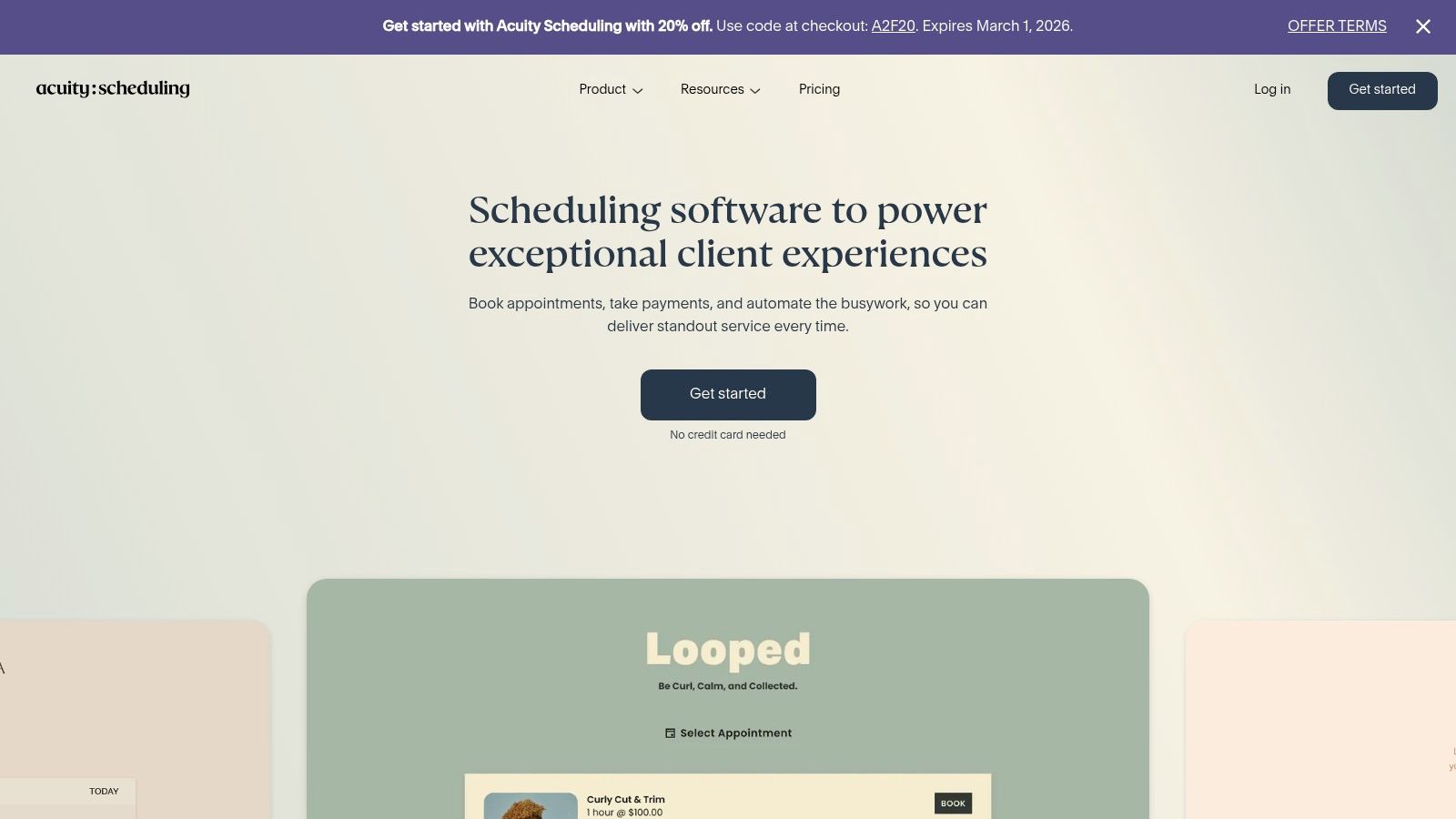
The platform’s native PayPal support, alongside Stripe and Square, gives clients payment flexibility. Tutors can also create and sell packages of lessons or even set up recurring memberships, which helps stabilize cash flow. While Acuity excels as a powerful scheduling engine, it's important to recognize its limitations. It is not a complete tutoring billing software; it lacks automated invoicing from attendance records and does not handle complex teacher payroll calculations. Tax management also requires manual workarounds.
For tutors building their business on a platform like Squarespace, integrating Acuity is nearly seamless. To get a better sense of how this fits into the larger ecosystem, understanding Squarespace and other website builders can provide valuable context on platform capabilities.
- Best For: Solo tutors and small businesses needing a powerful, embeddable scheduler with upfront payment capabilities.
- Pricing: Plans start at $16/month (billed annually) for one staff member/location.
- Website: acuityscheduling.com
3. Calendly
For many tutors, Calendly is the go-to tool for its sheer simplicity and widespread recognition. It excels at one-off bookings like initial consultations, trial lessons, or paid assessments. The platform's direct PayPal integration allows you to require payment the moment a parent books a slot, effectively securing the appointment and reducing no-shows. Its clean, user-friendly interface is familiar to many parents, which removes friction from the booking process and makes it fast and efficient.
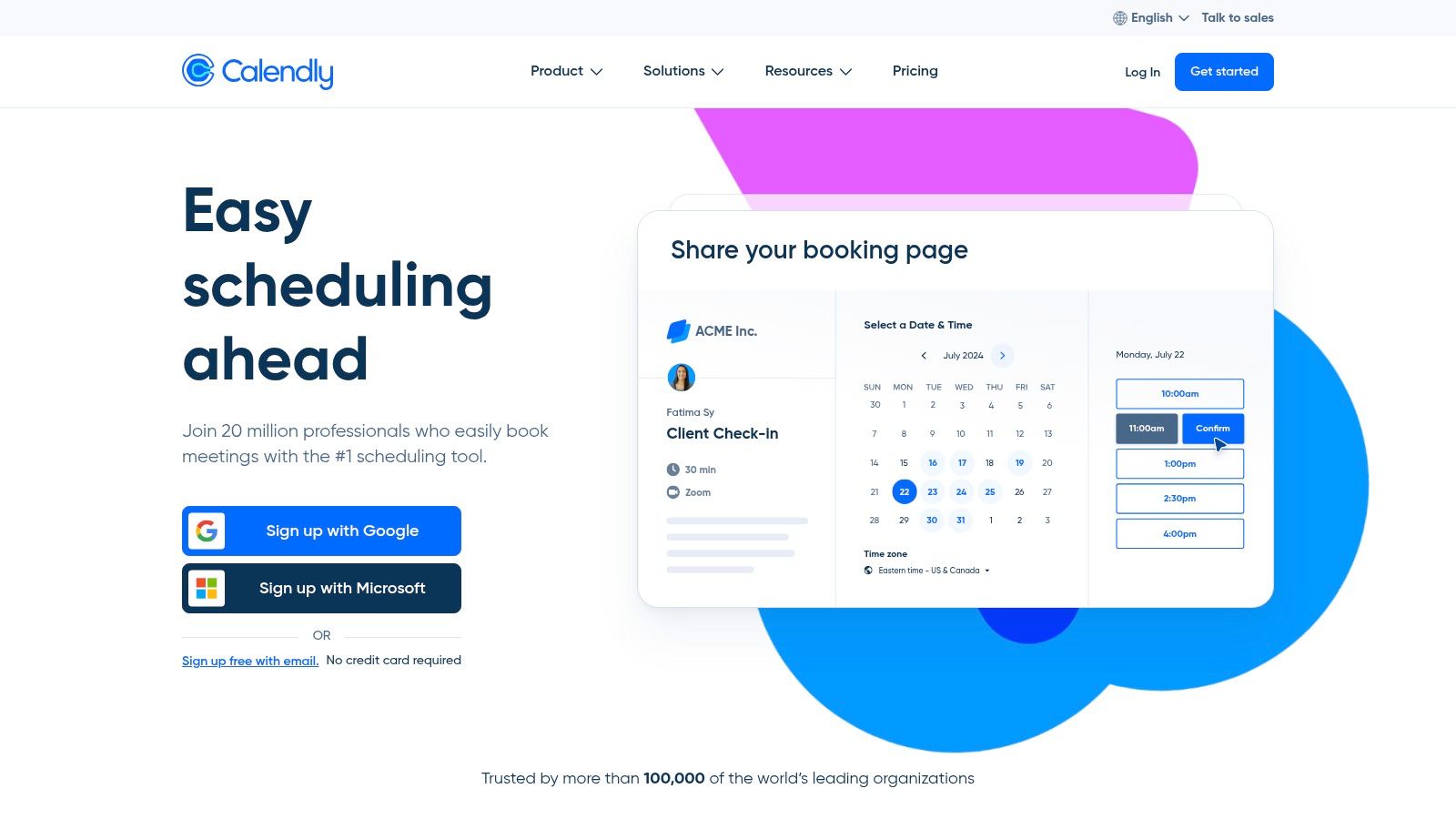
The ability to connect PayPal is available on Calendly’s paid plans, sitting alongside Stripe as a core payment option. Tutors can set a price and currency for any event type, whether it's a one-on-one session or a group workshop. However, Calendly is fundamentally a scheduling tool, not a complete business management solution. It's not designed to be a comprehensive tutoring scheduling software that handles complex billing from attendance records, automated invoicing for packages, or detailed teacher payroll. Enforcement of specific tax rules or refund policies also remains a manual process.
- Best For: Independent tutors needing a fast, reliable scheduler for collecting payments on simple, one-time appointments.
- Pricing: PayPal integration requires the Standard plan or higher, starting at $10/seat/month (billed annually).
- Website: calendly.com
4. SimplyBook.me
For tutoring centers that require an extensive range of payment options beyond just PayPal, SimplyBook.me presents a compelling solution. It functions as a full-featured booking system that funnels payments through its SBPay.me hub. This approach allows businesses to accept PayPal alongside Stripe, Square, Adyen, and many other regional gateways, providing maximum flexibility for parents and students worldwide. This makes it particularly useful for multi-teacher centers or language schools that need to accommodate various payment preferences.
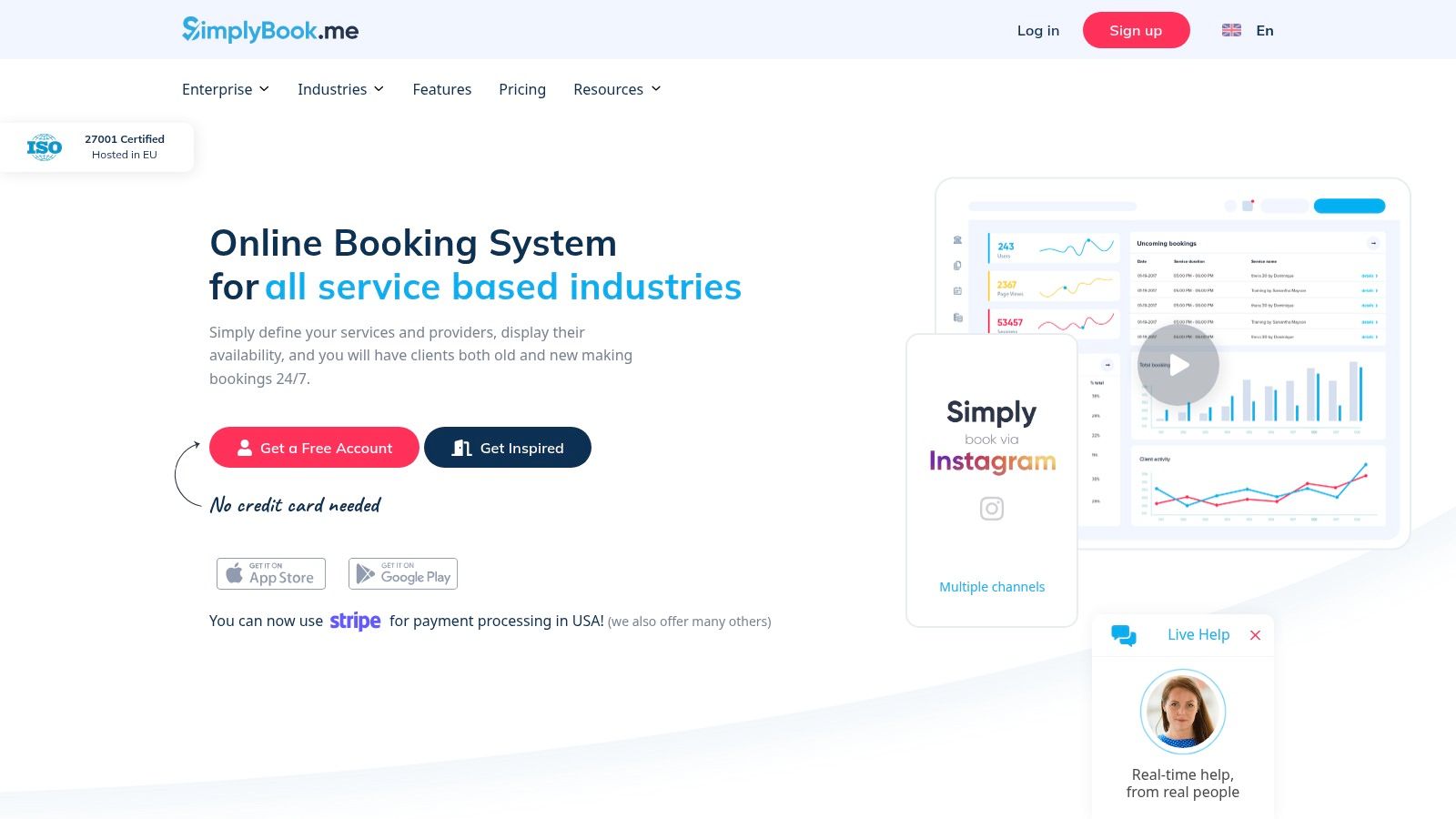
The platform supports a variety of revenue models crucial for tutoring, including the sale of class packages, recurring memberships, and gift cards. You can also configure add-ons for specific services. While the breadth of features is a significant advantage, it can also make the initial setup feel more complex compared to simpler schedulers. Furthermore, some advanced payment functions, like sending direct payment links or processing refunds, are reserved for higher-tier plans (SBPay PRO). For growing businesses needing compliance features like HIPAA or SSO, SimplyBook.me offers options that many competitors lack.
- Best For: Multi-teacher centers and schools needing broad payment gateway support and compliance options.
- Pricing: A free plan is available. Paid plans with payment features start from $8.25/month (billed annually).
- Website: simplybook.me
5. Bookwhen
For tutors and small centers focused on group classes or workshops, Bookwhen offers a straightforward way to advertise open seats and manage self-serve enrollments. It operates less like a full-service management system and more like a public-facing booking engine. Its strength is in creating a simple, shoppable experience for parents looking to book a spot in a specific class or event, making it a great tool for summer camps, test-prep workshops, or drop-in group sessions.
Bookwhen’s updated PayPal integration is a key feature, supporting modern payment methods like Apple Pay and Google Pay, which is a significant advantage for parents booking on mobile devices. The platform also gives you simple controls to define payment fees and refund policies directly within the system. While it handles the front-end booking and payment collection well, it is not a complete management solution. It lacks the deep operational tools for teacher payroll, automated invoicing based on attendance, or sophisticated CRM for tracking student progress over time. Advanced automations can also be tricky without native Zapier support.
This platform fits a specific niche: advertising and filling seats for group offerings. Tutors who need one of the best software with PayPal integration for tutoring classes, but don't require complex back-end management, will find it effective and easy for parents to use.
- Best For: Tutoring businesses that primarily offer group classes, workshops, or events and need a simple, public-facing booking page.
- Pricing: Free plan available with limitations. PayPal integration requires the Lite plan, starting at £15/month.
- Website: bookwhen.com
6. SuperSaaS
SuperSaaS is a long-standing and highly customizable online appointment scheduler that gets the job done without fuss. Its primary appeal for tutors is its direct and exceptionally simple PayPal integration. For a solo tutor or a small center that just needs a functional booking system where parents can pay for lessons upfront, SuperSaaS makes enabling PayPal a one-step process. It sets PayPal as a default payment provider, minimizing the technical setup required to start collecting fees. This makes it one of the faster options to get running for payment collection.
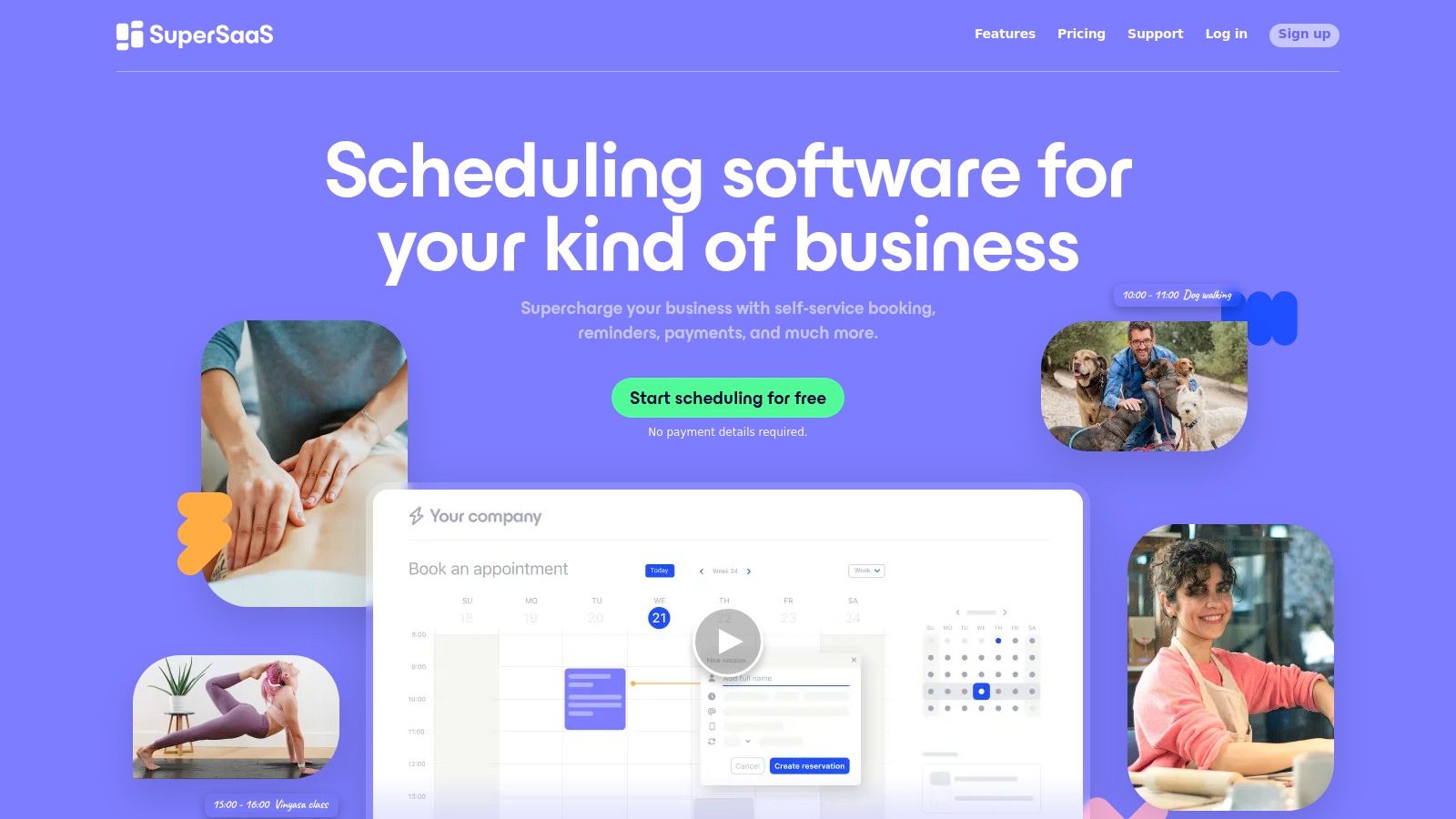
While the platform supports other gateways like Stripe and Square, its PayPal-first approach is a clear advantage for businesses that rely on it. A notable feature is the credit system, which allows clients to prepay for a block of credits they can later use to book sessions, a common model for tutoring packages. However, the user interface feels dated and utilitarian compared to more modern alternatives. It also lacks the dedicated workflows and terminology specific to tutoring businesses, such as managing student levels or complex teacher payroll, requiring manual processes for anything beyond basic scheduling and payment.
- Best For: Solo tutors or small teams needing a fast, no-frills scheduler with an extremely simple PayPal setup.
- Pricing: A limited free version is available. Paid plans start at $9/month.
- Website: supersaas.com
7. TutorBird
TutorBird is designed from the ground up for the specific administrative needs of independent tutors and small to medium-sized centers. It provides a cohesive system where student management, attendance tracking, and invoicing are tightly connected. A key feature is its direct integration with both PayPal and Stripe, allowing families to easily pay invoices online through a dedicated parent portal or even enroll in an automatic payment plan, which can significantly reduce the time spent chasing down late payments.
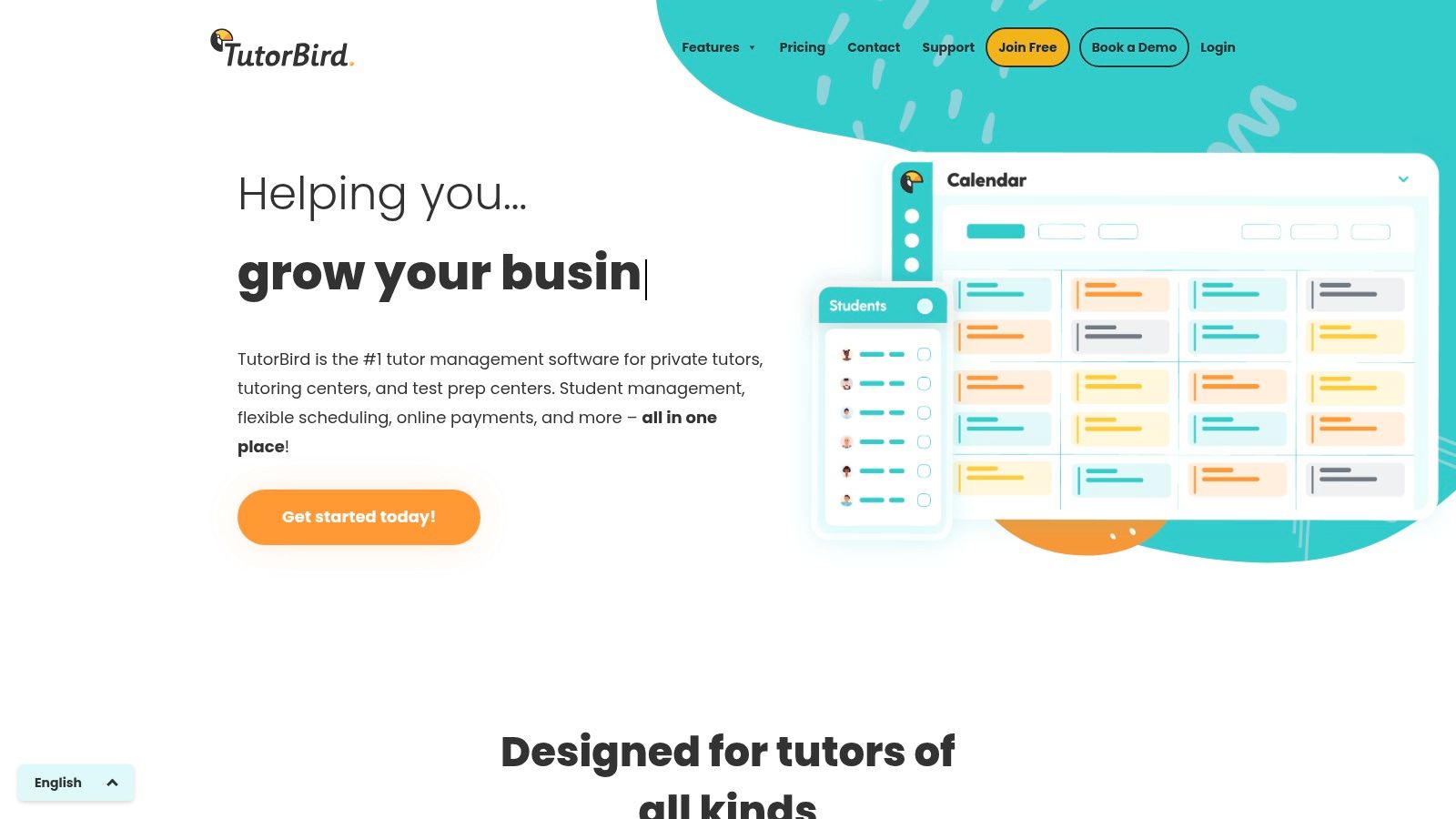
The platform’s strength lies in its focus on core tutoring workflows. Tutors can automatically generate invoices based on attendance, apply late fees, and track receipts all within one dashboard. The student and parent portal enhances communication by giving families access to their schedules, attendance history, and outstanding balances. While TutorBird is an excellent all-in-one solution for many, it may not suit very large, multi-branch operations that require complex, tiered payroll or advanced HR functionalities. It is one of the more focused pieces of tutoring software built for this niche, striking a balance between features and usability.
- Best For: Solo tutors and small centers looking for a dedicated platform that combines scheduling, billing, and a parent portal with simple PayPal and Stripe payments.
- Pricing: Starts at $19.95/month for a single teacher, with plans scaling based on the number of active students.
- Website: tutorbird.com
Comparison of Top Tutoring Payment Software
| Platform | Payment Options | Built for Tutoring? | Scheduling | CRM | Billing Automation |
|---|---|---|---|---|---|
| Tutorbase | Stripe Connect | ✅ Yes | AI-powered | ✅ Yes | ✅ Fully automated |
| Acuity Scheduling | PayPal, Stripe, Square | ❌ No | ✅ Yes | ❌ No | Basic |
| Calendly | PayPal, Stripe | ❌ No | ✅ Yes | ❌ No | Manual |
| SimplyBook.me | PayPal, Stripe & more | ❌ No | ✅ Yes | ❌ No | Basic |
| Bookwhen | PayPal, Stripe | ❌ No | Group-focused | ❌ No | Manual |
| SuperSaaS | PayPal, Stripe | ❌ No | ✅ Yes | ❌ No | Basic |
| TutorBird | PayPal, Stripe | ✅ Yes | ✅ Yes | ✅ Yes | Semi-automated |
Frequently Asked Questions (FAQ)
What is the best payment system for a tutoring business?
The best payment system for a tutoring business is one that automates the entire billing lifecycle, not just transaction processing. While PayPal is popular, platforms built on Stripe often provide superior automation for invoicing, subscriptions, and managing prepaid packages. The ideal solution connects payments directly to scheduling and attendance to eliminate manual work.
Does Tutorbase support PayPal?
Tutorbase uses Stripe Connect to provide a more powerful and automated billing experience. This enables features like automatic invoice generation from attendance, recurring subscription billing, and wallet-style prepaid credits, which are difficult to manage with PayPal alone. While direct PayPal integration is on the roadmap, Stripe offers a more robust infrastructure for scaling tutoring businesses.
Can I send invoices to parents automatically?
Yes, platforms like Tutorbase are designed to do this. The software generates invoices automatically based on completed lessons recorded in the schedule. You can set the system to send these invoices on a weekly, bi-weekly, or monthly cadence, completely removing the need for manual creation and follow-up.
Why is Stripe often preferred over PayPal for tutoring software?
Stripe is often preferred by software platforms because its API is more developer-friendly, allowing for deeper and more seamless integrations. This results in better user experiences, such as on-page payments (no redirect), more powerful subscription management tools, and the ability to build complex, automated billing logic directly tied to other business operations like scheduling and payroll.
What's the difference between a scheduling tool and tutoring management software?
A scheduling tool (like Calendly or Acuity) is focused on one task: booking appointments. Tutoring management software (like Tutorbase) is a complete operating system. It handles scheduling, but also integrates CRM, automated billing, teacher payroll, multi-location management, and student progress tracking into a single, unified platform.
If you started your search looking for a way for parents to pay with PayPal, consider reframing the question. What you likely need is a system to eliminate manual invoicing and stop chasing payments. That requires more than a payment gateway; it requires an operational backbone designed for the unique needs of a tutoring center.
Ready to move beyond fragmented tools and run your entire tutoring business from one platform? See how Tutorbase consolidates your scheduling, billing, and payroll to save you over 10 hours a week on admin. Explore Tutorbase today.


