


It's the end of the month. You're flipping between Google Calendar, QuickBooks, and a spreadsheet that nobody trusts anymore. One parent wants a package balance applied, another wants a refund for a cancelled class, and three teachers need different payroll rules because one is hourly, one is per student, and one is on revenue share.
That's the moment most billing software reviews stop being useful. Generic billing tools can send invoices, sure, but tutoring centers don't just send invoices. You schedule recurring lessons, track attendance, handle make-up classes, manage prepaid credits, and calculate teacher pay from what occurred. If you're comparing options and want a broader finance lens too, it's worth seeing how other teams compare SaaS finance platforms.
This guide gets to the point. It gives you the shortlist, explains where generic review sites help, and shows why a purpose-built tutoring platform usually beats spending another week doing your own billing software reviews from scratch.
1. Tutorbase
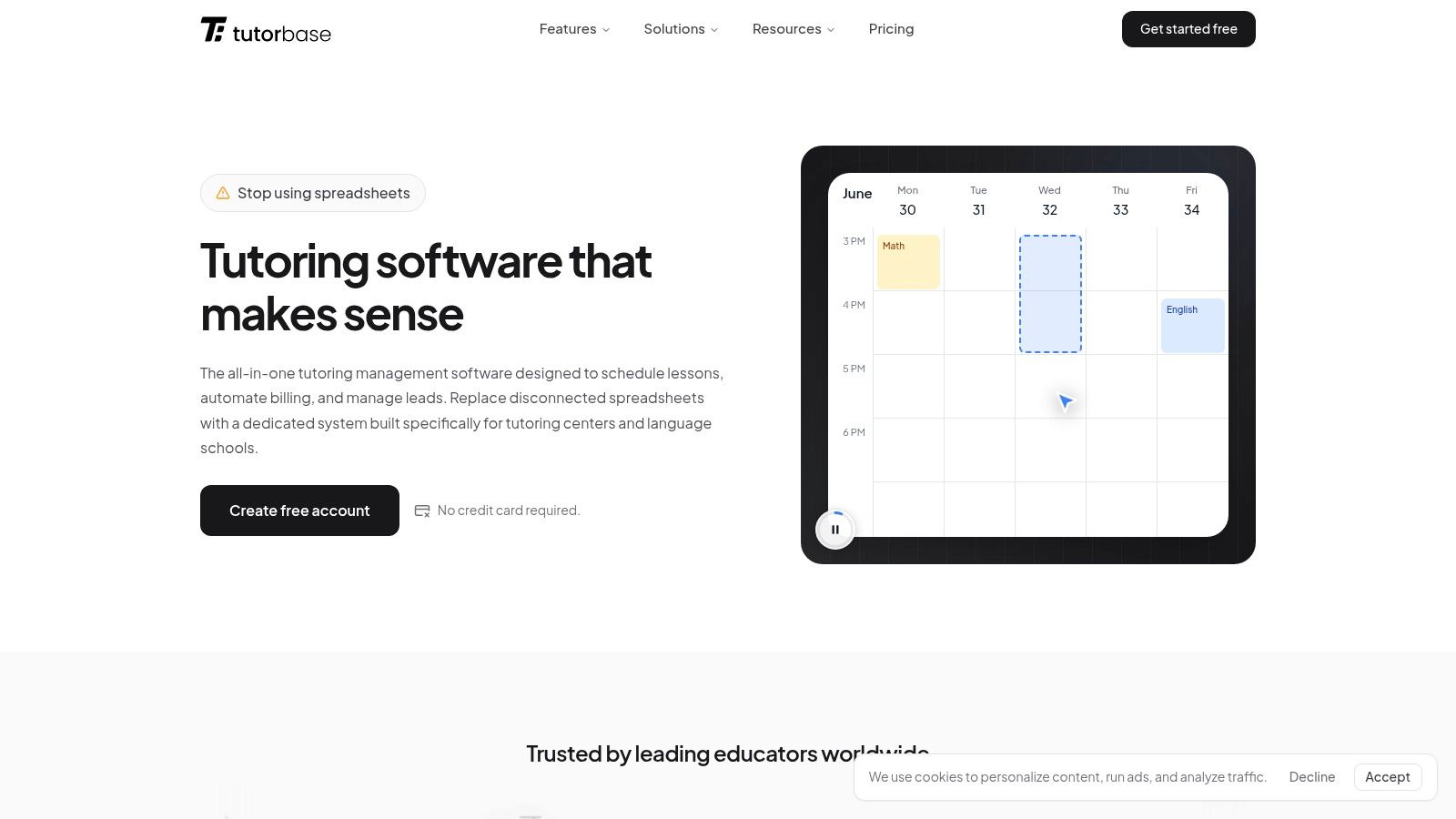
Tutorbase is the only option in this list built around how tutoring centers operate. It combines scheduling, billing, payroll, room management, student records, and lead handling in one system, so staff are not stitching together spreadsheets, calendars, and accounting tools just to get invoices out correctly.
That changes the evaluation process. Instead of starting with generic review sites and trying to guess which invoicing tool might survive tutoring center complexity, start with the product made for that complexity, then use review sites to pressure-test your decision if you still want to compare the wider market. For a direct product breakdown, see the best billing software for tutoring centers.
Tutorbase fits tutoring centers and language schools running multiple teachers, multiple locations, and mixed billing rules. It is a practical fit for academic tutoring, language programs, test prep, music schools, and after-school programs where billing depends on what was scheduled, what was attended, what package was used, and how each teacher should be paid.
Why it works for tutoring centers
Billing in a tutoring center starts upstream. If scheduling, attendance, credits, and payroll live in separate tools, billing errors show up at the end and staff clean them up manually.
Tutorbase handles billing as part of daily operations. A lesson is booked, attendance is marked, package balances update, invoices are created from actual activity, and payroll follows the rules you set. That operating model saves time because the admin team is not re-entering the same lesson data in three places.
Key capabilities that matter in practice:
- Find Slot: Generates workable teacher, room, and time combinations for a new booking.
- Find Spot: Shows existing classes with open seats by subject, level, teacher, time, and location.
- Conflict detection: Stops double bookings and overbooked rooms, then suggests valid alternatives.
- Recurring lessons: Creates repeating lesson series without rebuilding each booking.
- Attendance-based billing: Builds invoices from attended lessons instead of manual invoice entry.
- Teacher payroll: Supports hourly, per-lesson, per-student, revenue share, base-plus-variable, overtime, and premium rules.
Practical rule: If invoices are not tied to attendance, someone on your team will keep fixing them by hand.
This is significant because tutoring centers lose time and money when lesson data, package balances, and payroll rules sit in different systems. The admin mess usually shows up as missed charges, parent billing disputes, payroll corrections, and end-of-month cleanup nobody has time for.
Where it stands out
Tutorbase stands out because it covers the full chain from lead intake to lesson delivery to payment collection. That matters in real operations, where billing problems often start much earlier than invoicing.
The platform includes:
- CRM and lead capture: Website forms, WhatsApp widget, phone, and walk-ins.
- Pipeline management: New, Contacted, Trial Scheduled, Converted, Lost.
- Locations and rooms: Capacity, floor, features, fees, and availability.
- Policy packs: Per-hour, per-lesson, per-package, and subscription pricing with layered rules.
- Hybrid classes: In-person and online students in the same lesson.
- Multi-brand support: Separate branding with shared operational resources.
It is also a realistic replacement for Teachworks, TutorCruncher, TutorBird, or a custom stack that grew one workaround at a time. The value is not just feature breadth. The value is that scheduling, attendance, prepaid credits, room usage, invoicing, and payroll all work from the same source of truth.
Trade-offs
Tutorbase is not the right fit for every business.
Solo tutors who only need simple monthly invoices may find it more structured than they need. Centers with active scheduling, multiple teachers, package billing, recurring lessons, and custom payroll usually get the benefit quickly.
The pricing model also works differently from flat-fee SaaS tools. The core platform is free to use, and Tutorbase charges a percentage when invoices are created through the system. For many centers, that is a fair trade because automation replaces hours of admin work. If margins are tight, run the numbers against your current admin time, invoice errors, and payroll cleanup before deciding.
2. Capterra Billing and Invoicing Software
Capterra is useful when you want a big market map fast. It's not tutoring-specific, but it's one of the easiest places to see a wide range of products in one category page, sort by features, and start narrowing the field.
That's the main value. You can quickly remove tools that obviously won't work, especially if they don't mention recurring billing, credit handling, scheduling links, or any kind of service business workflow. The category page is here: Capterra Billing & Invoicing Software.
When Capterra helps most
Capterra works best at the longlist stage. If you haven't decided whether you need a tutoring-specific system or a generic invoicing app plus add-ons, Capterra allows you to scan options side by side.
Use it to pressure-test your shortlist against the dedicated tutoring view in Tutorbase's guide to the best billing software for tutoring centers.
Helpful use cases:
- Wide category scan: Good for seeing lots of vendors without opening dozens of tabs.
- Feature filtering: Useful if you already know your must-haves.
- Review recency: Fresh user feedback can reveal support issues or product changes.
What doesn't work well
Capterra can waste your time if you treat all listed tools as equally relevant. They aren't.
Paid placement can influence what appears first, and generic billing software reviews often overvalue invoice templates and accounting integrations while missing the tutoring-specific need to generate billing from lesson attendance. That gap matters because one tutoring-focused analysis argues that many reviews ignore automated billing from attendance data, even though manual invoice creation and payment chasing consume major admin time in education services, as described by Aspect Billing Solutions.
Don't ask, “Can this send an invoice?” Ask, “Can this bill correctly after reschedules, no-shows, credits, and make-ups?”
3. G2 Billing Software Category
G2 is better than most directories when you want pattern recognition instead of raw volume. The category page groups user feedback into recurring pros and cons, and the visual grids help you see whether a product looks established, niche, or polarizing. You can browse that category at G2 Billing Software.
That visual approach helps if your team has multiple stakeholders. Owners, ops managers, and finance admins usually care about different things, and G2 makes it easier to spot where a tool wins on usability versus breadth.
Best use for a tutoring operator
Use G2 after you've already cut your list down. It's strong for head-to-head comparison when you're deciding between two or three products.
What I'd look for on G2:
- Themed complaints: Repeated comments about setup complexity, poor support, or missing automation.
- Segment fit: Whether feedback comes from SMBs, mid-market teams, or enterprise buyers.
- Comparison pages: Fast way to see how similar products are framed against each other.
The limitation
G2 gets thinner once you move into niche education workflows. A tool can score well in the billing category and still be a poor fit for tutoring because it assumes flat invoices instead of attendance-driven billing, parent payers, lesson bundles, or teacher settlement rules.
That mismatch gets more important as automation adoption grows. The global billing and invoicing software market was valued at $7.4 billion in 2025 and is projected to reach $18.9 billion by 2034, with a 10.9% CAGR from 2026 to 2034, according to DataIntelo's billing and invoicing software market report. More tools will enter the category, but more options don't automatically mean a better fit for your center.
4. GetApp Billing and Invoicing Software
GetApp is practical when you like filters and saved comparisons more than review essays. It feels built for buyers who already know they need structure, not inspiration. The category page is GetApp Billing & Invoicing Software.
For a tutoring business, that's useful because your must-have list tends to be operational. You're not just looking for invoicing. You need cancellation handling, recurring billing, payment methods, and enough flexibility to support classes, private lessons, and package balances.
Where GetApp earns its place
GetApp's strongest move is helping you narrow a broad list with less friction. Side-by-side comparisons and saved lists make it easier to shortlist tools for a real internal review instead of endlessly browsing.
It's especially handy if you operate across regions and want to check local availability or deployment fit before you book demos.
- Strong filters: Feature, pricing model, and integration filters save time.
- Saved comparisons: Useful when multiple managers need to review the same shortlist.
- Regional views: Helpful if your branches span more than one market.
The caution
Like other directories, GetApp still reflects a generic software taxonomy. Tutoring centers usually need one source of truth connecting lessons, attendance, billing, and payroll. Generic categories split those functions apart.
That's why many operators end up bouncing between “billing,” “scheduling,” and “CRM” software pages and building a stack that creates more admin than it removes. If that sounds familiar, the issue usually isn't your process. It's the category labels.
5. Software Advice Best Billing and Invoicing Software
Software Advice is useful when you don't want to do all the sorting yourself. It leans more editorial than a pure directory and often gets you to a shortlist faster. The main page is Software Advice billing and invoicing comparison.
That speed matters if you're an owner-operator doing this research at night after classes end. You probably don't want fifty tabs open. You want five candidates and a reason to care about each one.
Why busy teams like it
Software Advice tends to summarize product fit clearly. That helps when you need a fast answer on deployment style, company size fit, and broad strengths or weaknesses.
For tutoring centers, that editorial layer can save time because you can eliminate products that are obviously aimed at freelancers, law firms, or generic service businesses before you ever book a call.
Useful angles here:
- Curated shortlists: Faster than browsing a giant category from scratch.
- Analyst framing: Helps identify which products target SMBs versus larger organizations.
- Comparison pages: Good for early buying conversations with non-technical stakeholders.
Where it falls short
The trade-off is depth. Shortlists can favor better-known vendors, and some of the richer buying flows are designed to capture leads. That's not a deal-breaker, but it means you should still validate the operational details yourself.
For tutoring centers, one detail matters more than almost anything else. Can the software bill from attendance, not from manual admin work after the fact? If the answer is no, it doesn't matter how polished the comparison page looks.
6. TrustRadius Invoicing Categories
TrustRadius is where I'd go when I want longer reviews with actual implementation context. Short comments can tell you whether users like a tool. Longer reviews tell you what broke, what took effort, and what people underestimated. You can explore that category at TrustRadius invoicing software.
That extra detail is useful once you're past the marketing copy stage. It's especially useful for operations managers who'll own rollout, cleanup, and staff adoption.
Why deeper reviews matter
Billing software doesn't fail because the invoice PDF looks bad. It fails because staff won't use it consistently, because the workflow doesn't match the business, or because support disappears when you need a fix before month-end.
Research on billing information systems describes user satisfaction as multi-dimensional, shaped by factors such as information quality, system quality, vendor support quality, system use, perceived usefulness, user characteristics, and management style, according to this billing information systems study.
A billing system isn't “good” if only the finance person likes it. Your schedulers, teachers, and front desk team have to trust it too.
Practical downside
TrustRadius can feel slower to scan than grid-style review sites. You won't always find broad coverage for smaller or niche tools either.
Still, for a final-stage review, it's one of the better places to sanity-check what implementation really looks like beyond vendor demos and polished category pages.
7. TechRadar Best Billing and Invoicing Software

TechRadar gives you a journalist's shortlist instead of a buyer directory. That changes the experience. You get scenario-based recommendations, cleaner pros and cons, and a quicker sense of which products are easiest to understand. The editorial roundup lives at TechRadar's best billing and invoicing software.
For some teams, that's a useful reset. If every directory starts looking the same, an editorial list can help you spot what mainstream reviewers think is usable.
What it's good for
TechRadar is a strong second opinion, not a final decision tool. It's concise, practical, and often better at calling out UX and pricing clarity than giant software directories.
That's valuable if your admin team is already overloaded. The easiest system to explain often wins adoption over the most feature-rich system on paper.
- Scenario picks: Helpful for seeing who each tool seems built for.
- Editorial testing: Gives a different perspective from crowd reviews.
- Buying advice: Good for teams that need plain-English framing.
What it misses for tutoring
Editorial reviews usually optimize for broad small business audiences. That means tutoring-specific workflows often disappear from the conversation.
You'll still need to ask your own questions about prepaid credits, trial lessons, catch-up classes, room fees, parent payers, and teacher payroll. If a review doesn't address those areas, it may still be useful, but it isn't enough.
8. Forbes Advisor Best Invoicing Software
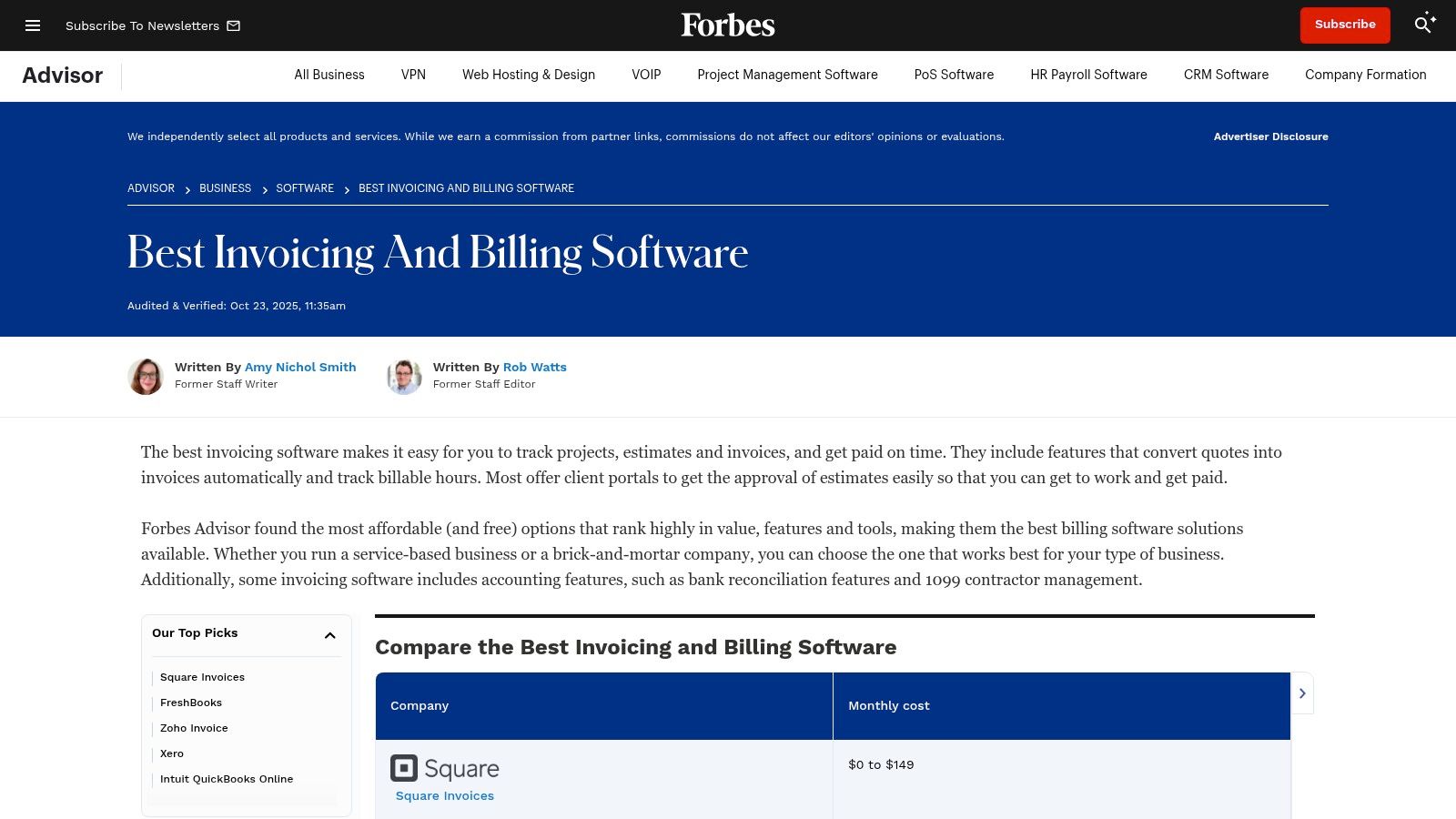
Forbes Advisor is one of the easier editorial lists to skim when you care about pricing structure and “best for” labels. It's direct, usually US-oriented, and useful for fast first-pass comparisons. The roundup is Forbes Advisor's best invoicing software.
That makes it a decent filter for generic invoicing tools, especially if you want to understand transaction fees and plan tiers before talking to vendors.
What stands out
Forbes Advisor tends to make commercial trade-offs visible. That's helpful because invoicing software can look cheap until payment fees, feature gating, or workflow add-ons enter the picture.
For tutoring operators, that pricing transparency helps you avoid one common mistake. Buying a low-cost invoicing app, then adding separate scheduling, CRM, payroll, and form tools until the stack becomes harder to run than the old spreadsheets.
What to watch
The listicle format is efficient, but it compresses nuance. A tool can look strong in a price table and still fall apart for service businesses with operational complexity.
That's especially true in 2026, when the broader market is pushing toward automation. Salesforce notes that the global e-invoicing market is projected to grow from $13.5 billion in 2023 to $60.9 billion by 2032, with 17.7% growth, in its overview of billing software and revenue lifecycle management. Growth like that expands software choice, but it also increases the number of products that sound modern without fitting tutoring workflows.
9. Merchant Maverick Invoicing and Accounting Reviews
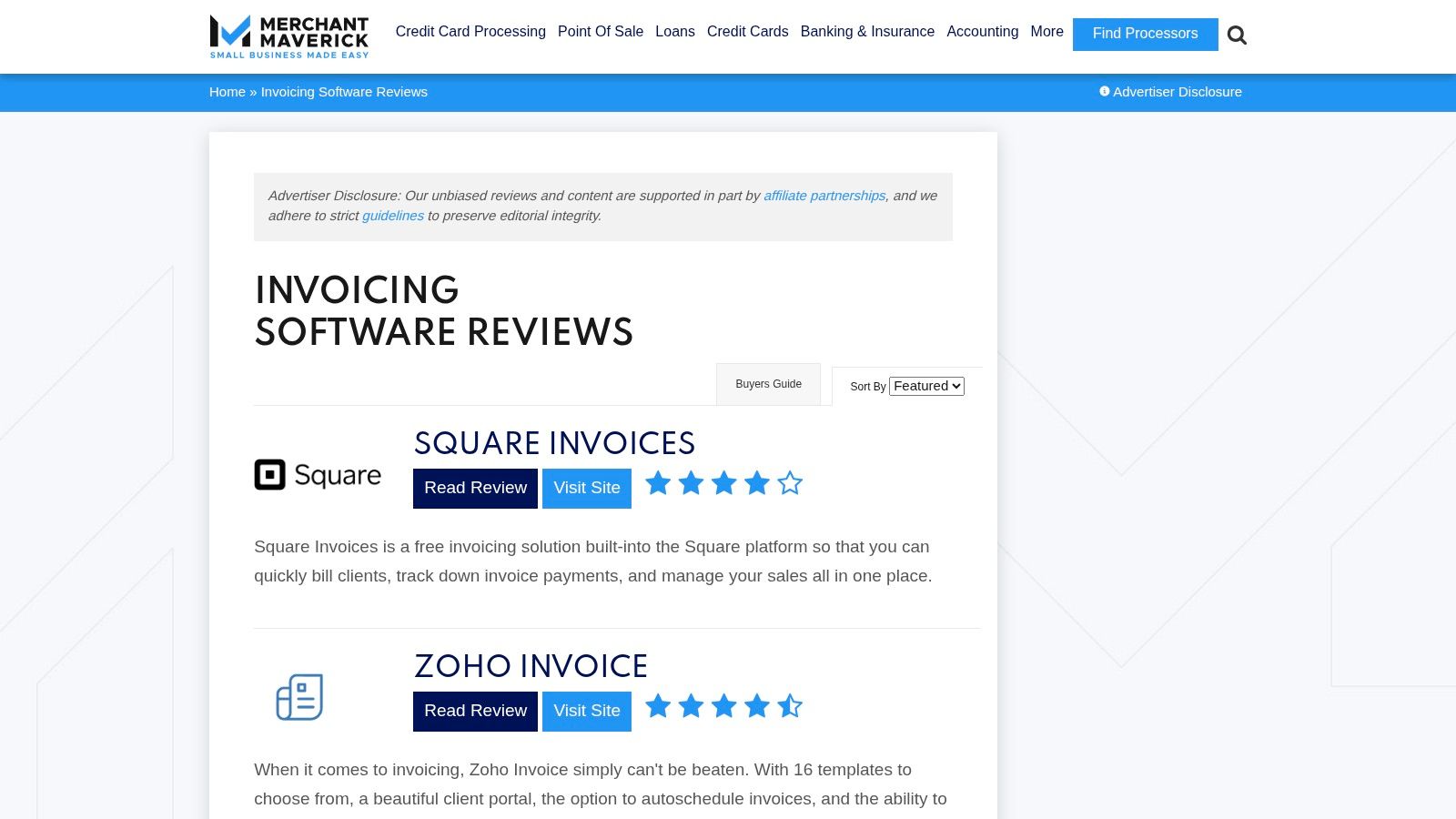
Merchant Maverick is stronger on payments and fee realities than most editorial review sites. That makes it useful if your billing headaches are tied to how money flows, not just how invoices look. The review category is Merchant Maverick invoicing software reviews.
For tutoring centers, that matters because payment collection is where admin drag often hides. Partial payments, failed cards, manual bank transfers, and package balances create more cleanup than the invoice itself.
Why this review source is useful
Merchant Maverick tends to write about contract terms, payment integrations, and operational fees in plain language. That's helpful if you're comparing tools that bundle billing with payments versus tools that leave collection workflows mostly to you.
It's also a good reminder that invoicing is only one piece. If you still need a simpler document workflow on the side, a free tutoring invoice generator can cover one-off needs, but it won't solve lesson-linked automation.
The trade-off
Coverage is narrower than the giant directories, and the payment context is often US-centric. If you operate across Asia, Europe, Australia, and North America, you'll still need to confirm regional fit.
That said, fee awareness matters more as billing platforms move to cloud deployment and recurring revenue models. One market report projects the SaaS-based billing software market to grow from USD 319.5 billion in 2026 to USD 1,955.3 billion by 2035, with cloud deployment accounting for 58.4% of revenue in 2025, according to Business Research Insights. Those numbers point to the same practical conclusion. Review the money flow, not just the feature list.
10. NerdWallet Best Invoicing Software
NerdWallet is a straightforward place to start if you want plain-English recommendations without software marketplace overload. It's aimed at SMB buyers, so the framing is usually simple and practical. The guide is NerdWallet's best invoicing software.
This kind of editorial list helps owners who need a quick answer before they commit to deeper research. If your goal is just to understand the mainstream options and common price structures, it does that well.
Best reason to use it
NerdWallet is easy to digest. You can send it to a co-owner or office manager and they'll understand the shortlist without needing a software background.
That simplicity makes it useful at the very start of your review process, especially if you're still deciding whether you need a generic small-business invoicing app or an operations-first platform built for tutoring.
- Fast summaries: Good for a quick first pass.
- Scenario framing: Useful if you want “best for” recommendations.
- Accessible language: Easy for non-technical decision makers.
Why it shouldn't be your final step
For tutoring centers, the operational questions still decide everything. Can the platform handle recurring classes, hybrid attendance, parent payers, prepaid balances, package expiration, late cancellation rules, and teacher payroll from the same source of truth?
If not, you'll still be stuck rebuilding the month manually. That's why generic billing software reviews can start the search, but they rarely finish it for education businesses.
Top 10 Billing Software Review Sources Comparison
| Product | Core features | UX & quality | Value proposition / ROI | Best for / Target audience | Pricing & notes |
|---|---|---|---|---|---|
| Tutorbase (Recommended) | Smart scheduling (Find Slot/Spot), auto billing from attendance, payroll, multi-branch & room management, lead capture (WhatsApp) | Scales to 10k+ lessons/week; case-study metrics (~60% admin time saved, 3x faster onboarding, zero double-bookings) | All-in-one automation replaces fragmented tools; reduces admin, speeds onboarding, improves renewals | Tutoring centers, language schools, test-prep, music schools, multi-branch ops (5–100+ teachers) | Core platform free; 1% fee on invoices; no monthly fees; free migration help |
| Capterra, Billing & Invoicing Software | Large directory (1,000+ products), vendor profiles, filters, shortlists | High review volume and recency; pay-to-play placements can bias ordering | Broad market visibility to build a longlist and compare vendors | Buyers needing exhaustive market scan and popularity insights | Free to use; vendors may pay for placement |
| G2, Billing Software Category | Themed pros/cons, Grid Reports, leader vs niche maps, head-to-head comparisons | Visual grids highlight leaders; depth varies by review count; sponsored entries possible | Quick satisfaction signals and comparative positioning | Buyers wanting side-by-side satisfaction and market position | Free access; vendor-paid features exist |
| GetApp, Billing & Invoicing Software | Robust filters, side-by-side compare, saved lists, regional variants | Good regional relevance and recent reviews; occasional category duplication | Narrow longlists by must-have features and regional availability | SMBs checking feature fit and local availability | Free; sponsored listings may appear |
| Software Advice, Best Billing & Invoicing Software | Curated “best of” lists, analyst notes, pricing ranges, demos | Fast shortlists with advisor guidance; some content gated for leads | Faster decision-making with curated recommendations | Time-pressed buyers wanting curated shortlists | Free; some content gated for lead capture |
| TrustRadius, Invoicing/Billing Categories | Long-form vetted reviews, implementation context, Top Rated awards | Deep qualitative insights; fewer reviews for niche/smaller tools | Real-world implementation learnings and mid-market perspective | Mid-market / enterprise buyers focused on implementation | Free access; vendor programs available |
| TechRadar, Best Billing and Invoicing Software (editorial) | Editorial roundups, hands-on testing, scenario-based picks | Concise, practical UX and pricing focus; affiliate disclosures | Practical journalist‑led buying advice and sanity checks | Buyers wanting hands-on editorial reviews and UX notes | Free; may include affiliate links |
| Forbes Advisor, Best Invoicing/Billing Software | Scoring methodology, “best for” labels, pricing/fee callouts | Clear summaries and US pricing focus; listicle depth limited | Quick fee-transparent comparisons for US buyers | US SMBs evaluating pricing and fee impact | Free; affiliate relationships disclosed |
| Merchant Maverick, Invoicing/Accounting Reviews | In-depth payments and integrations reviews, fee and contract analysis | Detailed testing notes and payment implications; US-centric | Clear guidance on payment rails, fees and merchant-account impact | Buyers prioritizing payment processing and fee details | Free editorial reviews |
| NerdWallet, Best Invoicing Software (SMB editorial) | “Best for” tags, pricing snapshots, plain-English guidance | Easy to digest, SMB-focused; may lag fast vendor changes | Simple starting shortlist with clear pricing context | Non-technical SMB owners seeking quick recommendations | Free; US-focused advice |
From Admin Chaos to Automated Clarity
It's 8:30 p.m. Parents are still texting about make-ups, a teacher's hours need to be fixed, and month-end invoices are waiting because attendance and billing still do not match. This is the core billing software problem for tutoring centers. The issue is rarely “Which invoicing app has the best reviews?” It is whether your billing system reflects how your center operates.
Generic review sites help with early research. They give you pricing snapshots, user sentiment, feature grids, and outside opinions. That is useful if you want to scan the market yourself. It is not enough if you need billing to work with scheduling, class capacity, package balances, attendance, room use, parent communication, and payroll.
That gap matters in day-to-day operations.
For a tutoring center, billing is the output of everything that happened earlier in the week. If a student switched classes, used a credit, missed a lesson, took a trial, changed branches, or triggered a different teacher pay rule, the invoice should reflect that without staff rebuilding the record by hand. Generic tools and generic review lists usually stop short of that operational reality. They tell you which billing products are popular. They do not tell you which one fits a tutoring business with moving parts.
That is why Tutorbase stands out. It was built for tutoring centers, not adapted from general small business invoicing software. Scheduling, attendance, billing, payments, payroll, room management, lead capture, and student records live in one system, so staff are not chasing errors across spreadsheets, calendars, accounting tools, and chat threads.
I have seen the alternative. Teams patch together Google Calendar, QuickBooks, Excel, and manual follow-up, then wonder why invoicing week becomes a cleanup project. The software is not failing at invoicing. The setup is failing because the source data lives everywhere else.
Tutorbase handles the details tutoring operators deal with: prepaid packages, credits, trial lessons, branch-level administration, room fees, layered pricing, and multiple payroll models for teachers. Those are not unusual edge cases in this business. They are normal operating requirements.
If you still want to do the long comparison process, use the review sources above to pressure-test the decision. Read the reviews, study the pricing pages, and check support complaints. Then return to the practical question that matters most: which system removes recurring admin work instead of creating another place to manage it?
If you want a broader small-business perspective, this roundup of best small business invoice apps is a reasonable companion read. For tutoring centers running classes, branches, credits, and teacher payroll, general invoice apps usually create more reconciliation work later.
If you are done stitching billing onto systems that were never built to work together, try Tutorbase. It gives tutoring centers one place to run bookings, attendance, billing, payments, payroll, rooms, and lead management, with far less manual cleanup at the end of the month.


