


Key Takeaway: If you're still running your tutoring center from Google Calendar, Excel, QuickBooks, and WhatsApp threads, you're paying for that chaos every week in missed time, avoidable errors, and weak visibility. A strong personalized learning platform doesn't just adapt lessons for students, it also gives your team one operating system for scheduling, billing, payroll, progress tracking, and responsible teacher-led personalization.
The part many vendors skip is the hard part. Personalization helps when teachers stay in control. Without guardrails, it can widen gaps instead of closing them.
Escaping the Chaos of Tutoring Center Administration
Most tutoring center owners know the same evening routine.
You finish classes, then open three or four tools to figure out what happened that day. One parent changed Wednesday to Thursday on WhatsApp. A teacher marked attendance in a notebook. Billing lives somewhere else. Payroll still depends on someone checking who taught what, for how long, and whether it counted as trial, catch-up, or regular class.
That mess costs more than patience. It slows growth.
Tutoring centers with 5 to 100+ teachers and 1 to 10+ branches typically spend over 10 hours per week on administrative tasks such as scheduling, billing, and payroll, according to Capterra's Tutorbase listing. If you're an owner or ops manager, those hours usually come out of your evenings.
Where the operational leak starts
The problem usually isn't one bad process. It's a stack of disconnected ones.
- Fragmented scheduling: Google Calendar works until teacher availability, room limits, and recurring bookings start colliding.
- Manual billing: QuickBooks or spreadsheets force your team to recreate attendance data by hand.
- Payroll guesswork: Excel becomes the fallback when different teachers use different pay models.
- Capacity blindness: You can't easily see which rooms sit empty, which group classes have open seats, or which teachers are overloaded.
- Constant rechecking: Staff spend time preventing errors instead of serving students.
Practical rule: If your team has to check the same lesson in two systems before confirming it, your process doesn't scale.
That pressure builds steadily. A double-booked room throws off an afternoon. A missed makeup lesson creates a billing dispute. A delayed invoice pushes cash collection back another week. None of those mistakes look dramatic on their own, but together they shape how tutoring centers manage operations.
The fix isn't hiring more admins to keep broken workflows alive. The fix is replacing the workflow itself with one central system that handles both learning delivery and business execution.
What Exactly Is a Personalized Learning Platform
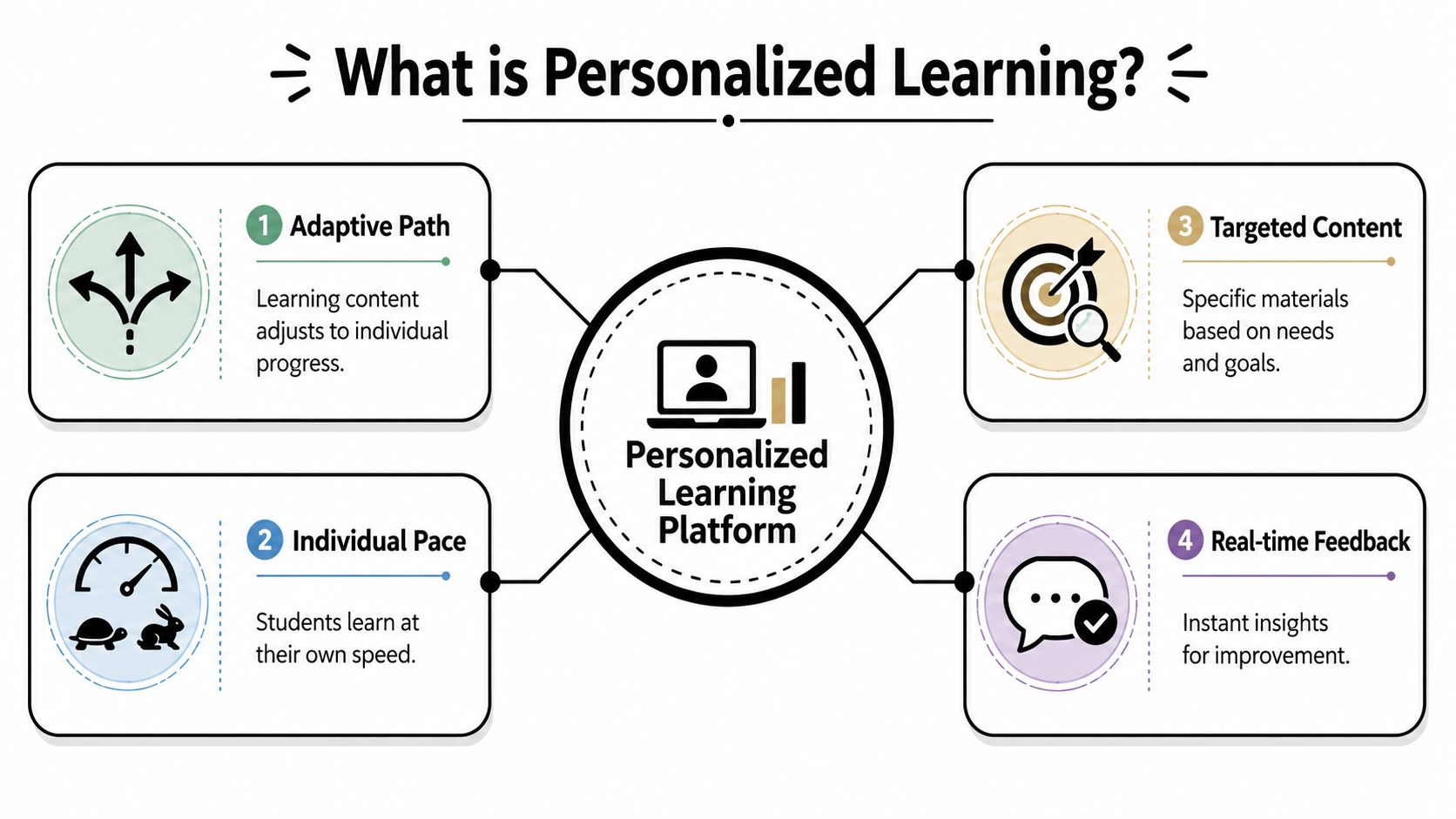
A personalized learning platform is software that adjusts the learning experience to each student while giving your staff one place to manage what surrounds that learning. In plain terms, it's like giving every student a structured academic coach, and giving your center a live control room.
For students, it adjusts pace, content, and feedback. For operators, it turns disconnected data into decisions.
The category is growing quickly. The global personalized learning market reached approximately $18.4 billion in 2025 and is forecast to expand to $42.7 billion by 2034, according to DataIntelo's personalized learning market report. That growth makes sense. Schools, tutoring centers, and training businesses all want learning that feels customized instead of generic.
The easiest way to think about it
Personalization isn't magic. It's a set of practical capabilities working together.
A good mental model comes from outside education. If you've read LeadBlaze's guide to personalization, the core idea will feel familiar. A system responds to real user behavior instead of treating everyone the same. In tutoring, that means a student who struggles with algebraic manipulation shouldn't receive the exact same next step as a student who's ready for word problems.
Three pillars that matter in real centers
Adaptive learning engines
This is the part that changes what a student sees next.
If a learner keeps missing question types tied to one skill, the platform can recommend review, easier scaffolding, or a different sequence. If the student is moving quickly, it can raise the level or compress repetition. That matters in language schools, where an A2 student may be strong in reading but weak in speaking, and in test prep, where timing and accuracy often diverge.
Analytics and reporting
Most centers don't suffer from a lack of data. They suffer from scattered data.
Analytics pull attendance, progress, lesson history, teacher notes, and engagement into something staff can use. A teacher can spot a recurring gap. An operations manager can see whether one branch is underutilizing rooms. A director can tell whether trial lessons are converting or stalling.
A personalized learning platform should help you answer two questions fast. What does this student need next, and what is this center missing operationally?
Intelligent content sequencing
Personalization then becomes structured instead of random.
Students need the right material at the right moment, in an order that builds mastery. In practice, that means sequencing grammar before essay refinement, or arithmetic fluency before multi-step problem solving. A platform should support subjects, levels, services, and learning paths without forcing your staff to reinvent that logic every week.
When this works, students feel seen. Teachers get better starting points. Admin teams stop rebuilding the same context from scratch.
Key Platform Features for Tutoring and Language Schools
A platform can sound impressive and still fail your center in daily use. The ultimate test is simple. Does it remove admin friction while helping teachers place each student in the right lesson, level, and path?
The adaptive side of this category is growing fast. AI-powered adaptive learning platforms are expected to reach $5.47 billion by 2032, rising from $1.72 billion in 2025, and the same Coursera overview of adaptive learning platforms notes Duolingo's use of adaptive learning across its 500 million learners worldwide. That tells you the demand is real. It doesn't tell you what your center needs.
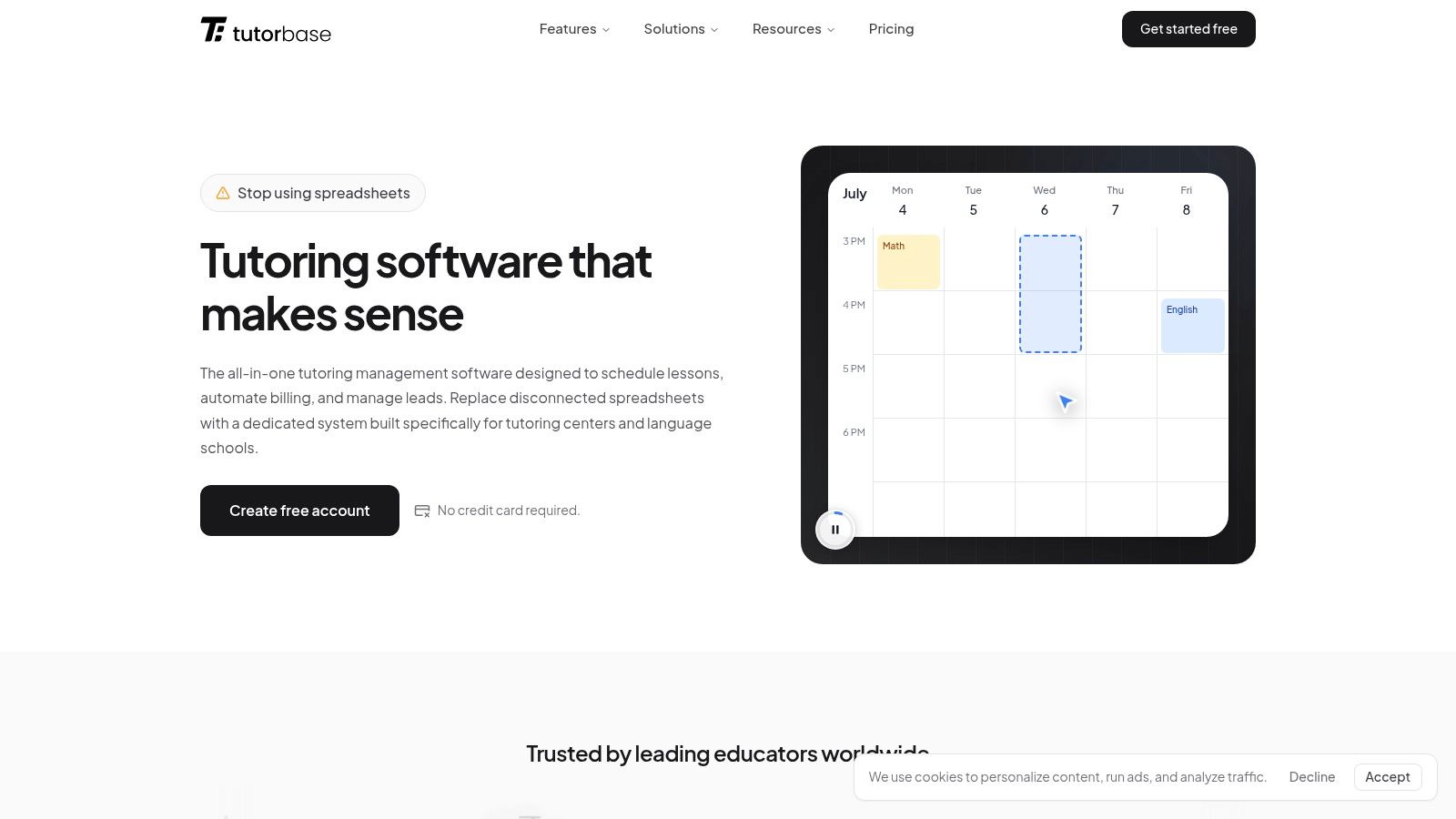
Scheduling that reduces booking friction
If your team still hunts manually for teacher, room, and time combinations, you're wasting skilled labor on calendar puzzles.
Look for scheduling features that solve real booking scenarios:
- Find Slot: Generates workable combinations for teacher, room, and time instead of making staff cross-check everything manually.
- Find Spot: Finds existing classes with open seats by subject, level, location, teacher, and time.
- Conflict detection: Blocks double-bookings before they happen and suggests alternatives.
- Recurring lessons: Creates weekly or bi-weekly series without rebuilding the same booking repeatedly.
For centers comparing systems, this is the first place to review what to look for in tutoring software. Fancy dashboards don't matter if your front desk still spends too long making one booking.
Curriculum and student-fit controls
Personalization breaks down when the system can't reflect your actual teaching model.
A usable setup should support:
- Subjects: Math, English, Spanish, Piano, SAT Prep, IELTS, DELF, Goethe, and similar offerings.
- Levels: A1, A2, B1, B2, Grade 3, AP, IB, and your own internal progression.
- Services: Group class, 1:1, hybrid, online, in-person, package-based, and subscription-based delivery.
This matters most for language schools and test prep programs. If the platform can't distinguish level, service type, and delivery mode cleanly, staff start using workarounds. Workarounds become errors.
Billing and payments that follow attendance
The best billing system isn't the one with the most options. It's the one your team doesn't have to babysit.
A strong platform should handle:
- Invoice generation from attendance: Lessons taught should feed invoices automatically.
- Cadence control: Per-lesson, weekly, bi-weekly, or monthly billing.
- Prepaid credits and packages: Wallet balances, lesson bundles, expiration rules, and auto-consumption.
- Payment handling: Stripe, bank transfer, cash, FPS, plus proper allocation and receipts.
Here's what that looks like in practice.
Payroll, rooms, and branch operations
At this point, many systems fall apart.
A center may pay one teacher hourly, another per lesson, another on revenue share, and another on base plus variable with weekend premiums. If software only handles basic hourly payroll, staff go back to spreadsheets.
The same applies to rooms and branches. A useful platform should let you manage room capacity, floor, features, fees, and availability across multiple locations from one dashboard. It should also support multi-brand operations, hybrid classes, custom forms, CRM pipelines, and teacher notes.
One example is Tutorbase, which combines scheduling, billing, payroll, room management, CRM, and student tracking in one platform for tutoring centers and language schools. That matters if you're trying to replace Teachworks, TutorCruncher, TutorBird, and spreadsheet-heavy admin with one operating layer instead of adding another tool to the pile.
Calculating the ROI for Your Multi-Branch Operation
Software only earns its keep when it changes the numbers you manage every week.
For tutoring centers, ROI usually starts in four places. Admin time, booking reliability, invoicing speed, and student retention. If those don't improve, the platform isn't solving the core problem.
Start with labor recovered
If your team spends over ten hours a week on scheduling, billing, payroll checks, and payment chasing, that's not just overhead. It's growth capacity you're giving away.
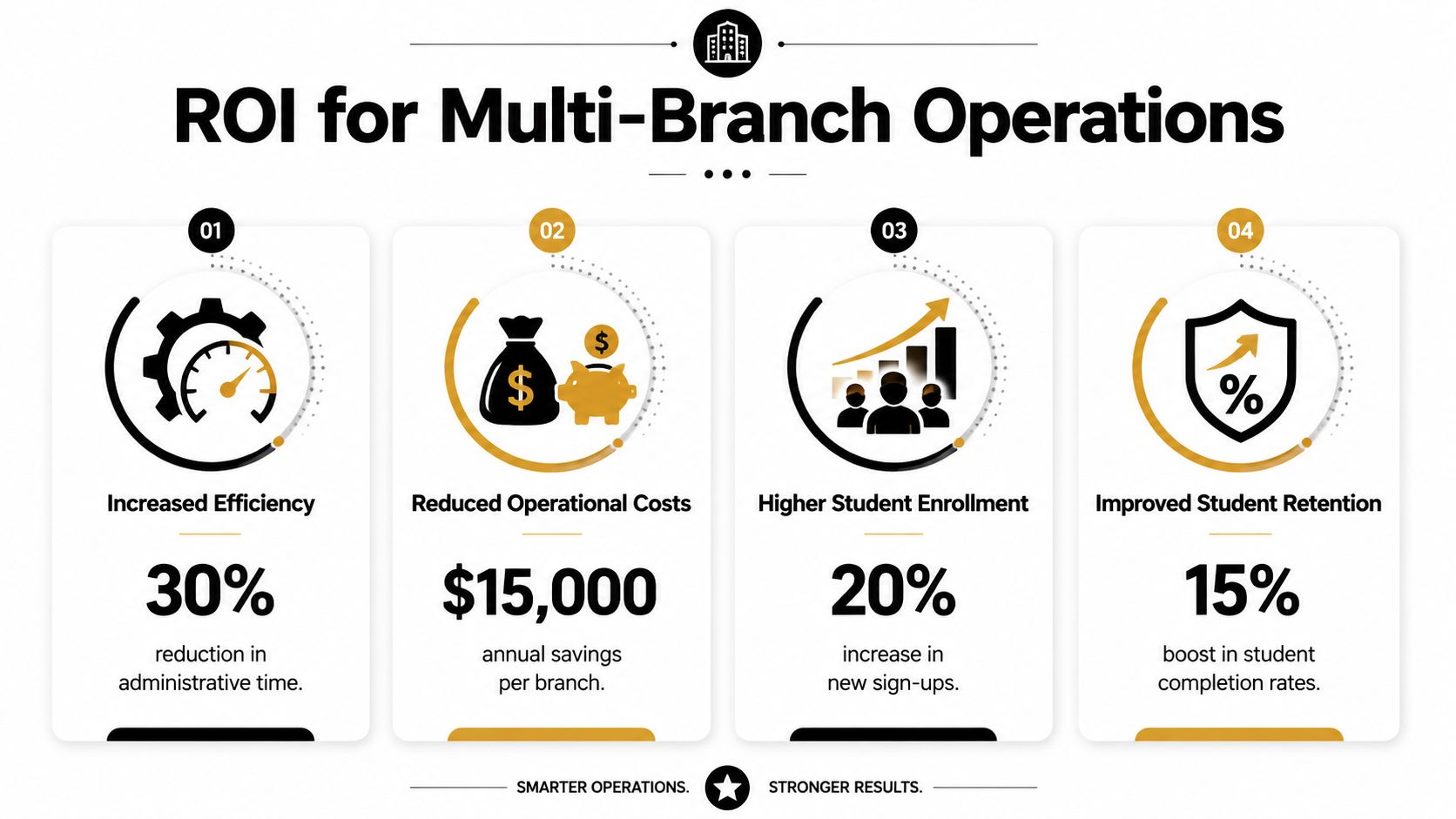
Tutorbase centers often focus on these operational gains:
- 60% reduction in admin time
- 3x faster student onboarding
- Zero double-bookings
- Invoice processing moving from hours to minutes
- 42% increase in monthly renewals
Those are the kinds of metrics owners care about because they connect directly to labor cost, cash flow, and retention.
Then look at learning flow and completion
Operational ROI isn't separate from student outcomes. The two affect each other.
Experimental data from modular platform architectures showed that automated alerts and content adjustments increased student engagement by 42% and produced a 3x faster completion rate for competency-based modules compared with static curricula, according to Our Code World's review of scalable online learning architecture. For a tutoring business, that kind of responsiveness matters because students stay longer when progress feels visible and structured.
Owner lens: Faster completion doesn't just mean students move quickly. It means your program is matching challenge and support more effectively.
A simple ROI lens for operators
You don't need a complex financial model to pressure-test a platform. Use a before-and-after worksheet.
| ROI area | What to check before buying | What improves when it works |
|---|---|---|
| Admin load | Hours spent weekly on scheduling, billing, payroll | Staff time returns to enrollment, parent communication, and quality control |
| Booking accuracy | Teacher conflicts, room clashes, makeup confusion | Fewer disruptions, cleaner schedules, less manual rework |
| Cash collection | Delay between attendance and invoicing | Faster billing cycles and fewer missed charges |
| Student retention | How often students drift after trial or early lessons | Better fit, clearer progress, stronger renewals |
If you're building the business case internally, review the broader financial advantages for tutoring centers. The key is to measure what your staff currently spends time correcting. That's where your return usually hides.
How to Evaluate and Choose the Right Platform
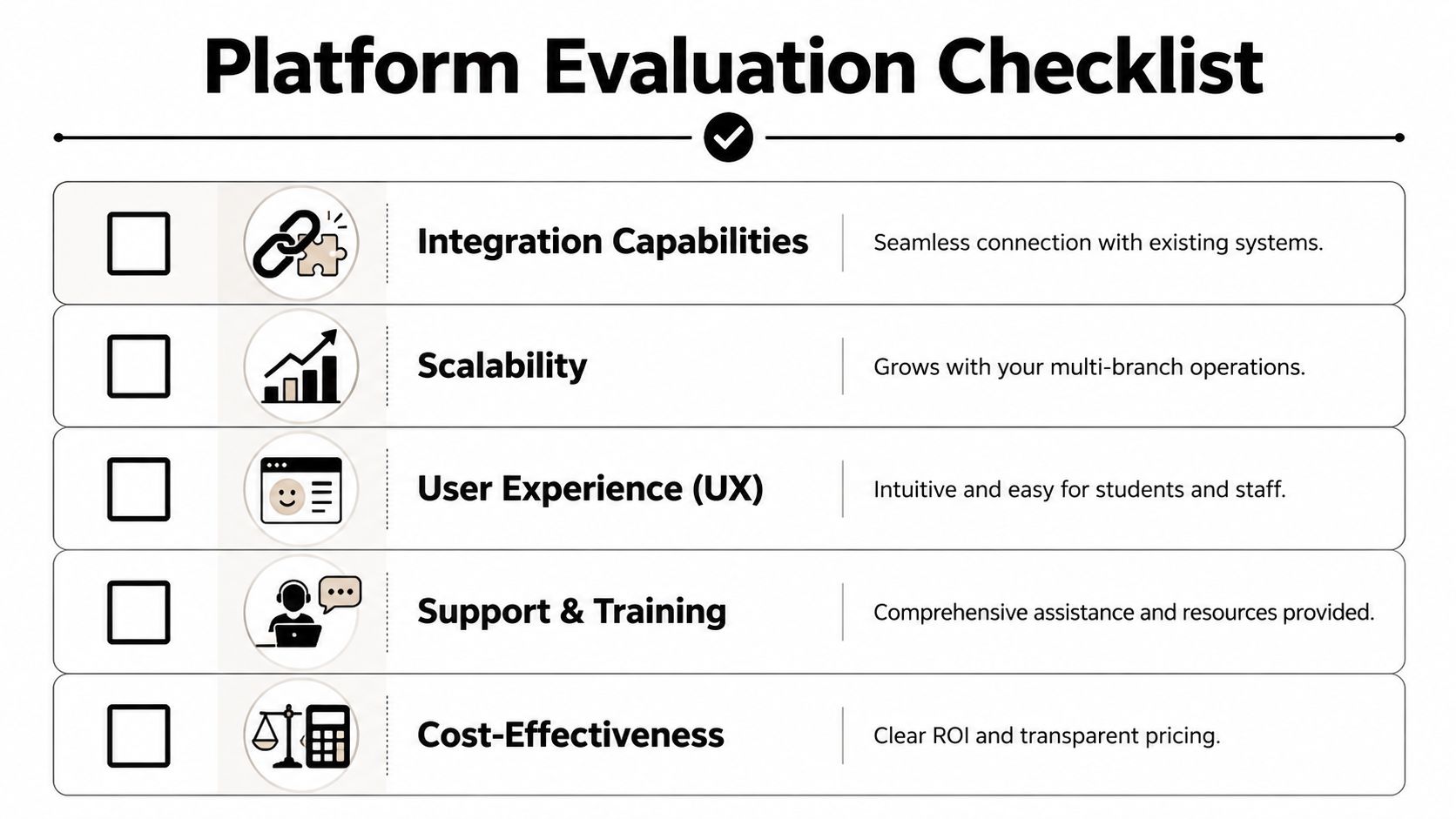
Most buying mistakes happen because owners compare software by feature count instead of operational fit.
A platform can demo well and still fail once your team loads real teacher contracts, room limits, prepaid credits, hybrid classes, and branch-level pricing. You need a shortlist that reflects how your center runs.
Ask vendor questions that expose weak systems
These questions surface problems quickly:
- Payroll complexity: Can the system handle per-hour, per-lesson, per-student, revenue share, base plus variable, overtime, and premiums?
- Room logic: Can it manage room availability, capacity, and fees across multiple branches from one dashboard?
- Pricing flexibility: Can you set layered rules from global to branch to service to student?
- Attendance-driven billing: Does attendance generate invoices automatically, or does staff still rebuild them manually?
- Lead to enrollment flow: Can website forms, WhatsApp leads, walk-ins, and phone inquiries all move through one CRM pipeline?
- Scale: Will the platform still perform when your lesson volume grows sharply?
Interoperability matters more than flashy AI
A lot of platforms talk about adaptivity, but the key question is whether your systems can work together cleanly.
Advanced Algorithm adaptive systems use interoperability standards like LTI, allowing multiple systems to work together, and this real-time adjustment capability directly correlates to a measurable 42% increase in learner renewals and retention, according to 1EdTech's analysis of adaptive and adaptable next-generation personalized learning. In practical terms, that means your scheduling, learning data, and delivery tools shouldn't live in separate silos.
If you're also comparing student-facing tools, a roundup like best AI study apps can help you see how consumer learning apps approach personalization. That's useful context, but center owners still need back-office execution, not just engaging exercises.
Use a scoring table, not gut feel
Here's a simple worksheet you can use with any vendor demo.
| Feature/Capability | Essential for My Business? (Y/N) | Vendor A Score (1-5) | Vendor B Score (1-5) |
|---|---|---|---|
| Multi-branch scheduling and room management | |||
| Attendance-based billing | |||
| Complex teacher payroll | |||
| Prepaid credits and package tracking | |||
| CRM for leads and trial conversion | |||
| Level-based curriculum and service setup | |||
| Hybrid class support | |||
| Reporting for renewals and capacity |
Don't let vendors steer the demo. Hand them your hardest workflow and ask them to execute it live.
Compare the systems you're probably considering
| Feature | Tutorbase | Teachworks | TutorCruncher |
|---|---|---|---|
| Find Slot/Spot | ✅ AI-powered | ❌ Manual | ❌ Manual |
| Auto billing | ✅ | Semi-manual | Semi-manual |
| Prepaid credits | ✅ Native | Limited | Add-on |
| Complex payroll | ✅ | Basic hourly | Basic hourly |
| Multi-branch rooms | ✅ | Limited | Limited |
| Multi-brand | ✅ | ❌ | ❌ |
| ✅ | ❌ | ❌ | |
| Scale (10k+/week) | ✅ | Slows | Slows |
That table won't make the decision for you. It will keep you from buying a polished interface that still leaves your team fixing exceptions manually.
Implementation Strategy and Avoiding the Equity Trap
This is the part that gets ignored in most software conversations.
A personalized learning platform can improve instruction, but it can also hard-code low expectations if you implement it badly. The biggest risk isn't that the algorithm gets something wrong once. It's that it keeps assigning struggling students easier work and slowly narrows what they get access to.
A 2024 Hechinger Report study found that personalized learning can increase achievement gaps when algorithms assign easier content to lower-performing students without teacher oversight, creating what many educators recognize as a digital glass ceiling, as reported by The Hechinger Report on personalized learning and equity.
Build the human-AI hybrid model first
Good centers don't use AI to replace teacher judgment. They use it to sharpen it.
The platform should flag patterns, suggest next steps, organize data, and automate low-value admin. Teachers should still decide when a student needs review, when a student needs challenge, and when the recommended path is too narrow.
Guardrail: Never allow the system to become the final authority on what a student is capable of learning.
That matters most in K-12 support, language acquisition, and test prep. A student may score low today because of confidence, fatigue, weak vocabulary, or timing pressure. If the system responds by permanently lowering the bar, personalization becomes sorting.
Roll out in three controlled stages
Data migration
Move student records, teacher profiles, schedules, subjects, levels, room data, and billing rules into the platform cleanly. If your source data is messy, fix naming conventions and status definitions before import. Bad setup creates bad automation.
Teacher training
Train staff on interpretation, not just clicking buttons. Teachers need to know how to read lesson history, identify patterns, update notes, and override recommendations when needed. If training only covers admin tasks, you miss the instructional value.
Pedagogical guardrails
Set explicit rules for progression. Decide where students must still encounter grade-level or target-level material, how review is assigned, when teachers must intervene, and how often learning paths get reviewed. Challenge should adjust, but expectations shouldn't collapse.
What works and what doesn't
What works:
- Teacher-led review of recommendations
- Clear progression rules by subject and level
- Shared notes between teaching and operations teams
- Regular audits of who is getting easier or harder content
What doesn't:
- Blind trust in automation
- Permanent placement based on weak early performance
- Separate systems for learning and operations
- No owner visibility into renewal, attendance, and progression patterns
Responsible personalization is operational and pedagogical at the same time. If your platform only handles one side, you'll feel the gap quickly.
If you're trying to replace spreadsheets, disconnected billing, manual payroll, and fragile scheduling with one system, Tutorbase is built for tutoring centers and language schools that need structured operations and responsible personalization without adding more admin complexity.
FAQ
What is a personalized learning platform
A personalized learning platform is software that adjusts learning pace, content, sequence, and feedback for each student while giving staff centralized tools for scheduling, tracking, and operational control.
How is a personalized learning platform different from regular tutoring center software
Regular tutoring center software may focus only on admin tasks like scheduling or billing. A personalized learning platform also supports student-specific learning paths, progress visibility, and adaptive delivery.
Can personalized learning widen achievement gaps
Yes, it can. The risk appears when algorithms keep assigning easier material to lower-performing students without teacher oversight. That's why pedagogical guardrails matter.
What features matter most for tutoring centers
The essentials are scheduling, conflict detection, room management, attendance, billing, payments, payroll, curriculum structure, CRM, and visibility across teachers, students, and branches.
Is Tutorbase a Teachworks alternative
Yes. Tutorbase is an AI-powered tutoring management software platform positioned as a Teachworks alternative, as well as an alternative to TutorCruncher, TutorBird, and spreadsheet-based operations.
How do I automate billing in a tutoring center
Use a system that ties invoice creation directly to lesson attendance, supports recurring billing cadences, and handles prepaid credits, packages, receipts, and payment allocation in one place.
What should I ask before buying tutoring center software
Ask how the platform handles complex payroll, branch-level room management, pricing rules, lead conversion, attendance-driven invoicing, and growth in lesson volume.
Can one platform support tutoring and language school operations
Yes, if it supports subjects, levels, services, hybrid delivery, branch management, and parent or payer billing logic in one system.


