


You open a flyer file to make one quick update. Twenty minutes later, you are still deciding what belongs on the page. The headline feels vague, the contact details look buried, and the whole thing says more about your services than about why a parent should call.
That sticking point is common. Good sample tutoring flyers work like a front desk conversation on paper. They answer the first questions a parent has. What subject do you teach? Who is it for? Are you qualified? How do I reach you? If any of those answers are hard to spot, the flyer asks the reader to do extra work, and many will not.
A useful flyer is less about decoration and more about clarity. The strongest examples tend to repeat the same building blocks: one clear offer, one defined audience, a short trust signal such as experience or credentials, and contact details placed where the eye finds them fast. You can treat that structure like a classroom outline. If the main idea is clear first, the supporting details have somewhere to go.
That is also why design tools matter less than many tutors expect. The tool helps you arrange the message, but the message still does the teaching. If you want more than templates and need a better plan for turning local interest into inquiries, these marketing strategies for tutors help connect flyer design to actual client acquisition.
Later, when you start customizing layouts, it also helps to study how experienced users handle spacing, hierarchy, and visual consistency. Moonb's pro guide for Canva is useful for that. Even if you choose another platform, the design principles carry over.
The tools below are worth comparing for a practical reason many articles skip. A solo math tutor, a test prep center, and a multi-subject tutoring business do not need the same kind of flyer workflow. Some need speed. Some need brand consistency across several versions. Some need easier print setup. The best choice depends on how many flyers you plan to make, who must approve them, and how often you update offers, locations, or seasonal programs.
1. Canva
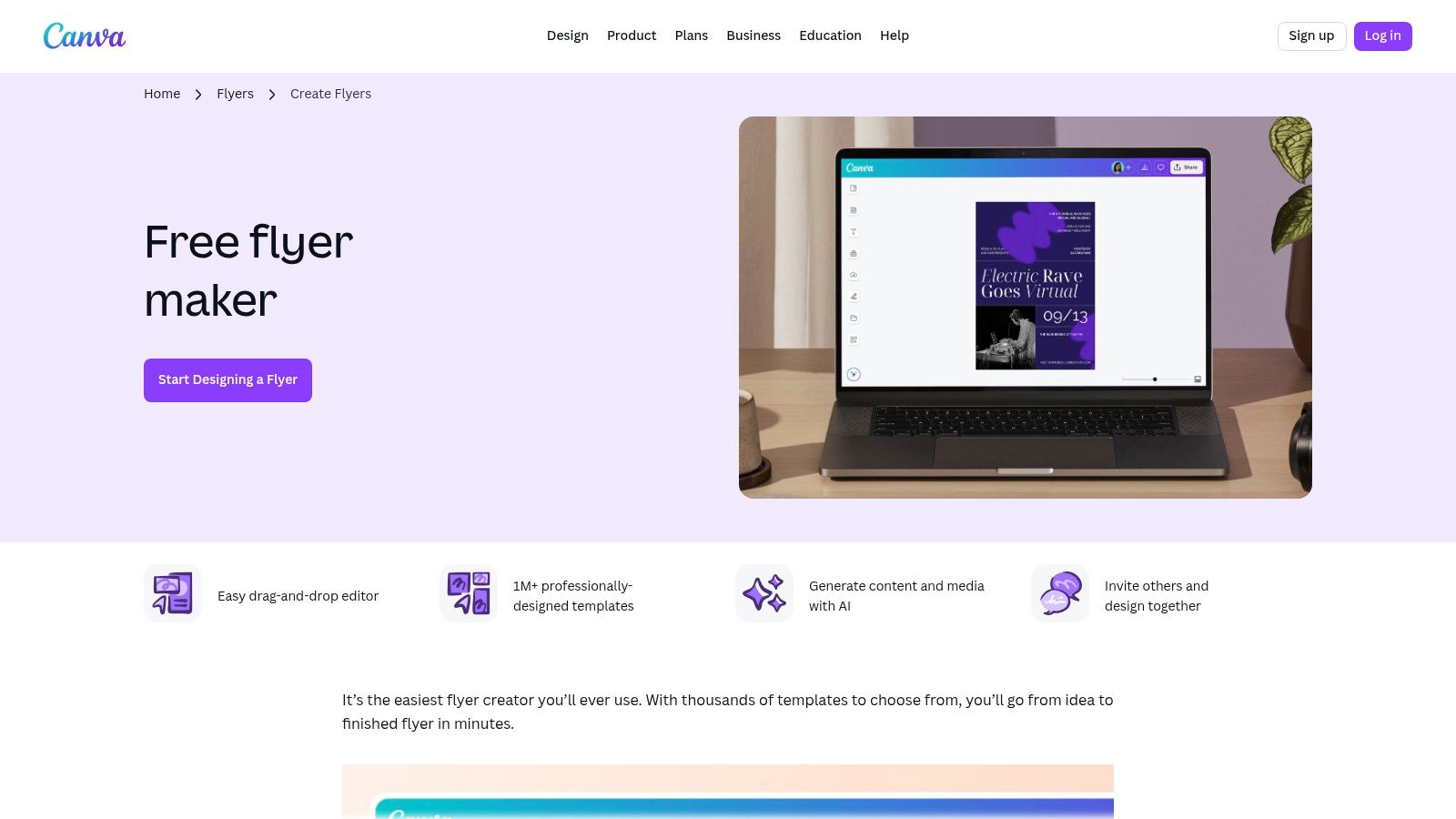
Canva flyer maker is the tool many tutoring businesses try first, and for good reason. It's fast, easy to learn, and strong enough for a solo tutor or a multi-location center that wants one visual style across branches.
If your real problem is speed, Canva solves that better than most tools. You can start from tutoring or education layouts, swap in your subjects, add your phone number or QR code, and export a print-ready file without touching complicated design software.
Where Canva fits best
Canva works especially well when you need several flyer versions for different neighborhoods, subjects, or age groups. A center might create one flyer for SAT prep, another for primary math support, and another for language classes, all using the same logo, colors, and contact format.
That matters because strong sample tutoring flyers usually focus on one offer, one audience, and one call to action. Expert guidance on tutoring flyers recommends a strong headline, concise services, a real testimonial, and clear booking details so parents can move from interest to action quickly, as explained in this practical tutoring flyer video guide.
Practical rule: Don't ask one flyer to sell every service you offer. Build one flyer per segment.
Canva's collaboration tools also help operations teams. If your academic director writes the copy and your admin manager updates branch-specific contact details, both people can work from the same design system instead of passing files back and forth.
A few strengths stand out:
- Fast editing: Drag-and-drop tools make it easy to update subjects, schedules, and tutor bios.
- Team consistency: Brand kits help you keep the same fonts, colors, and logo treatment across branches.
- Flexible output: You can export PDFs for printing and image files for WhatsApp groups or local social posts.
Some premium assets and advanced features sit behind paid plans, so free use can feel limiting if you want the best stock elements or AI-assisted edits.
If you're trying to pair flyer creation with broader marketing strategies for tutors, Canva is a practical first stop. For sharper workflow tips inside the platform, Moonb's pro guide for Canva is also worth a look.
2. Adobe Express
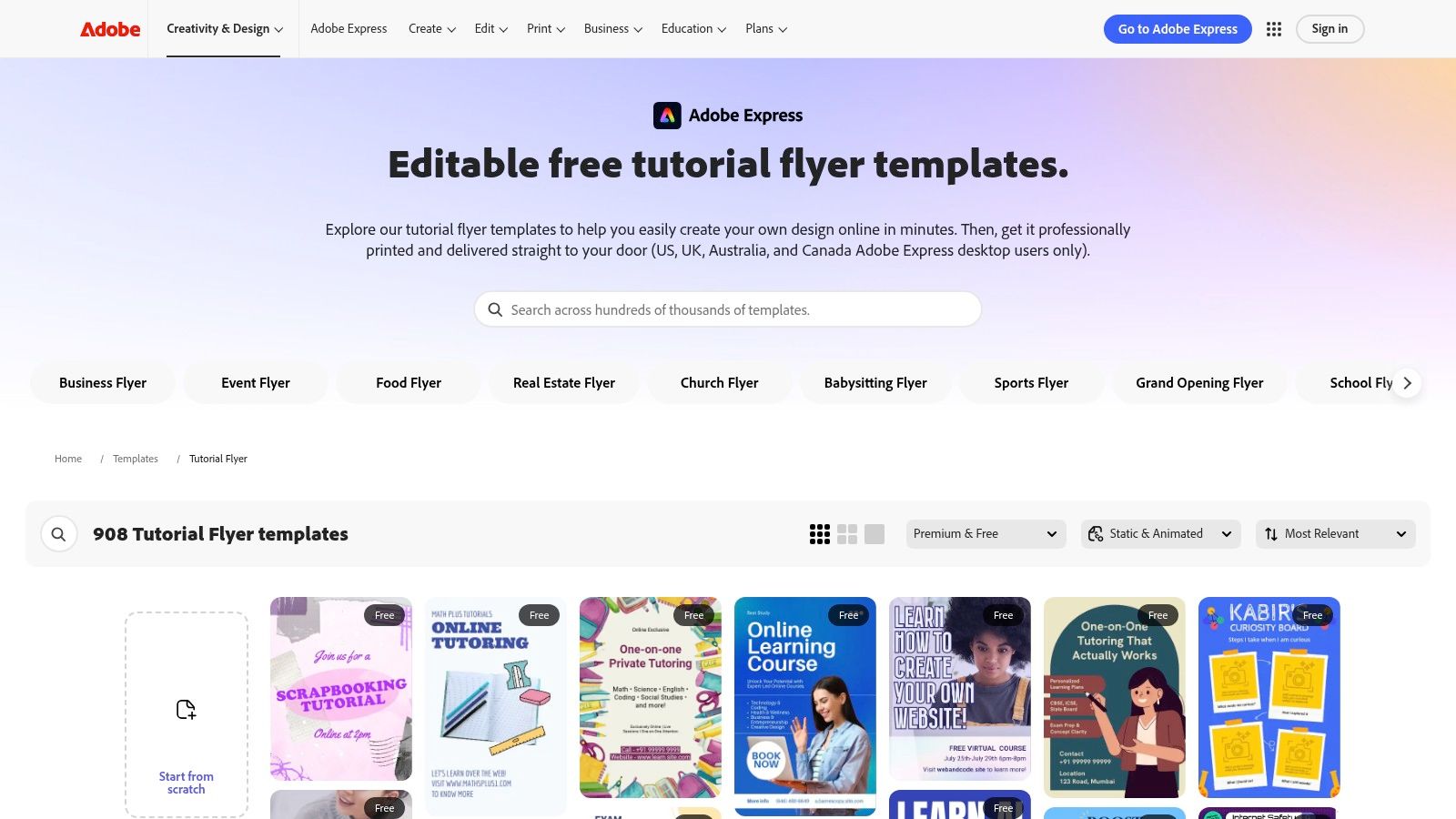
Adobe Express tutor flyer templates make sense when you want a polished look without moving into full Adobe design software. It feels more structured than some drag-and-drop tools, which can help if your team wants cleaner layouts and fewer random design choices.
For many tutoring centers, that's useful. Flyers often fail because they look busy, not because they lack features. Adobe Express tends to guide users toward simpler composition, which suits local education marketing.
A good match for print-minded teams
Adobe Express stands out if your process ends in print. If you want to edit a flyer and move straight into professional printing for U.S. delivery, it keeps that workflow simple.
That's a real advantage for centers that still rely on local boards, community counters, library displays, or parent-heavy venues. Offline distribution still matters when your service area is local and trust-based. A tutoring-business creator specifically points to placements near parks, around schools off school property, and neighborhood platforms like Nextdoor as productive channels in this local flyer distribution video.
Adobe Express works well when you already know the flyer's job:
- Announce a specific offer: “Grade 4 to 8 math tutoring” is stronger than “all subjects available.”
- Support a local campaign: One branch can produce its own neighborhood version quickly.
- Keep the path simple: Contact details and booking instructions should be obvious in seconds.
Parents usually decide faster when the flyer feels credible and specific, not clever.
If your organization already uses Adobe products, Express feels natural. Staff members don't need much time to get comfortable with the editor, and the templates usually look less “social-post recycled” than some cheaper alternatives.
The tradeoff is familiar. Some of the better templates and features require payment. Still, for tutoring centers that want professional-looking sample tutoring flyers with a direct print path, Adobe Express is a steady option.
3. PosterMyWall
PosterMyWall tutor flyer templates is one of the quickest tools for producing street-ready tutoring promotions. If Canva feels broad and Adobe Express feels more polished, PosterMyWall feels immediate. You pick a layout, change the words, swap a photo, and you're close to done.
That simplicity matters when you're testing local offers. Maybe your branch manager wants a homework-help flyer for one district and an exam-prep flyer for another. PosterMyWall makes those quick variations easy without much training.
Best when you need repeatable local promos
PosterMyWall is especially useful for centers that run frequent small campaigns. You can build one flyer and adapt it into a poster, a digital image, or a local social graphic without redesigning the whole thing.
That lines up with a practical reality in tutoring marketing. Strong flyer examples increasingly use scannable conversion paths like QR codes, measurable proof, and segmented offers by subject or level, as described in these tutor ad examples and flyer best practices. In plain terms, the flyer should connect to an actual booking action and match the service you can deliver.
A tutoring center could use PosterMyWall like this:
- Branch campaign: “After-school English support in Kowloon” with a QR code to an inquiry form.
- Seasonal campaign: “Exam prep workshop this month” placed in libraries and parent-heavy areas.
- Age-specific campaign: “Reading support for primary learners” with softer visuals and parent-focused copy.
PosterMyWall's strengths are practical:
- Fast turnaround: Good for same-day local promotions.
- Multi-format reuse: One design can feed print and digital distribution.
- Easy editor: Staff members without design experience usually pick it up fast.
The main downside is cost structure. Free use often means paying for high-resolution downloads individually, so teams that create flyers often will likely want a paid plan.
4. MyCreativeShop
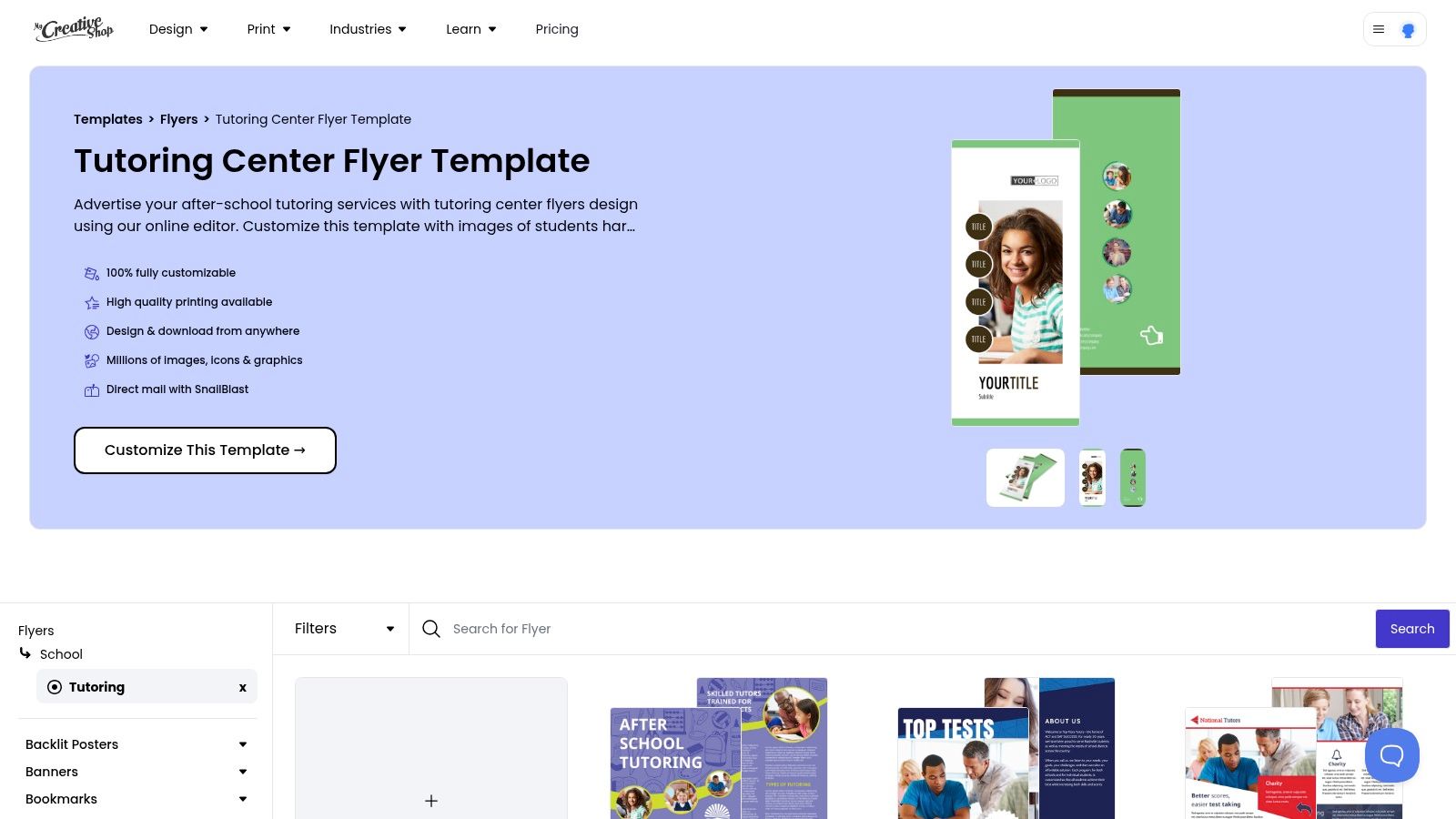
MyCreativeShop tutoring center flyer templates is a more print-focused option. It doesn't try to be everything. That's part of the appeal.
If your tutoring center still hands flyers to parents at reception, leaves them in local shops, or wants a clean handout for events, MyCreativeShop feels built for that workflow. The sizes are practical, the editor is straightforward, and the output leans more like traditional print marketing than social-first design.
Strong for handouts and local mail
This tool suits operators who want sample tutoring flyers that look professional without feeling trendy. A lot of tutoring businesses don't need flashy. They need readable, trustworthy, and easy to print in standard formats.
That's also where QR support matters. A flyer no longer has to carry every detail. You can keep the front simple, then send interested parents to a booking page, workshop sign-up, or inquiry form.
Operator insight: If the flyer needs a paragraph to explain your service, the offer probably isn't clear enough.
MyCreativeShop also fits tutoring centers that use direct mail or print drops in tightly defined catchment areas. A center serving a few neighborhoods can design one branch-specific version with local contact details and another with different subjects for a second area.
A few reasons teams choose it:
- Print-first layout: Better fit for real-world handouts and noticeboards.
- Useful extras: QR generation supports a cleaner call to action.
- Simple production path: You can print through the platform or download for local printing.
The main limitation is variety. Compared with larger libraries, the template range is narrower. But if you value clean, serviceable flyer design over endless browsing, that may save time.
5. Venngage
Venngage tutor flyer templates takes a more structured approach than many design tools. Its tutoring layouts often look information-forward. That's helpful, because parents usually want clarity before style.
Many sample tutoring flyers miss the mark. They speak like posters for students, but the actual buyer is often a parent or carer. One print provider's guidance makes that point directly and recommends emphasizing qualifications, testimonials, clear contact details, and safeguarding information where relevant in this guide to creating the perfect tutoring flyer.
Better for credibility-heavy flyers
Venngage is a strong option when your flyer needs to do more than look nice. It works well for flyers that function almost like a credibility sheet.
That could include:
- Tutor qualifications: Degrees, certifications, specializations
- Program specifics: Homework help, one-to-one sessions, exam prep
- Parent reassurance: Contact details, location, safeguarding notes where applicable
This structure is useful for centers serving cautious buyers. Parents usually care about safety, trust, process, and outcomes. Venngage's layouts often give those elements enough space without making the flyer feel overloaded.
If your center already has good internal processes for how to manage tutoring students and parents, Venngage helps you present those processes clearly on paper. For example, you can show how enrollment works, what support looks like, and who parents contact after inquiry.
The free plan has export and feature limits, so business use generally pushes you toward a paid tier. Still, if your main goal is to create sample tutoring flyers that persuade adult decision-makers, Venngage deserves serious consideration.
6. Visme
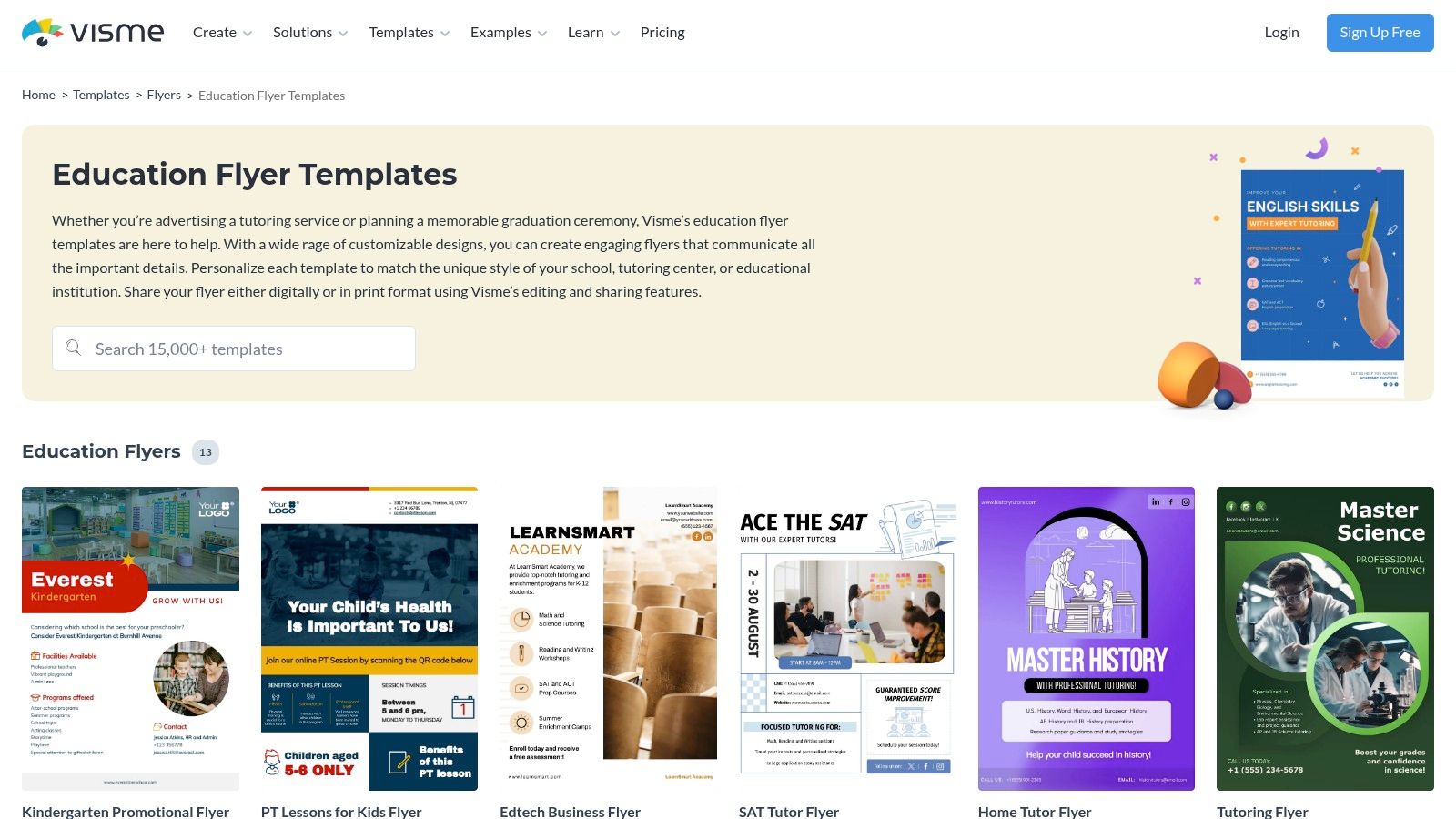
Visme education flyer templates fits a common tutoring-center problem. A center wants flyers that look polished and consistent, but staff still need room to swap details for different subjects, branches, and offers. Visme handles that middle ground well. It has enough flexibility for teams that care about branding, but it does not feel as open-ended as a blank design canvas.
That balance matters more than it first appears.
A tutoring business rarely promotes just one service. You might need a GCSE math flyer for one neighborhood, an SAT prep flyer for another, and a language-program version for families asking about weekend sessions. If every flyer starts from scratch, the brand starts to drift. If every flyer is too locked down, local staff cannot adjust the message to match what they offer.
Useful for multi-branch consistency
Visme is a practical choice for centers that want one approved layout and many controlled variations. It works a bit like a lesson-plan template. The structure stays stable, but the examples, timings, and emphasis can change based on the class.
That is especially helpful for teams thinking seriously about how tutoring centers manage operations. Marketing materials need to match real schedules, subjects, locations, and contact points. A flyer gets weaker when it promises one thing and the branch can only deliver something slightly different.
A workable Visme setup often looks like this:
- Head office sets the base template: logo, colors, headline style, trust signals, contact layout
- Branch staff update only the local fields: phone number, neighborhood, session times, subject offer
- The same design adapts across channels: printed copies, email attachments, and image posts for parent groups
The practical advantage is clarity. Good tutoring flyers are scanned, not studied. Parents often glance first at the subject, age group, location, availability, and the next step to contact you. Visme gives enough control to place those details in a clear order, which many generic flyer tools leave too loose.
It also suits centers that create more than flyers. If your team also needs handouts, program summaries, or simple parent-facing one-pagers, using one design system across those materials saves time and reduces inconsistency.
The free tier has limits, and team use usually works better on a paid plan. Still, Visme makes sense if you want stronger brand control without turning every flyer update into a design project.
7. VistaCreate formerly Crello
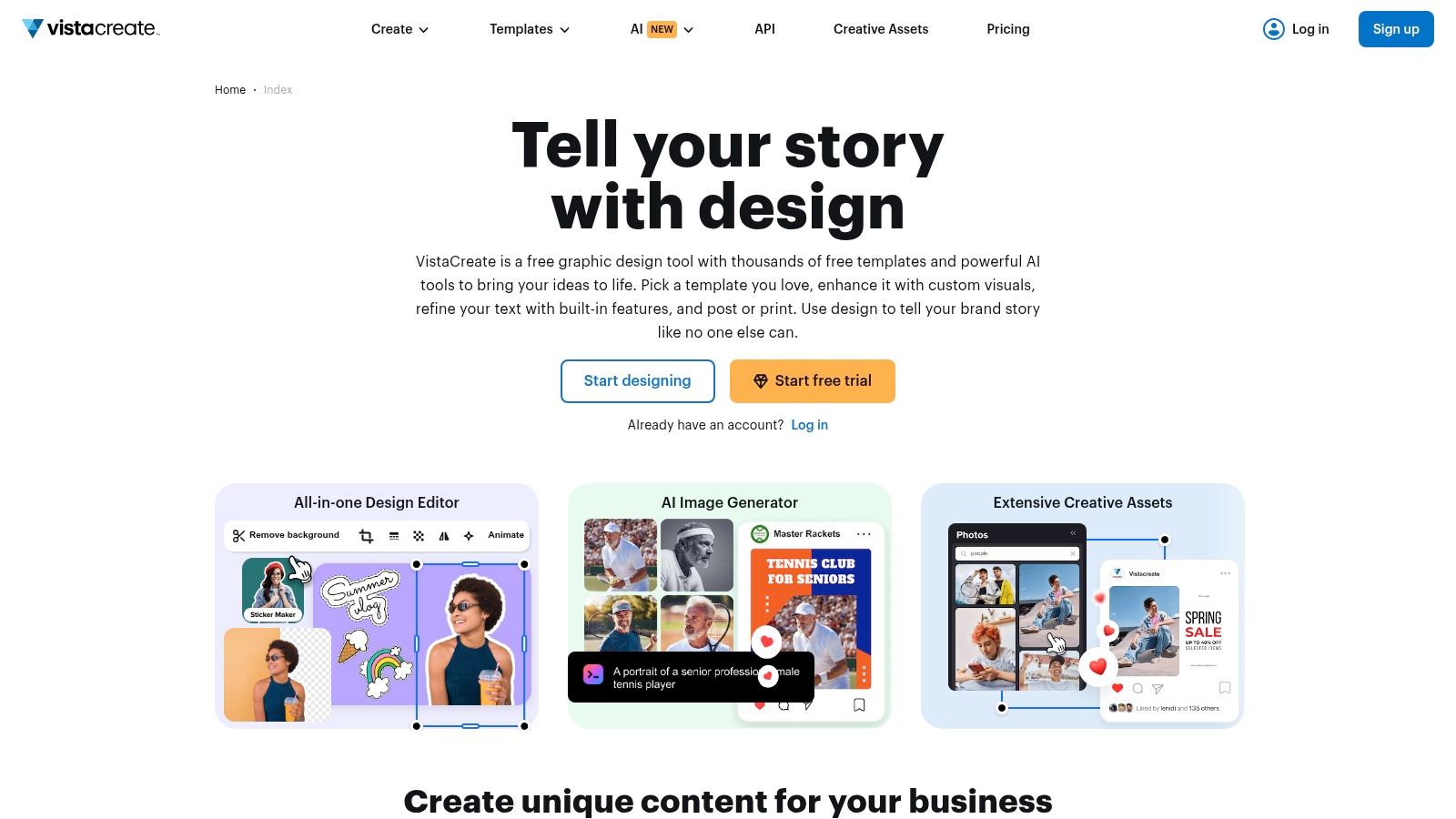
VistaCreate is a strong alternative when you want a large design library and easy editing without defaulting to Canva. It's especially convenient for teams that make quick changes on the go, since mobile editing is part of the appeal.
That's useful in real tutoring operations. A branch manager may need to change a start date, update a phone number, or swap “science tutoring” for “IELTS prep” before sending the file to print or posting it in local groups.
Handy for fast local adaptation
VistaCreate works well when your marketing has to move at branch speed. If one location has room for group math classes and another only has private English sessions, you need the same flyer framework with different details.
That kind of localization matters beyond design. Tutoring centers often need flyers aligned with actual schedules, prices, locations, and program structure so they don't attract mismatched leads. In day-to-day terms, the best flyer isn't the prettiest one. It's the one that brings the right parent to the right branch.
A flyer should match capacity, not just branding.
VistaCreate can support that operating style, especially if your team already thinks carefully about how tutoring centers manage operations. Marketing works better when the offer on the flyer matches the classes, rooms, and teachers you can provide.
Its main strengths are easy to understand:
- Large template variety: Helpful when you need different looks for different age groups or subjects.
- Mobile-friendly editing: Good for last-minute changes.
- Broad format support: Useful when one design needs to become both print and digital creative.
Some advanced assets and features are tied to paid plans, which is common in this category. But if you want flexible, modern-looking sample tutoring flyers and value speed over deep customization, VistaCreate is a solid option.
Tutoring Flyer Design: Top 7 Tool Comparison
| Tool | Implementation complexity | Resource requirements | Expected outcomes | Ideal use cases | Key advantages |
|---|---|---|---|---|---|
| Canva | Low, drag-and-drop + AI assists | Browser/mobile; free tier; paid for premium assets and team brand kits; Canva Print for U.S. orders | Professional, brand-consistent flyers produced quickly | Teams, multi-location centers, fast marketing and print orders | Massive template library, collaboration, AI tools, integrated print |
| Adobe Express | Low–Medium, familiar Adobe UI | Browser/desktop; Adobe account; some features require paid plan; built-in print fulfillment | Polished flyers that align with Adobe ecosystem and print-ready output | Organizations already using Adobe; desktop print workflows | Adobe integration and direct professional print pipeline |
| PosterMyWall | Very low, simple editor for fast edits | Browser; free with pay-per-high-res or Premium subscription | Rapid, street-ready flyers and multi-size exports (poster/social) | Quick local promotions, frequent one-off flyers | Fast turnaround, multi-size export, cost-effective scaling with Premium |
| MyCreativeShop | Low, print-focused, straightforward editor | Browser; on-site printing and direct mail options; fewer templates | Clean, print-ready handouts and mail pieces | Print-heavy campaigns, direct mail, center handouts | U.S. print-ready sizes, professional print and mailing services |
| Venngage | Low–Medium, structured templates and AI starter | Browser; free tier limited; paid tiers for exports/collaboration | Information-dense, content-forward flyers emphasizing credentials | Tutors who prioritize clear information and contact details | Structured layouts, AI flyer generator, education-focused templates |
| Visme | Medium, flexible editor for print/digital | Browser; brand kits and full features mostly on paid plans | Balanced control for polished print and digital assets | Multi-branch centers needing consistency; reports + flyers | Brand kit support, versatile export options, good for reports and flyers |
| VistaCreate | Low, easy editor with mobile apps | Browser/mobile; large free library with Pro gating advanced assets | Trendy, varied designs and quick on-the-go edits | Last-minute localized edits and trend-focused education designs | Very large template inventory, frequent updates, mobile editing |
Final Thoughts
The best sample tutoring flyers aren't the ones with the most decoration. They're the ones that answer a parent's basic questions quickly. What do you teach, who is it for, why should I trust you, and how do I contact you?
That's why tool choice matters less than message discipline. Canva and VistaCreate are great if you need speed and variety. Adobe Express and MyCreativeShop work well if print is central to your process. PosterMyWall is strong for frequent local promotions. Venngage and Visme suit centers that want more structured, credibility-focused layouts.
A few principles hold up across all of them:
- Keep the offer narrow: One flyer per subject, age band, or program usually works better than one flyer for everything.
- Write for the buyer: Parents often make the decision, so trust signals matter.
- Use proof carefully: Testimonials, qualifications, and clear process details help more than generic promises.
- Make response easy: QR codes, simple booking steps, and obvious contact details reduce friction.
If you distribute offline, think as seriously about placement as design. Family-heavy locations, community boards, and neighborhood groups can still work well when your flyer is specific and relevant. If you want broader local marketing context beyond flyer design, this guide on improve your local business ROI is a useful companion read.
For tutoring centers, there's also an operational side people often ignore. A flyer can generate interest, but your team still needs to handle inquiries, schedule trials, match teachers, and track leads cleanly. That's where a system like Tutorbase can fit. Tutorbase is tutoring management software for scheduling, billing, payroll, room management, and student tracking, so it can support the workflow after a parent responds to your flyer.
Good flyers don't need to be complicated. They need to be clear, credible, and easy to act on. Pick a tool your team will use, build one strong template, then adapt it by branch, subject, and audience.
If your flyers are bringing in inquiries but your admin process still lives in spreadsheets, Tutorbase can help you manage scheduling, leads, billing, payroll, and room bookings in one place.


