


Key Takeaway: The best apps for chemistry tutors transform abstract concepts into tangible experiences. Tools like the RSC Periodic Table and PhET simulations provide interactive learning, while ChemDraw and ChemSketch offer professional diagramming. Integrating these apps improves lesson quality, but scaling a tutoring business also requires efficient management software to handle scheduling and billing.
Chemistry is a visual and interactive subject. Relying only on textbooks can make complex topics like molecular geometry or reaction kinetics feel dry. For modern chemistry tutors and tutoring centers, using the right digital tools is essential for creating engaging, effective learning experiences. The right software helps bridge the gap between theoretical knowledge and practical application.
This list breaks down the top 5 apps for chemistry tutors, categorized by their best use cases. We cover everything from interactive simulations to professional chemical drawing software. Beyond traditional resources, advanced AI study tools transforming student learning are also changing how students engage with complex subjects.
What are the best apps for chemistry tutors?
We will evaluate each app based on its core features, ideal use cases (1:1, small groups, labs), and practical pros and cons. Complete with screenshots and direct links, this guide ensures you can choose the perfect addition to your digital toolkit, allowing you to focus on teaching while your management software handles operations.
1. Royal Society of Chemistry – Periodic Table
The Royal Society of Chemistry (RSC) offers a definitive, interactive periodic table that is an essential digital tool for any chemistry tutor. It is far more than a static chart. This resource provides a dynamic platform for exploring elements, making it a top choice for tutors. It excels at bringing abstract concepts to life with reliable data and rich multimedia.
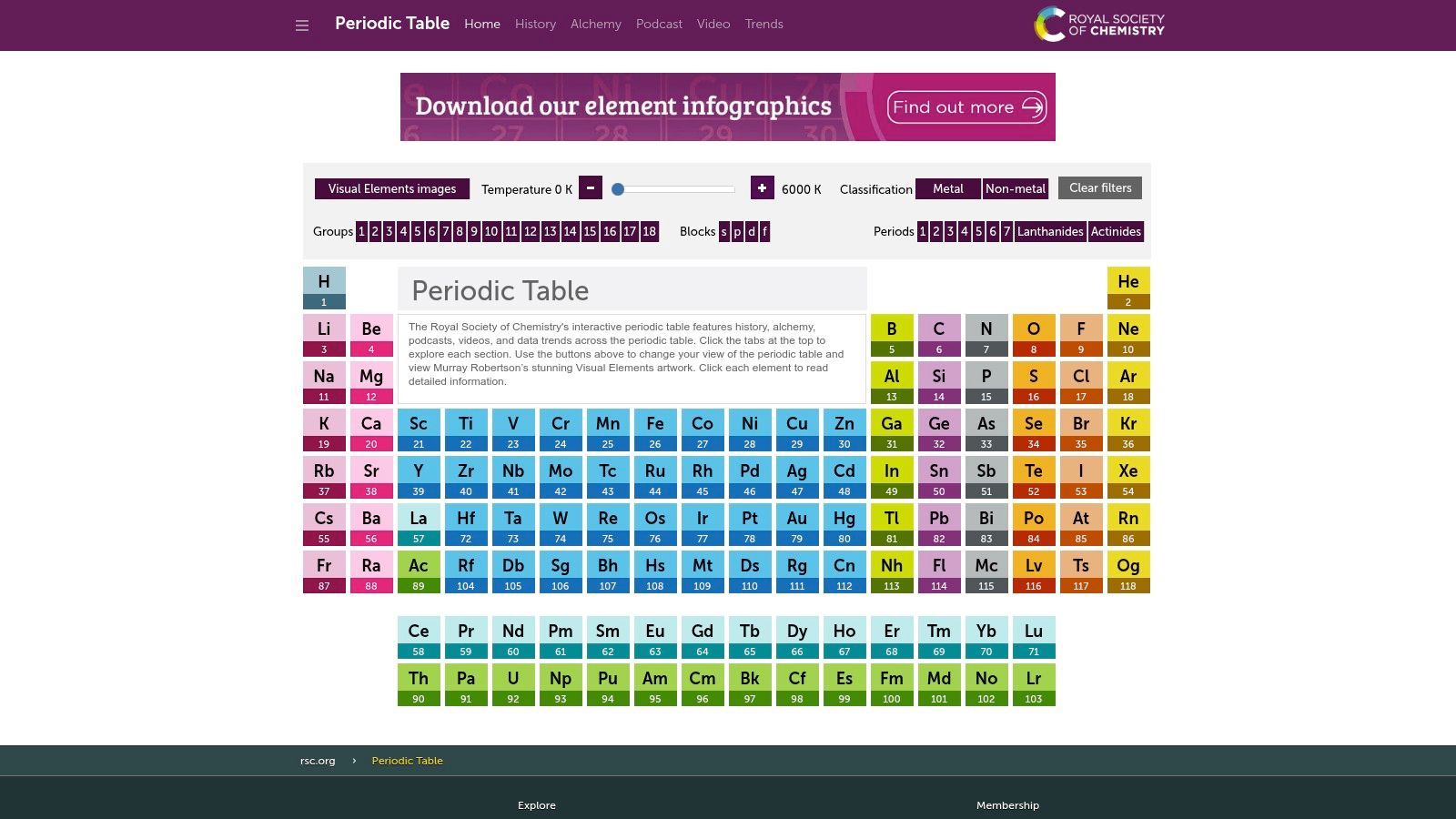
The platform's strength is its ability to visualize trends. You can filter elements by properties like state at a chosen temperature or discovery date to illustrate periodic laws dynamically. Each element card contains detailed atomic data, historical timelines, and curated media. This includes videos and podcasts that explain real-world applications.
Use Cases and Implementation
- 1:1 Tutoring: Use the website on a shared screen for quick lookups to answer student questions about atomic mass or electron configuration without breaking the lesson's flow.
- Small Groups: Project the interactive table during a group session. Challenge students to predict trends like electronegativity and then use the filters to visually confirm their hypotheses.
- Homework: Assign students an element to research using the RSC's detailed profiles. Ask them to prepare a brief presentation on its discovery and uses.
Platform Details
- Pricing: Free.
- Availability: Accessible via web browser and a dedicated iOS app.
- Pros: Authoritative data from a trusted source, excellent visualization tools for classroom use, and high-quality supplementary media.
- Cons: The official Android app is no longer maintained, so Android users must rely on the web version for the best experience.
Website: https://periodic-table.rsc.org/
2. PhET Interactive Simulations (Chemistry collection)
PhET Interactive Simulations from the University of Colorado Boulder offers a robust library of free, research-backed tools. These HTML5 simulations transform abstract concepts like pH scales and molecular geometry into dynamic, hands-on experiments. They provide an inquiry-based learning environment where students manipulate variables and observe outcomes in real-time.
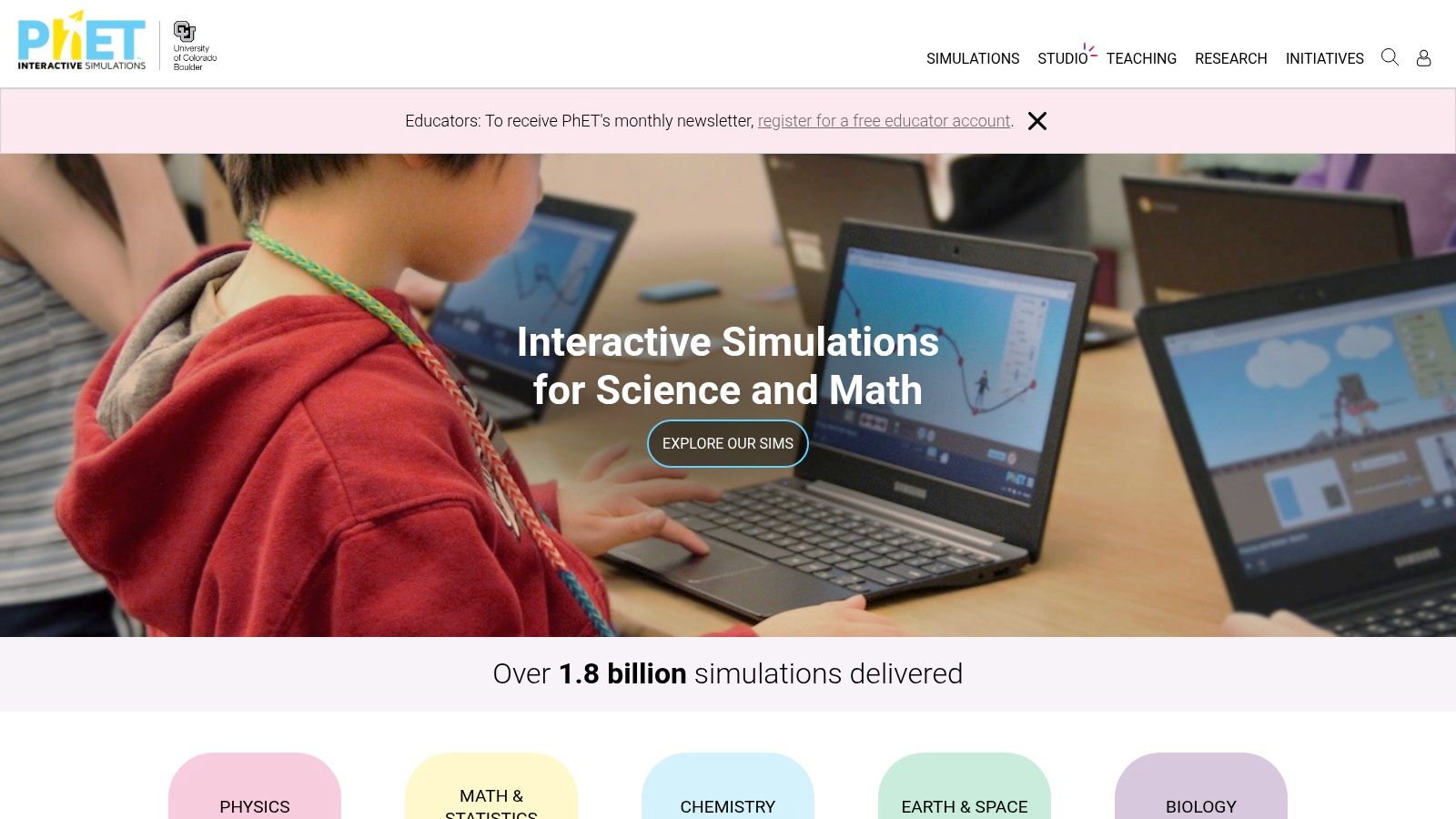
The platform focuses on conceptual understanding. Instead of just presenting facts, PhET simulations encourage exploration. You can guide students to discover principles like the relationship between pressure and volume. Each simulation includes virtual measurement tools, promoting a scientific, data-driven approach to learning without needing physical lab equipment.
Use Cases and Implementation
- 1:1 Tutoring: Share a specific simulation link with a student ahead of a session. During the lesson, share your screen and guide them through manipulating variables to understand concepts like reaction stoichiometry.
- Small Groups: Assign students to breakout rooms with different simulations (e.g., Gas Properties, Molarity). Have them work together to complete a guided worksheet before presenting their findings.
- Homework: Use the teacher-contributed activities on the PhET site for assignments. Ask students to explore a simulation and answer questions that require them to predict, test, and explain phenomena.
Platform Details
- Pricing: Free.
- Availability: Accessible via any modern web browser on desktop and mobile devices.
- Pros: Completely free with no ads, a vast library covering core chemistry topics, and a strong focus on inquiry-based learning.
- Cons: Requires tutor guidance to be most effective; it is a supplementary tool, not a complete curriculum.
Website: https://phet.colorado.edu/
3. ChemCollective (Carnegie Mellon) – Virtual Labs
ChemCollective, developed by Carnegie Mellon University, offers a powerful suite of virtual labs that provide an essential bridge when physical experiments are impractical. This platform allows you to simulate complex lab scenarios, from stoichiometry to thermochemistry, in a safe and accessible browser-based environment. It makes hands-on learning principles available to any student.
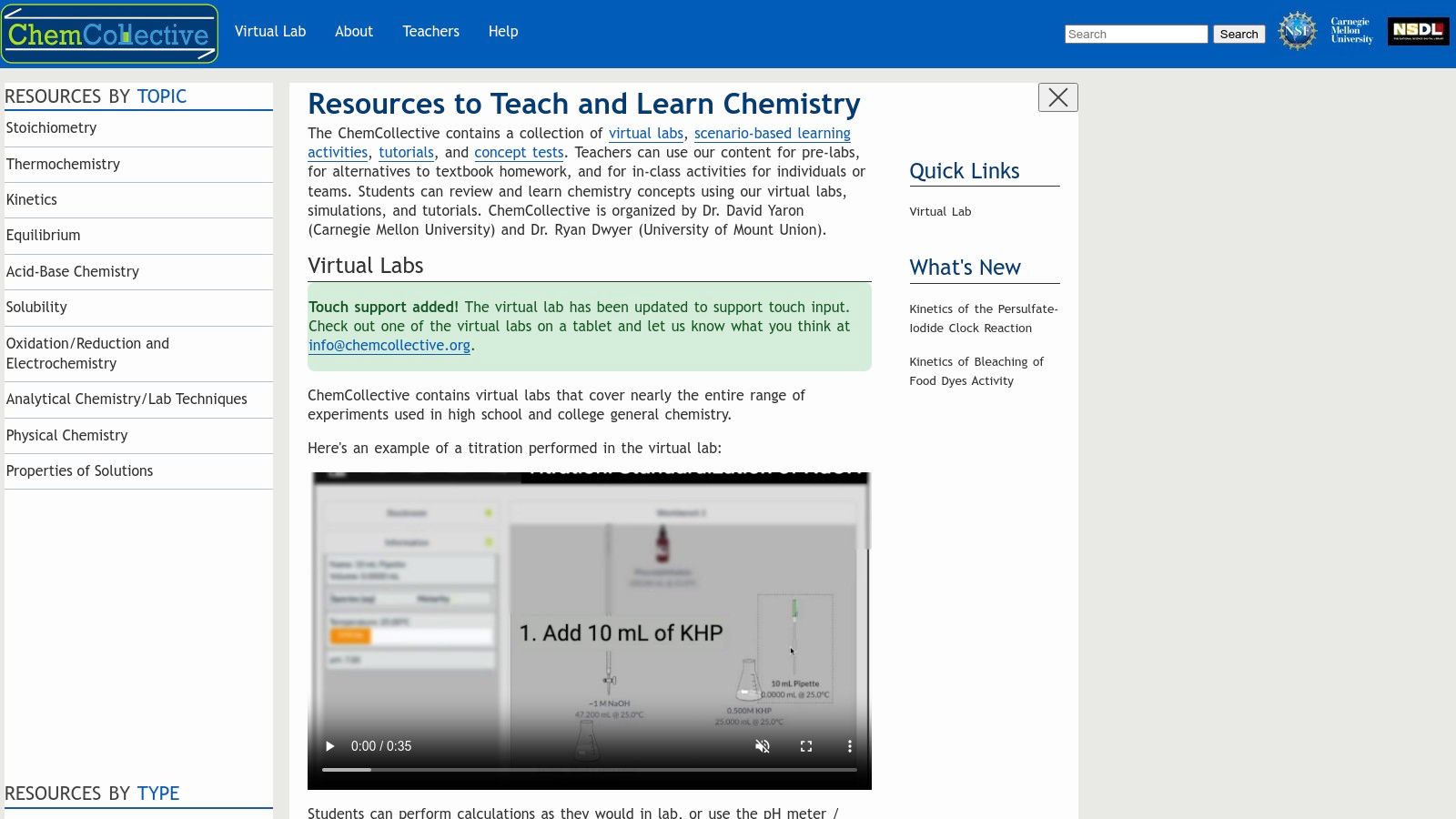
The platform’s core is its Virtual Lab, which gives students a digital workbench with hundreds of standard aqueous solutions. You can guide students through pre-designed activities or create your own experiments. This approach reinforces theoretical concepts with practical application. It is an invaluable tool for pre-lab preparation, homework, or as a substitute for in-person lab work.
Use Cases and Implementation
- 1:1 Tutoring: Guide a student through a titration experiment on a shared screen, letting them make mistakes without wasting materials. Use scenario-based problems to test their conceptual understanding.
- Small Groups: Assign a virtual lab as a group project. Have students collaborate to solve a murder mystery using stoichiometry, then present their findings and methodology.
- Homework: Use the concept tests and auto-graded problems as supplementary homework. This allows students to practice lab-based calculations and procedures independently with immediate feedback.
Platform Details
- Pricing: Free.
- Availability: Accessible via web browser; some older activities may have downloadable versions with Java dependencies.
- Pros: Excellent free resource for supplementing physical labs, covers a broad range of general chemistry topics, and is designed with educators in mind.
- Cons: The interface can feel dated compared to newer software, and some downloadable components rely on older technology like Java.
Website: https://chemcollective.org/
4. ChemDraw (Revvity Signals)
For tutors creating high-quality materials, ChemDraw is the industry-standard chemical drawing suite. While many tools are for quick visualization, ChemDraw is built for producing publication-quality structures, reaction schemes, and diagrams. It is an essential tool for tutors who develop their own worksheets, exams, or presentation slides and demand precision.
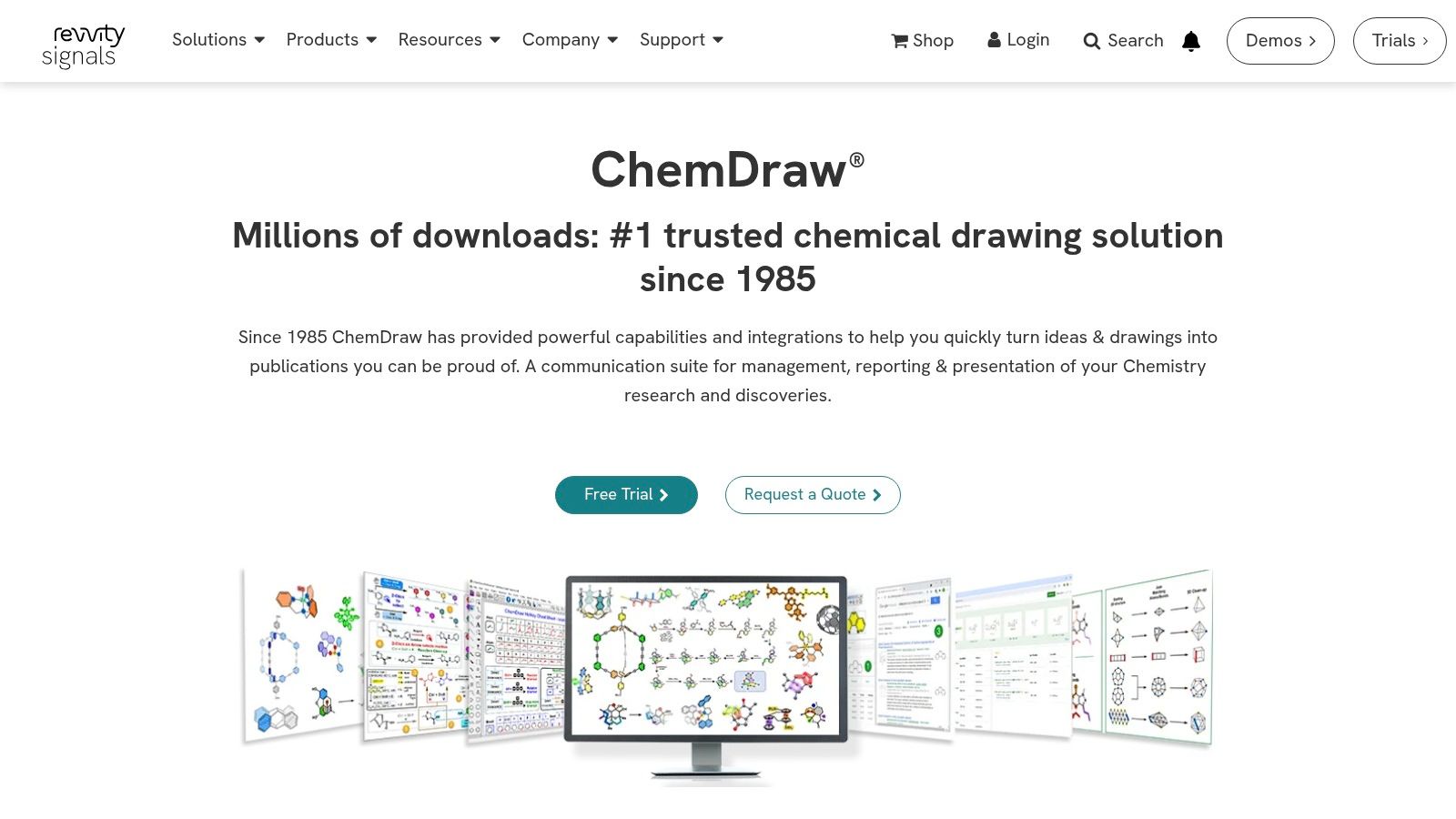
The platform's strength is its robust set of drawing tools that adhere to established chemical conventions. This ensures all created molecules and reactions are accurate and easy to understand. You can quickly draw complex organic molecules, stereochemistry, and multi-step reaction pathways. You can then export them as high-resolution images for seamless integration into any document.
Use Cases and Implementation
- 1:1 Tutoring: Prepare custom practice problems ahead of a session. During the lesson, share your screen to draw a complex mechanism step-by-step, providing a clearer explanation than a static image.
- Small Groups: Create professional worksheets with consistent, clean chemical structures for group activities. Use ChemDraw to build presentation slides that illustrate reaction mechanisms.
- Homework: Design assignments and answer keys with unambiguous, professionally rendered chemical structures. This removes confusion caused by poorly drawn diagrams.
Platform Details
- Pricing: Available via subscription. A free trial is offered, which typically requires an institutional or company email for access.
- Availability: Desktop software for Windows and macOS.
- Pros: Gold-standard, publication-quality output for all teaching materials, and clear institutional purchasing pathways for tutoring centers.
- Cons: Accessing the trial often requires an institutional email, and new purchases are moving to a subscription-only model.
Website: https://revvitysignals.com/products/research/chemdraw
5. ACD/Labs – ChemSketch (Freeware + Paid)
ACD/Labs ChemSketch is a powerful software for drawing chemical structures, reactions, and schematic diagrams. It serves as a fundamental tool for tutors needing to create professional-quality illustrations. While other apps for chemistry tutors focus on interactive learning, ChemSketch excels at producing precise visual aids for teaching organic chemistry and reaction mechanisms.
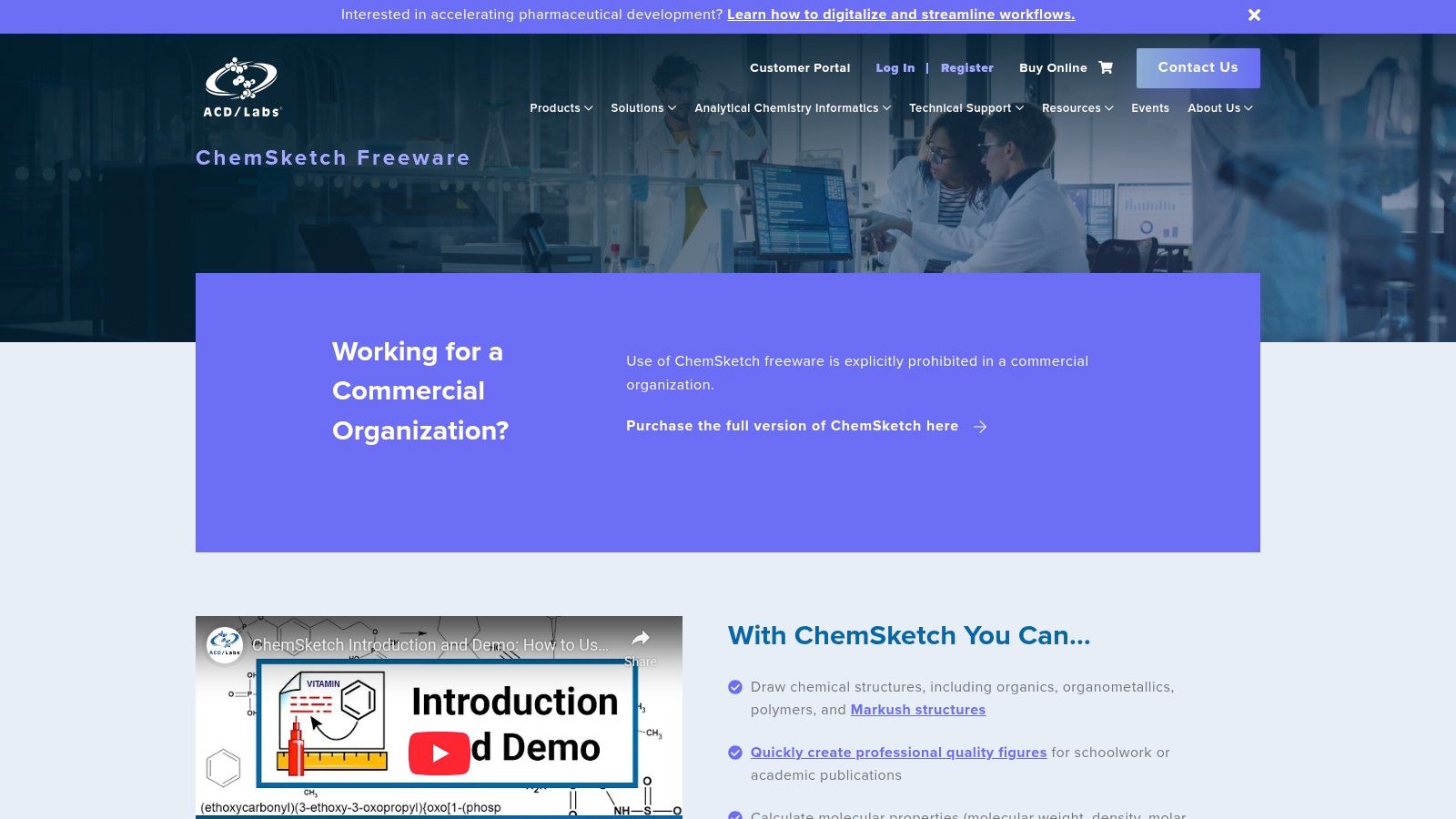
Its freeware version provides robust functionality for academic use, including structure and property prediction, IUPAC name generation, and 3D visualization. This makes it an invaluable resource for creating clear, accurate molecular drawings. You can quickly illustrate complex concepts like bond angles or molecular geometry that are difficult to convey verbally.
Use Cases and Implementation
- 1:1 Tutoring: During an online session, use a shared screen to draw a molecule from scratch in response to a student's question, demonstrating how to build and name structures correctly.
- Small Groups: Create a set of "name the molecule" or "predict the product" problems using ChemSketch diagrams for a group worksheet. Project the structures and work through the solutions together.
- Homework: Design detailed homework assignments with clear reaction schemes or isomer-drawing challenges. Provide students with a professional-looking document that reinforces classroom concepts.
Platform Details
- Pricing: A comprehensive freeware version is available for academic and personal use. Paid commercial licenses are required for institutional or business use.
- Availability: Windows only. Mac users must use a virtual machine or a Windows partition.
- Pros: Extensive feature set in the free version, industry-standard tool for chemical drawing, and generates IUPAC names and calculates molecular properties.
- Cons: Limited to the Windows operating system. The freeware license has commercial use restrictions, which may apply to professional tutoring businesses.
Website: https://www.acdlabs.com/resources/free-chemistry-software-apps/chemsketch-freeware/
More Great Apps for Tutoring Chemistry
While the top 5 provide a solid foundation, several other excellent tools can enhance your tutoring toolkit. These apps specialize in areas like 3D modeling, problem-solving, and formative assessment.
Avogadro (Open‑source Molecular Editor)
Avogadro is a free, open-source molecular editor and visualization tool. It allows users to build and view 3D molecular structures, offering an intuitive way to demonstrate concepts like VSEPR theory. As a cross-platform application, its accessibility and lack of licensing fees make it a standout choice for tutors who need a reliable 3D modeling tool.
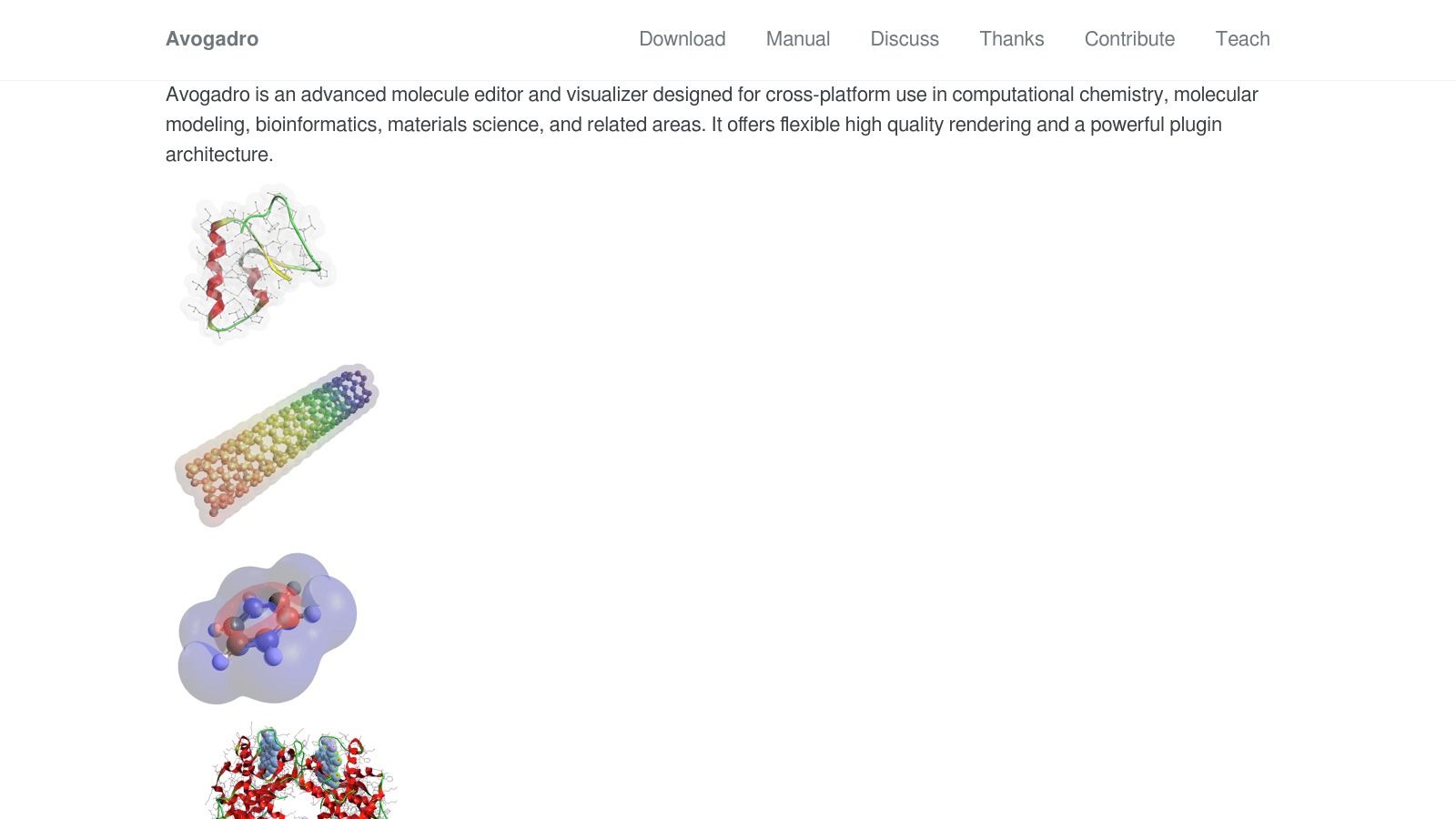
The platform's strength is its simplicity for core visualization tasks. You can quickly build molecules, optimize their geometry, and manipulate them in real-time. This hands-on approach helps students grasp the three-dimensional nature of molecules. Its core functionality is robust and highly effective for educational purposes.
Website: https://avogadro.cc/
Wolfram|Alpha (with Pro for step‑by‑step)
Wolfram|Alpha is a computational knowledge engine that serves as a powerful calculator and problem-solver. It can instantly solve stoichiometry problems, calculate thermodynamic properties, and determine equilibrium constants. This makes it one of the most versatile apps for chemistry tutors who need to verify answers on the fly.
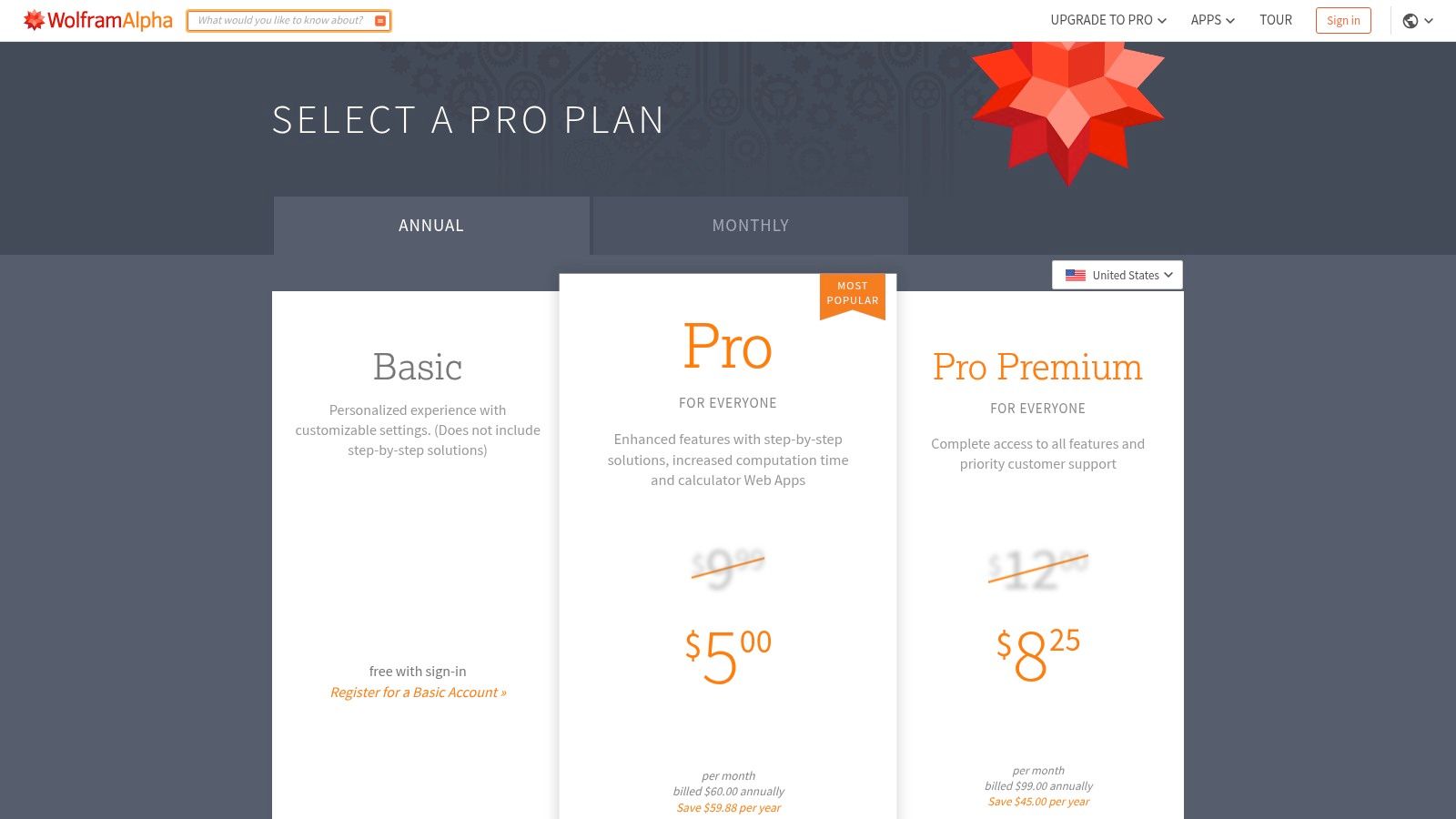
Its real strength for tutoring is in the Pro version's step-by-step solutions. This feature transforms the tool from an answer-checker into a teaching aid, allowing you to walk students through complex calculations. The ability to input problems via photo on mobile apps adds convenience during live sessions.
Website: https://www.wolframalpha.com/pro/pricing/
Socrative (Formative assessment for chemistry)
Socrative offers a powerful way to gauge student understanding in real time. For chemistry tutors, it’s an indispensable tool for running quick formative checks on complex topics. The platform allows you to create quizzes and polls on the fly, providing immediate, auto-graded feedback that helps adapt a session’s focus instantly.
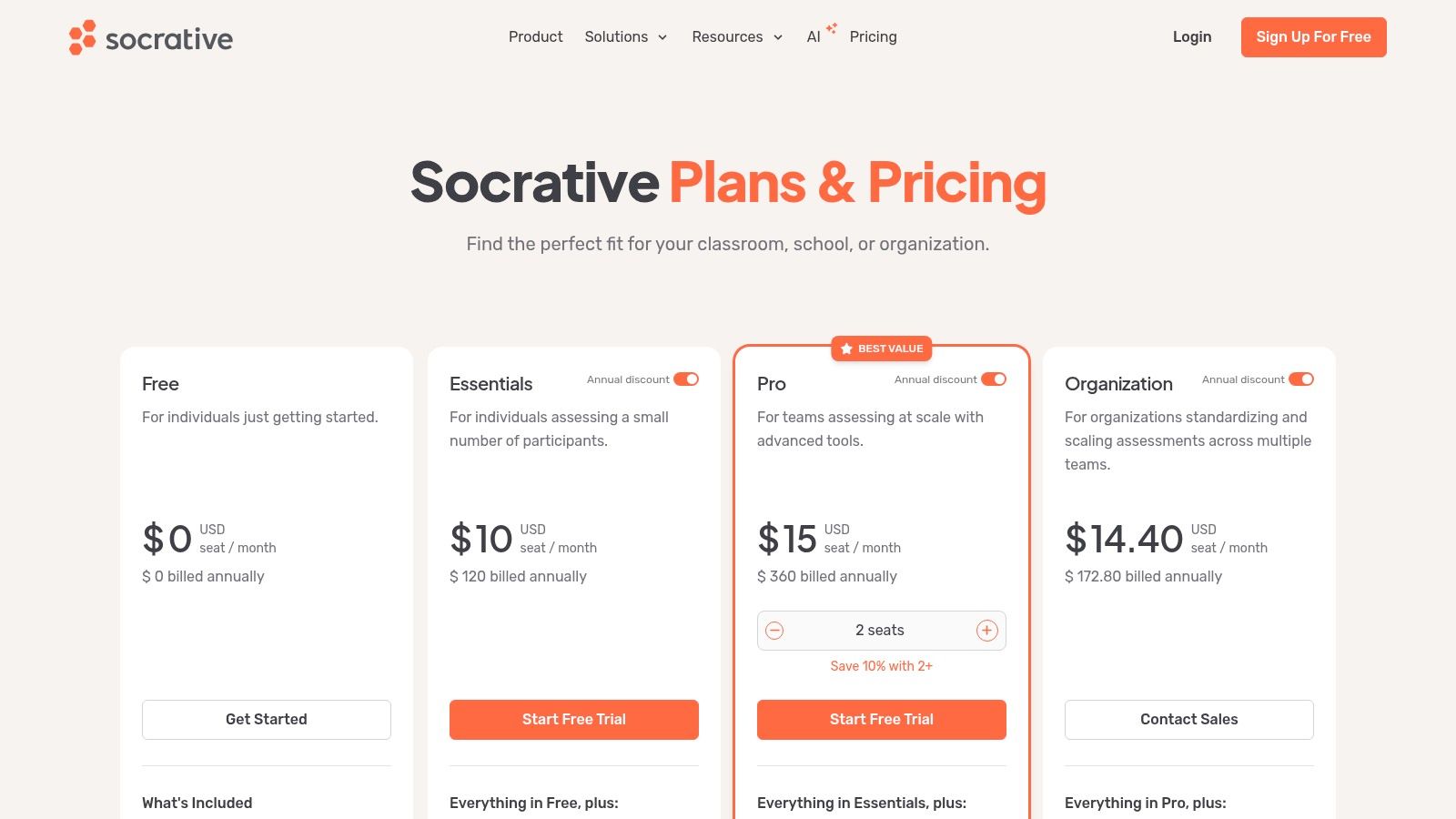
The platform’s strength is its simplicity and speed. A tutor can launch a pre-made quiz or a spontaneous poll to see if students grasp a concept before moving on. The immediate results highlight common misconceptions, allowing for targeted clarification. With features like live results and space race games, it turns assessment into an engaging activity.
Website: https://www.socrative.com/
Khan Academy – Chemistry
Khan Academy offers an indispensable library of free, high-quality chemistry resources. With NGSS-aligned Middle School and High School Chemistry courses, it provides structured learning pathways. The platform excels at breaking down complex topics into digestible video lessons, practice exercises, and articles. It is a top app for tutors who need reliable, assignable content.
The platform’s strength is its scaffolding approach. Tutors can assign specific videos to pre-teach a topic before a session or use the targeted exercises to reinforce concepts afterward. This flipped classroom method saves valuable tutoring time for problem-solving. It is a powerful tool for remediation and concept introduction.
Website: https://blog.khanacademy.org/explore-khan-academys-new-ngss-aligned-middle-school-chemistry-course/
How to Choose the Right Chemistry App
Choosing the right digital tools elevates your chemistry tutoring sessions from simple explanations to immersive learning experiences. Throughout this article, we’ve explored a powerful lineup, from the foundational utility of the RSC Periodic Table to the advanced molecular modeling of ChemDraw. Each of these top 5 apps for chemistry tutors makes abstract concepts tangible.
Interactive simulations from PhET turn confusing lessons into dynamic experiments. Virtual labs from ChemCollective provide a safe, accessible environment for students to practice experimental procedures without the cost or risk of a physical lab. These tools empower you to demonstrate, not just describe, the principles of chemistry.
From Teaching Excellence to Operational Efficiency
Adopting these applications will enhance your instruction quality. However, for tutoring center owners, world-class teaching is only half the battle. A business cannot scale on great lessons alone. The administrative backend must be as sophisticated as your teaching toolkit. You lose 60% of your admin time to manual work without automation.
This is where the challenge lies for growing businesses. You might have the best tutors using advanced apps, but you lose profit if you are still wrestling with:
- Manual Scheduling: Juggling Google Calendars and spreadsheets to coordinate students, tutors, and rooms. This process can take over 10 minutes per booking.
- Complex Invoicing: Spending hours creating invoices, tracking payments, and chasing overdue accounts.
- Error-Prone Payroll: Calculating variable tutor pay rates based on hours, student numbers, or lesson types by hand.
The best teaching aids cannot solve these operational bottlenecks. To build a scalable chemistry tutoring operation, you must pair exceptional instructional technology with a robust management system. This synergy allows you to deliver an outstanding educational product while maintaining an efficient and profitable business.
Frequently Asked Questions
What is the best app for learning the periodic table?
The Royal Society of Chemistry (RSC) Periodic Table is the best app. It is an authoritative, interactive tool with detailed element data, historical context, and multimedia resources. Its visualization filters make it excellent for demonstrating periodic trends during tutoring sessions.
Are there free apps for chemistry tutoring?
Yes, many high-quality free apps are available. PhET Interactive Simulations, ChemCollective's virtual labs, Khan Academy's courses, and the freeware version of ACD/ChemSketch are all excellent, no-cost resources for chemistry tutors.
How can I make chemistry tutoring more interactive?
You can use interactive simulations from PhET to let students manipulate variables and see outcomes in real time. Virtual labs from ChemCollective allow for hands-on experiments in a safe environment. Tools like Socrative can be used for live quizzes and games to boost engagement.
What software do professional chemists use to draw molecules?
Professional chemists and publications widely use ChemDraw (from Revvity Signals). It is considered the industry gold standard for creating accurate, publication-quality chemical structures, reaction schemes, and diagrams. Marvin by ChemAxon is another professional alternative.
How do I manage a tutoring business with multiple chemistry tutors?
Managing a multi-tutor business requires dedicated tutoring management software. Platforms like Tutorbase automate scheduling, prevent double-bookings, generate invoices from attendance data, and process complex payroll calculations. This reduces admin time by over 60%.
The apps in this list perfect the delivery of your chemistry lessons, but Tutorbase perfects the business of tutoring. By automating scheduling, billing, payroll, and room management, Tutorbase eliminates the administrative work that holds your center back. Ready to pair your excellent teaching with seamless operations? Start your free trial of Tutorbase today and build a more efficient, profitable tutoring business.


