
Check a Lesson's estimated Staff cost
Open Lesson costs in Calendar to check the estimated change in period pay, inspect Lesson pay and compare teacher estimates.
Last updated
To check a scheduled Lesson's estimated Staff cost in Tutorbase, open the Lesson in Calendar and select Est. cost. Period pay change shows how the assignment changes the Staff member's pay for the displayed period. This explanation covers scheduled Lessons with one teacher.
Where to see Lesson costs
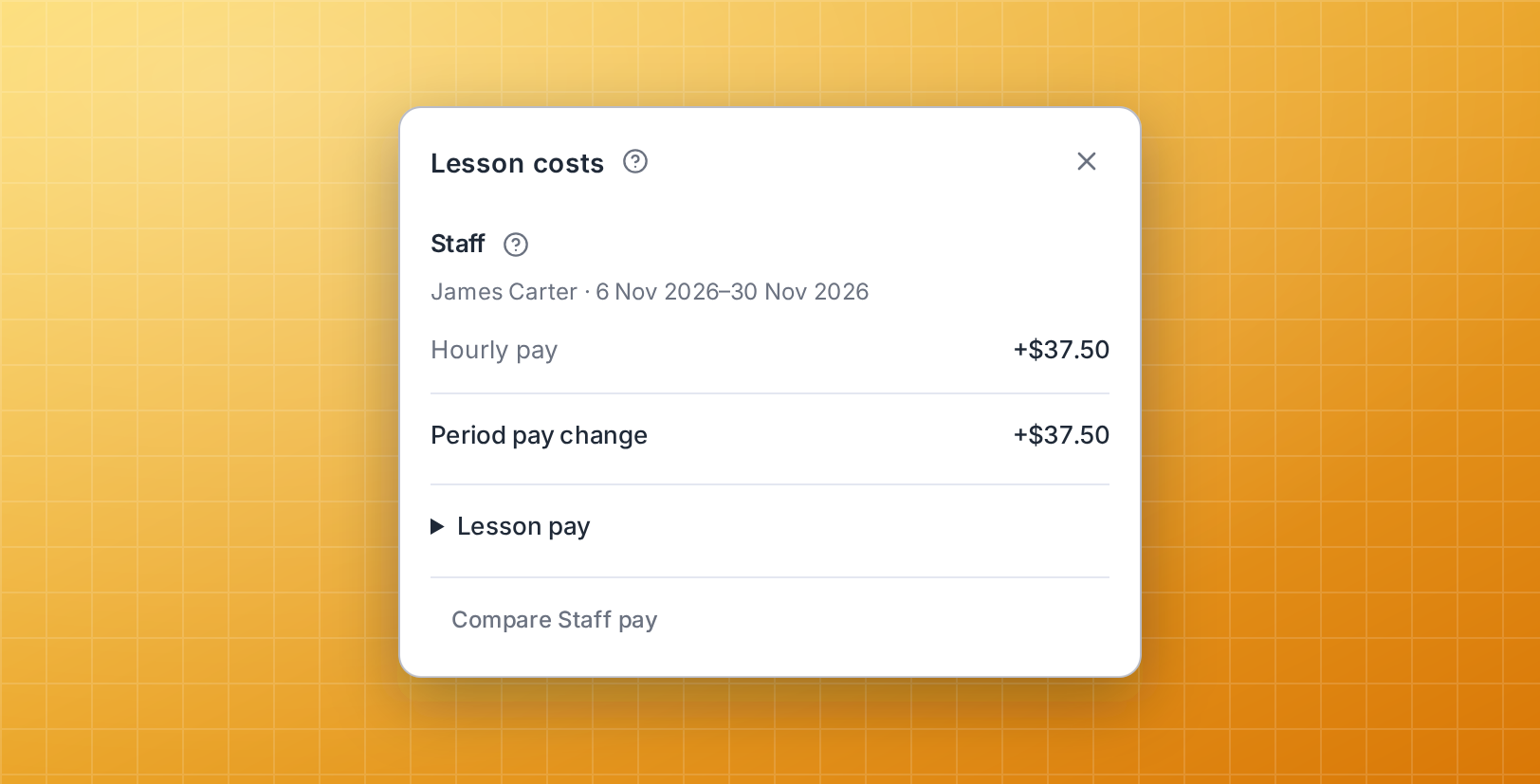
Open a scheduled Lesson, then select Est. cost to open Lesson costs. The Staff section shows the teacher, pay period and components of the estimate. The question-mark control beside Staff explains the calculation.
Period pay change and Lesson pay
Period pay change compares complete period pay with the assignment against complete period pay without the assignment. Fixed salary is not divided among Lessons. Included teaching hours can affect pay elsewhere in the same period, so the change can differ from the earnings attributed to the selected Lesson.
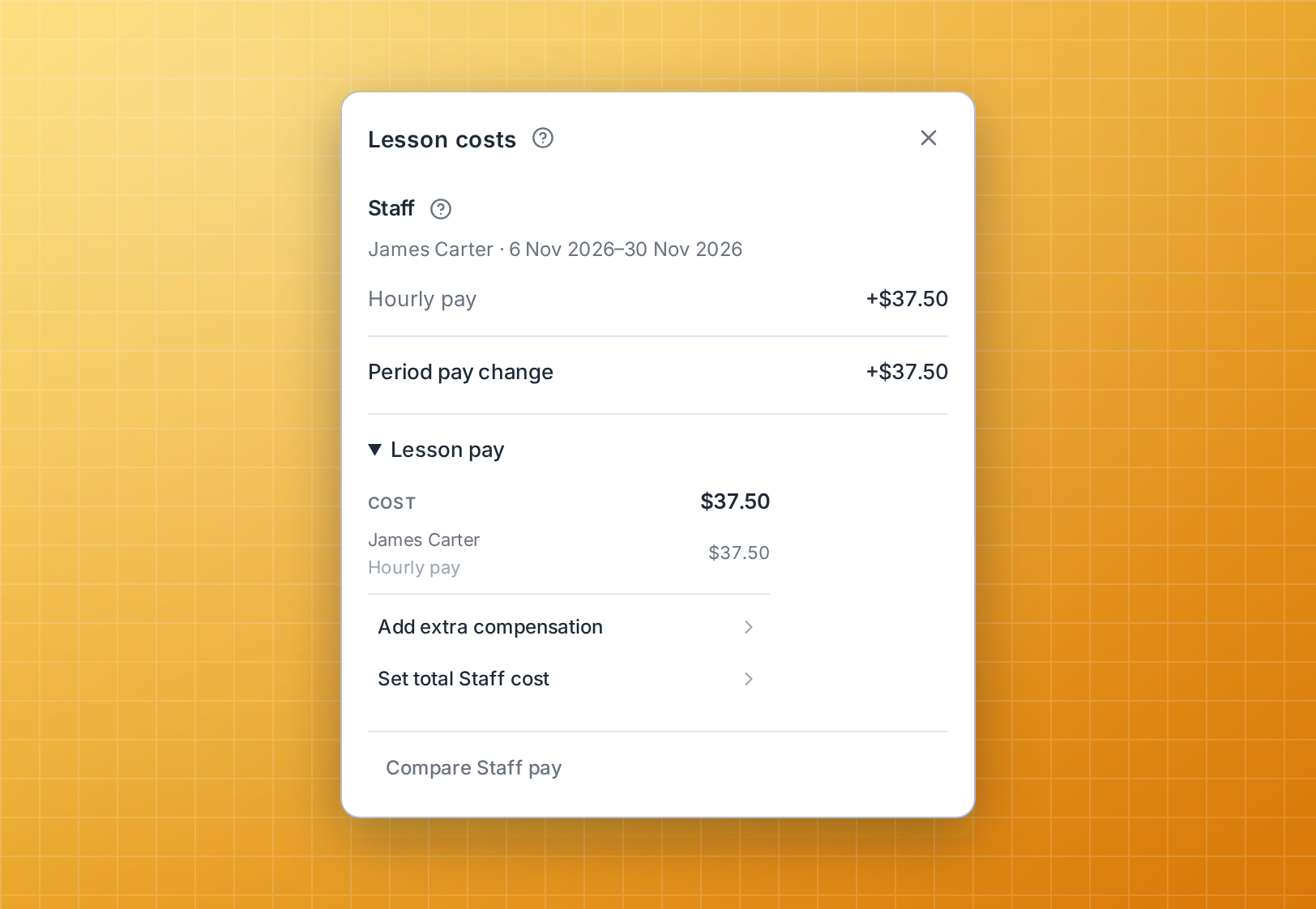
Start with Period pay change when comparing staffing costs because it accounts for the whole pay period. Open Lesson pay when you need the selected Lesson's earnings or want to use Add extra compensation or Set total Staff cost.
Compare teacher estimates
For a single-teacher Lesson, select Compare Staff pay, then select Check estimate for a teacher. Tutorbase calculates that teacher's estimate when you select the teacher and shows the teacher's own pay period under Staff pay details.
Check one teacher at a time to compare the options you are considering. Select Back to comparison to return to the teacher list. Comparison is an estimate; choosing Check estimate does not assign the teacher or confirm availability.
Common questions
Does a zero estimate mean the teacher earns nothing?
No. Period pay change measures the change caused by the assignment. A salary can remain payable even when the assignment adds no pay.
Why can Lesson pay differ from period pay change?
Lesson pay shows earnings attributed to the selected Lesson. Period pay change also accounts for the assignment's effect on other pay in the same period, including included-hours thresholds.
Does checking another teacher change the Lesson?
No. Compare Staff pay shows an estimate. The Lesson keeps its assigned teacher.
Are both teachers compared over the same dates?
Each teacher's estimate uses that teacher's pay period. Check the dates displayed in Staff pay details before comparing estimates.
Does an unavailable estimate mean zero cost?
No. An unavailable estimate means Tutorbase cannot show a complete estimate. Do not treat an unavailable amount as zero when choosing a teacher.