


Managing a music school involves far more than teaching. Coordinating student and teacher schedules, processing invoices, calculating payroll, and managing practice rooms can consume over 10 hours of administrative time per week. Using fragmented tools like spreadsheets and calendars often leads to double-bookings, missed payments, and communication breakdowns, creating chaos for owners and operations managers.
This guide provides a practical analysis of the top 10 music lesson scheduling apps designed to solve these exact problems. We will evaluate each platform to help you find the right fit, whether you're a solo instructor or a multi-branch academy managing thousands of weekly lessons. Before diving into music-specific solutions, it's helpful to understand some general scheduling app considerations that apply across industries.
In this resource, you will find a detailed comparison covering:
- Core Scheduling and Billing: How each app handles the essentials of booking, invoicing, and payroll.
- Ideal Customer Profile: Who the software is truly built for, from solo piano teachers to large music schools with 5-100+ teachers.
- Pricing and Value: A clear look at subscription costs and what you get for your money.
- Practical Pros and Cons: An honest assessment based on real-world use cases.
Each review includes direct links and screenshots to give you a clear view of the user experience. We will also compare each option to Tutorbase, highlighting how our AI-powered platform provides unique value by automating complex operations, reducing admin time by 60%, and scaling your music education business efficiently. This article is your definitive resource for choosing the best software to streamline your operations.
1. Tutorbase
Tutorbase earns the top spot on our list by offering a powerful, all-in-one management platform designed specifically for tutoring centers and music schools that need to scale. It eliminates the operational chaos of using fragmented tools by consolidating scheduling, billing, payroll, and multi-branch room management into one system. For music schools managing 50 to 10,000+ lessons per week, Tutorbase delivers automation that directly reduces admin time and prevents revenue loss from booking errors.
Its AI-powered scheduling features, Find Slot and Find Spot, are significant differentiators. Instead of manually cross-referencing teacher availability and room schedules, an administrator can use these tools to instantly find all viable lesson combinations or locate open seats in group classes. This reduces the time to book a new student from over 10 minutes to under 2 minutes, prevents double-bookings, and gives you real-time visibility into capacity utilization across all your branches.
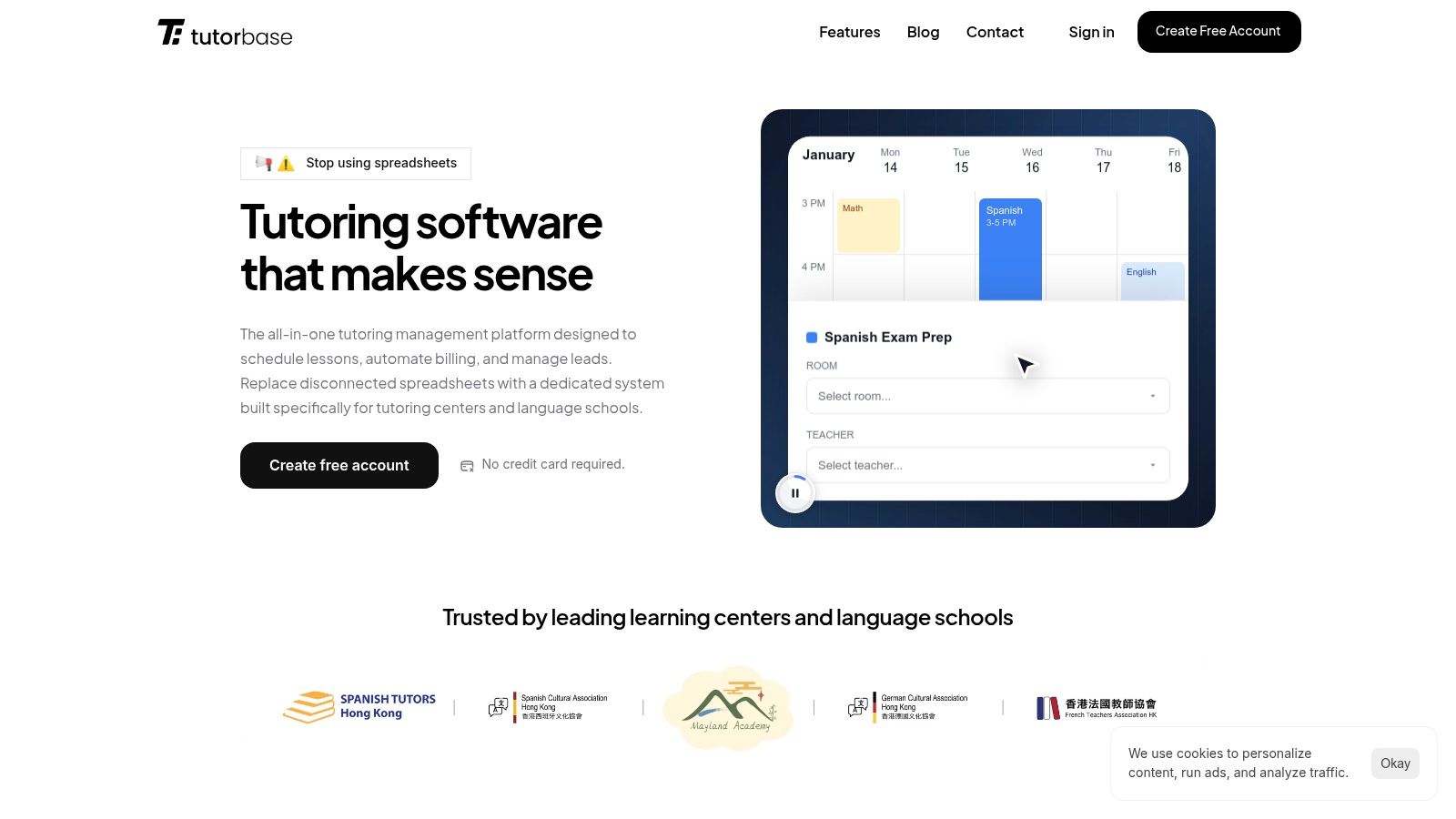
Why is Tutorbase the top choice for growing music schools?
The platform's strength is its end-to-end automation. Marking a lesson's attendance automatically triggers invoicing and complex payroll calculations, cutting administrative workload by 60%. Tutorbase natively supports per-lesson rates, revenue sharing, overtime, and contractor self-billing. Its robust prepaid credit system simplifies package sales and renewals, a common model for music lessons. To see how this system handles complex booking needs, you can explore how Tutorbase handles recurring lesson scheduling software.
- Ideal User: Multi-teacher music schools, language schools, and test prep centers with 5-100+ teachers across 1-10+ branches.
- Pricing: Custom pricing is provided after a demo, tailored to your operational scale and complexity.
- Implementation: Expect an initial setup period to migrate data and configure the system, especially when consolidating from fragmented tools like Teachworks or spreadsheets.
| Feature Analysis | Key Benefit |
|---|---|
| AI-Powered Scheduling | "Find Slot" & "Find Spot" eliminate manual searches and prevent booking conflicts, making onboarding 3x faster. |
| Automated Billing & Payroll | Attendance automatically generates invoices and calculates teacher pay, turning hours of admin work into minutes. |
| Multi-Branch Room Management | A single dashboard provides complete visibility and control over teachers, students, and rooms across all locations, preventing overbookings. |
| Flexible Pricing & Policies | Supports prepaid credits, packages, and subscriptions with automated cancellation rules. |
Pros:
- End-to-end automation reduces administrative time by over 60%.
- Intelligent scheduling and room management optimize resource utilization and eliminate double-bookings.
- Advanced payroll engine handles complex, variable compensation models that other platforms can't.
- Built to scale with multi-brand and multi-location support without performance degradation.
Cons:
- No public pricing; requires a demo for a custom quote.
- The comprehensive feature set involves a steeper learning curve than simple schedulers.
2. My Music Staff
My Music Staff is a highly regarded, all-in-one management platform designed specifically for music teachers and schools. It excels at connecting calendar events directly to billing, which automates one of the most time-consuming administrative tasks. For instance, once you mark a student as "Attended," the system automatically generates the corresponding invoice charge.
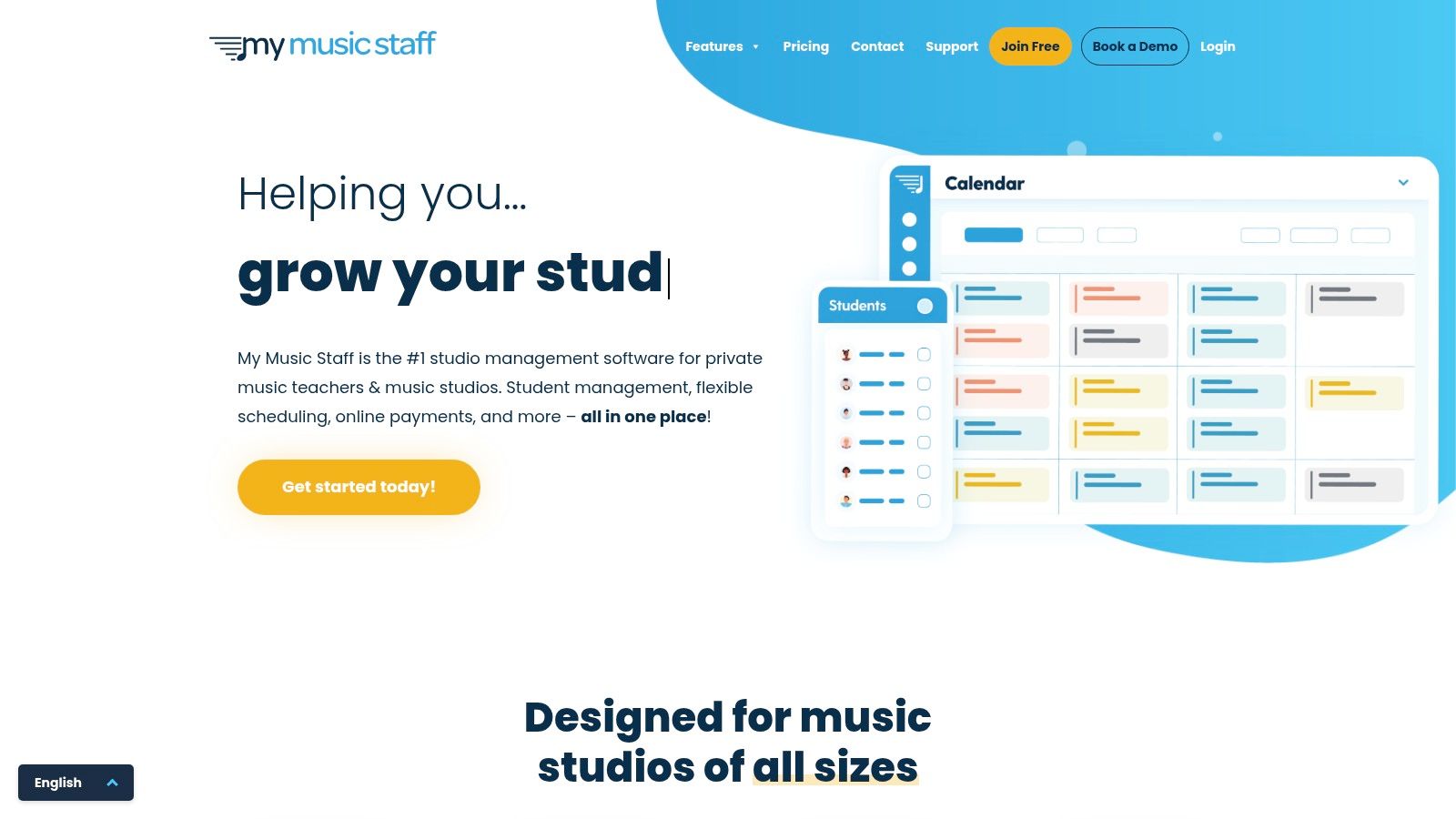
This direct link between attendance and invoicing makes it a top choice for studios that need precise, usage-based billing. The platform also includes a robust parent and student portal where they can view their schedule, register for open lesson slots, track practice time, and manage payments. This significantly reduces back-and-forth communication.
Core Features & User Experience
My Music Staff offers a deep feature set tailored to music education, including automated lesson reminders, a simple website builder, and comprehensive reporting. While some users report an initial learning curve, the platform is praised for its usability once configured. The interface is clean and organized around a central calendar. Explore how My Music Staff compares to other platforms in our detailed guide to music school management software.
- Pricing: Starts at $14.95/month for solo teachers, with tiered pricing up to $59.95/month for studios with 20+ teachers. All plans include a 30-day free trial.
- Ideal For: Solo music instructors and small to mid-sized multi-teacher music academies.
- Pros: Deep music-focused workflows, scales effectively from one to many teachers, and strong user reviews.
- Cons: The initial setup can be complex, and its payroll and multi-location features are less advanced than Tutorbase.
3. Duet Partner (formerly Music Teacher’s Helper)
Duet Partner, previously known as Music Teacher’s Helper, is a modern scheduling and business management platform designed for the solo music teacher. It excels at simplifying administrative tasks through smart scheduling and automated billing. Its core strength lies in its user-friendly interface and features purpose-built for a private studio environment.
The platform empowers students and parents with a self-scheduling option, reducing the back-and-forth communication required to book lessons. This feature, combined with automated invoicing and support for multiple online payment methods, makes it a strong contender for independent teachers seeking efficiency. It offers a streamlined onboarding process, making it easy for new users to get started.
Core Features & User Experience
Duet Partner focuses on the essential needs of a private music instructor. Key features include a "Smart Scheduling" tool, automatic invoicing, and a clean student portal. The user experience is modern and intuitive, particularly for those new to studio management software. While it provides a solid foundation for solo operations, it lacks the multi-teacher coordination, room management, and advanced reporting needed by larger schools.
- Pricing: Contact Duet Partner directly for current pricing details. They often provide discounts for new users.
- Ideal For: Solo music instructors and single-teacher studios who want a simple, modern platform with strong student self-scheduling capabilities.
- Pros: Purpose-built for private music studios, features a simple and modern onboarding experience, and offers a robust student self-service portal.
- Cons: Not designed for multi-teacher studios and lacks the operational depth for scaling a business.
4. Jackrabbit Music
Jackrabbit Music is an enterprise-grade class and lesson management platform designed for larger youth activity centers, including established music schools. Its strength lies in handling high-volume registration, complex scheduling across multiple locations, and comprehensive financial reporting. The system is built to provide robust administrative control, making it ideal for schools that have outgrown simpler solutions.
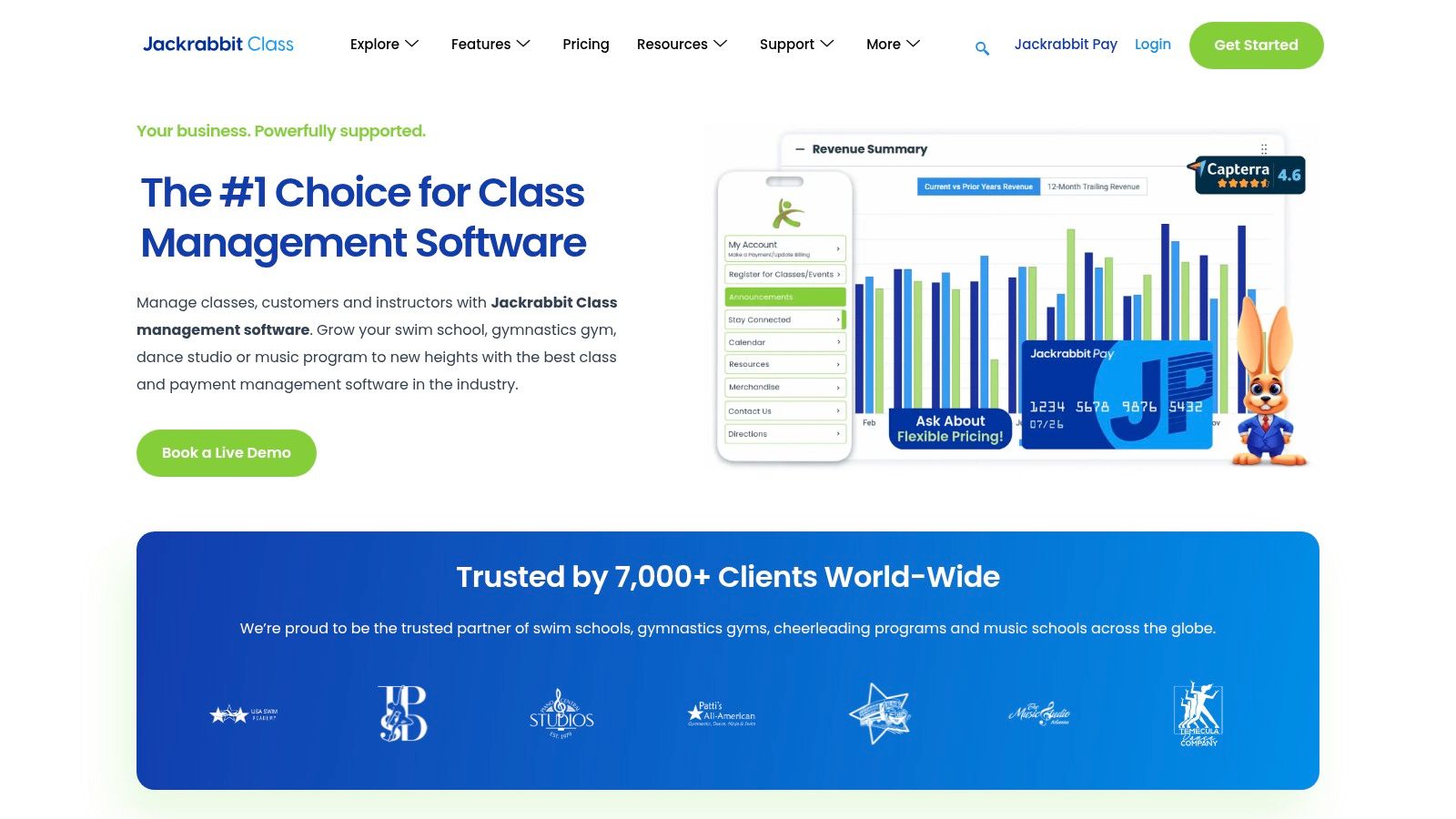
The platform excels at managing group classes alongside private lessons. Its parent portal is a core component, allowing families to handle registration, view schedules, and make payments independently. For schools operating in several locations, Jackrabbit Music provides centralized oversight while allowing for branch-specific management, a key feature for scaling operations.
Core Features & User Experience
Jackrabbit Music’s feature set is extensive, covering everything from automated billing to in-depth reporting that tracks enrollment and revenue trends. The user experience is geared towards administrators who need powerful tools. While its broad focus on all youth classes means it may feel over-featured for a solo piano teacher, this depth is precisely what larger music schools need.
- Pricing: Starts at $45/month for up to 50 students, with pricing tiers that scale based on student count. A 30-day free trial is available.
- Ideal For: Large, multi-teacher music schools and youth activity centers that manage both private lessons and group classes across one or more locations.
- Pros: Highly scalable for growing businesses, robust multi-location support, and a mature, widely adopted product with a strong support system.
- Cons: The interface can feel heavy for studios focused solely on private lessons, and it may require manual workarounds for complex payroll scenarios.
5. TeacherZone
TeacherZone is a comprehensive management system that uniquely blends scheduling and billing with a built-in learning management system (LMS). This all-in-one approach is designed to keep students engaged between lessons. For example, a guitar teacher can schedule a lesson, automatically bill for it, and then assign video tutorials and practice logs directly through the platform’s student portal.
This integration of lesson content with administrative tasks makes TeacherZone a great option for studios focused on a holistic learning experience. It turns a simple scheduling tool into an interactive educational hub, allowing teachers to assign multimedia practice materials and track student progress, all within the same ecosystem used for booking and payments.
Core Features & User Experience
TeacherZone’s core strength lies in its dual functionality. It offers a drag-and-drop scheduler, automated tuition plans, and integrated payment processing. Alongside these admin tools, its LMS features a student app for practice tracking. The user experience is tailored for music education businesses that want to provide added value through structured, trackable practice assignments. However, access to pricing and a full demo is gated, requiring contact with their sales team.
- Pricing: Pricing is not publicly listed. You must request a demo to receive a custom quote.
- Ideal For: Music schools that want to integrate a student learning portal and practice tools directly with their scheduling and billing systems.
- Pros: Combines admin tools with a student-facing LMS, strong focus on student engagement, and is designed specifically for music education.
- Cons: Lack of transparent pricing requires a sales demo, which can be a barrier for smaller studios evaluating options quickly.
6. Pike13
Pike13 is a flexible appointment and class management platform that serves a wide range of service-based businesses, including multi-instructor music schools. Its strength lies in robust scheduling for various formats like private lessons, group classes, and workshops. The platform is designed to handle complex operations such as room reservations and multi-location management from a single dashboard.
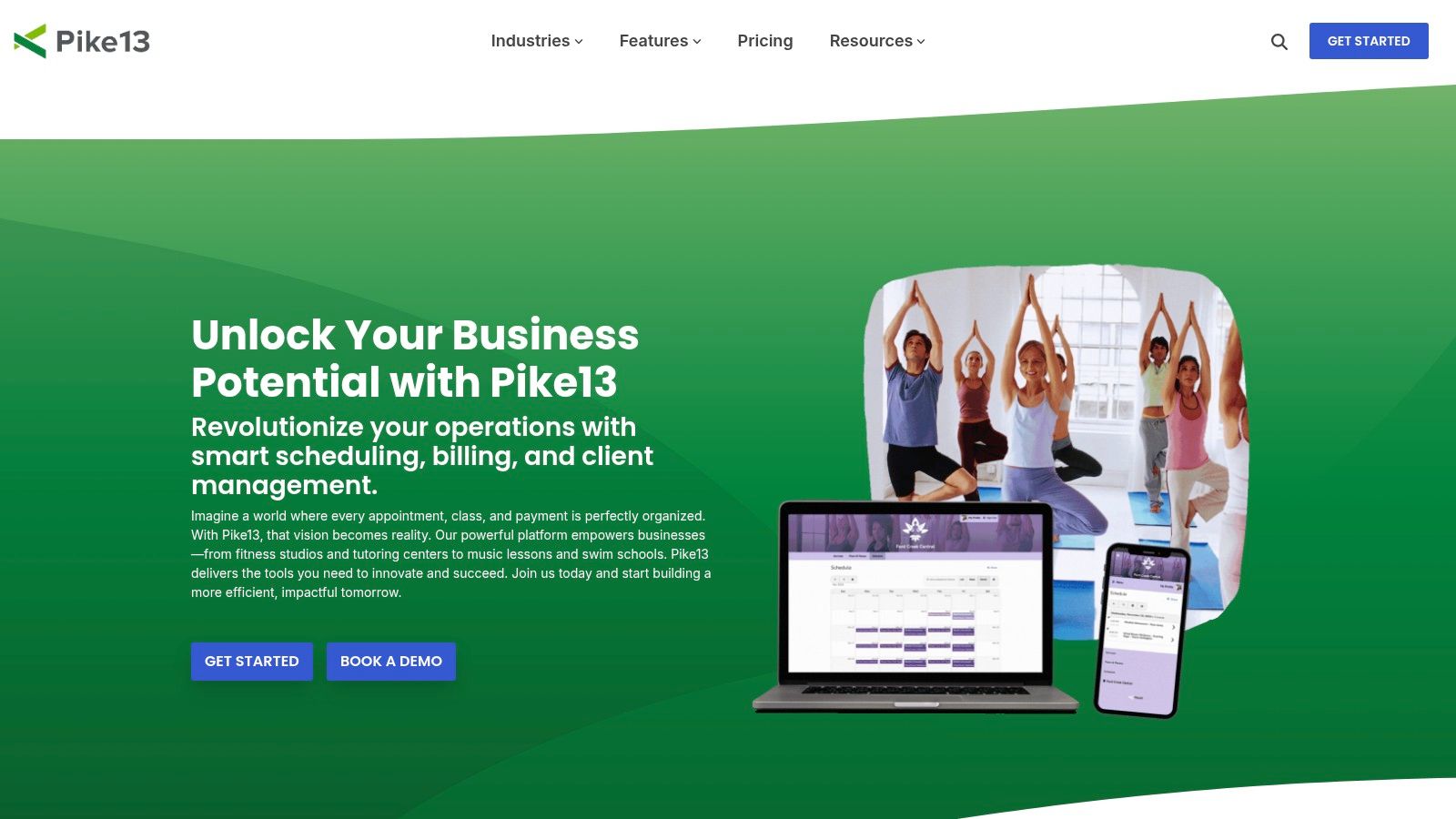
This versatility makes it a strong contender for studios that also offer dance classes, art workshops, or other programs. Its powerful client self-service portal allows students and parents to manage their own schedules, update payment information, and sign up for open slots or waitlists. The integrated payment system and detailed reporting provide business owners with clear insights into revenue and attendance.
Core Features & User Experience
Pike13 provides a comprehensive suite of tools designed for service businesses, including recurring event scheduling, private appointment booking, and automated waitlists. Its room reservation feature is useful for larger schools managing multiple studios. The user experience is generally clean, though its generalist nature means music-specific terminology and workflows are not built-in and may require initial setup.
- Pricing: Custom pricing based on business size and needs. A sales-assisted demo is required to get a quote.
- Ideal For: Multi-service organizations and multi-location music schools that need a flexible, powerful platform for managing diverse class types.
- Pros: Highly flexible for different service types, strong reporting and analytics, and excellent for managing multiple locations.
- Cons: Less music-specific functionality out of the box, and the need to go through a sales demo to see pricing can be a barrier.
7. Sawyer (DaySmart Sawyer)
Sawyer, now part of the DaySmart family, is a powerful scheduling and registration platform widely used by providers of children’s activities, including many music schools. Its primary strength lies in creating a seamless and parent-friendly registration experience, which can be embedded directly onto a studio’s website using its booking widgets. This focus on the end-user journey makes it a popular choice for programs prioritizing easy enrollment.
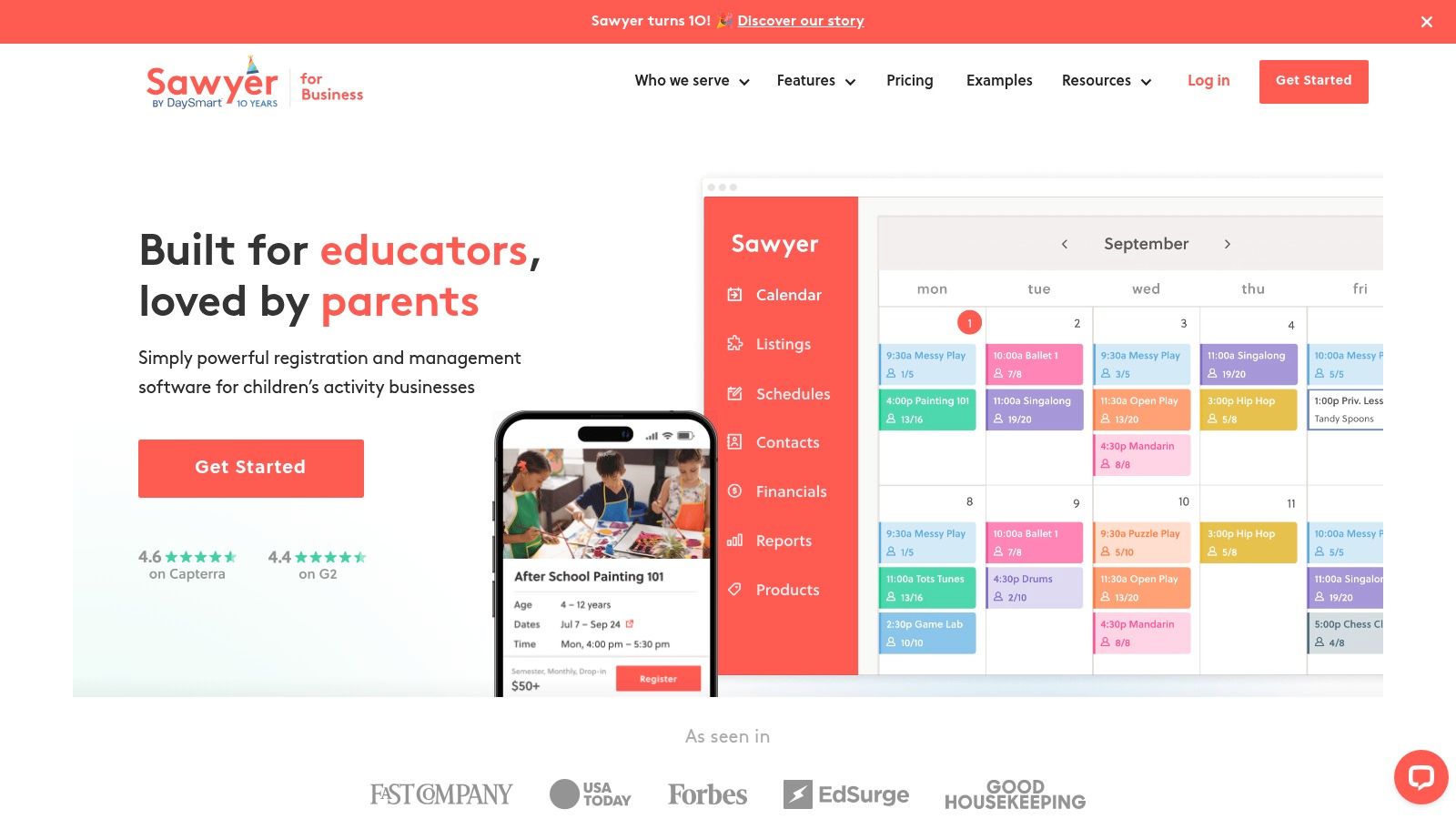
The platform is designed for scale, offering unlimited schedules and locations, which is ideal for growing music programs. Sawyer also distinguishes itself with extensive customer support resources, including training videos, webinars, and hands-on onboarding. This makes it one of the top choices for businesses that need to get operational quickly without a steep learning curve.
Core Features & User Experience
Sawyer is built around simplifying the customer booking process. Its core functionalities center on class and camp management, customer relationship management, and integrated payments. The user interface is clean, modern, and notably easy for parents to navigate. While the backend is robust, the platform is particularly praised for its quick implementation, with many studios going live in a very short time.
- Pricing: Pricing is customized. Plans typically involve a monthly subscription fee plus a processing fee on transactions. Interested businesses must contact their sales team.
- Ideal For: Children's activity centers and music schools that serve a younger demographic and value a polished, simple registration process for parents.
- Pros: Fast setup with excellent hands-on onboarding support, and a parent-friendly registration experience that boosts conversion.
- Cons: Primarily geared toward children’s programs. Advanced payroll or complex room management features may require manual workarounds.
8. Teachworks
Teachworks is a robust management platform designed for tutoring and music schools that require deep customization and control over their operations. It shines in its ability to offer granular user roles and permissions, making it a strong choice for studios with complex staffing structures. The platform also includes music-specific add-ons, such as a repertoire tracker.
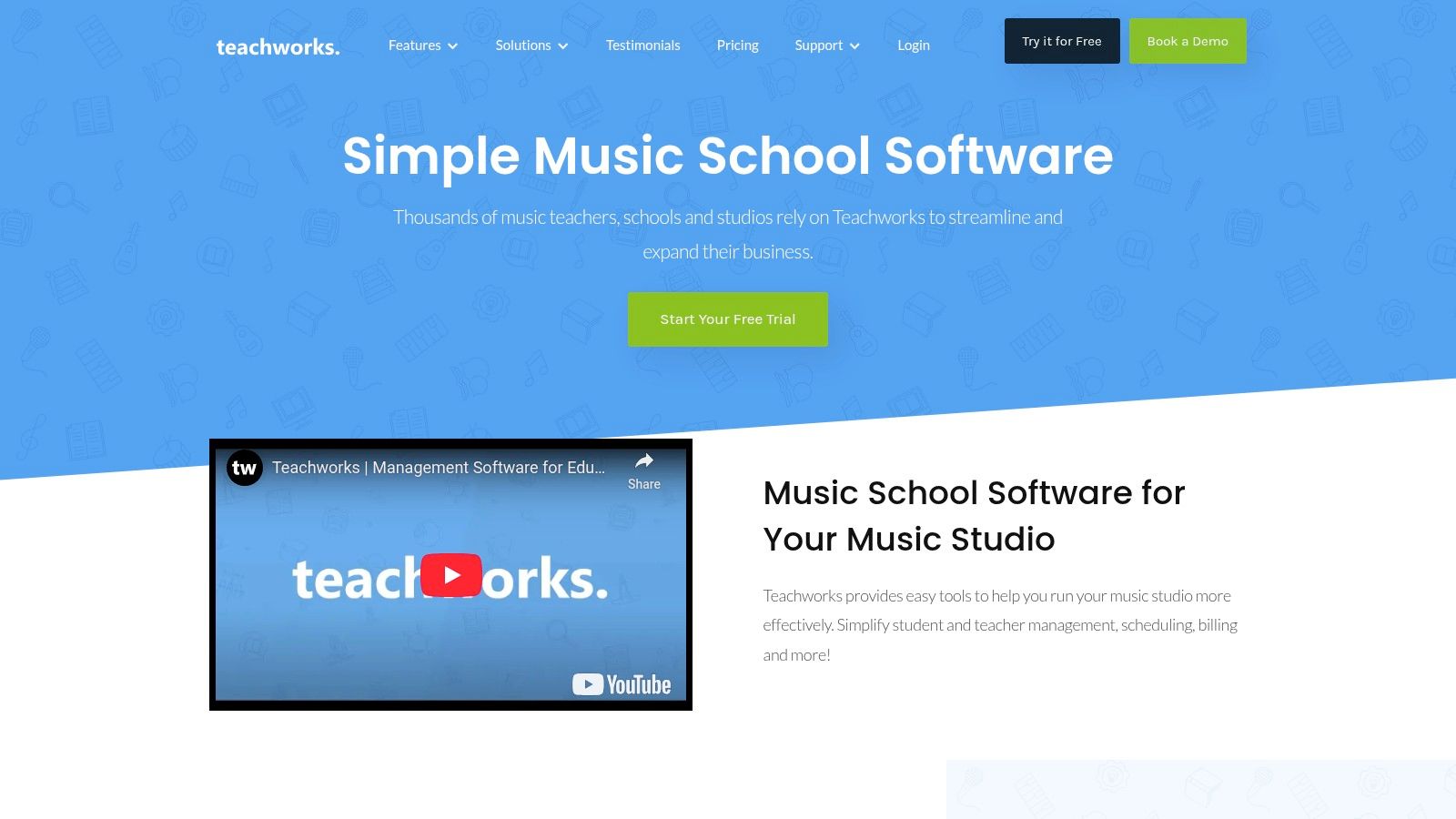
The system’s strength lies in its education-focused architecture, allowing for one-on-one, group, and multi-session course scheduling. Automated invoicing is linked to lesson schedules and can be integrated with Stripe, streamlining the billing process. This focus on structured educational delivery makes Teachworks a good choice for established schools that need more than just a simple calendar.
Core Features & User Experience
Teachworks provides a comprehensive feature set including website booking widgets, automated reminders, and detailed reporting. A key advantage is its robust time-zone support, critical for studios offering online lessons. While powerful, its billing and payroll are semi-manual, and the system can slow down when managing thousands of weekly lessons, making it a less viable Teachworks alternative for rapidly scaling centers. Learn more about how it compares to other tools in our guide to tuition management systems.
- Pricing: Starts at $15.95/month for the "Starter" plan (up to 25 students), with plans scaling up to $99.95/month. A 3-week free trial is available.
- Ideal For: Multi-teacher music schools and academies that need granular control over staff permissions and education-specific features.
- Pros: Education and musician-specific add-ons, granular roles and permissions, and strong automation capabilities for smaller operations.
- Cons: Setup can be complex, and its semi-manual billing and performance limitations at scale make it difficult for growing businesses to manage.
9. Acuity Scheduling (Squarespace Scheduling)
Acuity Scheduling, now known as Squarespace Scheduling, is a powerful and versatile appointment booking platform. While not built exclusively for music, its clean interface and robust self-booking capabilities make it a strong contender for solo teachers. Its key strength lies in its embeddable calendars, which allow parents and students to book and pay for lessons in a seamless, automated flow.
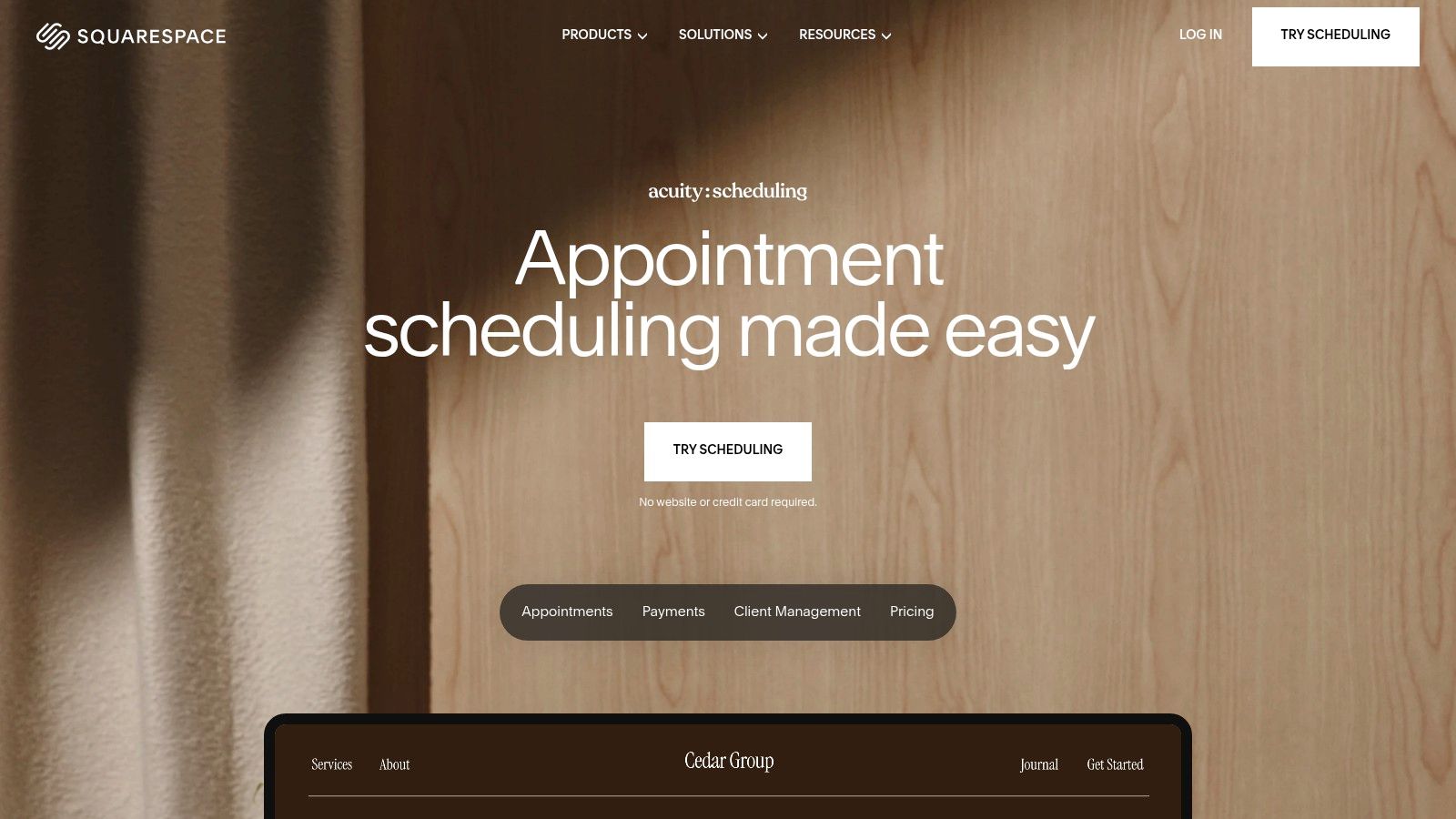
This tool is a great choice for instructors who prioritize a professional, client-facing experience without needing complex studio management features. The platform excels at managing different appointment types, from one-off trial lessons to recurring weekly slots. Features like custom intake forms and automatic time-zone detection remove common booking headaches.
Core Features & User Experience
Squarespace Scheduling focuses on streamlining the client booking process. It offers native integrations with video conferencing tools like Zoom and Google Meet, automatically creating unique links for online lessons. Users praise its intuitive setup and mobile app for managing schedules on the go. While it lacks the deep, music-specific billing and payroll of platforms like Tutorbase, its simplicity for core scheduling is top-notch.
- Pricing: Starts at $16/month (billed annually) for one calendar, with plans up to $49/month for businesses with multiple staff. A 7-day free trial is available.
- Ideal For: Solo music teachers and small studios that primarily need a polished, reliable, and easy-to-embed self-scheduling tool.
- Pros: Extremely fast to deploy and embed on any website, excellent user experience for clients, and strong integrations with calendars and payment gateways.
- Cons: Lacks music-specific features and cannot manage multi-teacher billing, payroll, or room scheduling.
10. Setmore
Setmore is a user-friendly scheduling platform that offers a freemium model, making it an excellent entry point for solo music teachers or small studios. Its core strength lies in providing a simple, public-facing booking page where students can view availability and schedule their own lessons. This self-service approach significantly reduces the administrative time spent on coordinating schedules.
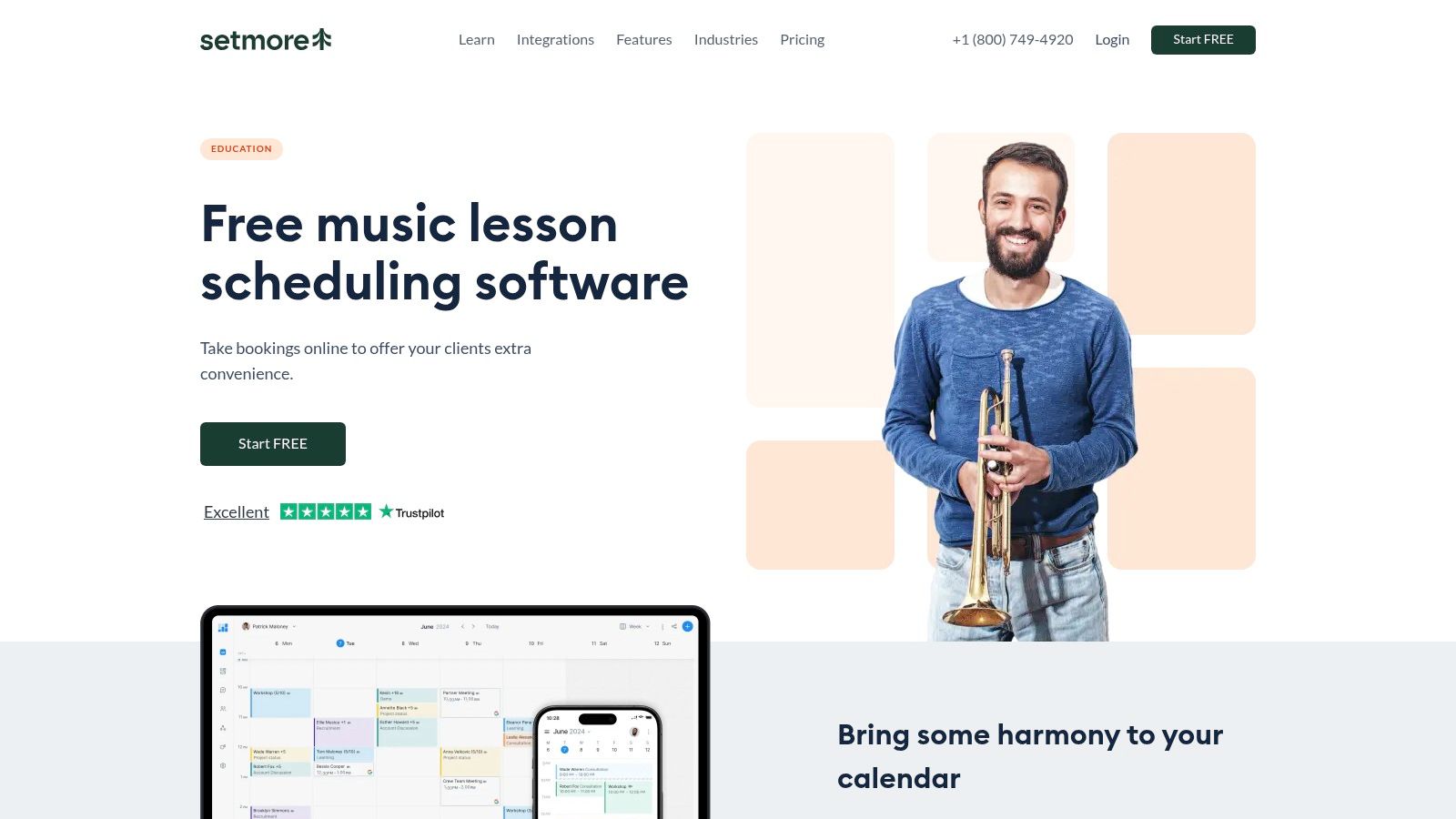
The platform is designed for quick setup, allowing instructors to get their booking system online in minutes. With integrations for social media "Book Now" buttons, calendar syncing, and popular payment gateways like Stripe and Square, Setmore covers the essential needs for managing appointments without overwhelming users with complex features.
Core Features & User Experience
Setmore’s feature set is centered on appointment management. Key functions include automated email and SMS reminders, recurring appointment setup, and direct integrations with Zoom and Google Meet for online lessons. The user interface is clean and intuitive, focusing on a straightforward calendar view. The public booking page is customizable and can be embedded directly into an existing website.
- Pricing: Offers a free plan for up to 4 users. Paid plans start at $5/user/month (billed annually) for advanced features like two-way calendar sync and SMS reminders.
- Ideal For: Independent music teachers and small studios seeking a low-cost or free solution for online booking and basic payment processing.
- Pros: Generous free plan makes it accessible, very easy to set up and use, and strong integrations with payment processors and video conferencing tools.
- Cons: Lacks music-specific features like practice logs or repertoire tracking. It is not suited for multi-location schools with complex payroll and billing needs.
11. GetApp
GetApp serves as a comprehensive software marketplace rather than a direct scheduling app. It offers a curated category specifically for Music School Software, allowing you to discover, compare, and shortlist dozens of specialized management tools. This makes it an essential starting point for any music school evaluating its technology needs.
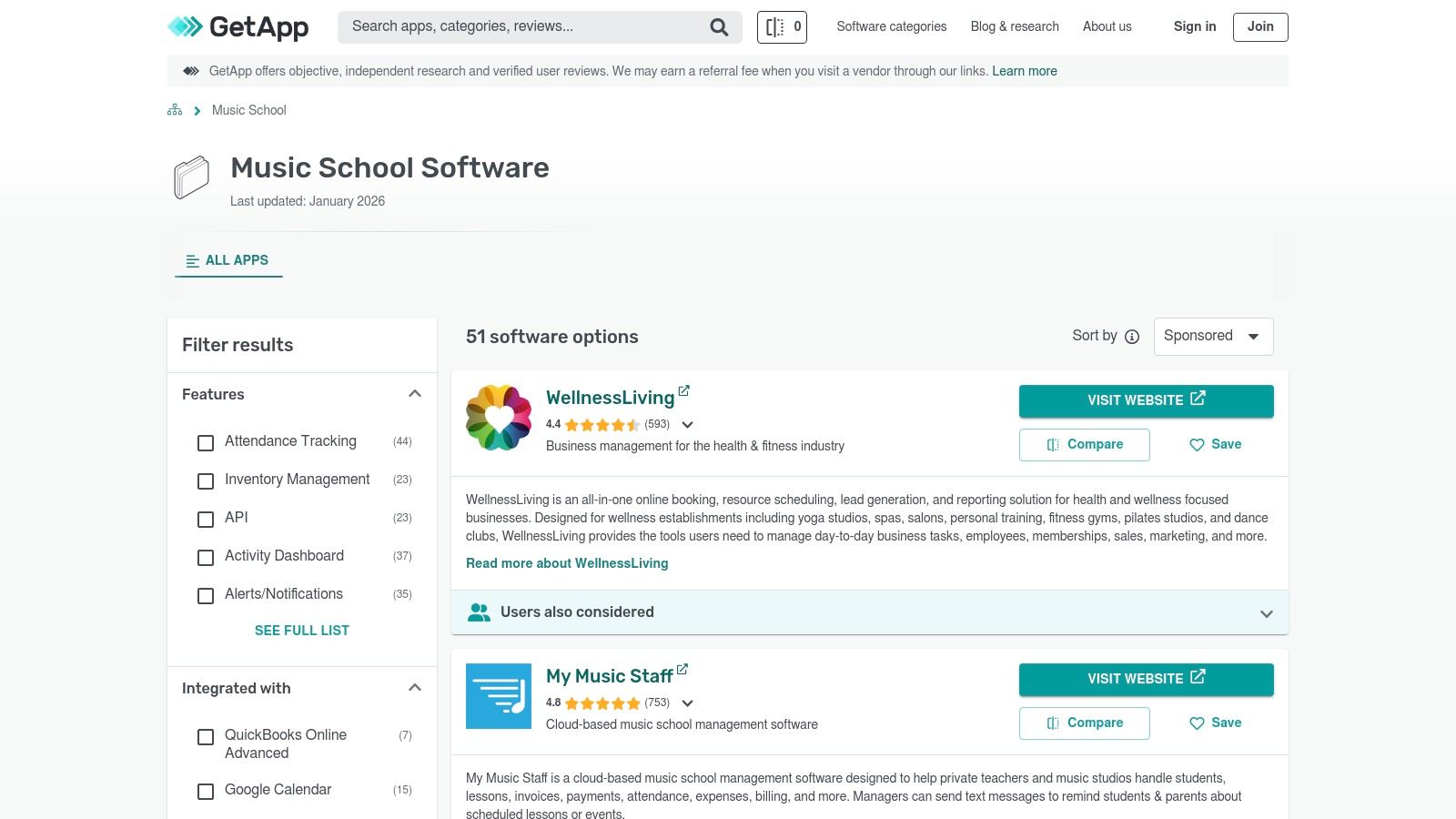
Instead of offering its own platform, GetApp aggregates information, user reviews, and feature lists from over 40 different vendors. Its powerful filtering tools are particularly useful, enabling you to narrow down choices based on specific needs like QuickBooks integration, online payment processing, or class management capabilities. This platform provides the raw data and user feedback to make an informed decision.
Core Features & User Experience
The primary function of GetApp is discovery and comparison. Users can navigate its clean interface to filter the extensive music school software list by features, pricing models, and user ratings. Each product listing provides a snapshot of its core capabilities and links to vendor websites for free trials. GetApp's value lies in how efficiently it organizes information, saving you hours of independent research. Visit the GetApp Music School Software category to begin your search.
- Pricing: Free to use for research and comparison.
- Ideal For: Music school owners and administrators in the research phase who want to compare multiple software options side-by-side.
- Pros: Neutral marketplace to quickly compare a wide range of tools, regularly updated listings, and helpful filters for building a shortlist.
- Cons: Includes sponsored listings which may influence placement. It's a directory, not a functional product.
12. Picktime
Picktime is a lightweight and versatile appointment scheduler that serves the music lesson industry well, especially for smaller studios or individual instructors needing a quick setup. Its core strength lies in its simplicity and focus on essential booking functions like managing lesson packs, recurring sessions, and waitlists. The platform offers the key tools needed to get a booking system online fast.
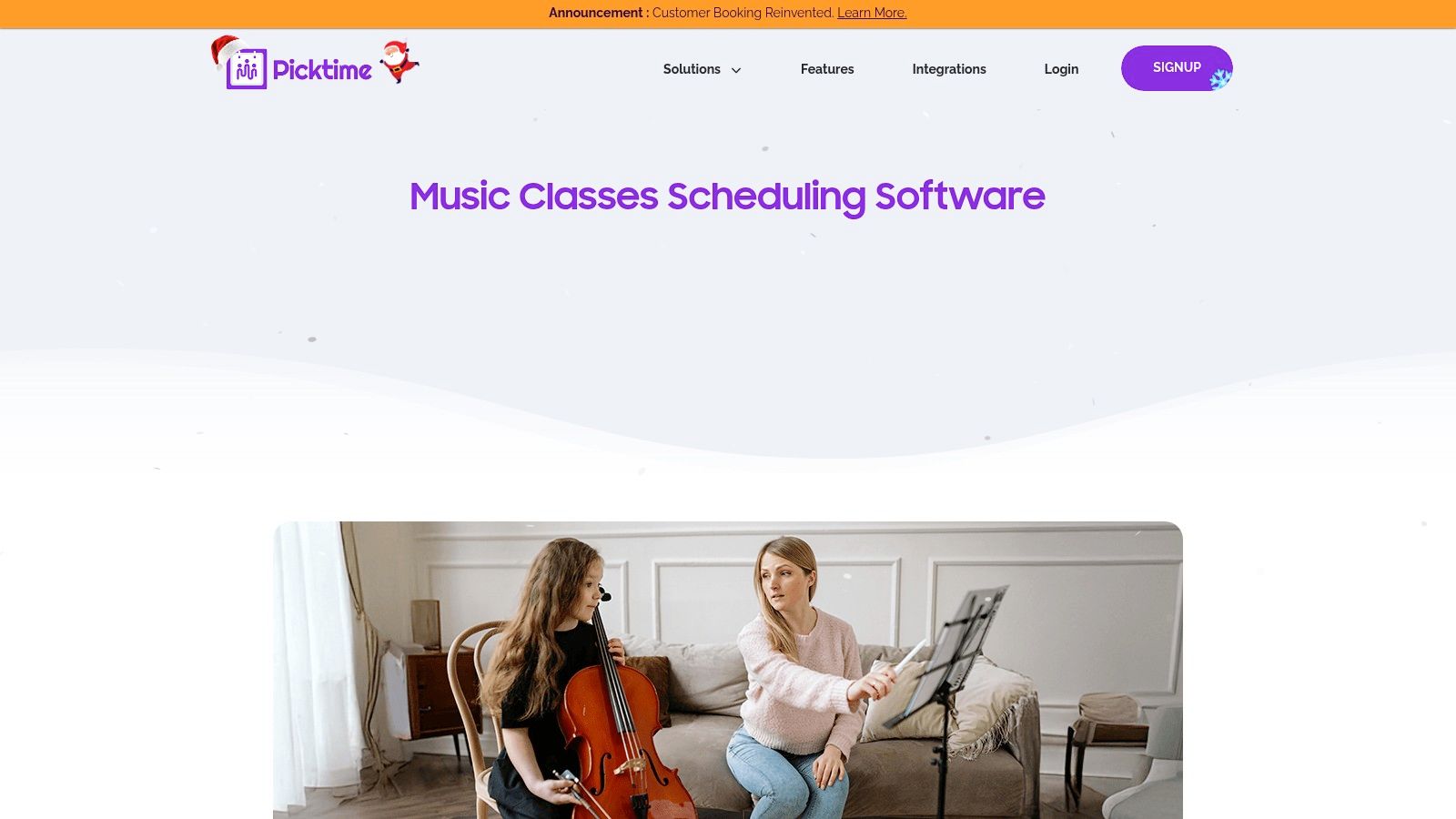
This makes it an excellent choice for new music academies or dispersed teams of teachers who primarily need to manage prepaid lesson packages and online bookings without a steep learning curve. Features like multi-location support and a clear revenue dashboard provide a solid foundation for growing businesses that prioritize ease of use over deep administrative workflows.
Core Features & User experience
Picktime's user experience is clean and straightforward. Key features include automatic time-zone detection for online lessons, direct integrations with Zoom and Google Meet, and the ability for students to book themselves into recurring class series. The interface is intuitive, making it a good choice for those who value speed and simplicity. It lacks the comprehensive student management and payroll features of dedicated platforms.
- Pricing: Offers a generous free plan for basic scheduling. Paid plans with more advanced features like payment processing and SMS reminders start at competitive rates.
- Ideal For: Solo music teachers and small music schools needing a simple, fast, and often free solution for online booking.
- Pros: Very quick to configure, has a useful free tier, and the metrics dashboard provides helpful revenue insights for small operations.
- Cons: Lacks the deep, education-specific features of a full music school management system.
Top 12 Music Lesson Scheduling Apps Comparison
| Product | Core features | Best for / Scale | Key differentiator | Setup & support | Pricing signal |
|---|---|---|---|---|---|
| Tutorbase (Recommended) | AI scheduling (Find Slot/Spot), attendance‑driven billing, payroll (complex models), multi‑branch rooms, lead capture | Tutoring centers, language schools, test‑prep; 5–100+ teachers; 50–10,000+ lessons/week | AI-powered slot discovery, fully automated invoicing from attendance, advanced payroll, multi‑brand support | Demo + guided onboarding and data migration | No public pricing — demo/quote |
| My Music Staff | Calendar billing tied to attendance, parent/student portal, reminders, website builder | Solo teachers → multi‑teacher studios | Deep music‑specific workflows and documentation | Learning curve for first setup; 30‑day trial available | Subscription; trial available |
| Duet Partner | Smart scheduling, automated invoicing, online payments, self‑scheduling | Solo music teachers / single‑teacher studios | Simple, modern onboarding and student self‑booking | Fast onboarding; targeted for single teachers | Affordable solo‑focused plans; trial/discounts |
| Jackrabbit Music | Online registration, parent portal, automated billing, reporting, multi‑location | Larger academies, youth activity centers, multi‑location schools | Enterprise‑grade reporting and registration workflows | Heavier implementation; onboarding resources & trial | Enterprise pricing; demo/90‑day guarantee |
| TeacherZone | Drag‑drop scheduler, tuition plans, auto‑billing, LMS (practice/content) | Music schools wanting integrated LMS + scheduling | Built‑in LMS for practice tracking + engagement | Demo‑driven sales; implementation support | Demo/quote (limited public pricing) |
| Pike13 | Recurring classes, appointments, waitlists, room reservations, payments, reporting | Multi‑instructor music schools, multi‑service orgs | Strong payments options and robust reporting for multi‑location ops | Sales‑assisted demo required | Custom pricing (demo) |
| Sawyer (DaySmart Sawyer) | Unlimited schedules/locations, embeddable booking, parent‑friendly registration | Children's activity programs and music schools | Fast onboarding and parent‑centric registration UX | Fast setup with hands‑on onboarding & resources | Subscription; demo/onboarding packages |
| Teachworks | One‑on‑one & group scheduling, website booking widgets, automated invoicing, music add‑ons | Schools needing granular roles, permissions, and music add‑ons | Education/music add‑ons (repertoire tracker), granular permissions | Configurable but can be complex; semi-manual billing | Tiered subscription; configurable |
| Acuity Scheduling (Squarespace) | Appointment/class booking, custom intake forms, embeds, Zoom integration | Solo teachers and small studios wanting fast self‑booking | Very fast deployment, strong docs and embeds | Very quick to deploy; self‑serve | Affordable subscription tiers |
| Setmore | Public booking page, recurring appointments, reminders, payment integrations | Independent teachers seeking free/low‑cost entry | Free plan available for quick rollout | Quick setup; freemium model | Freemium → Pro paid tiers |
| GetApp | Curated listings, filters, review summaries, vendor links | Teams shortlisting software and comparing vendors | Neutral marketplace to discover & filter dozens of tools | Self‑serve research platform | Free to use (vendor links may be sponsored) |
| Picktime | Lesson packs (prepaid), recurring bookings, waitlists, revenue dashboard, multi‑location | Small academies and dispersed teacher teams | Free plan + quick config with prepaid packs | Fast configuration; freemium support | Freemium with paid upgrades |
Final Thoughts
Choosing the right software is a pivotal decision for any growing music school. After reviewing this list, it's clear that while many tools can handle basic calendar management, the true value lies in a platform that integrates every facet of your operations. From initial student inquiry to final payroll calculation, the right system saves you from the administrative chaos of fragmented tools.
We've seen solutions that excel in specific areas. My Music Staff and Duet Partner are built for the solo music instructor, while larger platforms like Jackrabbit Music provide robust class management but can be overly complex. Simple schedulers like Acuity and Setmore offer great booking pages but leave you to manage billing, payroll, and multi-teacher coordination manually.
Making the Right Choice for Your Music School
Your final decision should be guided by your business's current stage and future aspirations. A solo tutor has vastly different needs than a multi-location academy with 50 teachers and complex room-booking requirements.
Before you commit, ask yourself these critical questions:
- How much time am I currently spending on administrative tasks? Calculate the hours you spend weekly on creating invoices, chasing payments, calculating teacher pay, and manually resolving scheduling conflicts. This is the time a comprehensive system can give back to you.
- What are my biggest operational bottlenecks? Is it the 10-minute process to book a single trial lesson? Is it the constant back-and-forth to find an available room? Or is it the end-of-month scramble to ensure payroll is accurate? Pinpoint your primary pain points.
- Where do I plan to be in two years? If you plan to hire more teachers or open a new location, choose a platform that can scale with you. Migrating systems is disruptive, so it pays to select a tool that supports your growth. A system like Tutorbase is designed to handle this growth, preventing the performance slowdowns that plague other software when managing thousands of weekly lessons.
Beyond Scheduling: The Path to Automation
Implementing one of these apps is a significant first step toward operational efficiency. It automates a critical part of your business, freeing up time you can reinvest into teaching, marketing, and strategic growth. Once your scheduling and billing are streamlined, you can explore further optimizations. To attract new students with less manual effort, consider implementing broader marketing automation strategies for small businesses.
Ultimately, the best music lesson scheduling app is the one that removes friction from your daily operations and empowers you to build a more profitable, organized, and scalable business. By carefully evaluating your needs against the features we’ve outlined, you can confidently select a partner for your school’s future success.
Ready to eliminate double-bookings, automate your invoicing, and cut administrative time by over 60%? See how Tutorbase was built by school owners to solve the exact operational challenges you face every day. Explore Tutorbase and discover a smarter way to manage your music school.


