


Key Takeaway: The best tutoring software with a parent portal in 2026 reduces administrative time, eliminates booking errors, and enhances client communication. For tutoring centers aiming to scale, platforms like Tutorbase offer AI-powered scheduling, automated billing from attendance, and complex payroll management, replacing fragmented tools like spreadsheets and calendars with a single, unified system.
For growing tutoring centers, the days of managing operations with a patchwork of spreadsheets, calendars, and payment apps are over. The administrative burden of manually scheduling lessons, chasing payments, and communicating with parents consumes 10+ hours per week that could be spent on growth and educational quality. The core problem is a lack of a single, unified system, leading to booking errors, billing delays, and poor visibility into your business's health. A parent portal, once a "nice-to-have," is now a critical component of the best tutoring software, acting as a central hub for communication and client self-service.
This guide dives deep into the top 12 tutoring software platforms for 2026, each selected for its robust parent portal capabilities. We cut through the marketing jargon to provide an honest assessment of each tool's strengths and limitations. You will find in-depth analysis, screenshots, and direct links to help you evaluate platforms based on scheduling automation, billing flexibility, payroll complexity, and multi-location management. Our goal is to equip you with the information needed to choose a system that streamlines your back-office and enhances the client experience.
Effectively managing parent communication is a key driver of retention. Beyond just providing a portal, understanding how to truly optimize the parent and student experience is crucial. For tutoring centers looking to elevate their client relations, applying principles for improving customer service in higher education can offer valuable strategies. This article will help you find the software foundation to build that exceptional service upon, transforming your administrative processes from a bottleneck into a competitive advantage.
1. Tutorbase
Tutorbase is an all-in-one, AI-powered management platform designed for ambitious tutoring centers, language schools, and multi-branch academies aiming to eliminate administrative friction. It replaces patchwork systems of spreadsheets and disparate apps by consolidating scheduling, billing, payroll, and parent communication into a single, cohesive dashboard. For centers managing complex operations, Tutorbase is a powerful contender for the best tutoring software with a parent portal due to its focus on deep automation and scalability.
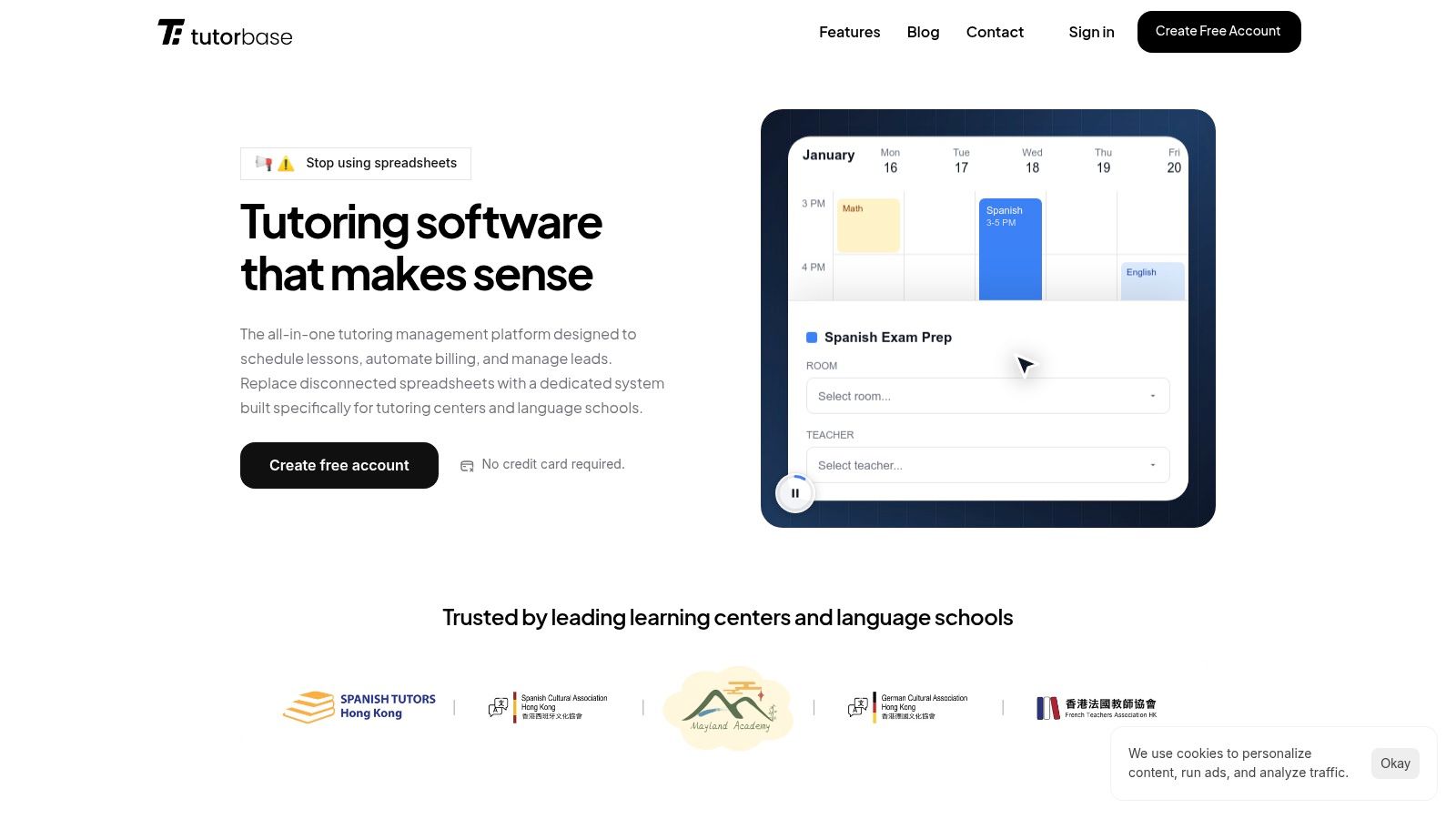
The platform’s standout features are its intelligent scheduling tools, "Find Slot" and "Find Spot," which use AI to instantly suggest optimal teacher, room, and time combinations or find open seats in existing classes. This functionality, combined with its robust conflict detection, directly addresses the costly problem of double-bookings and underutilized capacity. Furthermore, its automated billing system generates invoices directly from attendance records, supporting everything from prepaid credits and lesson packages to complex subscription models, significantly reducing revenue leakage and time spent chasing payments. The system's comprehensive parent portal capabilities are a core component, designed to streamline communication and enhance the client experience. Learn more about how Tutorbase enhances parent communication and engagement.
Key Features and Use Cases
- AI-Powered Scheduling: The "Find Slot" feature reduces the time to book a new student from 10+ minutes of manual cross-referencing to under 2 minutes of automated suggestions.
- Flexible Billing & Payroll Automation: Tutorbase handles complex, real-world financial scenarios. It natively supports prepaid credit wallets with low-balance alerts and accommodates diverse payroll models like revenue-sharing or base-plus-variable compensation, which are often manual pain points in other systems.
- Multi-Branch & Room Management: The platform is built for scale, allowing operators to manage multiple locations from one dashboard, track room utilization, and even automatically apply room-specific fees to invoices.
- Integrated Lead Management: A native CRM with a WhatsApp lead-capture widget helps centers track prospective students from initial inquiry to conversion, providing clear visibility into the enrollment pipeline.
Pricing and Onboarding
Tutorbase does not offer public pricing plans. Access and costing require scheduling a demo for a custom quote tailored to your organization's size and complexity. While this allows for a bespoke solution, it can be a hurdle for smaller centers needing immediate budget clarity. The initial setup requires a dedicated onboarding effort to configure scheduling rules, pricing policies, and payroll models, making it best suited for businesses ready to invest time in a comprehensive system migration.
Website: https://tutorbase.com
2. Teachworks
Teachworks is a mature and robust tutoring management software designed for established tutoring centers, music academies, and language schools. Its key strength lies in its highly granular user account system, which separates "Family" and "Student" profiles. This allows tutoring businesses to give parents controlled access to billing, scheduling, and progress notes while maintaining distinct records for each student.
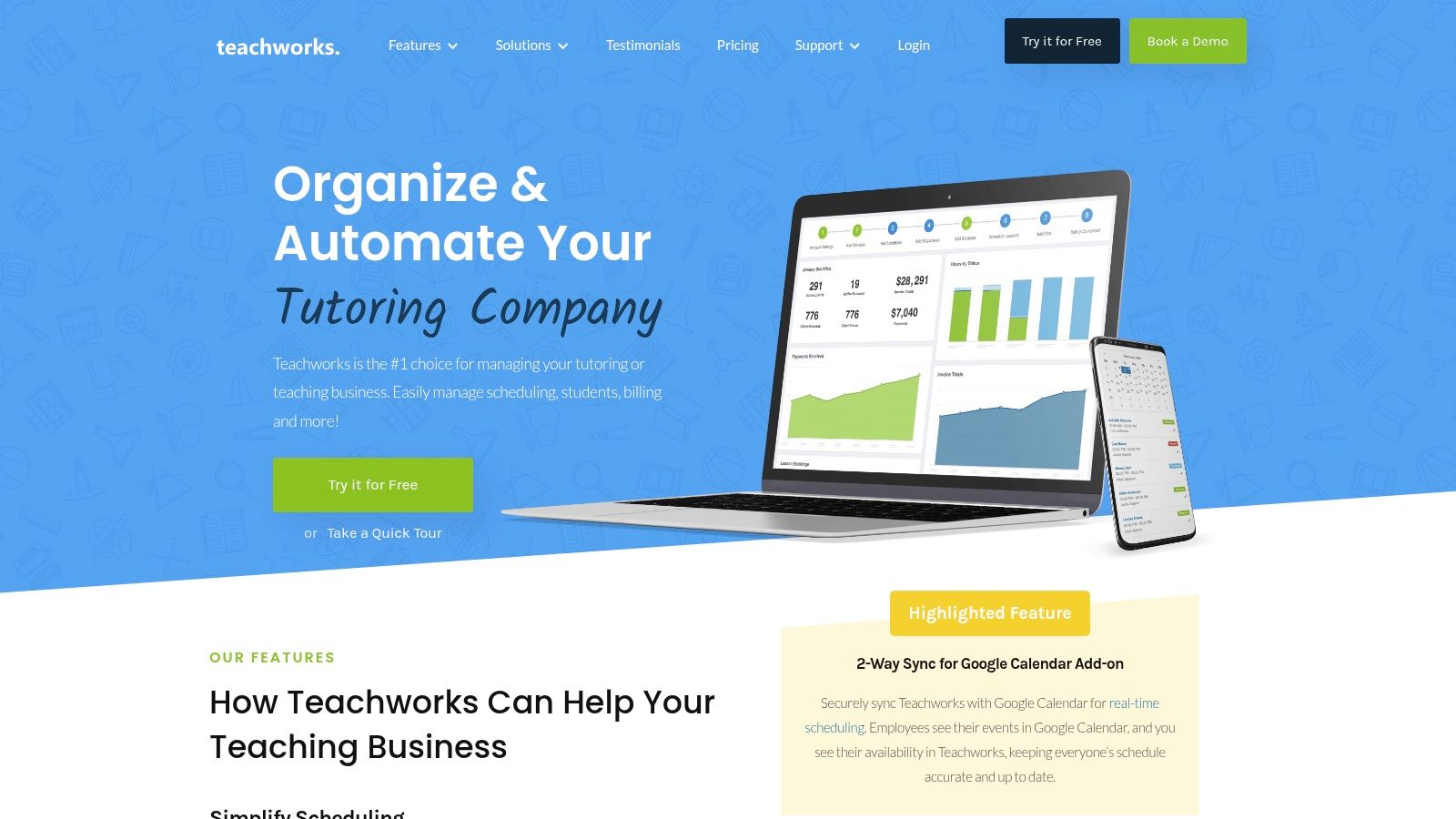
This platform excels at providing a comprehensive administrative toolkit. Features include detailed scheduling, attendance tracking, automated invoicing, and extensive staff management tools. For businesses that require a clear separation of financial and academic information, Teachworks provides one of the best parent portal experiences, allowing multiple guardians to have separate logins under a single family account.
User Experience and Pricing
The user interface feels utilitarian and function-focused, which can present a learning curve for administrators setting up complex rules. However, it is supported by an extensive library of help center documentation. Pricing is not publicly listed on their website, requiring potential customers to contact the sales team for a quote, which is a common practice for established software targeting diverse business sizes.
Pros and Cons
- Pro: Granular user permissions for family and student accounts provide excellent control over what parents can see and do.
- Pro: A long-standing, feature-rich platform with comprehensive documentation for self-service support.
- Con: The interface can feel dated and may require dedicated training for new staff members to use effectively.
- Con: Lacks native prepaid credit systems and advanced payroll models like revenue sharing, making it less suitable for centers with complex financial operations.
Teachworks is a solid choice for centers prioritizing administrative depth and controlled parent access over a modern, flashy interface. For those interested in a more in-depth comparison, you can explore this Teachworks review and alternatives guide.
Website: https://teachworks.com
3. TutorCruncher
TutorCruncher is an end-to-end management software designed for growing tutoring agencies that need integrated CRM, scheduling, billing, and payroll. Its client portal is a key feature, giving parents a single place to view upcoming lessons, access tutor reports, and conveniently pay outstanding invoices online. This consolidates communication and administrative tasks, saving time for both the business and its clients.
The platform stands out with its focus on financial automation. Features like semi-manual invoicing based on completed lessons, integrated payment processing through Stripe, and built-in payroll calculation make it ideal for agencies looking to scale. It effectively connects the academic side (lesson reports) with the financial side (billing and payments), providing a seamless experience for parents and reducing administrative overhead for the business.
User Experience and Pricing
TutorCruncher offers a clean, modern interface that is generally intuitive, though some advanced features may require time to master during initial setup. The pricing model is flexible, with a "Pay-As-You-Go" option for smaller businesses and a "Startup" plan for those with more consistent volume. This transparent approach allows companies to choose a plan that aligns with their current size and budget.
Pros and Cons
- Pro: Strong payment and reporting tools are well-suited for scaling tutoring agencies that need robust financial controls.
- Pro: Flexible pay-as-you-go and startup plans offer accessible entry points for businesses of different sizes.
- Con: Billing is semi-manual and prepaid credit systems are a limited add-on, not a native feature, which can create administrative friction.
- Con: Lacks advanced features for multi-branch room management and multi-brand support, which limits its scalability for larger enterprises.
TutorCruncher is a powerful choice for agencies prioritizing financial automation and a professional client experience. It provides one of the best tutoring software with parent portal options for businesses focused on growth.
Website: https://tutorcruncher.com
4. TutorBird
TutorBird positions itself as an affordable and accessible tutoring business management platform, perfectly suited for individual tutors, small studios, and mid-sized centers. Its main appeal is its simplicity and low-cost entry point, providing essential features without overwhelming users. The optional Student and Parent Portal allows families to handle scheduling, view lesson notes, track attendance, and make online payments, streamlining communication and administrative tasks for smaller operations.
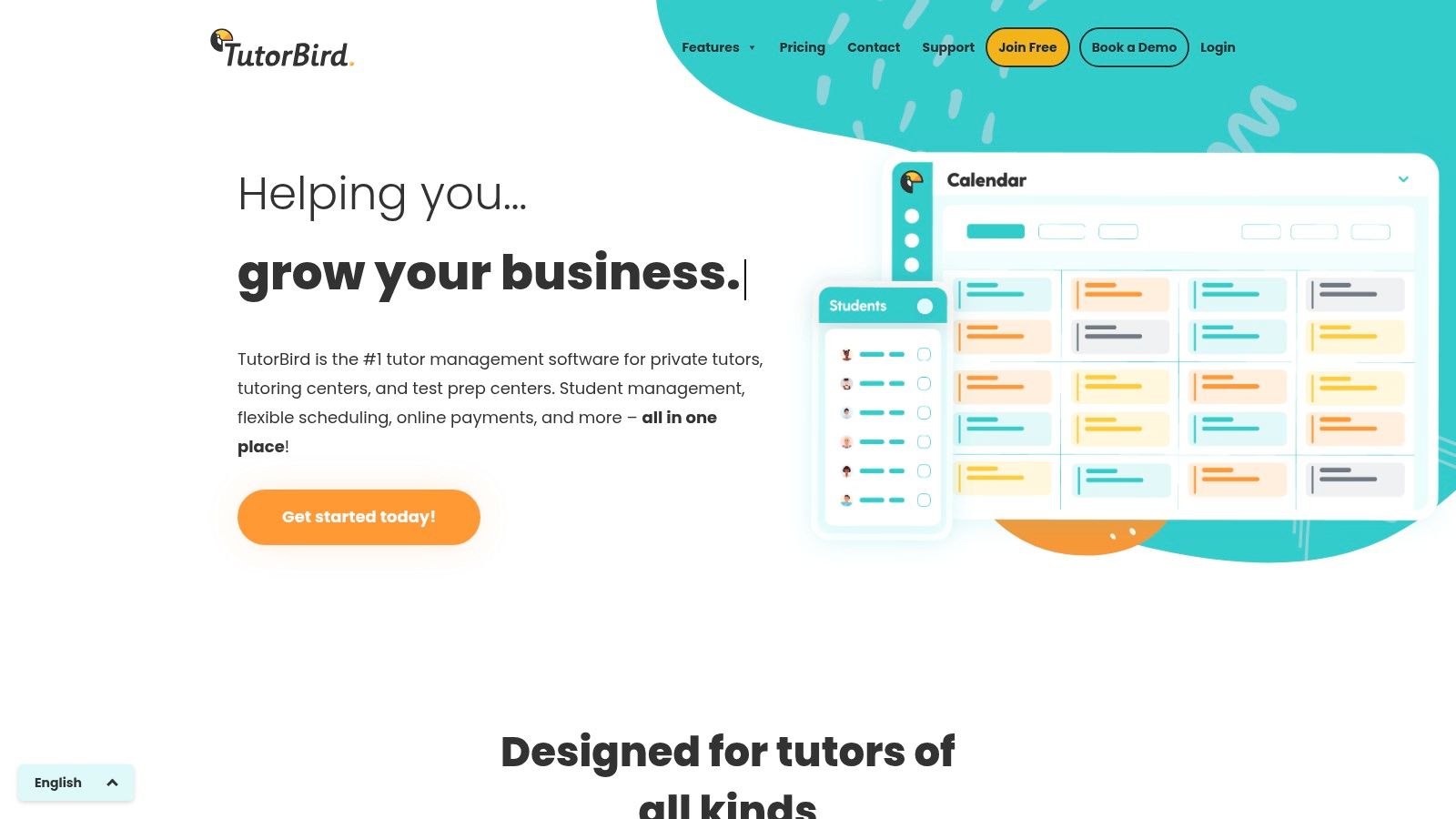
The platform focuses on core functionalities like student self-scheduling for open slots or make-up lessons, online payment processing via Stripe and PayPal, and a space for sharing lesson notes and files. This makes it one of the best tutoring software with parent portal options for businesses looking for a quick and straightforward implementation. It provides the necessary tools for organization and parent engagement without the complexity of enterprise-level systems.
User Experience and Pricing
TutorBird offers a clean, user-friendly interface that is relatively easy to navigate, making it fast to set up and implement. Its pricing is transparent and highly competitive, based on the number of active students, which is attractive for growing businesses. This model allows tutors to start small and scale their subscription as their student base expands, avoiding a large upfront investment.
Pros and Cons
- Pro: Very low entry price point with all core features included, making it accessible for new and small businesses.
- Pro: Quick to implement and easy to use, minimizing the training time required for administrators and tutors.
- Con: Offers fewer enterprise-grade controls for multi-location management or complex payroll compared to larger systems.
- Con: Branding and custom workflow options are more limited, which may not suit centers focused on a highly customized parent experience.
TutorBird is an excellent choice for tutors and small centers who need a reliable, all-in-one solution that is both affordable and easy to manage. For a deeper look at its capabilities, you can find more information about payroll and session management.
Website: https://www.tutorbird.com
5. Jackrabbit Class
Jackrabbit Class is a comprehensive class management software tailored for youth activity centers like swim schools, dance studios, and music academies. While not exclusively designed for academic tutoring, its robust framework is highly applicable to group-based tutoring centers and after-school enrichment programs. Its core strength is a streamlined enrollment and payment process managed through a user-friendly Parent Portal.
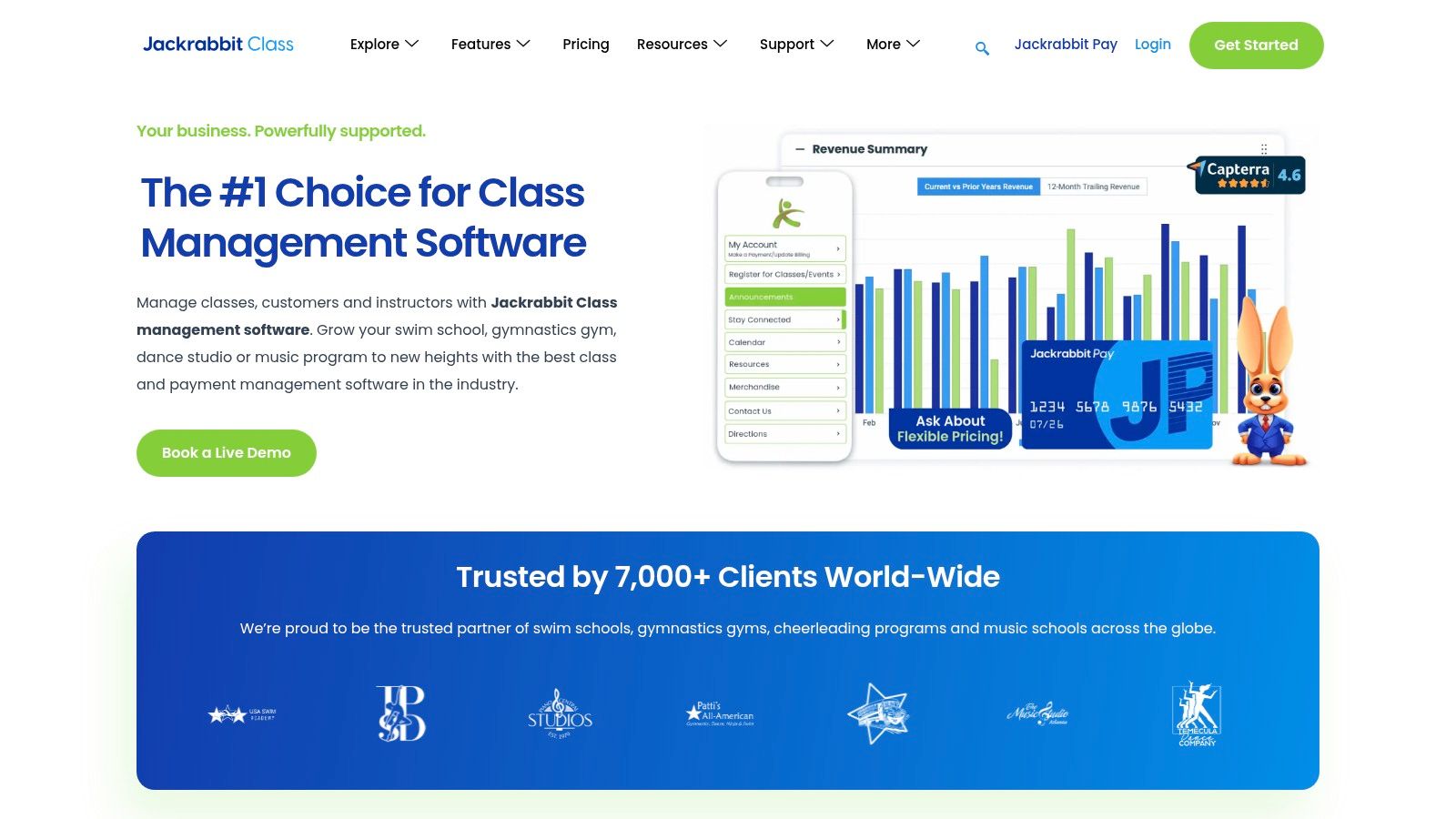
This platform provides parents with a dedicated hub to register for classes, view schedules, update their account details, and make payments online. For the business, this translates to powerful tuition automation that is directly linked to portal enrollments, significantly reducing administrative workload. For tutoring centers looking to scale multi-location programs with a polished and reliable parent-facing experience, Jackrabbit Class is a leading contender. An optional branded mobile app further enhances parent engagement.
User Experience and Pricing
The user interface is modern and intuitive, particularly for parents navigating the portal, which simplifies the registration and payment journey. Administrators benefit from clear, tiered pricing plans based on the number of active students, starting from $45 per month. This transparent model includes a 30-day money-back guarantee, allowing businesses to evaluate the software with minimal financial risk.
Pros and Cons
- Pro: Strong enrollment and automated billing flows designed to scale with multi-location businesses.
- Pro: Transparent, tiered pricing with a money-back guarantee makes it easy to assess for your budget.
- Con: The feature set is heavily geared toward group classes, which may require workarounds for businesses focused on one-to-one tutoring.
- Con: The optional branded mobile app, while powerful, comes with an additional setup fee.
Jackrabbit Class is an excellent choice for group-oriented tutoring programs that prioritize a seamless parent registration and payment experience above all else.
Website: https://www.jackrabbitclass.com
6. iClassPro
Originally designed for kids' activity centers like gymnastics and dance studios, iClassPro has become a popular choice for tutoring businesses that operate with a class or camp-based model. Its key advantage is a modern and intuitive customer portal that empowers parents with extensive self-service capabilities. From creating family accounts and adding students to enrolling in classes and paying online, the portal is designed to significantly reduce administrative workload.
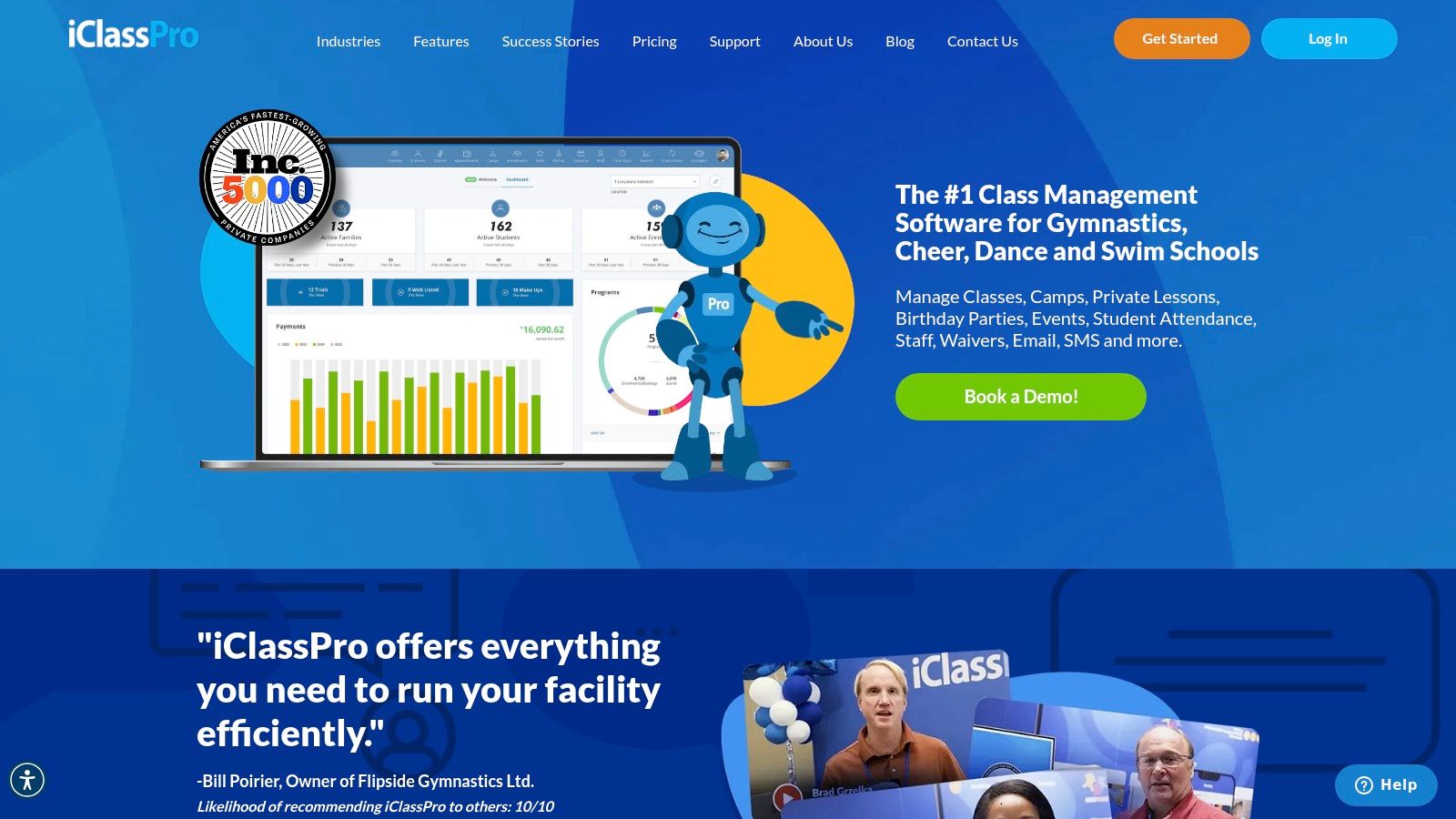
The platform shines in handling group enrollments, absence reporting, and even transfer or drop requests directly through the parent interface. A standout feature is the optional ProShop, an e-commerce function that lets centers sell books, materials, or merchandise within the portal. While it can be adapted for private lessons, its core logic is optimized for group scheduling, making it one of the best tutoring software with parent portal options for centers focused on classes.
User Experience and Pricing
The parent-facing portal offers a clean, user-friendly experience that minimizes the need for support calls. Tutoring businesses can even opt for a branded mobile app to establish a presence on the app stores, enhancing parent engagement. However, the administrative backend is geared towards class management, so centers focusing purely on one-on-one tutoring might need to adapt their workflows. Pricing is not listed publicly, requiring you to contact their sales team for a customized quote.
Pros and Cons
- Pro: A modern, clean parent experience that simplifies registration, payments, and class management, reducing support calls.
- Pro: Offers an optional branded mobile app, providing a professional and accessible touchpoint for families.
- Con: The system is primarily built for class and camp-style programs; purely one-on-one tutoring workflows may feel less intuitive.
- Con: Pricing requires direct contact with the sales team, which prevents quick budget comparisons.
iClassPro is an excellent fit for tutoring centers that structure their offerings around group classes, workshops, or academic camps and want to provide a seamless, self-service portal for parents.
Website: https://www.iclasspro.com
7. Sawyer (Hisawyer)
Sawyer is a popular registration and program management software designed for children's enrichment activities, which includes tutoring centers, camps, and after-school programs. Its core strength is its parent-centric design, featuring robust family profiles that capture caregiver details, student information, and even medical notes. The platform's standout feature is its built-in Sawyer Marketplace, which gives providers additional exposure to parents actively seeking activities, helping to fill empty class slots.
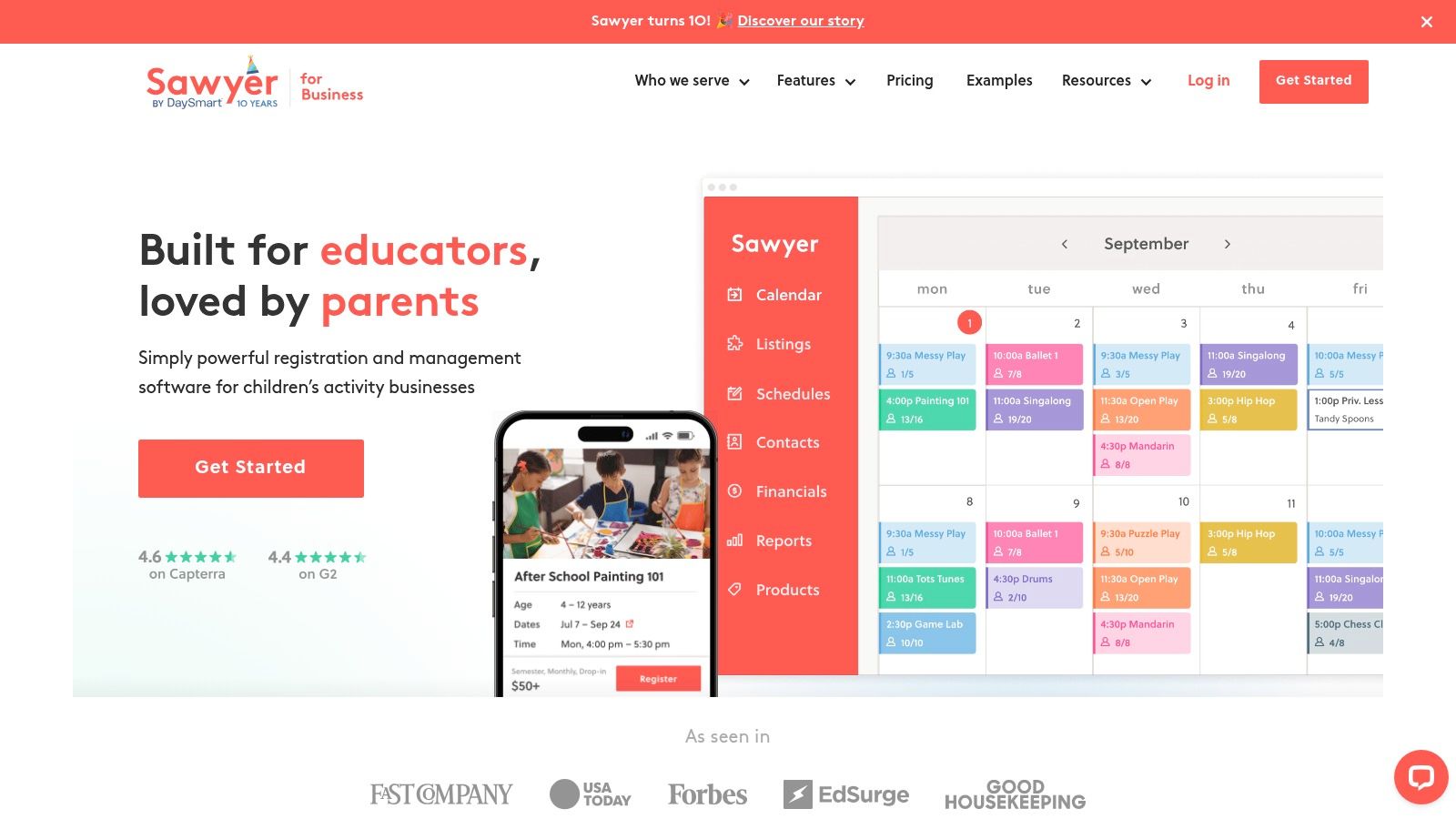
This platform streamlines the parent experience with embeddable schedules, mobile-friendly registration forms, and automated communications for reminders and waitlist updates. For businesses focused on group classes, camps, or seasonal programs, Sawyer offers one of the best parent portal experiences for registration and payment management. It effectively bridges the gap between administrative needs and customer acquisition.
User Experience and Pricing
The user interface for both administrators and parents is modern, clean, and intuitive, prioritizing ease of use for program discovery and sign-up. Sawyer offers clear pricing tiers on its website, starting with a free "Launch" plan and scaling up to paid plans that offer more advanced features. It's important to note that payment processing fees and optional add-ons can increase the total cost of ownership.
Pros and Cons
- Pro: The integrated Sawyer Marketplace provides a unique marketing channel to attract new families and boost enrollments.
- Pro: Offers clear, transparent pricing plans with a free entry-level option, making it accessible for new businesses.
- Con: It's a general activities platform, so its lesson-reporting and academic progress tracking features are less specialized than dedicated tutoring CRMs.
- Con: The final cost can be higher than the base plan price once transaction fees and add-on features are included.
Sawyer is an excellent choice for tutoring businesses that run a variety of group programs and want a powerful tool for marketing and registration.
Website: https://www.hisawyer.com/for-business
8. Pike13
Pike13 is a business management platform designed for appointment- and class-based organizations, including tutoring centers that require robust client management. Its strength is in its family account structure, which allows a primary account manager, typically a parent, to manage bookings, payments, and legal documents for multiple linked dependents from a single, unified dashboard.
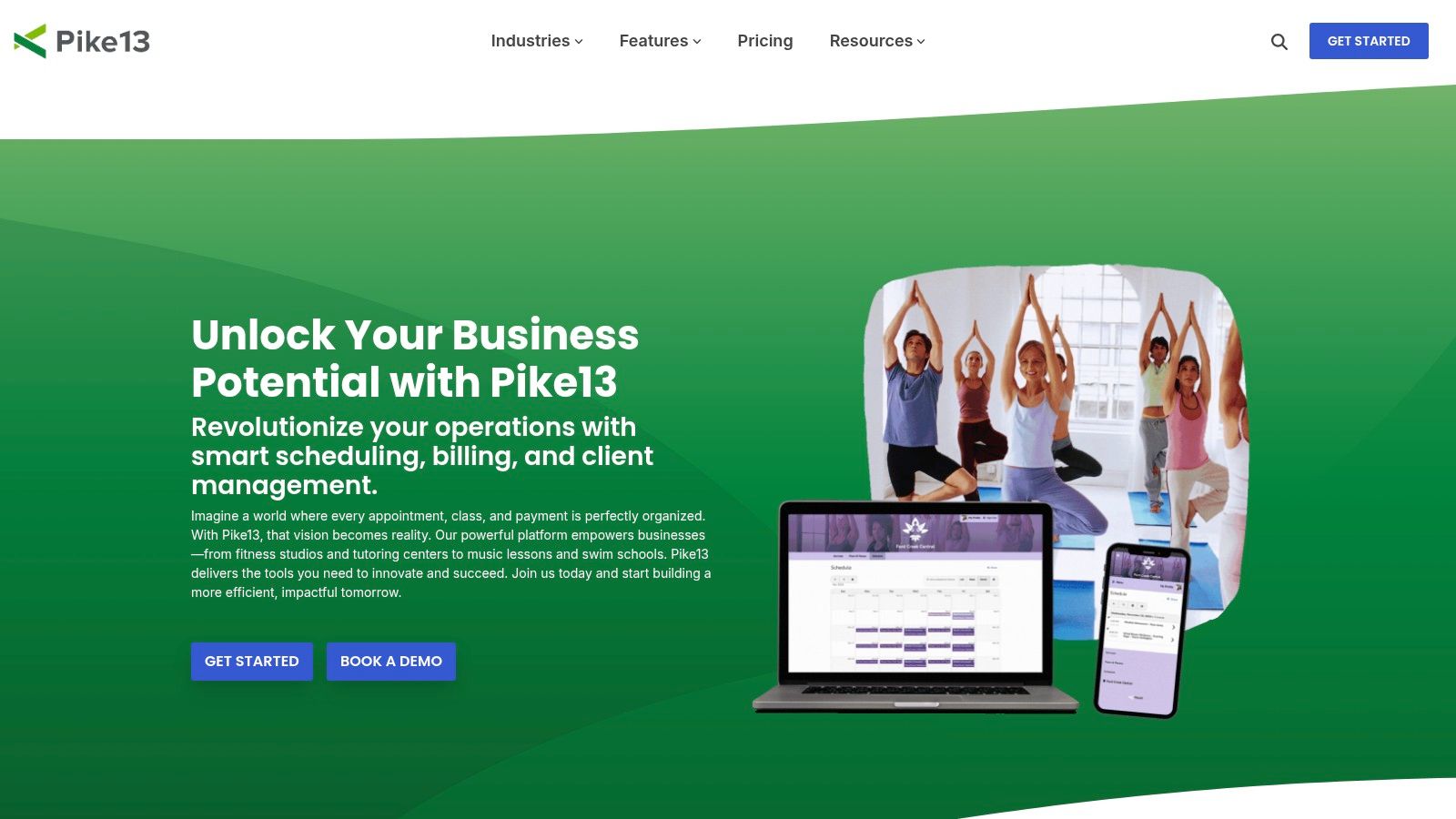
This platform offers a powerful self-service client portal where parents can handle everything from scheduling new sessions to signing waivers on behalf of their children. This is particularly valuable for tutoring businesses with multi-location operations, as Pike13’s architecture is built to handle complex scheduling and permissions across different branches. It provides a compliance-oriented toolkit suitable for centers that need to manage a high volume of clients and staff.
User Experience and Pricing
Pike13 presents a modern and clean user interface that is more intuitive than many legacy systems, simplifying the client-facing experience. For administrators, it offers deep customization but may require an initial setup period to configure all the rules and permissions correctly. Pricing is tiered based on the number of active clients and staff, starting at a higher price point than simpler tools, reflecting its enterprise-grade capabilities.
Pros and Cons
- Pro: Strong family account management with a single login for parents to control multiple student profiles.
- Pro: Well-suited for multi-location businesses, offering centralized control and reporting.
- Con: Its pricing is higher than many tutoring-specific tools, making it a bigger investment for smaller centers.
- Con: Some features, such as advanced retail or marketing tools, may be available only as add-ons at an additional cost.
Pike13 is an excellent option for established, growing tutoring businesses that prioritize a seamless parent self-service experience and have the operational complexity, like multiple locations, to justify the investment.
Website: https://www.pike13.com
9. Omnify
Omnify is a versatile booking and business management platform originally designed for service-based businesses like camps, classes, and fitness clubs. While not built specifically for tutoring, its robust "Client Portal" has excellent features for managing family accounts, making it a strong contender for tutoring centers that handle multiple children from the same household. Its core strength is simplifying the booking and payment process for parents.
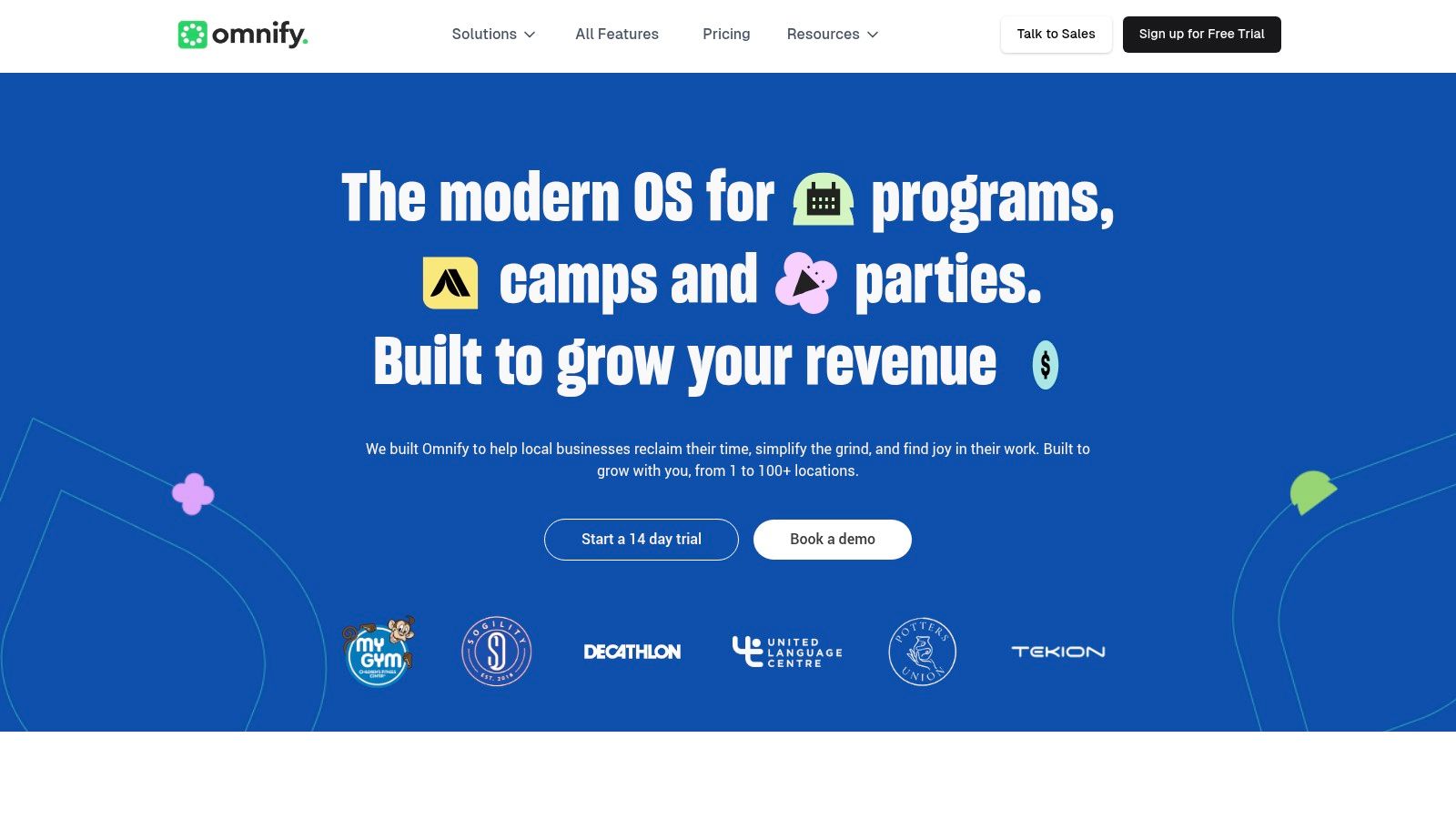
The platform allows parents to create a primary account and add multiple children as sub-profiles. From a single login, they can manage bookings, view schedules, and purchase class packs or memberships for each child. Features like family sharing of credits and automated family discounts streamline administration for multi-sibling enrollments, a common scenario for after-school programs and tutoring centers.
User Experience and Pricing
Omnify’s user interface is modern, clean, and intuitive, prioritizing a smooth booking experience for parents. Setting up classes and pricing is straightforward. The platform offers a tiered pricing model, starting with a basic plan and scaling up with more advanced features and higher booking volumes. This transparent pricing allows businesses to choose a plan that aligns with their current size and budget.
Pros and Cons
- Pro: Strong family-centric workflows, allowing parents to easily manage multiple children under one account.
- Pro: Flexible pricing models, including class packs, memberships, and subscriptions, cater to diverse business needs.
- Con: It is not a dedicated tutoring software, so it may lack specialized features like in-depth academic progress tracking or complex tutor payroll calculations.
- Con: Some advanced features, like custom fields or specific integrations, may require higher-tier plans or add-ons, increasing the overall cost.
Omnify is an excellent choice for centers prioritizing a seamless parent booking experience, especially those with many multi-child families.
Website: https://www.getomnify.com
10. Jumbula
Jumbula is a versatile online registration and program management platform designed for camps, classes, and after-school programs. Its strength for tutoring businesses lies in its robust family and parent portal, which simplifies enrollment, payment processing, and accessing important documents. This makes it a great fit for centers that manage seasonal programs or require flexible subscription billing options.
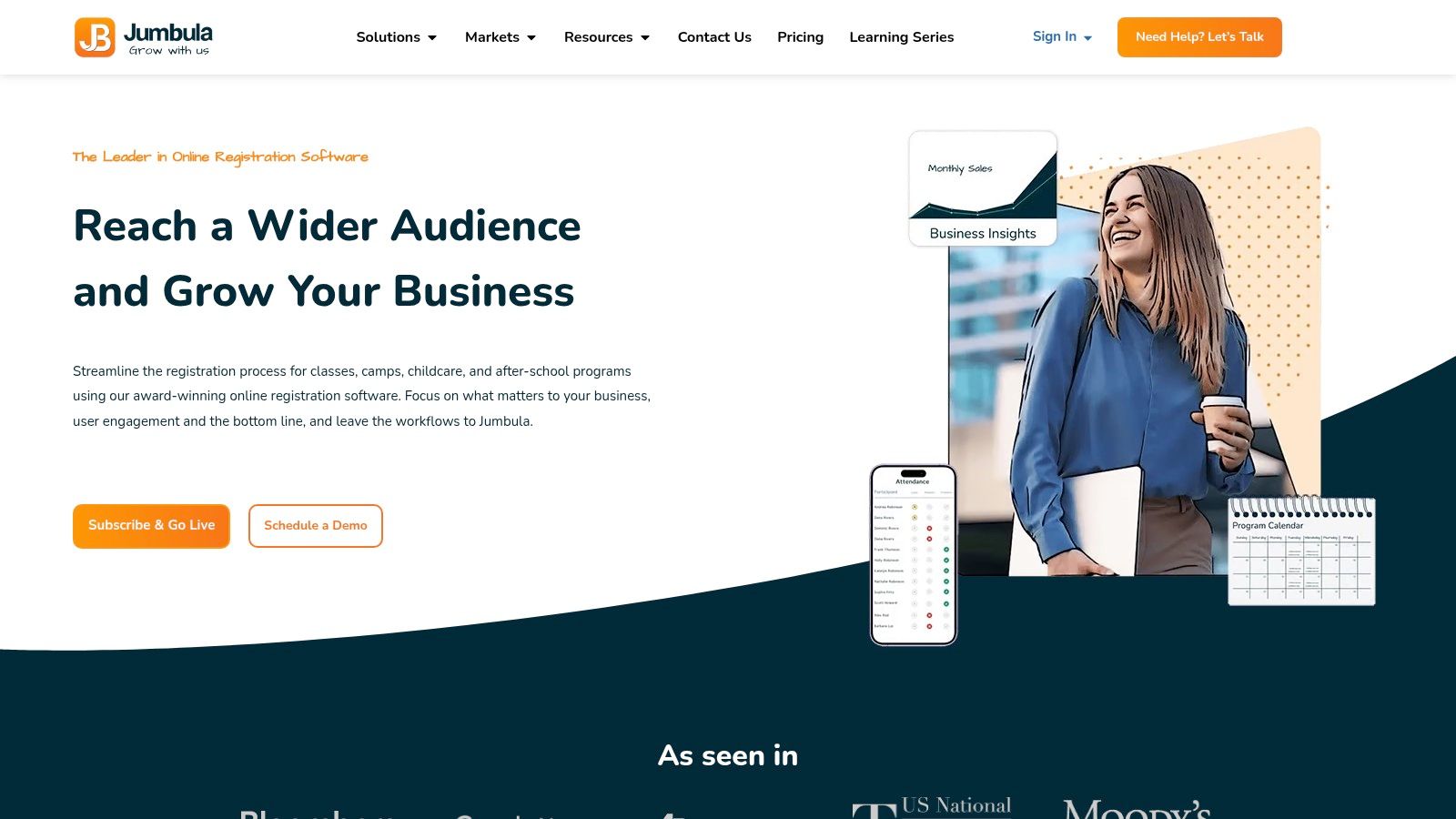
The platform focuses on streamlining the parent-facing experience, allowing families to manage registrations, view their payment history, and handle subscriptions with auto-renew features from a central dashboard. Tutoring centers benefit from powerful backend tools like the WebConnect add-on, which lets them embed schedules and registration forms directly onto their website. This creates a seamless workflow from discovery to enrollment.
User Experience and Pricing
Jumbula offers a clean, modern user interface that is intuitive for both administrators and parents. Its pricing model is notably transparent, with clear pay-as-you-go and flat-fee monthly tiers, making it accessible for businesses of all sizes. They also provide discounts for nonprofit organizations. However, some advanced features, like the dedicated mobile business app, are available as paid add-ons, which can increase the total cost.
Pros and Cons
- Pro: Excellent for subscription-based billing and managing group class registrations, which is ideal for after-school programs.
- Pro: Strong communication tools, including integrated email and SMS, and safety features designed for managing children's programs.
- Con: As it's not purpose-built for one-on-one academic tutoring, it lacks the detailed lesson reporting and progress tracking some centers require.
- Con: The cost can escalate as you add more features, requiring careful evaluation of which add-ons are truly necessary for your operations.
Jumbula is one of the best tutoring software options with a parent portal for businesses that prioritize easy online registration and group program management over granular academic tracking.
Website: https://jumbula.com
11. Amilia (SmartRec)
Amilia, powered by its SmartRec platform, is a comprehensive recreation and commerce solution well-suited for after-school programs and enrichment centers that also offer tutoring. Its strength is in managing family accounts where parents and guardians can register children for activities, view shared calendars, and handle payments from a unified portal. This makes it a great option for businesses that need facility and point-of-sale (POS) integration alongside their educational offerings.
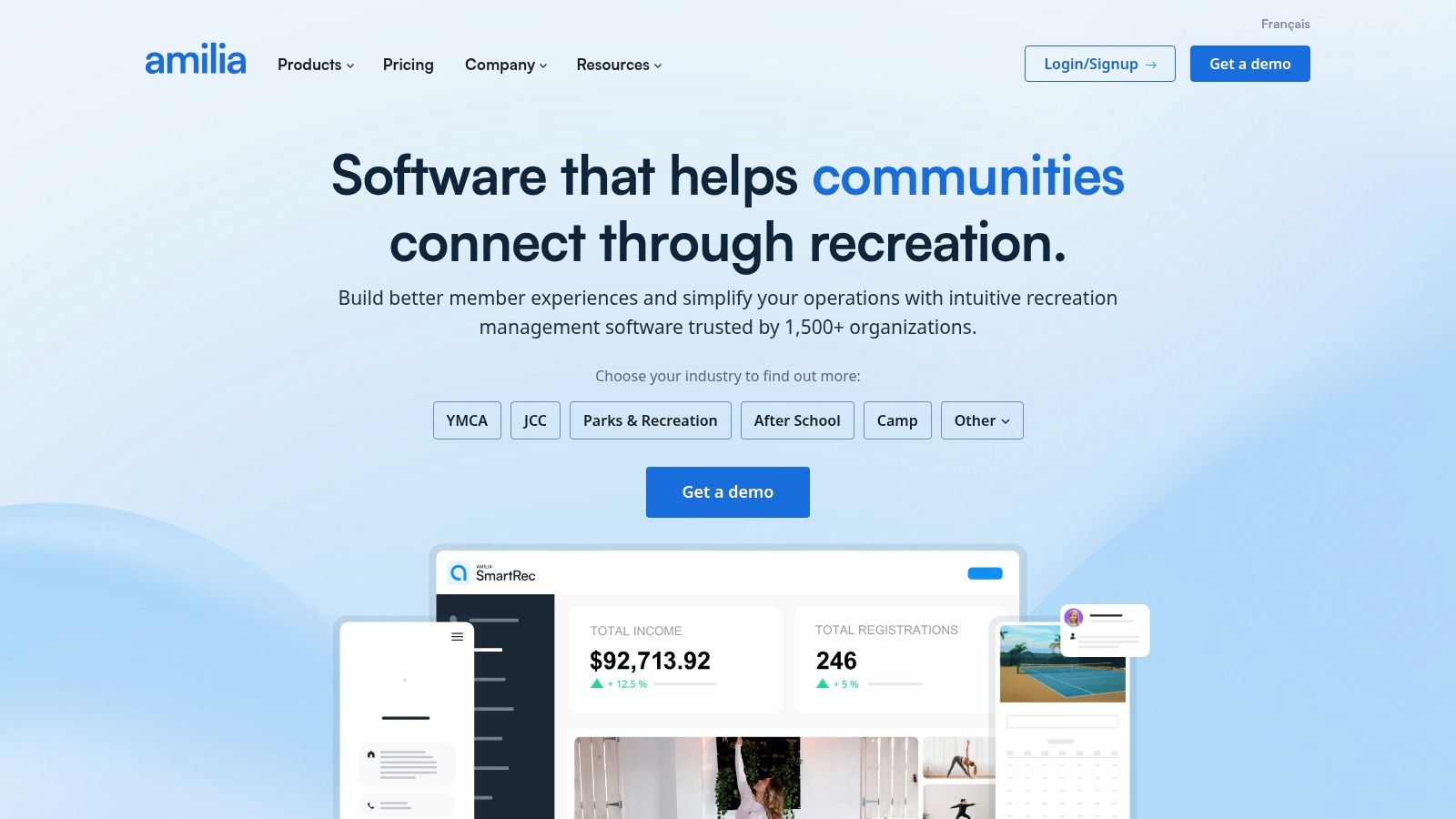
The platform is designed more broadly for community and activity centers, which means it excels at managing memberships, merchandise sales through an online store, and facility rentals. For a tutoring business that operates out of a multi-use facility or sells supplementary materials, Amilia provides an integrated ecosystem that handles more than just lesson scheduling. The family portal is a key feature, allowing multiple guardians to have their own logins while managing a shared schedule and payment methods for their children.
User Experience and Pricing
The interface is modern and geared towards e-commerce, making the parent-facing side intuitive for registrations and payments. For administrators, its broad feature set may require some setup to tailor it to a purely academic workflow. Amilia offers transparent monthly pricing tiers, which is a plus for budget planning, but businesses should be aware of additional service fees and card processing fees on top of the subscription cost.
Pros and Cons
- Pro: Excellent for businesses that manage memberships, facilities, and merchandise sales in addition to classes.
- Pro: Scales effectively for multi-location businesses and organizations with large numbers of family accounts.
- Con: Its focus is on general recreation, so it lacks some of the specialized academic workflows found in dedicated tutoring software.
- Con: The fee structure includes subscription costs plus transaction fees, which can increase the total cost of ownership.
Amilia is a powerful choice for multifaceted educational centers that require robust e-commerce and facility management capabilities, and it provides a solid parent portal experience for these use cases.
Website: https://www.amilia.com
12. Enrollsy
Enrollsy is an enrollment, billing, and communication platform specifically built for education and after-school programs. Its main strength lies in a streamlined, mobile-first customer portal where parents can manage enrollments, make payments, complete digital forms with e-signatures, and communicate directly with staff. This makes it an excellent option for programs that prioritize a simple, modern enrollment experience for parents.
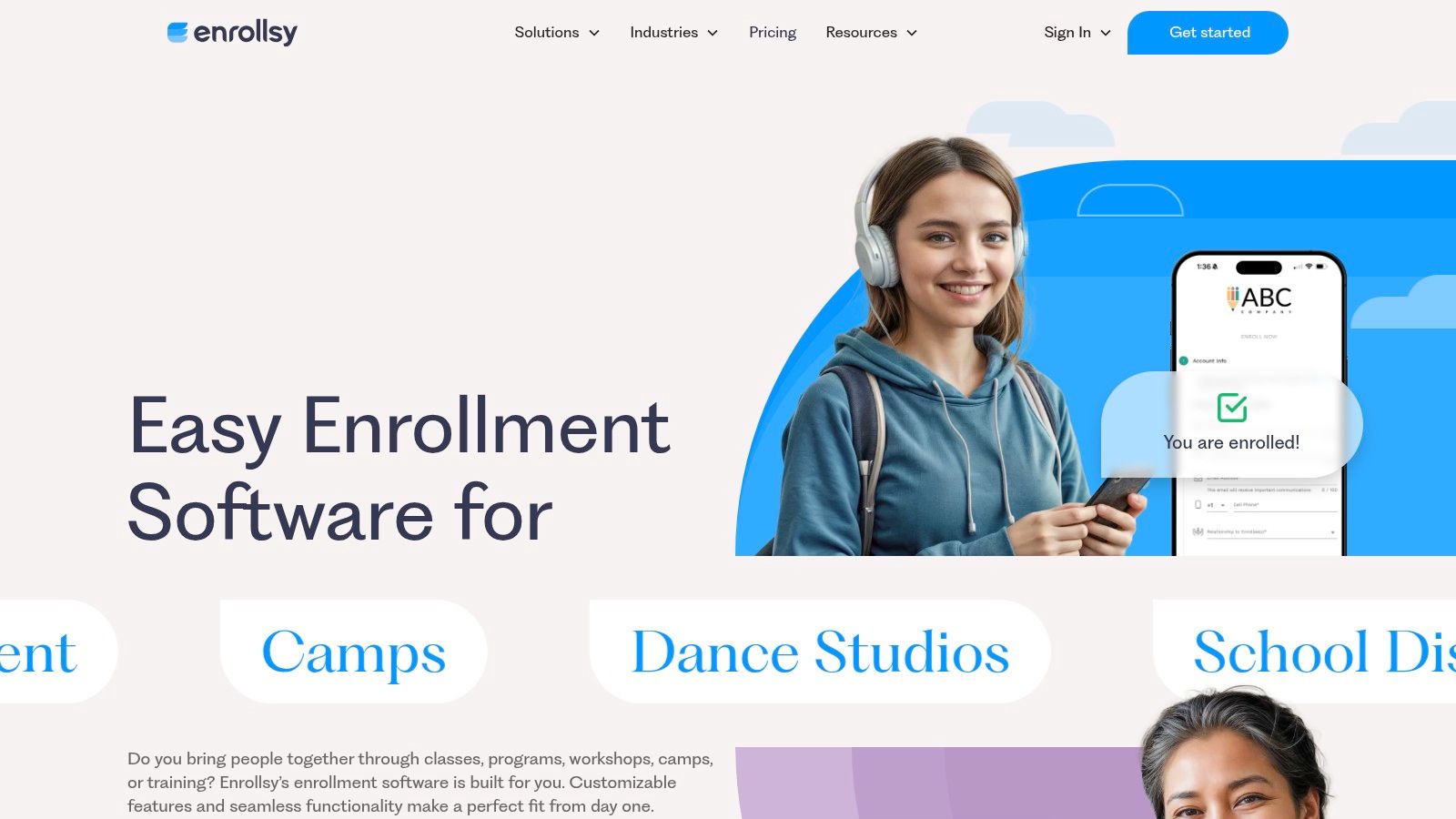
The platform is designed to handle the entire student lifecycle, from initial sign-up to ongoing billing and communication. It offers a dedicated parent portal via both a mobile app and a custom web link, ensuring parents have constant access to their accounts. Features like messaging and content visibility that can be segmented by program allow tutoring centers to deliver targeted information, making it a strong contender for the best tutoring software with a parent portal for seasonal or class-based programs.
User Experience and Pricing
Enrollsy's interface is clean and user-friendly, reflecting its focus on simplifying the enrollment process for both administrators and parents. Pricing is transparent, with clear per-location tiers that are limited by the number of active enrollees, making it scalable for growing programs. However, businesses should factor in the one-time implementation fee. A notable user experience quirk is that parents must use the dedicated app or a custom link to log in, not the main Enrollsy website.
Pros and Cons
- Pro: Purpose-built for education and after-school program workflows, especially paperless enrollment.
- Pro: Clear, scalable per-location pricing tiers that grow with your program size.
- Con: An implementation fee is required, and plans are limited by the number of active enrollees.
- Con: The parent login process is slightly disconnected, requiring a specific app or link rather than the main company website.
Enrollsy is ideal for centers that need a robust, mobile-friendly solution for managing class enrollments and simplifying parent-facing administrative tasks.
Website: https://www.enrollsy.com
Top 12 Tutoring Software with Parent Portals — Feature Comparison
| Product | Core features | Best fit / scale | Key differentiator | Pricing & setup |
|---|---|---|---|---|
| Tutorbase | AI scheduling (Find Slot/Spot), auto billing from attendance, payroll, room & multi-branch management, lead capture | Tutoring centres & language schools, 5–100+ teachers, 1–10+ branches, 50–10,000+ lessons/week | AI-driven slot/spot scheduling, native prepaid credits, advanced payroll, WhatsApp intake, built for scale | Custom pricing / demo required; onboarding support (setup effort recommended) |
| Teachworks | Scheduling, attendance, invoicing, teacher/staff mgmt, family accounts | Centres needing controlled parent/guardian access | Granular family/student account permissions, mature documentation | Contact sales for pricing; moderate setup |
| TutorCruncher | CRM, scheduling, automated invoicing, payroll, client/parent portal | Growing tutoring agencies & scaling teams | Strong payments & reporting, flexible plans (pay-as-you-go available) | Plans incl. pay-as-you-go; card processing fees apply |
| TutorBird | Scheduling, self-scheduling, Stripe/PayPal payments, lesson notes & progress | Small to mid-sized centres seeking low-cost solution | Very low entry price, quick implementation | Low-cost plans; fast onboarding |
| Jackrabbit Class | Class enrollment, parent portal, tuition posting, branded app option | After-school, music, swim, group-class programs | Strong enrollment flows, transparent tiered pricing | Tiered pricing with optional app setup fee |
| iClassPro | Family self-service portal, absence requests, ProShop e‑commerce | Kids activity centres & small-group tutoring | Clean parent UX, optional branded mobile app | Contact sales for pricing; implementation required |
| Sawyer (Hisawyer) | Family profiles, mobile registration, automated emails, waitlist | Enrichment & children’s program providers | Built‑in marketplace exposure to fill programs | Clear plan tiers; not tutoring-specific (feature gaps) |
| Pike13 | Family/dependent accounts, client portal, waiver & compliance tools | Multi-location operations needing permissions/compliance | Mature permissions, compliance-oriented features | Higher pricing; add-ons for some features |
| Omnify | Parent/kid profiles, family sharing of packs, memberships, discounts | Camps, clubs, multi-child households | Strong family workflows, flexible pack/membership pricing | Configurable; some features are add‑ons |
| Jumbula | Family portal, subscription billing, embed options, mobile app | Camps, classes, after-school programs | Clear pay-as-you-go & flat-fee tiers, strong comms tools | Pay-as-you-go or flat-fee; add-ons may increase cost |
| Amilia (SmartRec) | Family accounts, POS, facility mgmt, online store | Recreation, membership commerce, large multi-store programs | Scales for large accounts, facility & POS integration | Transparent monthly tiers + service/card fees |
| Enrollsy | Parent portal, paperless enrollment, messaging, attendance visibility | Education & after-school programs | Purpose-built education workflows, per-location pricing | Implementation fee; plans scale by active enrollees |
Choosing the Right Platform to Scale Your Tutoring Business
Selecting the ideal tutoring software with a parent portal is more than just an administrative upgrade. It is a strategic investment in the operational backbone of your business. As we have explored, the market offers a diverse range of solutions, from foundational platforms like TutorBird and Teachworks, which are excellent for solo tutors and small centers, to more specialized systems like Jackrabbit Class and iClassPro, tailored for activity-based programs. Each platform brings a unique set of strengths to the table.
However, the journey from a small, manually managed operation to a thriving, multi-location enterprise reveals the limitations of simpler tools. Many growing tutoring centers find themselves grappling with the very issues these systems were supposed to solve: fragmented workflows, cumbersome semi-manual invoicing, and basic payroll models that cannot accommodate complex compensation structures. The administrative burden returns, just in a different form, capping your growth potential.
The key takeaway from this comprehensive review is that your choice of software must align not only with your current needs but also with your future ambitions. If your goal is to scale, you need a platform built for that specific purpose.
From Foundational Features to Strategic Automation
For a tutoring business on a growth trajectory, the focus must shift from basic scheduling and communication to strategic automation and operational intelligence. The best tutoring software with a parent portal for a scaling business should do more than just manage your calendar. It must actively reduce administrative time, prevent costly errors, and provide clear visibility into key business metrics.
Consider these critical factors as you make your final decision:
- True Automation vs. Manual Entry: Does the software truly automate billing and payroll based on attendance data, or does it still require manual verification and batch processing? A platform like Tutorbase, for example, generates invoices and calculates payroll automatically, which turns hours of work into minutes.
- Scalability and Performance: Can the system handle the complexity of multiple branches, dozens of teachers, and thousands of weekly lessons without slowing down? Test the platform's ability to manage multi-location room booking and intricate scheduling conflicts, as this is a common bottleneck for competitors.
- Lead Management and Onboarding: How efficiently can you convert an inquiry into a paying student? The onboarding process is your first impression. A built-in CRM that tracks leads from first contact to conversion is a powerful tool for growth. Efficient tutoring request forms can also streamline this process.
- Flexibility in Pricing and Payroll: Your business model is unique. Can the software support diverse pricing structures like prepaid credits, packages, and subscriptions? More importantly, can it handle complex teacher payroll with varied rates, premiums, and revenue-sharing models? This flexibility is crucial for attracting and retaining top talent.
Making Your Final Choice: A Practical Framework
To move forward, start by identifying your top three to five non-negotiable requirements based on your business model. Are you a test prep academy that needs sophisticated subject and level matching? A language school requiring multi-brand support for different programs? Or a multi-branch center where centralized room management is paramount?
Once you have your list, schedule demos with your top contenders. During these demos, come prepared with real-world scenarios. Ask them to show you exactly how the software would handle your most complex scheduling request, your most difficult payroll calculation, or your typical end-of-month billing run. This practical test will quickly separate the platforms that offer true solutions from those that simply have a long feature list.
Ultimately, the right software empowers you to step out of the day-to-day administrative chaos and into the role of a strategic business owner. By choosing a platform that automates the mundane, you free up invaluable time and mental energy to focus on what truly matters: delivering exceptional education, building strong parent relationships, and confidently scaling your tutoring business.
Frequently Asked Questions (FAQ)
What is tutoring software with a parent portal?
Tutoring software with a parent portal is a management platform that provides a secure online hub for parents or guardians. Through this portal, parents can typically view their child's schedule, track attendance and progress, manage payments and invoices, and communicate with the tutoring center. It centralizes information and streamlines administrative tasks for both the business and its clients.
Why is a parent portal important for a tutoring center?
A parent portal is important because it improves communication, enhances customer experience, and reduces administrative workload. It empowers parents with self-service options, such as making payments or viewing schedules 24/7, which saves staff time. For the business, it ensures transparent communication regarding student progress and billing, which builds trust and increases client retention. Studies show this can lead to a 42% increase in monthly renewals.
Can this software handle multi-location tutoring centers?
Yes, some of the best tutoring software is specifically designed for multi-location management. Platforms like Tutorbase and Pike13 allow you to manage scheduling, billing, staff, and room bookings across multiple branches from a single dashboard. This centralized control is crucial for maintaining operational consistency and efficiency as your business scales.
How does tutoring software automate billing and payments?
Tutoring software automates billing by generating invoices directly from attendance records. When a tutor marks a lesson as "Attended," the system automatically creates a corresponding invoice line item based on pre-set pricing rules. This eliminates manual data entry, reduces errors, and ensures you capture all billable hours. Many platforms also integrate with payment gateways like Stripe to process payments online directly through the parent portal.
What kind of payroll models can this software support?
Advanced tutoring software can support a wide range of payroll models beyond simple hourly rates. This includes per-lesson rates, per-student rates, revenue-sharing percentages, and complex base-plus-variable compensation structures. For example, Tutorbase can handle premiums for weekend hours or specific subjects, which automates calculations that would otherwise require complex spreadsheets.
Does Tutorbase integrate with other tools like QuickBooks or Google Calendar?
While Tutorbase is designed as an all-in-one platform to replace fragmented tools, the need for specific integrations can vary. Modern platforms often offer API access or use services like Zapier to connect with other essential business software. It is always best to confirm specific integrations, like for QuickBooks or Google Calendar, directly with the software provider during a demo to ensure it fits your existing workflow.
How does AI-powered scheduling in Tutorbase work?
AI-powered scheduling in Tutorbase, through features like "Find Slot," automates the complex process of matching a new lesson request with the best available resources. Instead of manually checking multiple teacher schedules, room availability, and student preferences, an administrator inputs the student's needs (e.g., "Grade 10 Math, Tuesday afternoon"). The AI then instantly analyzes all constraints and presents a list of optimized, conflict-free time slots, reducing booking time from over 10 minutes to under 2.
Ready to eliminate administrative chaos and scale your tutoring center with confidence? Tutorbase is the all-in-one, AI-powered platform designed by tutoring center owners for tutoring center owners, consolidating everything from scheduling and parent communication to automated billing and complex payroll. See how you can reduce admin time by 60% and get started at Tutorbase.


