


Finding the right free scheduling tool is a critical first step for any tutor. Juggling student availability, preventing double-bookings, and sending manual reminders consumes hours. This administrative bottleneck is a common pain point that leads to lost revenue and operational chaos.
This guide provides a practical analysis of the top free scheduling tools for tutors. We will go beyond generic feature lists to give a clear assessment of each platform's free-tier limitations, real-world suitability for tutoring scenarios (1:1, groups, multi-location), and practical advice. Each entry includes direct links and screenshots.
We'll examine what each tool does best and, more importantly, where it falls short. While these tools excel at booking, many growing centers find they need more robust features. For example, to reduce no-shows, you can explore dedicated appointment reminder software solutions. This list will help you choose the best starting point to automate scheduling, save time, and grow your tutoring business.
1. Calendly
Calendly is a powerhouse in the scheduling world and one of the best free scheduling tools for tutors starting out. Its core strength is eliminating the back-and-forth emails required to find a meeting time. For a solo tutor, it offers a professional, self-serve booking page that can be embedded directly onto a website or shared via a link, allowing parents and students to book available slots instantly. This simplicity is its greatest asset.
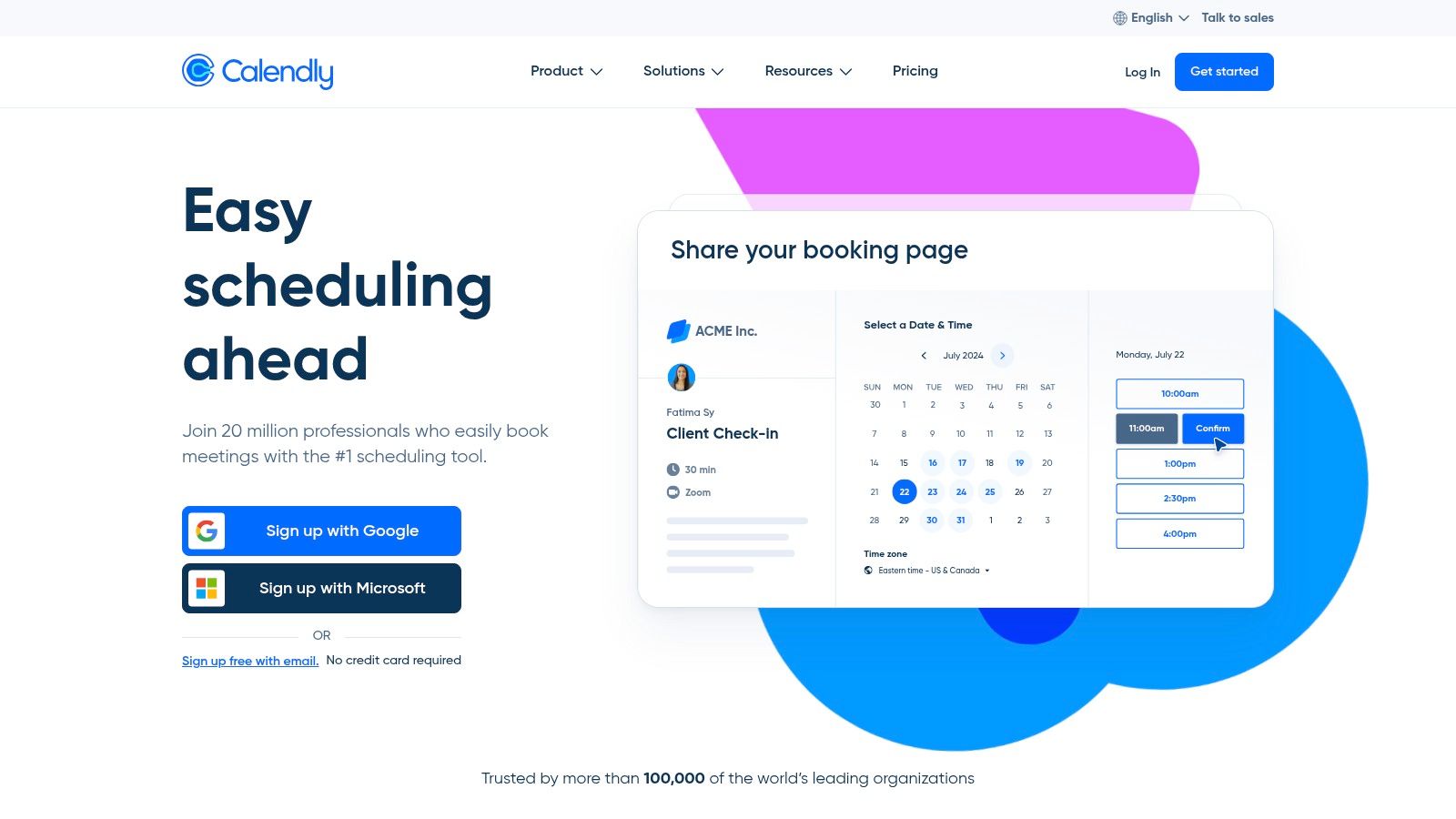
The platform syncs with your personal calendar (Google, Outlook, etc.) to show real-time availability, preventing double-bookings. The free plan is lean but effective for individual operators.
Key Features and Limitations
- Free Plan: The "forever-free" plan allows for one active event type (e.g., "30-Minute Math Tutoring") and one connected calendar.
- Ease of Use: The user interface is exceptionally clean and intuitive for both the tutor setting it up and the client making a booking.
- Integrations: It connects with a vast ecosystem of other apps, which becomes valuable as your business grows.
The primary limitation for a growing center is the one-event-type rule. You cannot offer different session lengths or subjects without upgrading. Team features, like assigning bookings to multiple tutors, are also locked behind paid tiers. You can explore more about Calendly's place in the market and how its pricing compares by reading this tutoring software pricing guide on tutorbase.com.
2. Setmore
Setmore is an excellent choice among free scheduling tools for tutors, particularly for small teams just starting out. Its most significant advantage is a generous free plan that accommodates up to four users. This rare feature allows a small group of tutors to coordinate their schedules from a single platform without any initial investment. It provides a clean, public-facing booking page and widgets to embed a "Book Now" button on a website or social media pages.
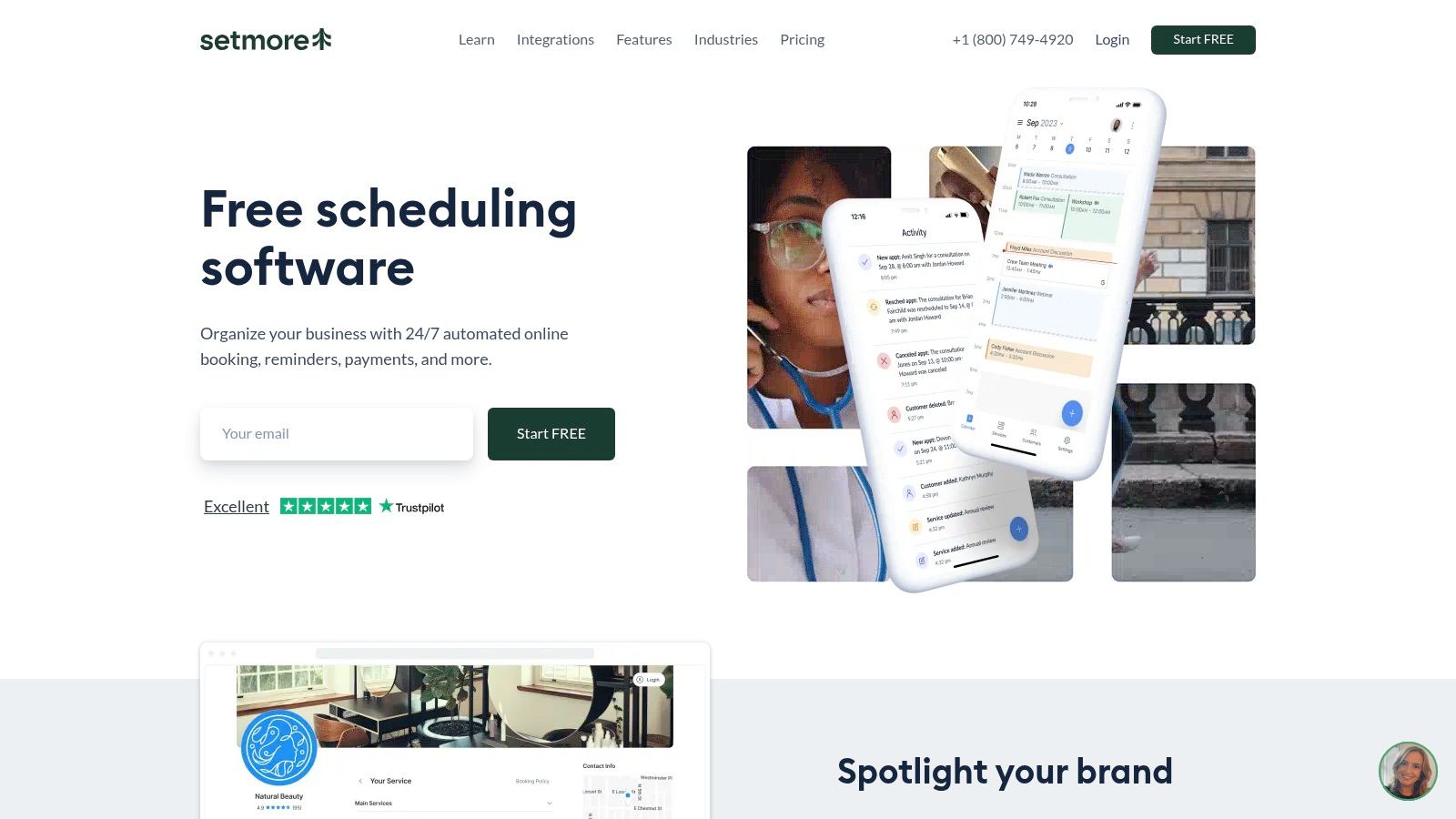
The platform is designed for appointment-based businesses and handles the core needs of a tutor well, including support for recurring appointments and classes. This makes it suitable for both one-on-one sessions and small group workshops. The inclusion of 24/7 support, even for free users, provides a valuable safety net for tutors who rely on their scheduling system to run their business smoothly.
Key Features and Limitations
- Free Plan: Supports up to four staff logins, unlimited appointments, a public booking page, and automated email reminders.
- Team-Friendly: The multi-user support is a standout feature, making it perfect for a budding tutoring collective or a small center.
- Integrations: Offers basic integrations, but key functionalities like payment processing (via Stripe or Square) and video conferencing require an upgrade.
The main drawbacks of the free tier are the lack of two-way calendar sync, which is critical for preventing double-bookings with personal events, and the absence of SMS reminders. Removing Setmore branding and unlocking more advanced features also requires moving to a paid plan. You can learn more about its offerings at www.setmore.com.
3. SimplyBook.me
SimplyBook.me offers a more comprehensive booking system that goes beyond simple appointment slots. It is a strong contender among free scheduling tools for tutors managing varied offerings. Its free plan provides a customizable booking website, which is excellent for tutors who don't yet have a dedicated site but want a professional online presence. The platform allows for both service-based bookings (e.g., "1-Hour Algebra Session") and class-based bookings, a key differentiator.
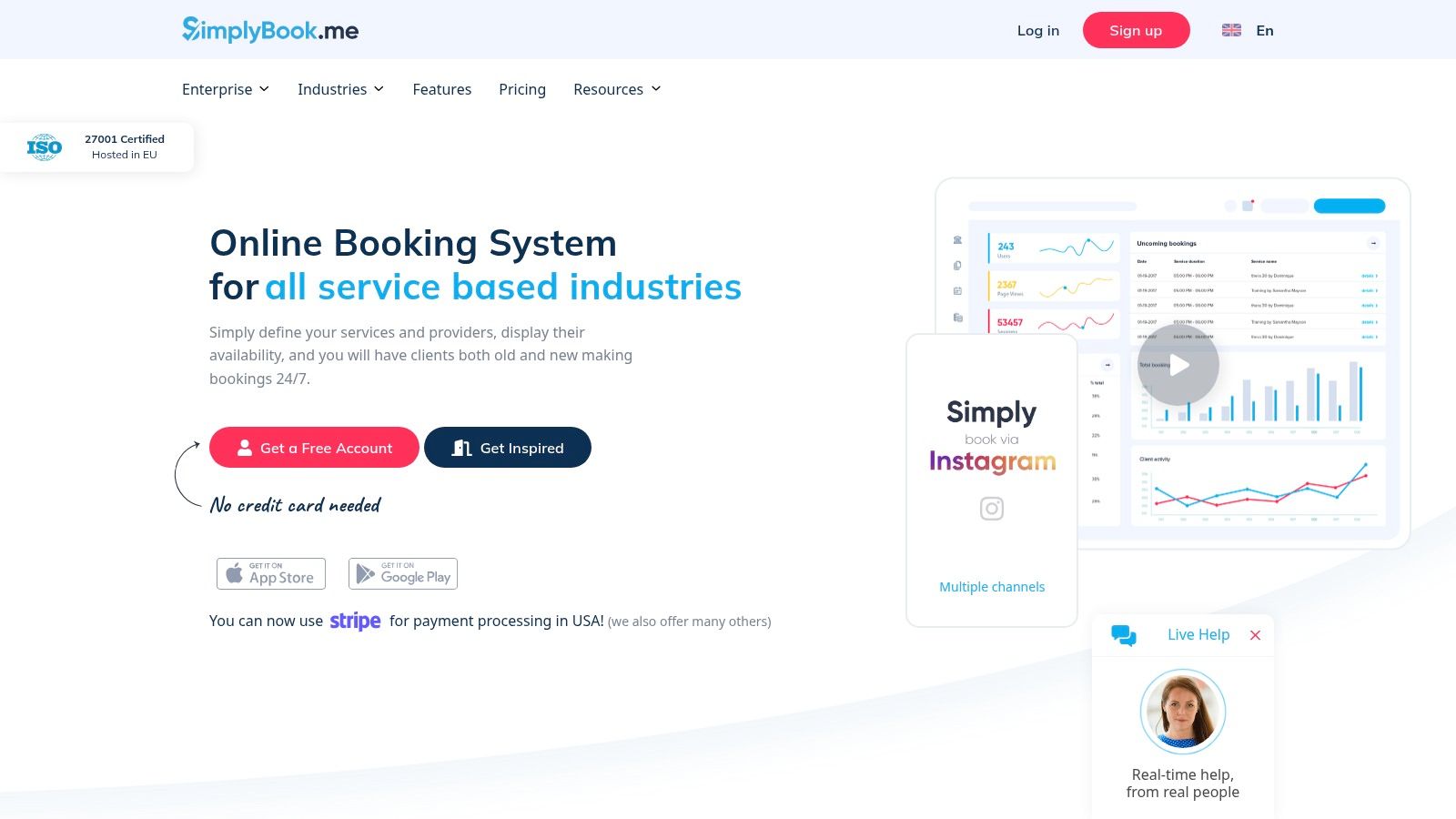
This flexibility makes it suitable for individual tutors starting to experiment with small group classes. The system includes an admin app and can be integrated into a WordPress site, providing solid functionality right out of the box.
Key Features and Limitations
- Free Plan: The free tier is generous, offering up to 50 bookings per month for one provider, a booking website, and one custom feature (e.g., accepting deposits or adding service add-ons).
- Customization: It provides more branding and setup options on its free booking page compared to many competitors, allowing for a more tailored client experience.
- Scalability: Paid add-ons for payment processing, SMS reminders, and even HIPAA compliance (on higher tiers) show a clear upgrade path for growing businesses.
The main constraint is the 50-booking monthly limit, which a busy tutor could outgrow quickly. The free account must also be manually renewed each month. While powerful, its extensive feature set can present a steeper learning curve than simpler tools. For more information, visit the SimplyBook.me website.
4. Appointy
Appointy positions itself as a robust scheduling tool with a very generous free plan, making it a strong contender among free scheduling tools for tutors. It caters well to solo practitioners who need a bit more functionality than the most basic offerings provide. Tutors can set up a booking page, integrate it into their website, and manage a decent volume of appointments without any initial cost.
The platform provides a clear and manageable path for growth. A tutor starting out can leverage the free tier's features, like automated reminders and Zapier integration. They can then seamlessly upgrade to paid plans as their center expands to include more staff, services, or even multiple locations. This scalability is a key advantage.
Key Features and Limitations
- Free Plan: The free tier is quite comprehensive, allowing for 1 staff member, 5 distinct services (e.g., "Algebra I Tutoring," "SAT Prep Session"), and up to 100 appointments per month.
- Integrations: It includes valuable email reminders to reduce no-shows and connects with Zapier, opening up automation possibilities with hundreds of other apps.
- Growth Path: Unlike some competitors, Appointy’s structure is built to scale. As you add tutors or locations, the platform has clear tiers to support that growth without requiring a migration.
The main drawbacks of the free plan are the lack of integrated online payment processing and the presence of Appointy branding. To accept payments directly through the booking page or to customize SMS reminders, an upgrade to a paid subscription is necessary. You can find more details at https://www.appointy.com/.
5. Square Appointments
Square Appointments is an excellent free scheduling tool for solo tutors, especially those in the US who want to handle payments and bookings within a single, unified system. It leverages Square's powerful payment processing ecosystem, offering a free, robust booking website for any individual operator. For tutors already using Square for in-person payments, this is a natural and seamless extension.
The platform provides a professional online booking site, automated text and email reminders, and support for recurring appointments, all at no monthly cost for a single user. Its main advantage is integrating scheduling directly with invoicing and payment collection. This simplifies the financial side of a tutoring business from day one.
Key Features and Limitations
- Free Plan: The free tier is for a single staff member and includes an online booking site, unlimited appointments, automated reminders, and integrated payment processing (standard processing fees apply).
- Integrated Payments: As a core part of the Square ecosystem, it allows tutors to accept payments online at the time of booking, send professional invoices, and manage all transactions in one place.
- Mobile Apps: Fully-featured iOS and Android apps allow you to manage your schedule and business on the go.
The primary limitation is its pricing model for teams. As soon as you add a second tutor, you must upgrade to a paid monthly plan. It also locks you into Square’s payment processing. For centers that need more complex payroll, exploring how integrated payments affect sessions and payroll management is crucial before committing.
6. Zoho Bookings
For tutors already using or considering the broader Zoho ecosystem, Zoho Bookings is a natural and powerful choice. It functions as a dedicated scheduling component that integrates seamlessly with other Zoho products like their CRM. This makes it an excellent free scheduling tool for tutors who plan to build a more comprehensive business management system over time. Its main appeal is providing a clear, low-cost upgrade path for small but growing teams.
The platform allows clients to book appointments through a public-facing page, syncs with personal calendars to prevent conflicts, and is built to scale with your business. While the free plan is tailored for individuals, the paid tiers are attractively priced on a per-user basis. This offers predictable costs as you add more tutors to your center.
Key Features and Limitations
- Free Plan: The "Free Forever" plan supports one user and includes one-on-one appointment booking, calendar sync, and integrations with other Zoho apps.
- Ecosystem Advantage: If you plan to use a CRM, email marketing, or other business tools, Zoho’s interconnected suite provides a unified experience.
- Scalability: Paid plans introduce essential features like group bookings, online payments via Stripe, and SMS reminders at a competitive per-tutor price point.
The primary limitation of the free tier is the absence of payment processing and multi-tutor coordination. Critical features for a growing tutoring business, like accepting deposits or managing staff schedules, are reserved for paid plans. You can learn more at the Zoho Bookings website.
7. Picktime
Picktime positions itself as a broadly applicable, free scheduling tool with a clear focus on service-based businesses, including education and tutoring. It offers a straightforward, no-cost entry point for solo tutors who need a simple online booking page without providing credit card details. The platform allows you to set up different services, such as "Beginner Algebra" or "Advanced Chemistry," and manage both one-on-one appointments and group classes.
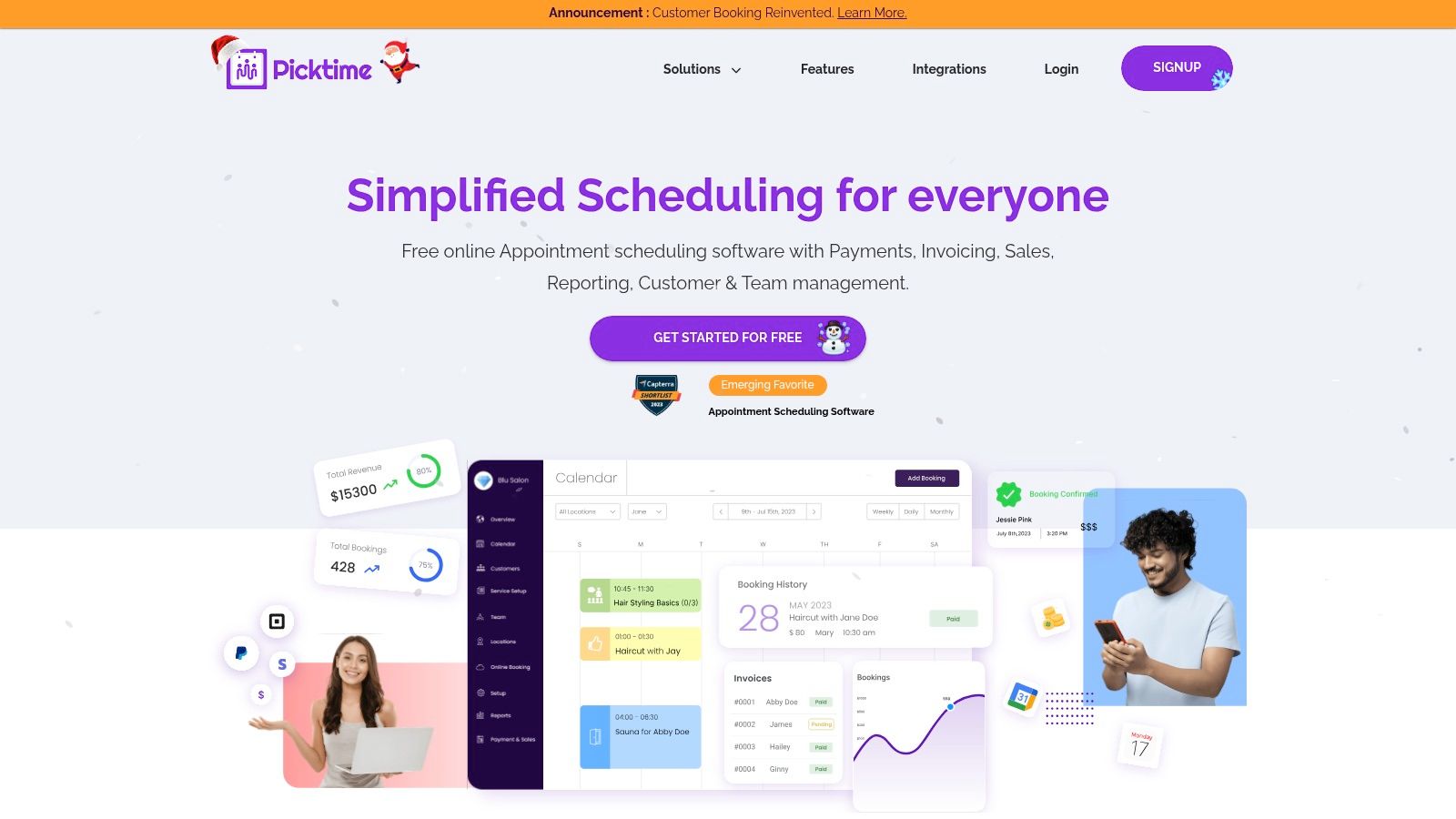
This tool is a practical choice for tutors seeking a quick setup to professionalize their booking process. Its free plan is surprisingly generous. This makes it one of the better free scheduling tools for tutors who need to offer multiple session types from the start.
Key Features and Limitations
- Free Plan: The free tier supports up to 3 team members, unlimited appointments, and integrations with major calendars like Google and Outlook. It also includes basic reporting.
- Ease of Use: The setup is simple, and the platform highlights its suitability for educational use cases, which can make onboarding feel more intuitive for tutors.
- Multi-Service Support: Unlike some free plans that limit you to one event type, Picktime allows for multiple distinct services or classes, a significant advantage for tutors covering various subjects.
The primary limitation is the lack of transparency on certain usage caps until you are deep into the setup process. While the core features are robust for a free tool, advanced automation, complex payroll calculations, and deep CRM functionalities are lighter compared to specialized platforms built for growing tutoring centers.
8. Appointlet
Appointlet is a lightweight and effective scheduling tool, making it a solid choice for tutors who need simple, shareable booking pages. Its main function is to provide a public scheduling link where students or parents can book sessions without any back-and-forth communication. For a small tutoring team or a solo operator, it offers a clean interface that gets the job done efficiently.
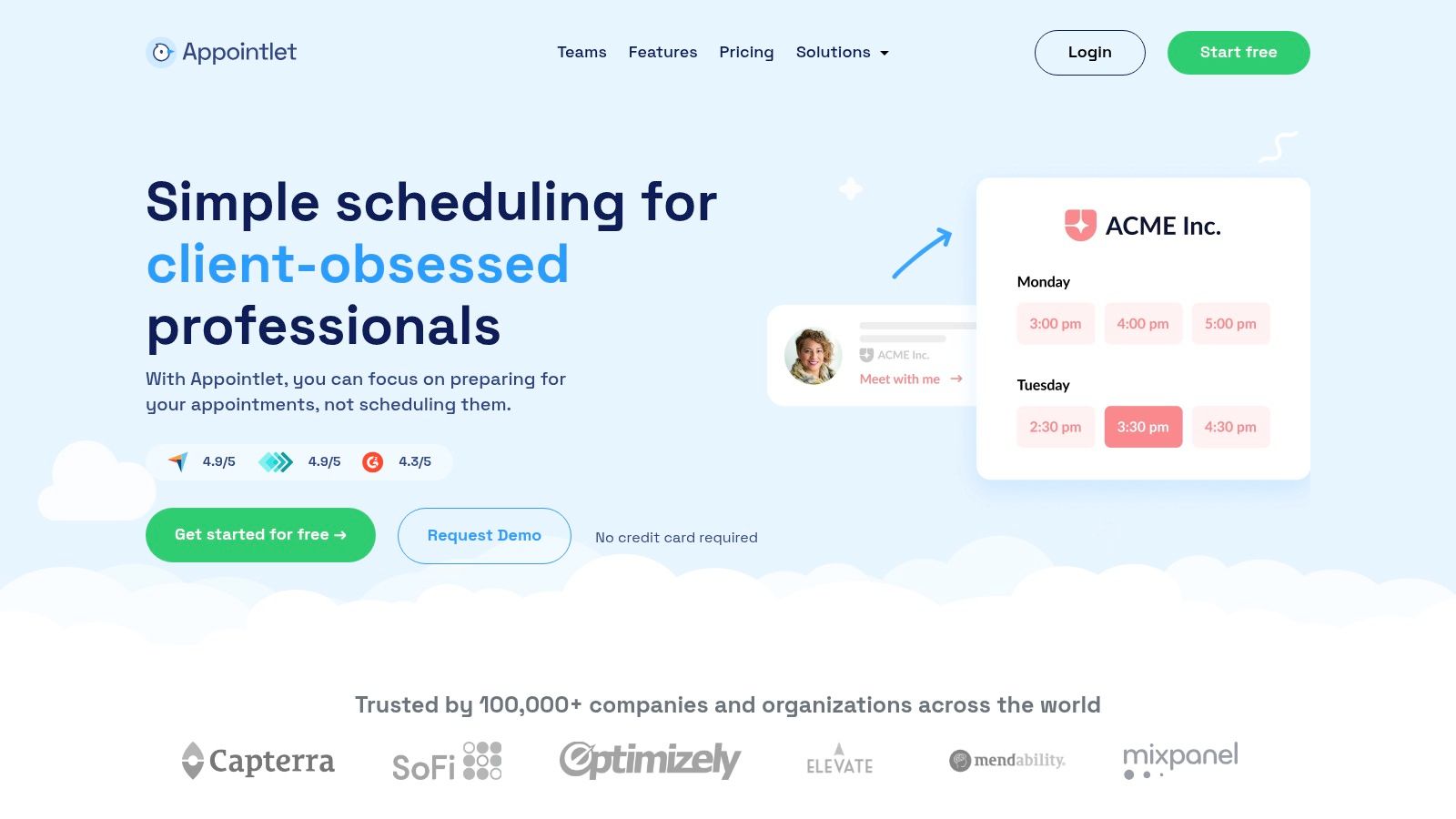
The platform integrates directly with major calendar services to reflect real-time availability. It supports video conferencing tools like Zoom and Google Meet, which is essential for online tutoring. The free plan is quite generous for small teams, although it has some key limitations to consider.
Key Features and Limitations
- Free Plan: The free offering supports up to 5 team members and allows for 25 meetings per month across one scheduling page. It also includes custom intake forms.
- Ease of Use: The setup is straightforward, and creating a public booking page is quick. This makes it easy to add a booking link to your social media or website.
- Integrations: Native integrations with Zoom, Google Meet, Microsoft Teams, and Webex are included in the free plan, a valuable feature for virtual tutors.
The primary constraint is the 25-meetings-per-month cap, which a busy tutor could easily exceed. Additionally, with only one scheduling page, you cannot easily offer different session types or subjects. While great for simple booking links, it lacks the infrastructure for complex operations. For example, it cannot manage bookings through popular chat apps. You can learn more about how a dedicated WhatsApp booking system for tutoring centers on tutorbase.com can handle more advanced communication and scheduling needs.
9. YouCanBook.me
YouCanBook.me is a robust and flexible option among free scheduling tools for tutors, particularly for those who value customization. It connects directly with your Google, Microsoft, or Apple calendar to create a shareable booking page, ensuring you never get double-booked. Its strength lies in allowing tutors to deeply personalize the booking experience. This ranges from the page design to the confirmation and reminder emails, giving a professional touch even on the free plan.
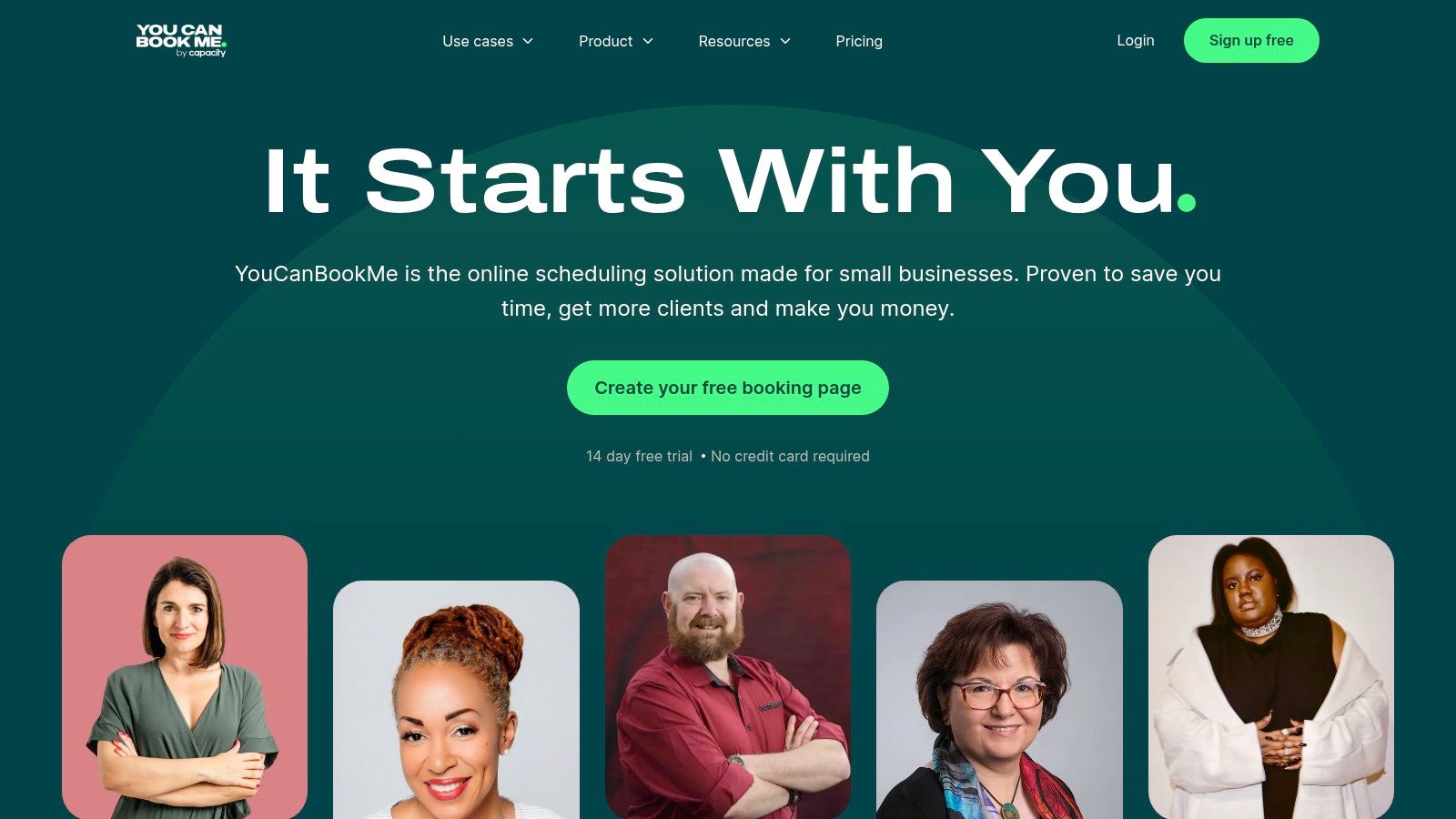
The platform provides a powerful set of controls over notifications, which helps reduce no-shows and keep parents informed. Its recent reintroduction of a "forever-free" plan makes it a compelling choice for solo tutors. These tutors need more than just basic booking functionality without an immediate financial commitment.
Key Features and Limitations
- Free Plan: The free-forever plan offers one connected calendar and one booking page, with integrations for Zoom, Google Meet, and Microsoft Teams.
- Customization: It excels at providing deep control over the branding of your booking page and the content of email and SMS notifications.
- Booking Links: You can embed the booking page on your website or share single-use links for one-off appointments, adding a layer of privacy.
The main constraint of the free tier is the limit of one calendar and a single booking page. This means you cannot easily offer different session types or manage multiple tutors. Premium customer support is also reserved for paid subscribers, so free users rely on documentation for help. You can learn more at youcanbook.me.
10. Cal.com (hosted)
Cal.com is a powerful open-core scheduling tool with a developer-friendly approach. This makes it one of the most flexible free scheduling tools for tutors with an eye toward future customization. While it functions perfectly as a standalone booking page, its real strength lies in its adaptability. For a solo tutor, the free hosted "Individuals" plan provides the core functionality needed to share a booking link and eliminate back-and-forth communication.
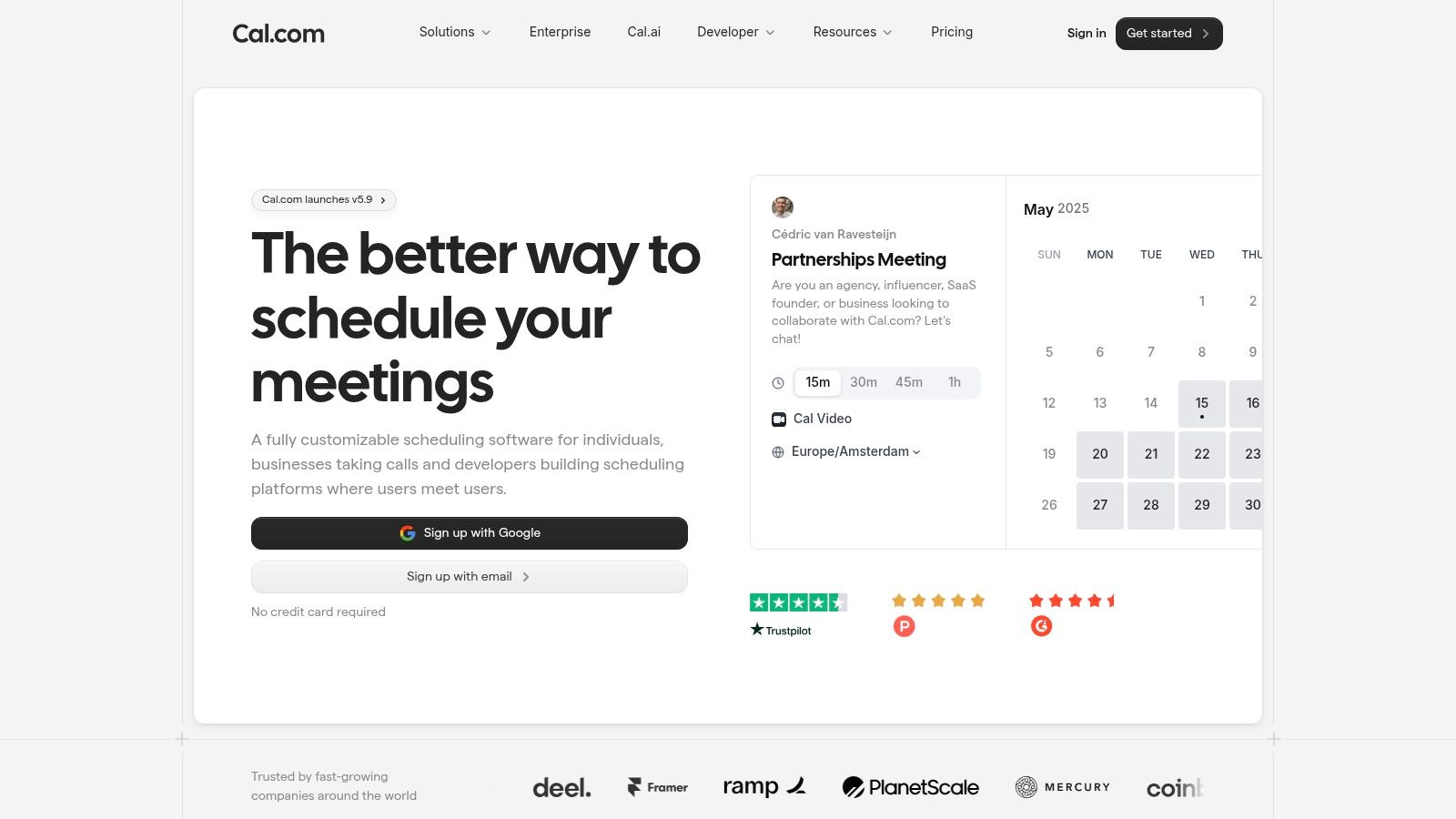
The platform is built on an open-source foundation. This means tech-savvy tutors or growing centers can eventually self-host it, customize workflows with its API, or white-label the entire experience. This makes it an excellent starting point for businesses that anticipate needing custom integrations down the line without being locked into a proprietary ecosystem.
Key Features and Limitations
- Free Plan: The hosted "Individuals" plan is free for one person and includes unlimited event types and connected calendars, which is very generous.
- Flexibility: As an open-core platform, it offers unparalleled potential for customization through its API, apps, and self-hosting options for technically-inclined users.
- Integrations: It offers a marketplace of apps for connecting with tools like Google Meet, Zoom, and Stripe, enhancing its out-of-the-box utility.
The primary limitation for a growing tutoring center is that team features, such as round-robin scheduling for multiple tutors, are reserved for paid plans. The documentation can also be complex, as it caters to both end-users and developers. Be sure you are referencing the correct information for the hosted product. You can learn more at cal.com.
11. HubSpot Free Meeting Scheduler
HubSpot's Free Meeting Scheduler is less of a standalone tool and more of an integrated feature within its powerful, free CRM. This makes it a standout choice for tutors and small tutoring centers focused on lead generation and client management. It allows you to create shareable booking links that tie directly into a customer relationship management system. This turns every booked session into a tracked lead or client record.
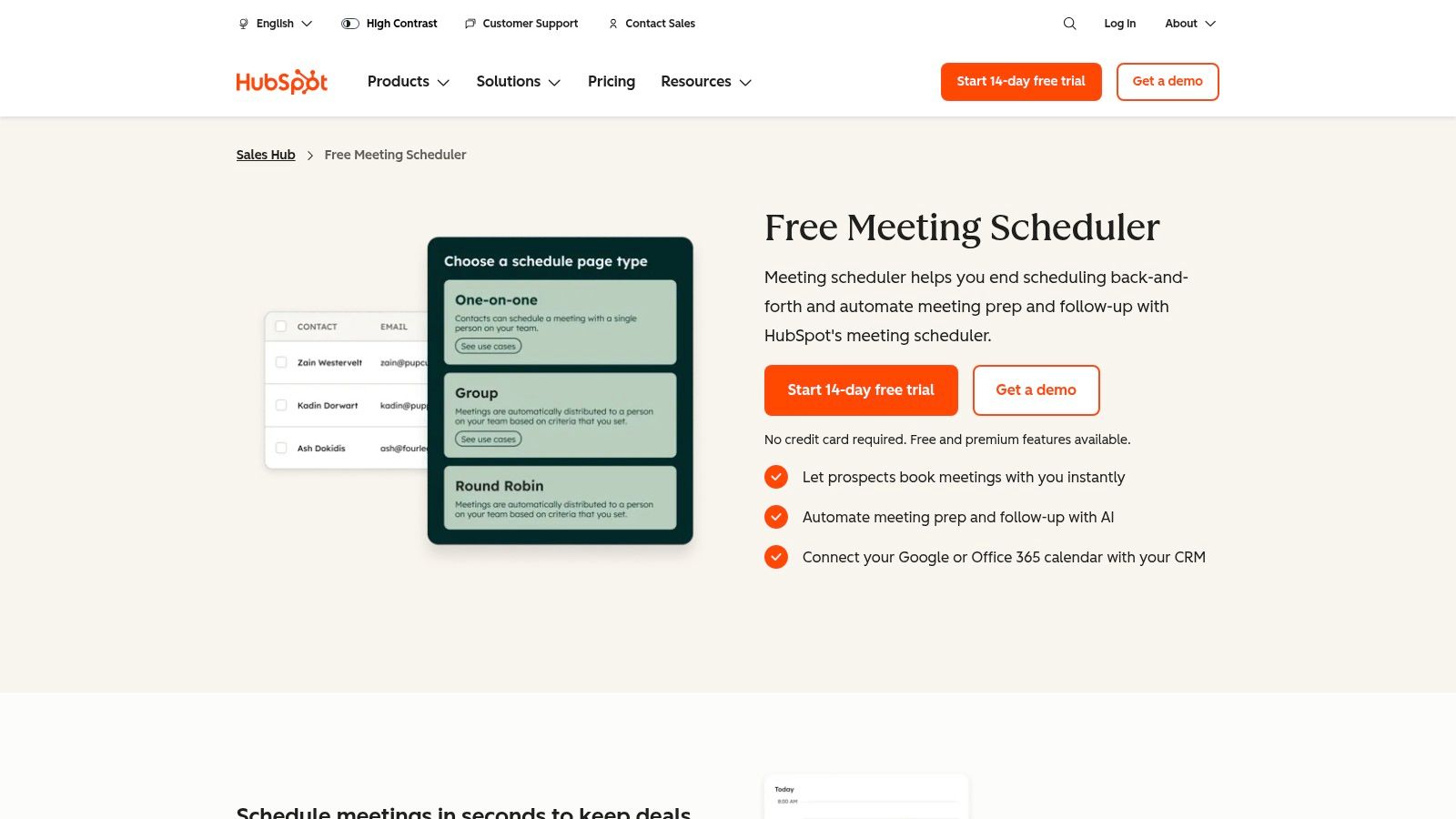
The platform syncs with your Google or Office 365 calendar to ensure your availability is always current. Its main advantage is automatically logging every meeting and contact. This is ideal if your marketing efforts rely on website forms and email follow-ups. This makes it one of the top free scheduling tools for tutors who prioritize sales and marketing integration.
Key Features and Limitations
- Free Plan: Offers unlimited meetings, one personal meeting link, and integration with the free HubSpot CRM. It even includes group and round-robin scheduling.
- CRM Integration: Every booking automatically creates or updates a contact record in the CRM, providing a complete history of interactions.
- Ease of Use: If you are already using other HubSpot tools, the scheduler feels like a natural extension. For new users, there is a slight learning curve associated with the broader CRM.
The primary limitation is that its advanced features, like custom automation and removing HubSpot branding, are locked behind paid tiers of the broader HubSpot platform. The workflow is also more sales-oriented than education-specific. It lacks features like parent portals or subject-based scheduling found in platforms like Tutorbase.
12. GetApp – Tutoring Software with Scheduling (category)
Instead of a single tool, GetApp offers a powerful starting point for tutors looking to graduate from generic schedulers. It provides a curated directory specifically filtered for "Tutoring Software with Scheduling." This helps you discover platforms built for educational operations. This is crucial for tutors who realize they need more than just a booking link. They need systems that also handle payments, student records, and attendance.
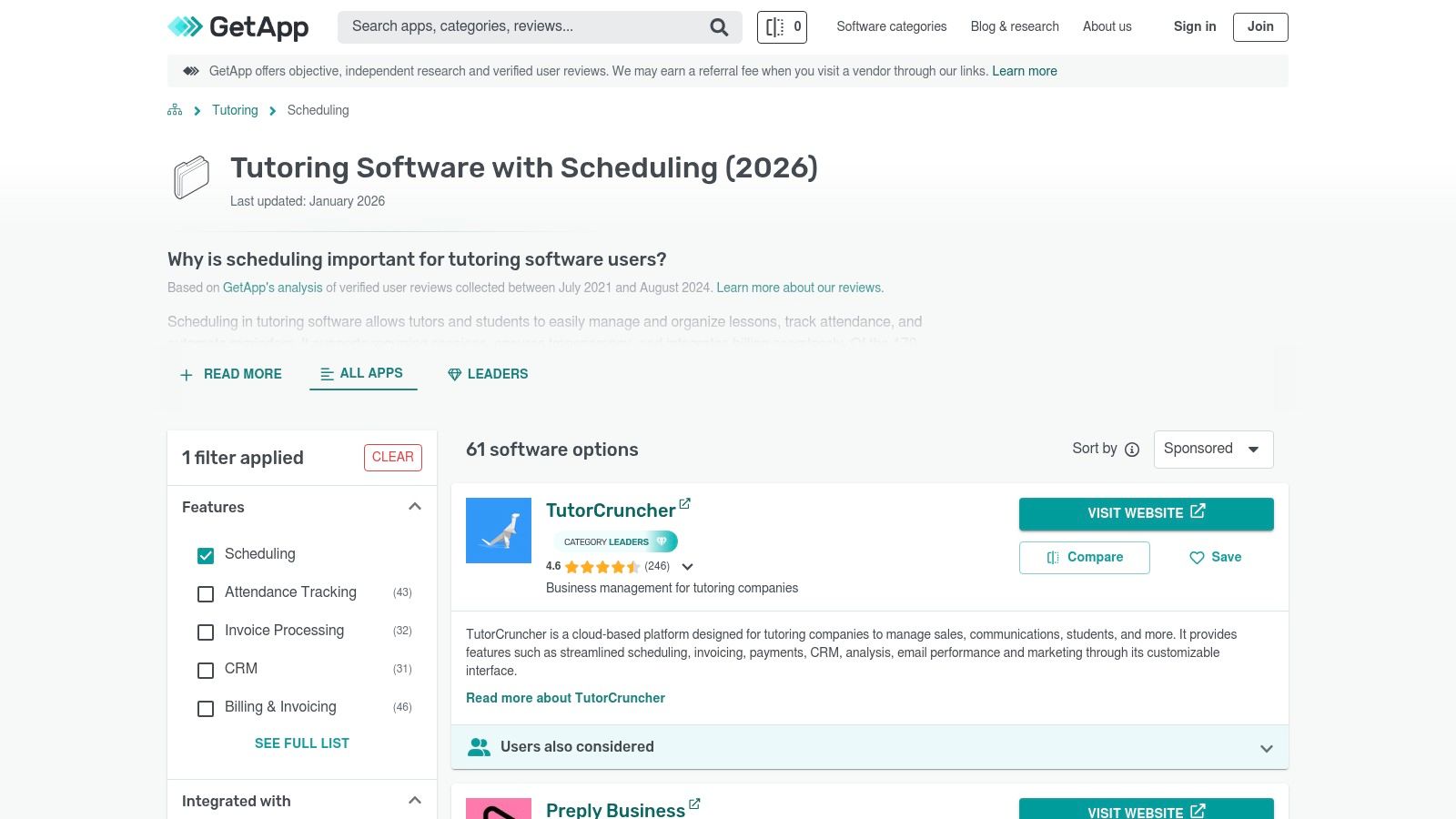
The platform allows you to compare multiple solutions side-by-side, sorting them by ratings, features, and pricing. It surfaces tutor-specific systems that you might not find otherwise. This moves the search from a simple free scheduling tool to a comprehensive management solution.
Key Features and Limitations
- Tutor-Specific Filters: The directory is pre-filtered, saving you time from sifting through business schedulers that don't fit a tutoring model.
- Comparison Engine: Vendor pages provide a snapshot of pricing, user reviews, and key features, making it easy to shortlist potential options.
- Discovery Tool: Excellent for identifying integrated platforms (like TutorBird or TutorCruncher) that combine scheduling with billing, payroll, and CRM.
The main limitation is that GetApp is a directory, not a service provider. You must verify details on each vendor's site, as some listings may be sponsored or have outdated pricing. Not all software listed will have a truly free plan, so careful due diligence is required. You can explore this category further at getapp.com.
Top 12 Tutor Scheduling Tools Comparison
| Product | Core features / focus | Best for (target audience) | Key advantage (USP) | Limits / cons | Pricing & scale |
|---|---|---|---|---|---|
| Calendly | Self‑serve booking, calendar sync, embeds, event types | Individual tutors & small teams starting out | Very fast to deploy; large integration ecosystem | Free: 1 event type & 1 calendar; team features paid | Forever‑free basic; paid tiers for teams/round‑robin |
| Setmore | Booking pages, widgets, class & recurring support, reminders | Tiny tutoring teams (≤4 users) | Generous multi‑user free plan; 24/7 support | Two‑way sync, SMS & branding removal require Pro | Free up to 4 users; Pro for advanced features |
| SimplyBook.me | Branded booking site, class bookings, add‑on marketplace | Tutors wanting branded pages and class management | Scalable add‑ons (payments, SMS, HIPAA) | Free cap 50 bookings/mo; manual renewals on free | Free with limits; paid add‑ons for scale/compliance |
| Appointy | Website integration, Zapier, mobile app, recurring & classes | Solo tutors with clear growth path | Decent free allowance (100/mo) and upgrade path | Payments & branding removal on paid plans | Free basic plan; paid for multi‑location/features |
| Square Appointments | Online booking + POS, invoicing, built‑in payments | Solo US tutors needing integrated payments | Native payments & familiar Square POS/invoicing | Teams (2+) require paid plan; tied to Square fees | Free for 1 staff; paid per‑staff pricing for teams |
| Zoho Bookings | Calendar/resource booking, Zoho CRM integration | Centers planning to use Zoho ecosystem | Low per‑user cost; tight CRM ties | Payments/SMS/workspaces behind paid tiers | Free for 1 user; low‑cost per‑user paid tiers |
| Picktime | Simple booking pages, calendar mgmt, basic reporting | New tutors who want zero‑friction setup | No credit card signup; easy onboarding | Limited public detail on caps; lighter integrations | Free entry; verify limits before scaling |
| Appointlet | Shareable booking links, video integrations, intake forms | Small teams needing quick public booking pages | Strong video integrations and easy launch | Free caps (meetings/pages) can be tight | Free limited plan; paid for higher caps |
| YouCanBook.me | Calendar sync, customizable notifications, embeds | Tutors needing fine‑grained notifications | Powerful customization for confirmations/notifications | Free: 1 calendar & 1 page; premium support paid | Low entry cost; paid tiers for multiple calendars/pages |
| Cal.com (hosted) | API, white‑label, self‑host, advanced routing | Dev‑friendly centers and custom workflows | Highly flexible; self‑hosting & white‑label options | Teams/admin features require paid plans; docs split | Hosted free for individuals; paid for teams/white‑label |
| HubSpot Free Meeting Scheduler | Scheduler + free CRM, auto logging, round‑robin | Centers that need CRM‑linked lead tracking | Scheduler bundled with free CRM & logging | Advanced automation/team features require paid HubSpot | Free CRM + scheduler; paid HubSpot tiers for more |
| GetApp – Tutoring Software (category) | Curated directory of tutor‑centric systems | Decision makers shortlisting tutor platforms | Surfaces tutor‑specific OPS+ scheduling tools | Some sponsored listings; vendor details vary | Directory free; vendor pricing varies |
Key Takeaway: Free Tools vs. All-in-One Software
Key Takeaway: Free scheduling tools are excellent for individual tutors to automate booking but lack the integrated features (billing, payroll, multi-tutor management) required by growing tutoring centers. As you scale, the administrative burden returns, necessitating a move to an all-in-one platform like Tutorbase to manage operations efficiently.
The journey from a solo tutor using Calendly for simple 1:1 bookings to a multi-teacher center needing the basic group functionality of a tool like Setmore is a common one. Each of the top free scheduling tools for tutors we reviewed offers a distinct entry point. Simple appointment schedulers excel at eliminating back-and-forth emails. More complex platforms like Square Appointments or Zoho Bookings begin to integrate payments and basic client management.
However, the most critical takeaway is understanding the limitations of "free." These tools are designed as gateways. As your business scales beyond a handful of tutors and a few dozen students, you will inevitably hit a ceiling. Free plans often restrict the number of staff, limit advanced features like automated reminders or package booking, and rarely offer robust support for multi-location management or complex payroll calculations. The administrative burden you sought to escape simply returns in a new form.
How do I choose the right free scheduling tool?
To select the best starting point, assess your immediate needs against your one-year growth plan.
- For the Solo Tutor: If your primary goal is to professionalize your booking process and reclaim your evenings from administrative tasks, tools like Calendly, Appointlet, or Cal.com are excellent. They offer clean interfaces and reliable calendar syncing.
- For the Small, Growing Center (2-5 tutors): You need a solution that handles multiple staff calendars. Look to Setmore or SimplyBook.me, whose free tiers often accommodate a small team and introduce features like group session booking.
- For Centers Eyeing Expansion: If you're already managing 5+ tutors or multiple locations, the limitations of free tools will become apparent quickly. While they can serve as a temporary fix, you should already be planning your migration to a dedicated tutoring management system. These free schedulers lack the integrated billing, payroll, and curriculum management needed to scale efficiently.
The transition from a free, fragmented system to an all-in-one platform is a pivotal moment for any growing tutoring business. It marks the shift from simply managing appointments to strategically managing your entire operation for profitability and growth.
Frequently Asked Questions (FAQ)
What is the best free scheduling tool for a single tutor?
For a single tutor, Calendly is often the best choice due to its simplicity, clean interface, and reliable calendar syncing. Its free plan allows one event type, which is perfect for a tutor offering a standard session length.
Can free scheduling tools handle group classes?
Yes, some free tools can handle group classes. SimplyBook.me and Picktime are good examples. They allow you to create services with a capacity greater than one, enabling multiple students to book the same time slot.
Do any free scheduling tools include payment processing?
Square Appointments is the best free option that includes integrated payment processing. You can accept payments at the time of booking, although standard Square processing fees will apply to each transaction.
How do I reduce no-shows with a free tool?
Most free scheduling tools, like Setmore and Appointy, include automated email reminders. Setting up these reminders for 24 hours before a session significantly reduces the chance of students forgetting their appointments.
When should I upgrade from a free tool to paid software?
You should upgrade when you spend more than 5-10 hours per week on administrative tasks that the free tool cannot automate. This includes creating invoices, managing payroll for multiple tutors, or handling bookings for several locations.
Are there any open-source scheduling tools?
Yes, Cal.com is a leading open-source scheduling tool. It offers a free hosted plan for individuals and allows tech-savvy users to self-host the software for complete control and customization.
Can I put a booking calendar on my website?
Absolutely. Most tools on this list, including Calendly, Setmore, and SimplyBook.me, provide an embed code. You can paste this code onto your website to display a live booking calendar for your students and parents.
When your center's complexity outgrows the limits of free schedulers, you're ready for a unified platform built for scale. Tutorbase consolidates scheduling, automated billing, payroll, and multi-location management, replacing the need for multiple, disconnected tools. If you spend more than 10 hours a week on admin, discover how Tutorbase can help you reclaim that time and grow your business faster.


